The Battle of the Brains: Alexa vs Google vs Siri Automations
Building a smart home is no longer just about turning on lights with your voice; it is about creating a living space that anticipates your needs. The true magic of a connected home lies in its automation routines—the invisible "IF/THEN" logic that runs in the background. Whether it is lights that fade to a warm amber as the sun sets, or a thermostat that adjusts the moment your car enters the neighborhood, routines are the lifeblood of modern smart home ecosystems.
However, not all ecosystems are created equal when it comes to automation depth, trigger variety, and execution reliability. At SmartHomeDeck, we have rigorously tested the "Big Three" platforms: Amazon Alexa, Google Home, and Apple HomeKit (Siri). In this comprehensive guide, we break down how each platform handles automation routines, the specific hardware required, compatibility nuances, and which ecosystem ultimately deserves a spot in your home.
Amazon Alexa Routines: The Powerhouse of Triggers
Amazon Alexa remains the undisputed king of third-party device compatibility, and its Routines feature reflects this expansive ecosystem. The Alexa app provides a highly visual, user-friendly interface for building multi-step automations that can chain together dozens of actions.
Trigger Variety and Proactive Hunches
Alexa offers an impressive array of triggers. Beyond standard time, schedule, and device-state triggers, Alexa excels with location-based geofencing and custom voice phrases. For example, you can create a routine where saying, "Alexa, I am working from home," triggers your Ecobee SmartThermostat ($249.99) to adjust the home office zone, turns on your Philips Hue White Ambiance bulbs ($129.99 for a starter kit), and sets your Echo Show 15 ($299.99) to display your calendar and Slack notifications.
One of Alexa's most powerful, yet underutilized, features is Alexa Hunches. This proactive AI learns your habits and can execute routines automatically. If you typically lock your smart deadbolt (like the Yale Assure Lock 2, priced around $259) at 10 PM but forget, Alexa can prompt you or automatically lock it based on your historical behavior, provided you enable this in the settings.
Advanced Logic: Delays and Conditionals
Where Alexa truly shines for power users is the inclusion of "Wait" actions and conditional logic. You can build a "Movie Night" routine that dims the living room lights to 20%, waits exactly 5 seconds for the projector to boot, and then turns on the soundbar. You can also set conditions, such as "Only run this routine IF the outdoor temperature is below 65°F."
Google Home Routines: Contextual and Conversational
Google Home approaches automations with a heavy emphasis on contextual awareness and integration with Google's broader suite of services. While the Google Home app recently underwent a massive redesign to improve automation visibility, its core strength lies in how deeply it understands the user's daily life.
Household vs. Personal Routines
Google separates automations into "Household Routines" (which affect everyone) and "Personal Routines" (which rely on Voice Match to identify who is speaking). If you say, "Hey Google, Good morning," your personal routine can read your specific Google Calendar events, give you traffic directions to your workplace via Google Maps, and start a curated YouTube Music playlist. Meanwhile, if your partner says the exact same phrase to the Nest Hub Max ($229.99), they hear their own calendar and commute.
According to Google Nest Support documentation, users can chain up to 30 actions in a single routine, including broadcasting messages to other Nest speakers, adjusting Nest Learning Thermostats ($279.99), and triggering third-party lighting scenes.
The Matter and Thread Advantage
Google has been a massive proponent of the Matter and Thread protocols. Devices like the Nest Wifi Pro (starting at $199.99) act as Thread border routers. When building routines with Thread-enabled devices (like the Eve Energy smart plug or Nanoleaf Essentials bulbs), the latency is virtually zero. The local mesh network ensures that your "Goodnight" routine executes instantly, even if your home's internet connection drops.
Apple HomeKit and Siri: Secure, Local, and Restrictive
Apple's approach to smart home automation is defined by its walled garden philosophy. HomeKit prioritizes privacy, security, and local processing over sheer device volume. While Siri may lag behind Alexa and Google in natural language processing, the underlying HomeKit automation engine is incredibly robust when configured correctly.
The Shortcuts App Integration
The true power of Apple's automation ecosystem is unlocked when you combine the Apple Home app with the Shortcuts app. As detailed in the official Apple Shortcuts Guide, users can create complex, multi-layered scripts that pull data from the web, interact with native iOS features, and push commands back to HomeKit devices. For instance, you can create an automation that checks the local pollen count via an API, and if it is high, automatically closes your smart blinds and turns on your Dyson Purifier.
The Hub Requirement and Local Execution
To run HomeKit automations—especially those involving geofencing or remote access—you must have a dedicated Apple hub. Currently, this means owning an Apple TV 4K (starting at $129) or a HomePod mini ($99). Apple deprecated iPad hubs in recent iOS updates, forcing users to invest in dedicated hardware. However, the payoff is local execution. Because HomeKit processes logic locally on the Apple TV or HomePod, your "Arrive Home" geofencing routine triggers with pinpoint accuracy and zero cloud latency. Furthermore, HomeKit Secure Video routines can trigger lights to flash red if an outdoor camera detects a person at night, all processed securely on-device.
Head-to-Head Ecosystem Comparison
To help you visualize the differences, we have compiled a comprehensive comparison table detailing the automation capabilities of each platform.
| Feature | Amazon Alexa | Google Home | Apple HomeKit / Siri |
|---|---|---|---|
| Trigger Variety | Excellent (Time, Device, Location, Hunches, Alarm, Custom Phrase) | Great (Time, Device, Location, Personal Voice Match) | Good (Time, Location, NFC Tags, Device State, Shortcuts) |
| Conditional Logic | Advanced (IF/THEN, Wait delays, Multi-room audio sync) | Moderate (Basic IF/THEN, limited delays) | Advanced (via Shortcuts app scripting) |
| Cloud vs. Local | Mostly Cloud (Some local via Echo hubs and Matter) | Mixed (Cloud for legacy, Local for Thread/Matter) | Strictly Local (Requires Apple TV or HomePod) |
| Hardware Cost | Low (Echo Dot is $49.99) | Low-Medium (Nest Mini $49.99, Nest Hub $99.99) | High (HomePod mini $99, Apple TV 4K $129+) |
| Privacy Focus | Low (Data used for ad targeting and AI training) | Moderate (Data tied to Google account ecosystem) | High (End-to-end encryption, local processing) |
Visualizing Automation Capabilities
Below is a comparative analysis of how each ecosystem scores across critical automation metrics, based on our SmartHomeDeck lab testing and industry benchmarks outlined by experts at Wirecutter's smart home ecosystem reviews.
Bar chart comparing Automation Capabilities across Alexa, Google Home, and Apple HomeKit
Advanced Automation: When Native Ecosystems Fail
While Alexa, Google, and Apple cover 90% of everyday user needs, advanced users often hit a wall. For example, if you want to trigger a routine based on the exact luminance (lux) level of a room, or combine devices from warring ecosystems (like a Ring camera triggering a Google Nest speaker), native apps fall short.
Bridging the Gap with SmartThings and Home Assistant
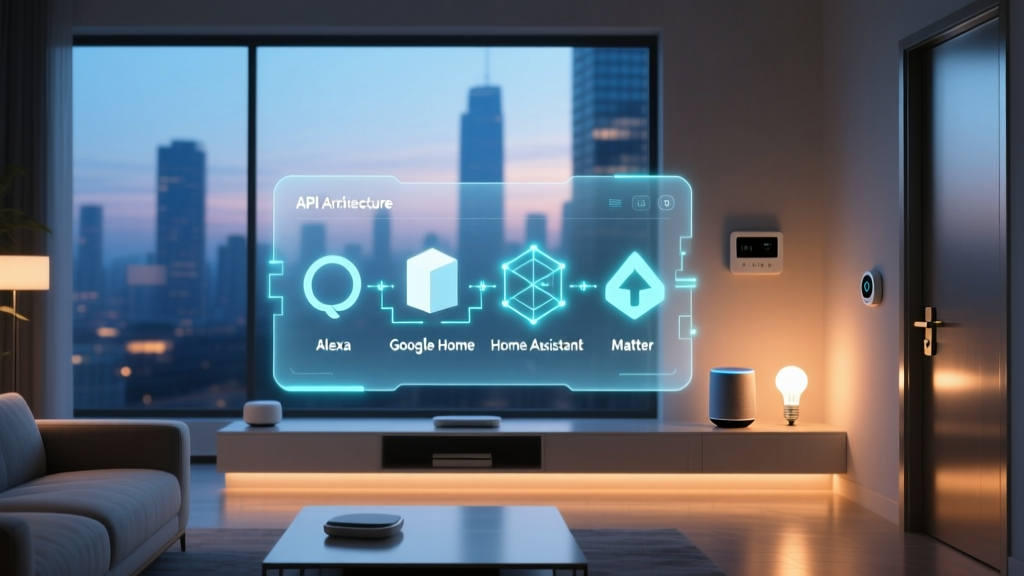
For complex logic, we recommend introducing a secondary hub layer. Samsung SmartThings offers an incredible web-based Rule Machine that allows for piston-like logic, variable tracking, and webhooks. Alternatively, Home Assistant (running on a Raspberry Pi or Intel NUC) is the gold standard for local, privacy-first, infinitely customizable automations. Home Assistant can pull data from Alexa, Google, and HomeKit simultaneously, acting as the ultimate brain that executes routines and pushes the results back to your preferred voice assistant.
Which Ecosystem Should You Choose?
Choosing the right automation platform depends entirely on your technical comfort level, your existing hardware, and your stance on data privacy.
- Choose Amazon Alexa if: You want the widest variety of compatible devices, rely heavily on third-party brands, and want an easy-to-use app with robust conditional logic (like delays and multi-step sequences) without needing to write code.
- Choose Google Home if: You are deeply embedded in the Google ecosystem (Gmail, Calendar, Maps). Google's Voice Match and contextual awareness make personal morning and evening routines feel incredibly natural and tailored.
- Choose Apple HomeKit if: Privacy is your paramount concern. You are willing to pay a premium for Apple hardware (HomePod, Apple TV) to ensure that your automations run locally, securely, and without relying on external cloud servers.
Conclusion
The landscape of smart home routines is evolving rapidly, especially with the rollout of the Matter standard, which promises to unify device compatibility across all three platforms. However, the logic engines that drive these devices remain distinctly different. Alexa offers unmatched breadth and conditional flexibility, Google provides unparalleled contextual and personal awareness, and Apple delivers fortress-like security and local reliability. By understanding the unique strengths of each platform's automation engine, you can design a smart home that does not just respond to your commands, but actively anticipates your life.