The End of Smart Home Fragmentation
For years, smart home enthusiasts and casual users alike have battled the frustrating reality of walled gardens. If you bought a smart lock from one brand, it might only work with Amazon Alexa, while your smart lights required Google Home, and your thermostat was locked exclusively into the Apple ecosystem. This fragmentation led to a cluttered smartphone experience, requiring multiple apps, complex cloud-based workarounds, and unreliable performance. Today, the smart home landscape is undergoing a massive paradigm shift driven by two complementary technologies: Matter and Thread. Together, they are dismantling the barriers between ecosystems, promising a future where every device communicates seamlessly, securely, and locally.
Understanding how to leverage this new ecosystem is critical for anyone looking to build or upgrade a smart home. This comprehensive guide will break down the technical synergy between Matter and Thread, identify the essential hardware you need to act as the backbone of your network, and provide actionable advice on the best compatible devices currently on the market.
Understanding the Duo: Matter vs. Thread
A common misconception is that Matter and Thread are competing wireless protocols. In reality, they are two halves of a unified solution designed to solve different layers of the smart home communication stack. To build a reliable network, you must understand the distinct roles each technology plays.
What is Matter? (The Universal Language)
Matter is not a wireless transport protocol like Wi-Fi or Bluetooth. Instead, it is an open-source, royalty-free application layer developed and maintained by the Connectivity Standards Alliance (CSA). Think of Matter as the universal language that your devices speak. Before Matter, an Amazon Echo and an Apple HomePod used entirely different proprietary languages to tell a smart bulb to turn on. Matter standardizes these commands. Whether you are using Apple HomeKit, Google Home, Amazon Alexa, or Samsung SmartThings, a Matter-certified device will understand the command natively. Furthermore, Matter introduces 'Multi-Admin' capabilities, allowing a single smart plug to be controlled simultaneously by a household member using an iPhone and another using an Android device, without the need to reset or re-pair the hardware.
What is Thread? (The High-Speed Highway)
If Matter is the language, Thread is the highway it travels on. According to the Thread Group, Thread is an IP-based, low-power, wireless mesh networking protocol built on the IEEE 802.15.4 radio standard. Unlike traditional Wi-Fi, which connects every device directly to a central router (often overwhelming your network and draining device batteries), Thread devices connect to one another, forming a self-healing mesh network. Thread is natively IPv6, meaning every smart sensor or bulb gets its own unique IP address, eliminating the need for clumsy cloud-based translation bridges. If one Thread node drops offline, the network instantly reroutes the data through another nearby node, ensuring bulletproof reliability.
Essential Thread Border Routers: The Bridge to Your Home
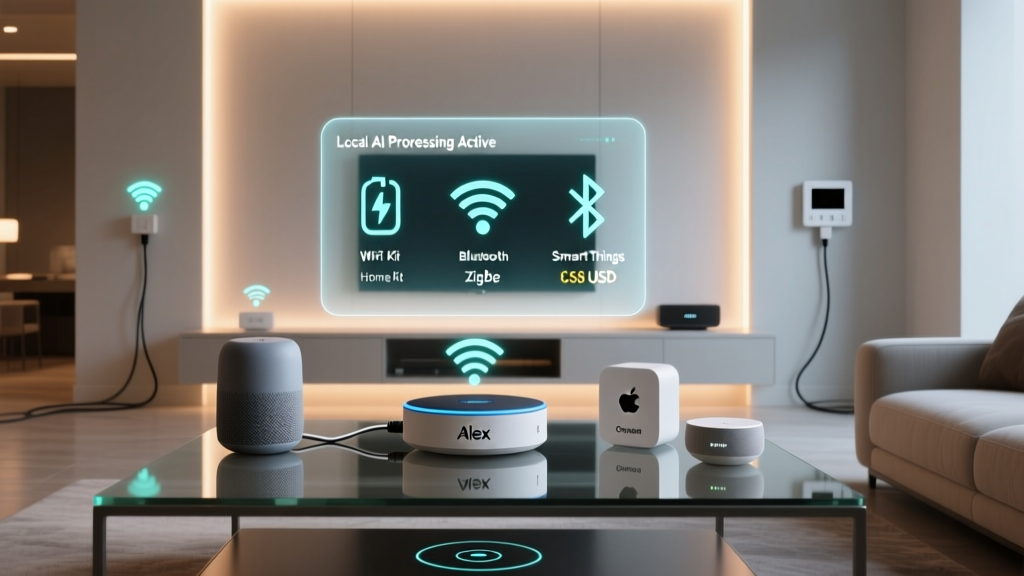
Because Thread devices use a low-power mesh network, they cannot connect directly to your home's Wi-Fi or the broader internet. They require a 'Thread Border Router.' This device acts as a bridge, translating the Thread mesh network traffic to your Wi-Fi or Ethernet network so your phone and voice assistants can interact with the devices. The beauty of Thread is that you likely already own a Border Router without realizing it, as many modern smart home hubs have integrated Thread radios.
- Apple TV 4K (3rd Generation, Wi-Fi + Ethernet): Priced around $129 to $149, this is widely considered the gold standard for Thread Border Routers in the Apple ecosystem. It provides a stable, ethernet-backed bridge that ensures your Thread mesh never drops, even during heavy Wi-Fi congestion.
- Google Nest Hub (2nd Gen) and Nest Hub Max: Ranging from $99 to $229, Google's smart displays feature built-in Thread radios. They serve as excellent Border Routers for Google Home users and are fully compatible with Matter commissioning.
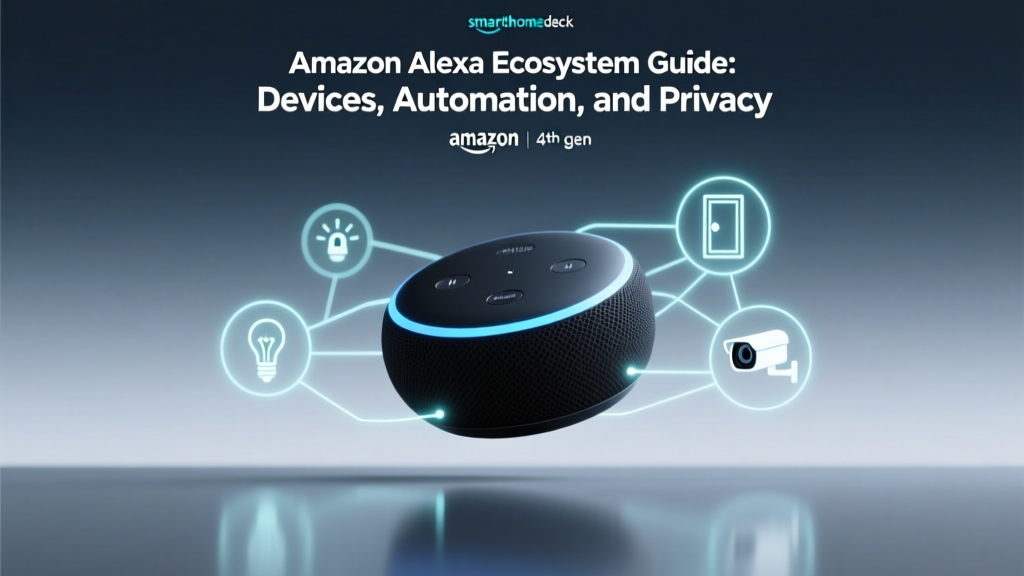
- Amazon Echo (4th Gen) and Echo Show 15: Amazon's premium smart speakers and displays include Zigbee and Thread radios. Priced between $99 and $249, they act as the central nervous system for Alexa-based Matter homes.
- Dedicated Border Routers (e.g., Aeotec Smart Home Hub, Home Assistant Connect ZBT-1): For advanced users running Home Assistant, dedicated USB dongles or specialized hubs ($60 to $120) provide the most granular control over Thread network topology.
Top Matter and Thread-Compatible Devices to Buy
When shopping for new smart home gear, looking for the official Matter logo and the Thread radio specification is crucial for future-proofing your investment. Here are the top-performing devices that utilize Matter over Thread:
| Device Name | Category | Price Range | Key Feature |
|---|---|---|---|
| Eve Energy Smart Plug | Smart Plug | $35 - $45 | Built-in energy monitoring & native Thread |
| Aqara Door and Window Sensor P2 | Security Sensor | $30 - $40 | Ultra-low latency & Matter over Thread |
| Nanoleaf Essentials A19 Bulb | Smart Lighting | $20 - $25 | Thread mesh extension & adaptive lighting |
| Yale Assure Lock 2 (with Matter module) | Smart Lock | $230 - $280 | Local control via Matter & auto-unlock |
| Eve Motion Blinds Upgrade Kit | Window Treatment | $150 - $200 | Silent motor & direct Thread connection |
Protocol Performance: Thread vs. Wi-Fi vs. Zigbee
Why choose Thread over Wi-Fi or the older Zigbee standard? The answer lies in the balance between power consumption, network latency, and mesh reliability. Wi-Fi is incredibly fast but consumes far too much power for battery-operated sensors. Zigbee is low-power but requires proprietary, single-brand hubs and suffers from translation latency. Thread offers the best of both worlds: low power consumption with IP-based speed.
As the data visualization above demonstrates, Thread maintains exceptionally low latency (crucial for motion sensors triggering lights) while keeping power consumption low enough to allow coin-cell batteries to last for over two years.
Step-by-Step Setup and Commissioning Guide
Commissioning a Matter device is designed to be vastly superior to the old method of entering long Wi-Fi passwords or dealing with cloud-account linking. Matter utilizes a standardized QR code system and Bluetooth Low Energy (BLE) for initial setup.
- Scan the Code: Open your preferred smart home app (Apple Home, Google Home, etc.) and select 'Add Accessory.' Scan the Matter QR code located on the device or its packaging.
- BLE Handshake: Your phone uses Bluetooth to securely connect to the device and pass it your home's Thread network credentials. This process is encrypted end-to-end.
- Thread Network Join: The device wakes up its Thread radio, locates the nearest Thread Border Router, and joins the mesh network. This typically takes less than 10 seconds.
- Multi-Admin Setup: If another family member uses a different ecosystem, they can now scan the same QR code to add the device to their app without kicking you off. Both platforms will have simultaneous, local control.
Optimizing Your Thread Mesh Network
While Thread is self-healing, physical placement of your devices and Border Routers is still paramount for optimal performance. Thread operates on the 2.4 GHz radio spectrum, which is the same frequency used by Wi-Fi, Bluetooth, and microwave ovens. To prevent signal degradation, follow these best practices:
- Border Router Placement: Place your Thread Border Router (like your Apple TV or Nest Hub) in a central location in your home, elevated off the floor, and away from thick concrete walls or large metal appliances like refrigerators.
- Mains-Powered Devices as Routers: In a Thread network, any device that is plugged into a wall outlet (like the Eve Energy Smart Plug or Nanoleaf Bulb) automatically becomes a 'Thread Router.' These devices repeat the signal, extending the mesh to battery-powered sensors located in far corners of your home, such as a detached garage or a basement window.
- Separate Wi-Fi Channels: If you experience latency, log into your home Wi-Fi router and set your 2.4 GHz Wi-Fi network to Channel 1 or 11, leaving the middle of the spectrum (Channels 5-9) open for your Thread mesh to operate without interference.
Privacy, Security, and Local Control
One of the most compelling arguments for migrating to a Matter and Thread ecosystem is the dramatic improvement in privacy and security. Legacy smart home devices often relied on cloud servers; when you pressed a button on your phone, the signal traveled to a server in another country, which then sent a command back to your smart plug. This introduced latency, required an active internet connection, and exposed your usage data to third-party servers.
Matter enforces Local Control. When you toggle a Thread-based smart light, the command travels directly from your phone, through your Border Router, and to the bulb, all within your local network. According to Apple's Thread accessories support documentation, local execution ensures that your smart home continues to function perfectly even if your internet service provider experiences an outage.
Furthermore, Matter utilizes a blockchain-like security architecture called Device Attestation Certificates (DAC). Every single Matter-certified device contains a unique, hardware-backed cryptographic certificate. When you add a device to your home, the hub verifies this certificate against a decentralized ledger to ensure the hardware is genuine and has not been tampered with, effectively eliminating the risk of counterfeit devices infiltrating your network.
The Cost of a Future-Proof Ecosystem
Upgrading to a Matter and Thread ecosystem requires an initial investment, but it ultimately saves money by eliminating the need for proprietary cloud subscriptions and single-purpose hubs. Here is a realistic budget breakdown for outfitting a standard 3-bedroom home:
- Core Infrastructure (Border Router): $100 - $150 (Assuming you upgrade to a modern smart display or streaming box you were already planning to buy).
- Smart Lighting (10 Thread Bulbs): $200 - $250 (Using Nanoleaf Essentials or similar Thread-native bulbs).
- Security & Sensors (5 Door/Window & 3 Motion): $200 - $250 (Aqara P2 series or Eve sensors).
- Energy Management (4 Smart Plugs): $120 - $160 (Eve Energy or Meross Matter plugs).
Total estimated cost: $620 to $810. While this is higher than buying cheap, Wi-Fi-based knockoff devices from online marketplaces, the reliability, speed, and longevity of a Thread mesh network provide a vastly superior return on investment. You are not just buying devices; you are investing in a unified infrastructure that will remain compatible with whatever voice assistant or smartphone brand you choose to use five or ten years from now.
Conclusion
The era of choosing between Apple, Google, or Amazon for your smart home is over. The Matter and Thread ecosystem overview reveals a mature, robust, and highly secure foundation for the modern connected home. By understanding the distinction between the Matter application layer and the Thread transport network, investing in a quality Border Router, and strategically placing Thread-powered devices to build a dense mesh, you can create a smart home that is instantaneous, private, and completely future-proof. As more manufacturers adopt the CSA standards, the compatibility list will only grow, solidifying Matter and Thread as the undisputed backbone of the next generation of home automation.