The Renter's Dilemma: Smart Homes Without the Holes
Building a smart home when you own your property is a straightforward, albeit expensive, endeavor. You can run Ethernet cables through the walls, hardwire smart switches, and mount heavy hubs wherever you please. But for renters, the rules of engagement are entirely different. You are bound by lease agreements that forbid drilling holes, security deposits that demand pristine walls, and the ever-looming reality that you will likely need to pack up your entire digital life and move it to a new layout every one to three years.
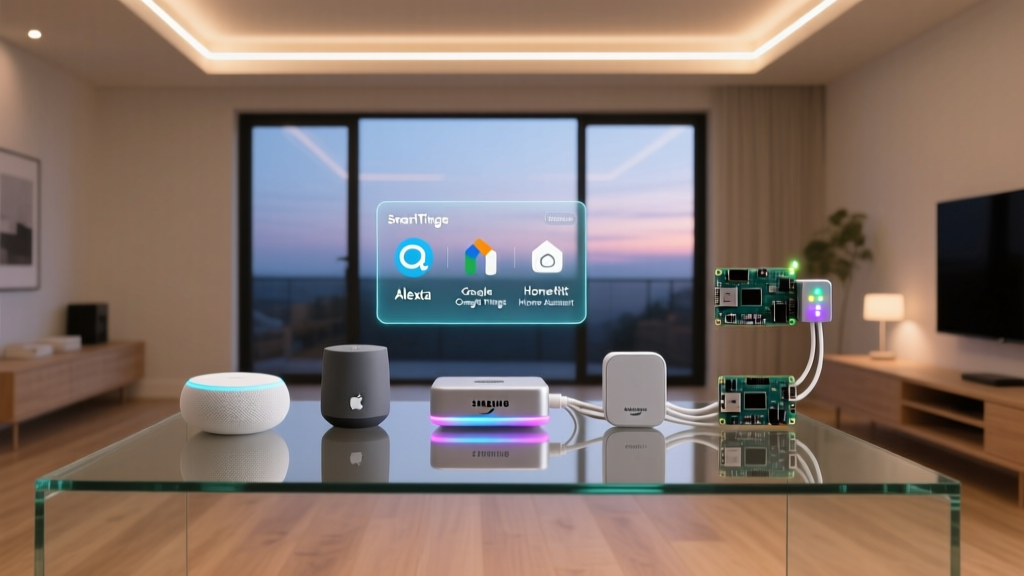
When evaluating the best smart home ecosystem for renters, the primary metrics shift from raw power and permanent integration to portability, non-destructive installation, and network adaptability. A renter-friendly ecosystem must rely on battery-powered sensors, plug-in modules, and wireless protocols that do not depend on the landlord's unpredictable Wi-Fi network. In this comprehensive guide, we will evaluate Amazon Alexa, Google Home, Apple HomeKit, and Samsung SmartThings through the lens of a renter, helping you choose the most portable and adaptable platform for your apartment or temporary home.
The Hidden Renter Enemy: Apartment Wi-Fi Congestion
Before diving into specific ecosystems, we must address the invisible hurdle every renter faces: 2.4GHz Wi-Fi congestion. In a dense apartment building, your router is competing with dozens of neighboring networks. Most entry-level smart home devices rely on 2.4GHz Wi-Fi, which is notoriously prone to interference in multi-dwelling units. When the network drops, your smart bulbs flicker, and your sensors fail to report data.
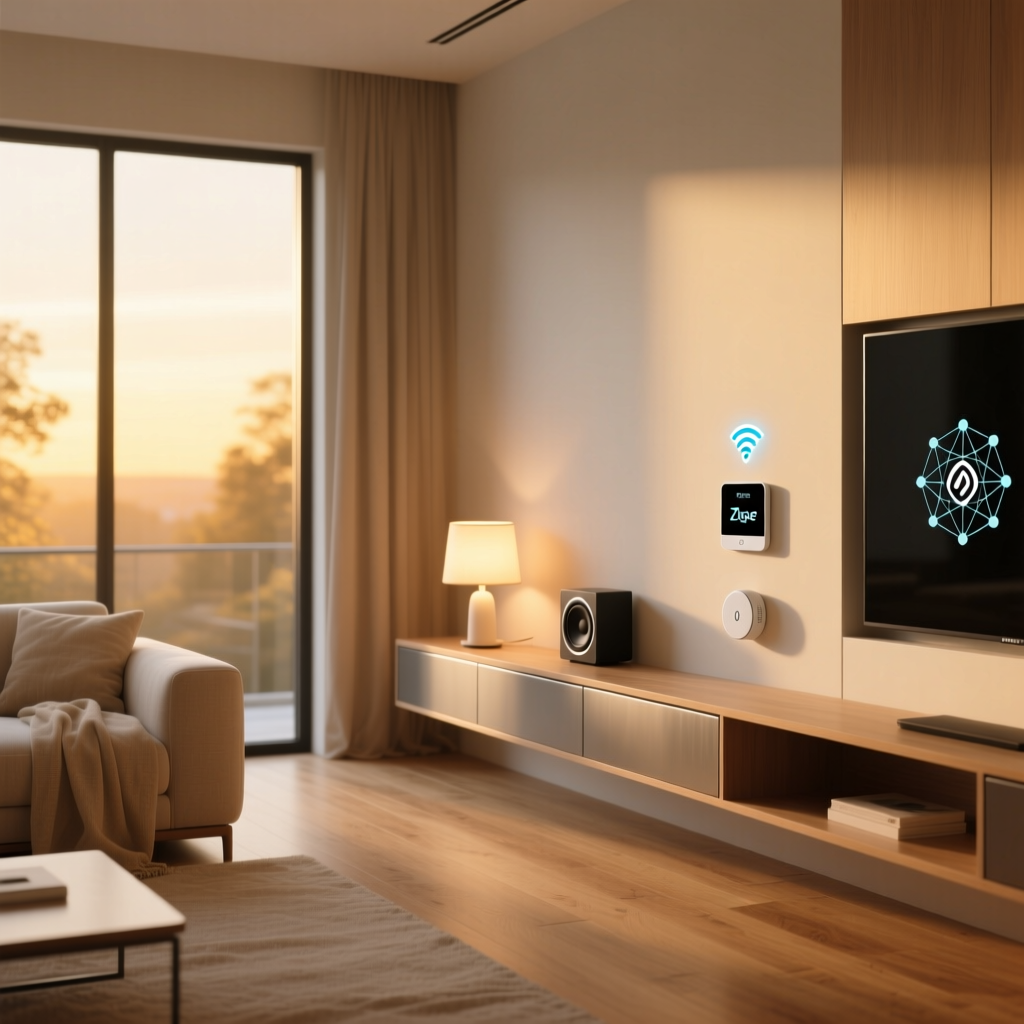
The most portable and reliable ecosystems for renters utilize alternative wireless protocols like Zigbee, Z-Wave, and Thread. These protocols create local mesh networks that bypass your landlord's congested Wi-Fi. Therefore, the best ecosystem for a renter is one that easily integrates a portable, plug-in mesh hub that you can take with you when your lease ends.
Evaluating the Big Four for Portability
Amazon Alexa: The Plug-and-Play King
Amazon Alexa remains the most accessible and portable ecosystem for renters, primarily due to its massive library of affordable, plug-and-play devices and the built-in hub capabilities of its smart speakers. The Amazon Echo Dot (5th Gen) and Echo Show 8 feature built-in Zigbee and Matter hubs. This means you can plug the speaker into any wall outlet in your new apartment, and your Zigbee sensors and bulbs will automatically reconnect without needing a dedicated, standalone bridge.
Renter-Friendly Devices:
- Lighting: Philips Hue (via Bluetooth or Echo's Zigbee hub) and Kasa Smart Bulbs (Wi-Fi, but highly reliable).
- Security: Ring Indoor Cam (plug-in, sits on a shelf) and Blink Mini (compact, shelf-mounted).
- Climate: Amazon Smart Thermostat (requires C-wire, which some renters lack) or smart plug-based space heater automations.
Portability Verdict: Excellent. The Echo devices double as your hub and your speaker, reducing the number of boxes you need to pack and unpack.
Apple HomeKit: Secure, Premium, and Thread-Ready
Apple HomeKit is often criticized for its higher hardware costs, but for renters, it offers unparalleled security and a growing reliance on Thread, a low-power mesh networking protocol that is perfect for apartments. To use HomeKit remotely, you need a home hub. The HomePod Mini serves this purpose beautifully, acting as both a high-quality speaker and a Thread border router.
Renter-Friendly Devices:
- Sensors: Eve Door & Window (Thread-enabled, battery-powered, uses adhesive strips).
- Plugs: Eve Energy (Thread-enabled, monitors power consumption of landlord-provided appliances).
- Lighting: Nanoleaf Essentials Bulbs and Lightstrips (Thread-enabled, easily removed without damaging paint).
Portability Verdict: Very Good. While the devices are more expensive, they retain high resale value and the Thread mesh network is incredibly stable in dense apartment buildings, ensuring your devices work flawlessly even if the Wi-Fi drops.
Google Home: The Cloud-Dependent Nomad
Google Home excels in voice recognition and AI-driven routines, but it has historically relied heavily on Wi-Fi. However, the introduction of the Nest Wifi Pro router has changed the game. If your lease allows you to swap out the landlord's router (or if you use the Nest Wifi Pro as an access point), you gain a powerful Thread border router.
Renter-Friendly Devices:
- Climate: Google Nest Thermostat (easy to install and uninstall, takes photos of wiring for easy reinstallation).
- Displays: Nest Hub (great for kitchen counters, no mounting required).
- Lighting: LIFX or Tapo bulbs (Wi-Fi based, but integrate deeply with Google's cloud routines).
Portability Verdict: Good. Google's ecosystem is highly cloud-dependent. If you move to an apartment with poor internet, your Google Home automations may experience latency compared to local-processing ecosystems like HomeKit or SmartThings.
Samsung SmartThings: The Hub-Based Hybrid
Samsung SmartThings is the ultimate aggregator. For renters who inherit a mix of smart devices from previous tenants or who want to use Z-Wave (which operates on 908.42 MHz in the US, completely avoiding 2.4GHz Wi-Fi interference), SmartThings is a powerhouse. The Aeotec SmartThings Smart Home Hub is a small, easily transportable puck that plugs into any Ethernet router or connects via Wi-Fi.
Renter-Friendly Devices:
- Sensors: Aeotec Door/Window Sensor 7 (Z-Wave, tiny footprint).
- Locks: Yale Assure Lock (if you are allowed to swap the exterior deadbolt and keep the original in a drawer).
- Buttons: Flic 2 Smart Buttons (can be stuck to walls with damage-free adhesive to trigger complex routines).
Portability Verdict: Excellent for mixed-device households. The Z-Wave mesh network is the ultimate renter hack for bypassing apartment Wi-Fi congestion.
The Game Changer: Matter and Thread for Renters
No discussion of portable smart homes is complete without addressing the Matter smart home standard. Matter is an industry-unified protocol that allows devices to communicate locally over Thread or Wi-Fi, regardless of whether you use an iPhone (HomeKit) or an Android (Google/Alexa).
For renters, Matter is a massive advantage. If you live in an Apple-heavy household but move in with a roommate who strictly uses Google Home, Matter-compatible devices like the Eve Energy smart plug or Nanoleaf smart bulbs can be shared across both ecosystems simultaneously. Furthermore, as The Verge's comprehensive guide on Matter and Thread highlights, Thread creates a self-healing mesh network that doesn't burden your router. This means fewer dropped connections in dense apartment complexes and a seamless transition when you move to a new address; your Thread mesh simply rebuilds itself in the new layout.
Top Renter-Friendly Devices by Ecosystem
When selecting devices, prioritize those that do not require hardwiring, neutral wires, or permanent mounting. Below is a comparison matrix of top-tier renter-friendly devices.
| Device Name | Primary Ecosystem | Protocol | Power Source | Mounting Method | Est. Cost |
|---|---|---|---|---|---|
| Eve Door & Window | HomeKit / Matter | Thread | CR14250 Battery | Adhesive Tape | $39 |
| Philips Hue Secure Cam | Alexa / HomeKit | Zigbee / Wi-Fi | Battery Pack | Magnetic / Shelf | $149 |
| Aqara Motion Sensor P2 | Matter / SmartThings | Thread | CR2450 Battery | Adhesive / Shelf | $54 |
| Kasa Smart Plug Mini | Alexa / Google | Wi-Fi | Wall Outlet | Plug-in | $12 |
| SwitchBot Bot | Alexa / Google / ST | Bluetooth | CR2 Battery | Adhesive (Retrofits switches) | $29 |
Data Visualization: Ecosystem Portability Scores
To quantify how these platforms serve the transient lifestyle of a renter, we evaluated them on Portability (ease of moving), Device Cost Efficiency, and Hub Independence. The chart below visualizes these metrics on a scale of 1 to 10.
Renter Ecosystem Comparison
Analysis: While Alexa wins on cost and initial setup ease, Apple HomeKit and Samsung SmartThings dominate in network resilience thanks to their robust support for Thread and Z-Wave mesh networks, which are critical in Wi-Fi-congested apartment buildings.
Non-Destructive Installation Tips for Renters
Having the right ecosystem is only half the battle; installing it without losing your security deposit is the other. Here are actionable, non-destructive installation strategies for apartment dwellers:
1. The Command Strip Rule
Never use the double-sided tape that comes with smart sensors (like Aqara or Eve) directly on painted drywall; it is often too aggressive and will peel the paint upon removal. Instead, apply a Command Strip to the wall first, and then attach the sensor's adhesive to the Command Strip. When it is time to move, pull the Command tab, and the wall remains flawless.
2. Tension Rods for Smart Curtains
Motorized curtain tracks usually require ceiling drilling. Renters can bypass this by using heavy-duty tension rods inside the window frame. Devices like the SwitchBot Curtain Rod 2 clamp directly onto existing tension rods, allowing you to automate your blinds without a single screw.
3. Plug-In Wall Sconces
Hardwired smart switches are a no-go for most leases. To achieve smart lighting ambiance without drilling, purchase plug-in wall sconces. Route the cord along the baseboard using paintable, adhesive cord channels (which can be removed with a heat gun and dental floss) and plug them into a Kasa or Eve smart plug.
4. Magnetic Security Cameras
Avoid mounting security cameras with screws. Ecosystems like Ring and Blink offer magnetic mounts or simple shelf stands. If you must mount a camera high up, use heavy-duty magnetic hooks attached to metal window frames or HVAC vents, or utilize tension-rod shelving units placed in corners.
Moving Day: Packing Up Your Digital Life
When your lease ends, the process of dismantling your smart home requires a specific order of operations to ensure nothing is left behind and no data is compromised.
- Remove from the App First: Before physically unplugging hubs or bulbs, delete them from your smart home app. This clears the device from the cloud and resets it to factory settings, preventing the next tenant from accidentally accessing your network or device history.
- Pack the Hub with its Cables: Hubs like the SmartThings Aeotec or Apple TV 4K are the brains of your operation. Keep their specific power bricks in the same box. Losing a proprietary power cable can render a hub useless in your new home.
- Battery Removal: Remove batteries from all Zigbee and Thread sensors before packing them in boxes. Temperature fluctuations in moving trucks can cause batteries to leak and corrode the delicate contacts inside your expensive Eve or Aqara sensors.
- Adhesive Cleanup: Use a standard hair dryer to gently heat any remaining adhesive residue from smart plugs or sensor mounts. The heat softens the glue, allowing you to roll it off the plastic casing without damaging the device housing.
Conclusion: Which Ecosystem Should You Choose?
The most portable smart home ecosystem ultimately depends on your budget and your apartment's network environment. If you are on a strict budget and want the easiest plug-and-play experience, Amazon Alexa paired with Kasa and Wyze devices is unbeatable. If you prioritize privacy, have a higher budget, and want to leverage the congestion-busting power of Thread, Apple HomeKit with Eve and Nanoleaf devices is the premium renter's choice. Finally, if you live in a massive, Wi-Fi-hostile apartment complex, Samsung SmartThings utilizing Z-Wave sensors will provide the most reliable, interference-free automation.
Regardless of the platform you choose, prioritizing Matter-compatible, battery-powered, and plug-in devices ensures that your smart home remains exactly what it should be: a convenience that moves with you, rather than a fixture you have to leave behind.