Why Migrate Your Smart Home to Apple HomeKit?
For years, Amazon Alexa and Google Home have dominated the smart home landscape, offering cheap hardware and widespread compatibility. However, a growing number of smart home enthusiasts are migrating to Apple HomeKit. The reasons are compelling: superior privacy protections, local network processing that eliminates cloud lag, and a unified, ad-free interface that integrates seamlessly with the Apple ecosystem. If you are tired of voice assistants interrupting your music with sponsored suggestions or worrying about your camera feeds being processed on distant servers, switching to Apple HomeKit is a strategic upgrade.
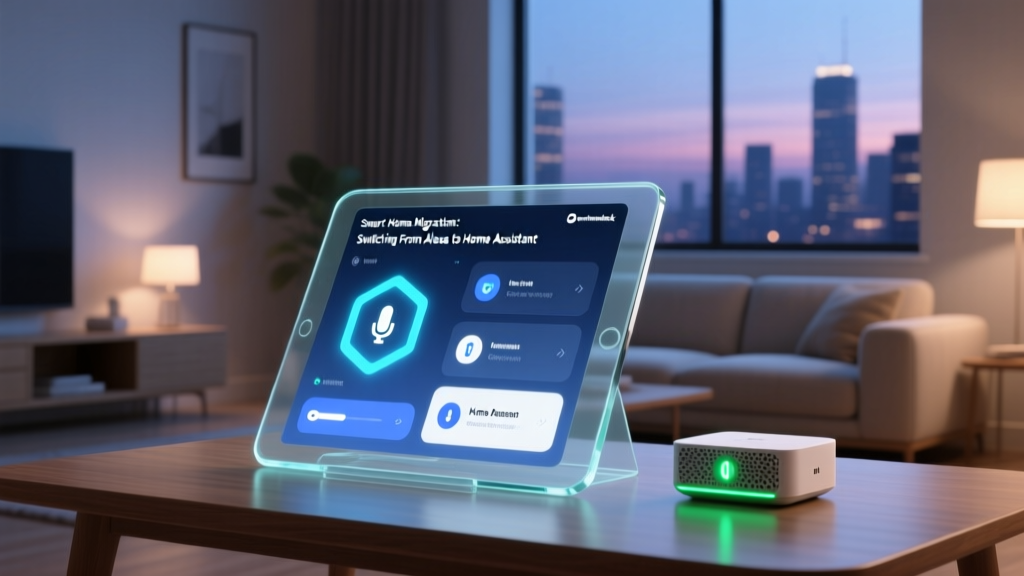
Migrating ecosystems can feel daunting. You likely have hundreds of dollars invested in smart bulbs, thermostats, and security cameras. The good news? You do not necessarily have to throw everything away and start from scratch. With the advent of the Matter smart home standard and native bridge compatibility, moving from Alexa or Google to Apple HomeKit is more accessible than ever. This comprehensive guide will walk you through auditing your current devices, selecting the right Apple hub, managing costs, and executing a flawless migration.
Step 1: Audit Your Existing Smart Home Devices
Before buying new hardware, you need to categorize your existing devices into three distinct piles: Native HomeKit, Matter-Compatible, and Proprietary/Incompatible. Understanding the underlying wireless protocols (Zigbee, Z-Wave, Wi-Fi, Thread) is crucial here.
The 'Keep' Pile: Native HomeKit and Bridge-Compatible
Many premium smart home brands build bridges that communicate with their proprietary devices via Zigbee or Z-Wave, while simultaneously offering native HomeKit support via Wi-Fi. If you own these, migration is virtually free.
- Philips Hue Lighting: The Hue Bridge connects to your router via Ethernet and natively supports HomeKit. You simply add the bridge to the Apple Home app, and all connected bulbs migrate instantly.
- Lutron Caseta: The Lutron Smart Bridge Pro is a gold standard for lighting and shade control. It requires no cloud connection for local automation and is fully HomeKit native.
- Ecobee Thermostats: Models like the Ecobee SmartThermostat Premium connect directly to Wi-Fi and feature native HomeKit support, bypassing the need for Alexa or Google.
- Aqara Sensors and Hubs: Aqara's M2 and G3 hubs support HomeKit natively, bringing dozens of cheap Zigbee door, window, and motion sensors into the Apple ecosystem.
The 'Transition' Pile: Matter-Compatible Devices
According to the Connectivity Standards Alliance (CSA), the Matter protocol was designed specifically to break down ecosystem walls. If you recently purchased Wi-Fi or Thread devices that feature the Matter logo (such as newer Nanoleaf panels, Eve Energy plugs, or Amazon's own Matter-enabled smart plugs), you can pair them directly to Apple HomeKit. You will need to factory reset the device to clear its previous Alexa/Google pairing, then scan the Matter QR code using your iPhone's camera.
The 'Replace or Bridge' Pile: Proprietary Ecosystem Lock-in
Some devices are heavily locked into their parent company's ecosystem. Amazon's Ring cameras and Google's Nest thermostats do not natively support HomeKit or Matter (though Google is slowly rolling out Matter updates for some Nest devices). To use these in HomeKit, you must either replace them with HomeKit Secure Video alternatives (like Eufy or Aqara cameras) or use a third-party software bridge, which we will cover later.
Step 2: Choosing Your Apple Home Hub
Unlike Alexa and Google, which rely on cloud servers for remote access and complex automations, Apple HomeKit requires a dedicated local 'Home Hub' to enable remote access, invite other users, and run automations when you are away. According to Apple's official Home Hub documentation, you must use an Apple TV 4K, a HomePod, or a HomePod mini. iPads are no longer supported as Home Hubs in recent iOS updates.
| Device | Price (Approx.) | Thread Border Router | Connectivity | Best For |
|---|---|---|---|---|
| Apple TV 4K (128GB, Ethernet) | $149 | Yes | Wi-Fi, Ethernet, Thread | Power users needing reliability and local Matter/Thread support. |
| HomePod mini | $99 | Yes | Wi-Fi, Thread | Budget-conscious users who want smart speaker functionality. |
| HomePod (2nd Gen) | $299 | Yes | Wi-Fi, Thread, UWB | Audiophiles wanting premium sound alongside smart home control. |
Pro Tip: Always opt for the Apple TV 4K with the Ethernet port. The Ethernet connection guarantees your smart home automations won't fail due to Wi-Fi drops, and it includes a built-in Thread border router, which is essential for the next generation of low-power Matter devices.
Step 3: The Step-by-Step Migration Process
Once your Apple Home Hub is configured and connected to your network, follow these steps to migrate your devices:
- Factory Reset Incompatible Devices: For Wi-Fi devices moving from Alexa to HomeKit (like Meross or TP-Link Kasa Matter-enabled plugs), hold the physical reset button for 10 seconds until the LED flashes rapidly. This clears the Amazon/Google cloud token.
- Open the Apple Home App: Tap the '+' icon in the top right corner and select 'Add Accessory'.
- Scan the HomeKit or Matter Code: Use your iPhone camera to scan the 8-digit numeric code or QR sticker found on the device or its bridge. If the sticker is lost, most brands include a digital code in their native app settings.
- Assign Rooms and Scenes: Apple HomeKit relies heavily on 'Rooms' for Siri voice commands. Be meticulous during setup, naming rooms exactly as you would speak them (e.g., 'Master Bedroom' rather than 'Bedroom 2').
- Recreate Automations: Unfortunately, automations do not transfer between ecosystems. You will need to rebuild your 'Good Morning' or 'Away' routines in the Home app's Automation tab. Utilize HomeKit's 'Adaptive Lighting' feature for bulbs that support it, which automatically shifts color temperature based on the time of day.
Cost Analysis: What Will the Switch Cost You?
The financial impact of migrating depends entirely on how heavily you relied on proprietary Amazon and Google hardware. Below is a visualization comparing the cost of completely replacing proprietary hardware versus utilizing a local software bridge to keep your existing devices.
Migration Costs: Replacing vs Bridging
As the chart illustrates, replacing a full suite of Ring cameras and Nest thermostats can easily exceed $700. However, if you are technically inclined, a one-time $80 investment in a Raspberry Pi can bridge those devices into HomeKit, saving hundreds of dollars.
Advanced Workarounds: Homebridge and HOOBS
If you own high-end Google Nest thermostats or a yard full of Ring security cameras, replacing them is financially painful. Enter Homebridge, an open-source NodeJS server that emulates the iOS HomeKit API. By installing Homebridge on a Raspberry Pi 4 or a dedicated mini-PC, you can trick your iPhone into thinking your Ring and Nest devices are native HomeKit accessories.
For users who want a plug-and-play experience without touching command-line code, HOOBS (Homebridge Out Of the Box System) offers a pre-configured software interface and dedicated hardware boxes starting around $150. With plugins like homebridge-ring and homebridge-nest, you can view camera feeds, adjust temperatures, and trigger automations directly from the Apple Home app. While this requires maintaining a local server, it is the most cost-effective bridge for ecosystem migrants.
Privacy and Data Handling: The Apple Advantage
The primary driver for ecosystem migration is data privacy. When you use Alexa or Google Home, your voice queries, device usage patterns, and automation schedules are processed in the cloud to train machine learning models and serve targeted advertising. Apple operates on a fundamentally different architecture. As detailed in Apple's HomeKit privacy documentation, HomeKit data is encrypted end-to-end and stored locally on your hub and synced via iCloud in a way that even Apple cannot read it.
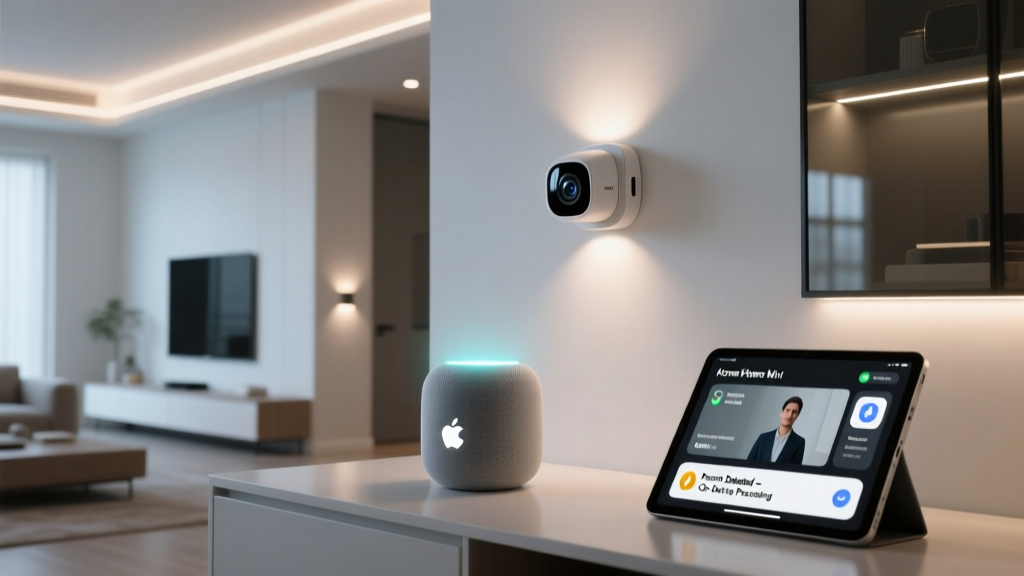
Furthermore, HomeKit Secure Video (HKSV) analyzes camera feeds locally using the A-series bionic chip inside your Apple TV or HomePod. It detects people, animals, and vehicles without ever sending the raw video footage to a cloud server for processing. Video clips are then encrypted and uploaded securely to your iCloud storage. This local processing paradigm ensures that a breach at a corporate data center will never expose the interior of your home.
Final Verdict: Is the Migration Worth It?
Switching from Alexa or Google to Apple HomeKit requires an upfront investment in an Apple Home Hub and a weekend of re-pairing devices. However, the long-term benefits of a unified, local, and privacy-first ecosystem are undeniable. By leveraging Matter-compatible devices, retaining bridge-friendly brands like Philips Hue and Lutron, and utilizing Homebridge for stubborn proprietary hardware, you can migrate your smart home without starting from scratch. The result is a faster, more reliable, and deeply integrated smart home that works for you, not for data brokers.