The Backbone of Whole-Home Automation: Why Pre-Wiring Matters
Whole-home automation is no longer a luxury reserved for tech billionaires; it is an accessible, highly practical way to manage energy, security, and comfort. However, the biggest mistake DIYers and new homeowners make is relying entirely on wireless protocols like Wi-Fi, Zigbee, or Z-Wave. While wireless technologies have improved dramatically, they are still susceptible to interference, bandwidth congestion, and latency. According to the Federal Communications Commission (FCC), a robust home network is the foundational requirement for modern smart devices, and hardwired infrastructure remains the gold standard for reliability.
Pre-wiring your home during new construction or a major renovation—before the drywall goes up—is the most cost-effective way to future-proof your living space. It allows you to run low-voltage cabling, install deep junction boxes, and establish a centralized nerve center for your automation hubs. This comprehensive guide will walk you through the essential wiring categories, structured enclosure setups, and installation workflows required to build a bulletproof smart home infrastructure.
Essential Wiring Categories for Smart Home Setup
1. Network and Data Infrastructure (Cat6 vs. Cat6a)
The central nervous system of any smart home is its data network. While fiber optics are emerging for ultra-high-end builds, Copper Ethernet remains the most practical and cost-effective solution for 99% of residential automation setups. You should exclusively pull Category 6 (Cat6) or Category 6a (Cat6a) solid copper cable. Avoid Copper-Clad Aluminum (CCA) cables, as they are brittle, prone to oxidation, and do not meet TIA/EIA-568 performance standards.
- Cat6: Supports 1 Gbps up to 100 meters and 10 Gbps up to 55 meters. Ideal for standard smart home hubs, media streamers, and basic IP cameras.
- Cat6a: Supports 10 Gbps up to 100 meters with improved shielding against crosstalk. Highly recommended for runs near high-voltage electrical lines or for future-proofing 8K video distribution and high-density Wi-Fi 6E/7 access points.
Always utilize a star topology, meaning every single Ethernet drop runs directly back to a central patch panel. Never daisy-chain Ethernet cables from room to room.
2. Power over Ethernet (PoE) for Security and Wi-Fi
Wi-Fi security cameras and battery-powered doorbells are notorious for dropping offline and requiring frequent recharging. Hardwiring your security cameras and Wireless Access Points (WAPs) using Power over Ethernet (PoE) eliminates these headaches. PoE delivers both data and electrical power over a single Cat6 cable.
When selecting a PoE switch for your structured wiring panel, pay close attention to the IEEE standards and your total PoE budget:
- 802.3af (PoE): Delivers up to 15.4W. Sufficient for basic fixed-lens IP cameras and standard WAPs.
- 802.3at (PoE+): Delivers up to 30W. Required for Pan-Tilt-Zoom (PTZ) cameras, video doorbells, and high-performance WAPs.
- 802.3bt (PoE++): Delivers up to 60W-100W. Necessary for advanced PTZ cameras with built-in heaters or heavy-duty smart displays.
3. Smart Lighting: Neutrals, Deep Boxes, and Conduit
Smart lighting is a core pillar of home automation, but retrofitting older homes with smart switches is often hindered by the lack of a neutral wire. The U.S. Department of Energy highlights that smart lighting and automated shading are key drivers of residential energy efficiency, but they require constant power to maintain their network connections.
When pre-wiring for smart switches (like Lutron Caseta, Leviton Decora Smart, or Shelly relays), you must ensure two things:
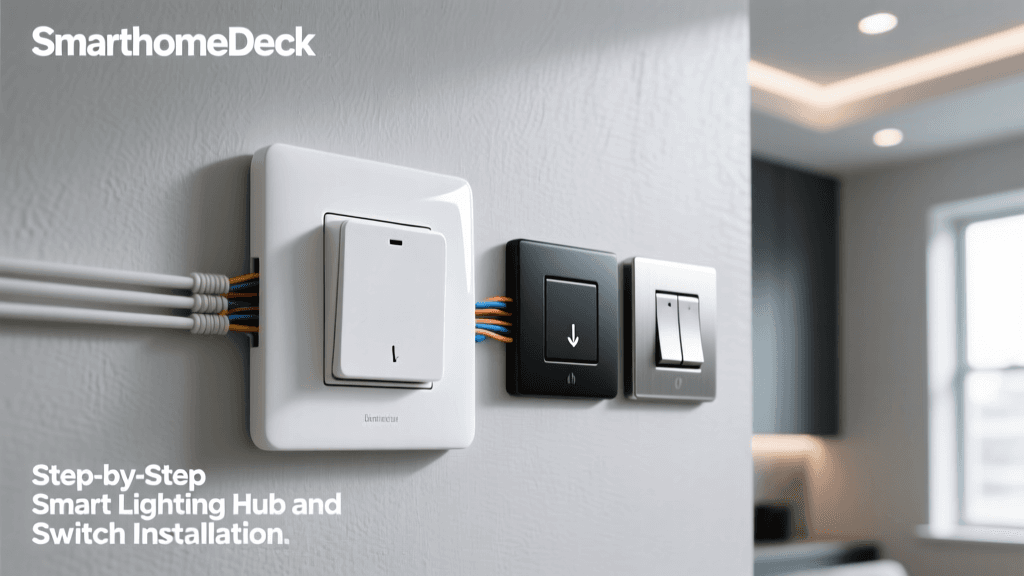
- Neutral Wires at Every Switch Box: Ensure your electrician pulls a neutral wire to every single switch location, including 3-way and 4-way circuits.
- Deep Backboxes: Smart switches and in-wall relays have bulky electronics that require extra physical space. Standard 14-cubic-inch boxes will not suffice. Specify 22 to 24-cubic-inch deep junction boxes to accommodate the extra wire nuts, smart modules, and heat dissipation requirements. Always adhere to the box-fill calculations outlined by the National Fire Protection Association (NFPA 70 / National Electrical Code) to prevent overheating and fire hazards.
4. Audio, Video, and Environmental Sensors
For whole-home audio, pull 14AWG or 16AWG Oxygen-Free Copper (OFC) speaker wire to all ceiling and in-wall speaker locations. For video distribution, running an extra Cat6a cable alongside your coaxial lines allows for future HDBaseT or AV-over-IP installations. Additionally, consider running low-voltage wiring for hardwired leak sensors under water heaters and washing machines, as well as dry-contact wiring for motorized window treatments and garage door status sensors.
The Nerve Center: Structured Wiring Enclosures
All of your low-voltage cables must terminate in a centralized, organized location. Avoid stuffing your modem, switch, and automation hubs into a messy plastic bin in the attic. Instead, install a dedicated Structured Media Enclosure (such as the Leviton Structured Media Center or Legrand OnQ series).
Your enclosure setup should include:
- Size: A minimum of 22-inch to 30-inch tall enclosure, or a standard 12U to 15U wall-mounted IT rack for larger homes.
- Power & Cooling: A dedicated 20-amp electrical circuit inside the enclosure. If the enclosure is in a warm attic or garage, install an active exhaust fan system.
- Backup Power: A rack-mountable Uninterruptible Power Supply (UPS) from APC or CyberPower. If the power blips, your security cameras, smart locks, and automation hubs must stay online.
- Patch Panel & Switch: A 24-port or 48-port keystone patch panel feeding directly into a managed PoE network switch (e.g., Ubiquiti UniFi or TP-Link Omada).
Cost Analysis: Pre-Wiring vs. Retrofitting
One of the most common questions homeowners ask is whether the upfront cost of pre-wiring is justified. The reality is that fishing wires through finished drywall, repairing plaster, and repainting can cost three to four times as much as pulling the same wires during the rough-in phase.
| System Category | Pre-Wiring (New Build/Reno) | Retrofitting (Existing Walls) | Primary Retrofit Cost Drivers |
|---|---|---|---|
| Network (Cat6 Drops) | $150 - $250 per drop | $350 - $600 per drop | Drywall cutting, patching, painting |
| Security Cameras (PoE) | $200 - $300 per run | $500 - $800 per run | Attic crawling, soffit drilling, repair |
| Smart Lighting (Neutrals) | $50 - $100 per box | $300 - $500 per box | Fishing wires, upgrading junction boxes |
| Whole-Home Audio | $100 - $150 per zone | $400 - $700 per zone | Ceiling cutting, texture matching |
| Wi-Fi Access Points | $150 - $200 per drop | $300 - $450 per drop | Ceiling drywall repair, paint matching |
The following chart visualizes the estimated total cost differences between pre-wiring a standard 2,500 sq. ft. home versus attempting to retrofit the exact same systems after the walls are closed.
Step-by-Step Installation Workflow
To ensure a professional-grade installation, follow this sequential workflow:
- Blueprint & Low-Voltage Plan: Before framing begins, map out every device location. Mark WAP placements on the ceiling (avoiding HVAC ducts), camera locations on the soffits, and smart switch locations on the floor plan.
- Rough-In (Before Drywall): Pull all low-voltage cables. Keep data cables at least 12 inches away from high-voltage AC electrical lines to prevent electromagnetic interference (EMI). If you must cross AC lines, do so at a strict 90-degree angle.
- Service Loops & Slack: Leave at least 12 to 18 inches of extra cable (a service loop) coiled inside every junction box and at the structured media panel. You cannot add wire later if you cut it too short during termination.
- Labeling: Label both ends of every single cable using a professional label printer (like a Brady or Dymo industrial labeler). Do not rely on sharpie and masking tape, which will fade and peel over time.
- Termination & Testing: After drywall is finished, terminate the cables into keystone jacks and patch panels. Use a certification tester (such as the Fluke Networks DSX-5000) to verify that every Cat6 run passes bandwidth and crosstalk tests before connecting your expensive network gear.
Pro Tips for Future-Proofing Your Build
The best cable to pull is the one you don't need yet. Technology evolves faster than construction timelines.
- Install Smurf Tube (ENT Conduit): Run flexible Electrical Nonmetallic Tubing (ENT), commonly known as 'smurf tube,' from your structured wiring panel to key locations like the living room TV wall, the master bedroom, and the attic. This allows you to pull new, unforeseen cable types in the future without tearing open walls.
- Use Pull Strings: Whenever you pull a bundle of Cat6 or speaker wire, always attach a durable nylon pull string (mule tape) and leave it in the conduit or wall cavity. When you need to upgrade to fiber optics or Cat8 in ten years, simply tie your new cable to the string and pull it through.
- Dedicate a Grounding Rod: Ensure your structured media enclosure and patch panels are properly bonded to the home's main electrical ground. Improper grounding can lead to ground loops, which introduce hum into audio systems and can damage sensitive PoE switch ports during lightning storms.
Conclusion
Building a whole-home automation system is an investment in your property's value, security, and daily convenience. By prioritizing hardwired infrastructure—specifically Cat6a networking, PoE for security, deep backboxes for smart lighting, and a properly cooled structured media enclosure—you eliminate the frustrating limitations of wireless-only setups. While the upfront planning and rough-in labor require diligence, the resulting reliability and ease of integration will pay dividends for decades, ensuring your smart home remains adaptable to whatever technologies emerge next.