The Challenge of Fragmented Smart Home Ecosystems
Building a comprehensive smart home rarely happens within a single brand ecosystem. A typical homeowner might prefer Apple HomeKit for its privacy and Siri integration, but find that the best video doorbell is Amazon's Ring, and the most reliable smart thermostat is Google's Nest. This results in a fragmented "walled garden" problem where devices cannot communicate natively, forcing users to juggle multiple apps and miss out on unified, cross-platform automations.
To solve this, advanced DIY installers and homeowners turn to multi-ecosystem integration setups. By deploying a central bridging hub, you can unify Zigbee, Z-Wave, Wi-Fi, Thread, and Matter devices into a single, cohesive control plane. This guide details the exact hardware, network architecture, and software configurations required to bridge Apple, Google, and Amazon ecosystems seamlessly, ensuring that an Aqara motion sensor can trigger a Lutron Caseta light switch and announce the event through a Sonos speaker, regardless of their native affiliations.
Choosing the Right Central Hub for Multi-Ecosystem Control
The cornerstone of any multi-ecosystem setup is the central hub. While proprietary hubs like the Samsung SmartThings Station or Apple HomePod Mini excel within their own domains, they restrict cross-platform device exposure. For true agnostic control, local-processing hubs are mandatory. Below is a comparison of the top hubs used for bridging ecosystems.
| Hub Model | Protocol Support | Ecosystem Bridging Capabilities | Avg. Cost |
|---|---|---|---|
| Home Assistant Green | Ethernet, Wi-Fi, USB (Zigbee/Thread via dongle) | Native HA, Matter Controller, HomeKit Bridge, Alexa, Google Home | $99 - $120 |
| Hubitat Elevation C-8 | Zigbee 3.0, Z-Wave 800, Wi-Fi, LAN | Native Hubitat, HomeKit (via MakerAPI), Alexa, Google | $149 - $169 |
| Samsung SmartThings Station | Thread, Matter, Wi-Fi, LAN | SmartThings, HomeKit (via Matter), Alexa, Google | $79 - $99 |
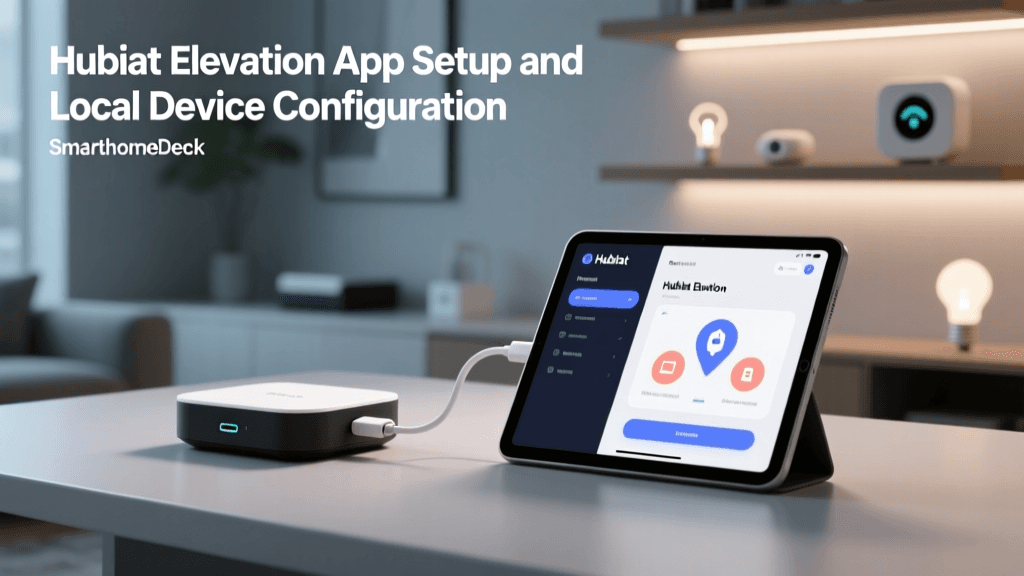
For this installation guide, we will focus on the Home Assistant Green. It offers the most robust local API, unparalleled third-party integration support, and acts as a Matter controller, making it the ultimate bridge for fragmented smart homes.
Hardware Requirements and Network Preparation
Before plugging in devices, your network and hardware foundation must be prepared to handle the increased local traffic and protocol translations.
Essential Hardware
- Central Hub: Home Assistant Green ($99).
- Zigbee/Thread Dongle: Sonoff Zigbee 3.0 USB Dongle Plus (P-Version, CC2652P chip) or Home Assistant Connect ZBT-1 ($35 - $55).
- USB Extension Cable: A 1-meter to 2-meter USB 2.0 active extension cable. This is critical; plugging a Zigbee dongle directly into a hub or router causes severe 2.4GHz Wi-Fi and USB 3.0 interference, resulting in dropped mesh connections.
- Wiring: CAT6 Ethernet cables for hardwiring the central hub and any proprietary bridges (e.g., Philips Hue Bridge, Lutron Smart Bridge).
Network Architecture and IoT Isolation
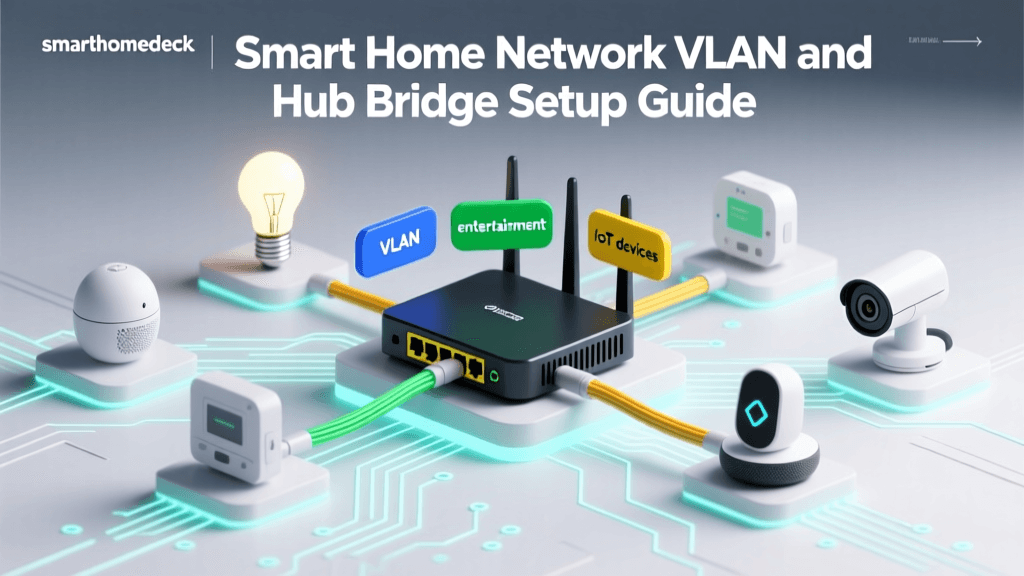
A multi-ecosystem home can easily exceed 50 to 100 IoT endpoints. To maintain network security and reduce broadcast traffic, configure an IoT-specific VLAN on your router (such as a UniFi Dream Router or pfSense box). Assign all smart hubs and Wi-Fi devices to this VLAN. Crucially, you must enable mDNS (Multicast DNS) or Bonjour forwarding across your VLANs. Apple HomeKit relies heavily on mDNS for device discovery; without it, your bridged HomeKit accessories will show as "No Response" in the Apple Home app.
Furthermore, assign static DHCP reservations for the Home Assistant Green, Philips Hue Bridge, and any Wi-Fi-based smart plugs. An IP address change will break local API polling and cause automations to fail.
Step-by-Step Installation: Setting Up the Master Bridge
Follow these steps to configure Home Assistant as the master bridge, pulling in proprietary devices and exposing them to your preferred voice assistants.
Step 1: Physical Installation and Network Connection
Connect the Home Assistant Green to your primary router or network switch using a CAT6 Ethernet cable. Plug the Sonoff Zigbee dongle into the USB 2.0 extension cable, and plug the extension cable into the Green. Power on the device. Access the onboarding wizard by navigating to http://homeassistant.local:8123 on a connected device. Create your admin account and set your home location, which is vital for sun-based automations and weather integrations.
Step 2: Integrating Proprietary Hubs via Local APIs
Do not rely on cloud integrations for multi-ecosystem setups; they introduce latency and fail during internet outages. Instead, use local APIs.
- Philips Hue: Navigate to Settings > Devices & Services > Add Integration > Philips Hue. Press the physical link button on your Hue Bridge when prompted. Home Assistant will pull all lights, sensors, and switches locally.
- Lutron Caseta: Add the Lutron Caseta integration. You will need to pair Home Assistant with the Lutron Smart Bridge PRO using the physical pairing button. This exposes Lutron's ultra-reliable Clear Connect devices to the rest of your ecosystem.
Step 3: Exposing Devices to Apple HomeKit, Google Home, and Alexa
Now, bridge these unified devices back out to the consumer ecosystems.
- Apple HomeKit Bridge: In Home Assistant, add the "HomeKit Bridge" integration. Select the specific domains you want to expose (e.g., lights, switches, sensors). Pro Tip: Do not expose every single device, or your Apple Home app will become cluttered and slow to load. Create a secondary HomeKit Bridge instance specifically for cameras or media players if needed.
- Google Home & Amazon Alexa: Use the Nabu Casa cloud subscription ($6.50/month) for the easiest, most secure exposure to Google and Alexa, or configure the manual Google Assistant and Alexa local skill integrations if you prefer a strictly free, local-only approach (which requires setting up a reverse proxy and DDNS).
Leveraging Matter and Thread for Native Integration
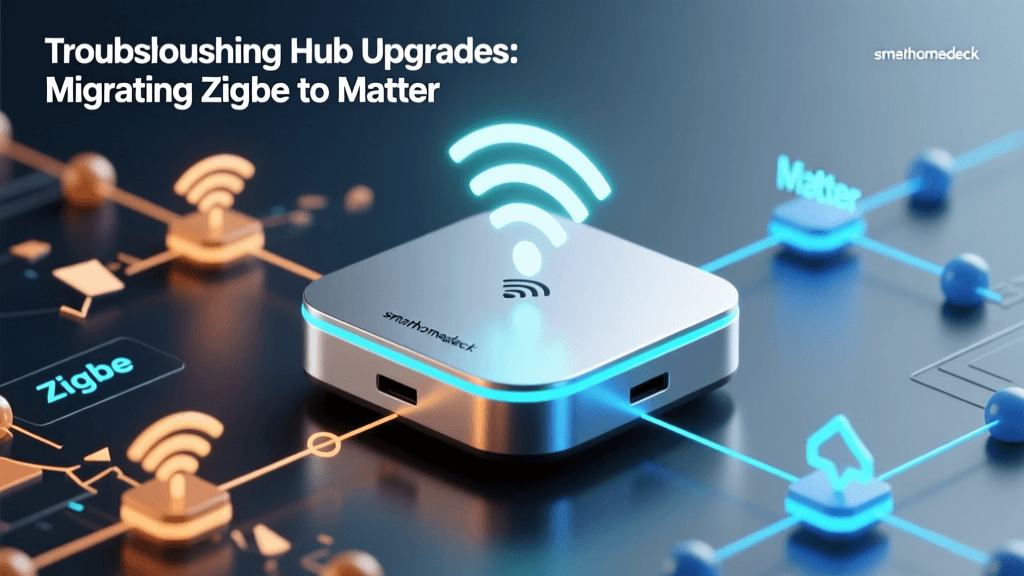
While bridging legacy protocols is necessary today, the future of multi-ecosystem setup lies in Matter and Thread. The Connectivity Standards Alliance (CSA) developed Matter to allow devices to be commissioned into multiple ecosystems simultaneously without a central translation hub.
With the Home Assistant Green acting as a Matter Controller, you can pair Matter-over-Thread devices (like the Eve Energy smart plug or Nanoleaf Essentials bulbs) directly into your system. Thread creates a low-latency, self-healing mesh network that doesn't congest your Wi-Fi. Ensure you have at least two Thread Border Routers on your network (e.g., an Apple TV 4K and a Google Nest Hub Max) to provide redundancy and seamless routing across different ecosystems.
Average Setup Time and Mesh Reliability by Smart Home Protocol
As visualized above, Matter over Thread offers the fastest setup times for multi-ecosystem inclusion and boasts superior mesh reliability compared to Wi-Fi, which suffers from bandwidth saturation in dense smart homes.
Advanced Automation Workflows Across Ecosystems
The true power of a multi-ecosystem setup is realized in cross-platform automations. Consider a scenario where you want a security routine that utilizes devices from three different native ecosystems.
The "Night Security" Workflow:
- Trigger: An Aqara Door/Window Sensor (Zigbee, natively paired to Home Assistant via the Sonoff dongle) detects a breach after 11:00 PM.
- Action 1 (Lighting): Home Assistant sends a local command to the Lutron Caseta hub to turn on the hallway and exterior lights at 100% brightness.
- Action 2 (Notification): Home Assistant uses the HomeKit Bridge integration to trigger an Apple HomePod Mini to announce, "Perimeter breach detected," via AirPlay 2.
- Action 3 (Climate): Home Assistant polls the Ecobee thermostat via local API and sets the HVAC to "Away" mode to save energy if the house is evacuated.
This workflow executes in milliseconds because all logic is processed locally on the Home Assistant Green, bypassing the cloud servers of Aqara, Lutron, Apple, and Ecobee entirely.
Troubleshooting Latency and Connection Drops
When bridging ecosystems, latency and dropped connections are the most common complaints. Here is how to troubleshoot the physical and network layers:
- Zigbee Mesh Routing: Zigbee relies on mains-powered devices to route signals. If a battery-powered sensor is dropping off the network, ensure you have enough Zigbee repeaters (smart plugs or hardwired lights) physically located between the sensor and the central dongle.
- Z-Wave Interference: According to the Z-Wave Alliance, Z-Wave networks operate on sub-GHz frequencies (908.42 MHz in the US), which easily penetrate walls but are susceptible to interference from older cordless phones and baby monitors. Perform a "Z-Wave Heal" in your hub's settings after moving any large furniture or appliances that might block the mesh.
- HomeKit "No Response" Errors: If bridged HomeKit accessories become unresponsive, check your router's IGMP Snooping settings. Disabling IGMP Snooping or enabling an mDNS reflector on your IoT VLAN usually resolves Apple Home discovery timeouts.
Cost Breakdown and ROI
Investing in a multi-ecosystem bridge requires upfront capital, but it eliminates the need to replace perfectly functional devices simply because they don't match your preferred voice assistant.
- Home Assistant Green: $99
- Sonoff Zigbee 3.0 Dongle + Extension Cable: $45
- Network Switch (8-Port Gigabit for Hub/Switches): $25
- Nabu Casa Subscription (Optional, for Cloud/Alexa/Google): $78/year
- Total Initial Hardware Cost: ~$169
By utilizing a central bridging hub, you future-proof your home. When you eventually upgrade to Matter-compatible devices, they will integrate natively alongside your legacy Zigbee and Z-Wave gear, creating a unified, resilient, and highly automated smart home that serves you, rather than locking you into a single corporate ecosystem.