The Evolution from Single Triggers to Sensor Fusion
When most homeowners first dip their toes into smart home technology, their automation workflows are remarkably simple. A basic setup usually involves a single trigger and a single action: if a smart switch is pressed, turn on the living room lights; if a motion sensor detects movement, turn on the hallway lamp. While this provides a taste of convenience, it barely scratches the surface of what a truly intelligent home can achieve. Relying on single-trigger logic often leads to frustrating edge cases, such as lights turning on in the middle of the day or the HVAC system running while the house is empty.
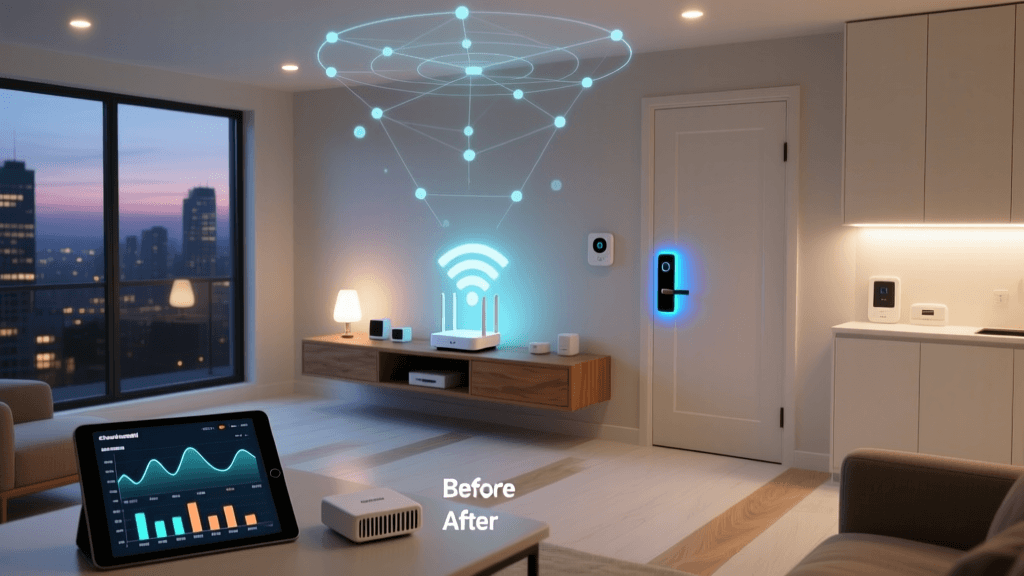
To achieve a seamless, frictionless living environment, DIY installers and advanced users must transition from basic triggers to sensor fusion and multi-condition workflows. Sensor fusion is the process of combining data from multiple disparate sensors—such as millimeter-wave (mmWave) presence detectors, ambient lux sensors, smart thermostat room sensors, and geofencing data from smartphones—to make highly contextual decisions. By configuring multi-trigger automations, your home stops reacting blindly to isolated events and starts understanding the broader context of your daily routines.
Understanding Triggers, Conditions, and Actions
Before building complex workflows, it is vital to understand the architectural difference between a trigger, a condition, and an action. According to the Home Assistant automation triggers documentation, a robust automation engine separates these three elements to prevent logical loops and race conditions.
- Trigger: The specific event that initiates the workflow evaluation. This is a moment in time (e.g., a door opens, a motion sensor trips, or the sun sets).
- Condition: The state-based criteria that must be true at the exact moment the trigger fires for the automation to proceed (e.g., the ambient light is below 50 lux, or the home alarm is disarmed).
- Action: The execution phase where devices are controlled, notifications are sent, or variables are updated.
By stacking multiple conditions onto a single trigger, or by using a logical 'OR' gate across multiple triggers, you can create bulletproof automations that adapt to real-world variables.
Step-by-Step: Building a Multi-Condition Lighting Routine
Let us look at a practical, high-value automation: configuring adaptive evening lighting in a multi-purpose living room. We will use an Aqara FP2 mmWave Presence Sensor for zone-specific detection, a Philips Hue Secure Camera for ambient lux reading, and a Home Assistant or Hubitat hub for local processing.
The Scenario
You want the living room lamps to turn on to a warm, dim setting when someone enters the room in the evening. However, you do not want them to turn on if the room is already illuminated by a large floor lamp, nor do you want them to trigger during the daytime when natural sunlight is sufficient.
The Workflow Configuration
Triggers:
- Aqara FP2 Zone 1 (Sofa Area) changes state to 'Occupied'.
- Aqara FP2 Zone 2 (Reading Nook) changes state to 'Occupied'.
Conditions (All must be true):
- Time is between 'Sunset minus 30 minutes' and '11:30 PM'.
- Living Room Ambient Lux (via Hue Secure Camera or Aqara T1 Light Sensor) is less than 40 lux.
- The 'Movie Mode' boolean helper is set to 'False' (preventing lights from blinding you if you are watching a film).
Actions:
- Turn on Philips Hue Gradient Lightstrip behind the TV to 20% brightness, 2700K color temperature.
- Turn on the smart plug connected to the corner floor lamp.
This multi-condition logic ensures that the automation is entirely context-aware. The mmWave sensor prevents the lights from turning off while you are sitting still on the couch reading—a common flaw with traditional PIR (Passive Infrared) motion sensors that require continuous movement to maintain the 'on' state.
Advanced Climate Control Using Geofencing and Occupancy
Heating and cooling account for nearly half of a typical home's energy consumption. A static schedule on a smart thermostat like the Ecobee SmartThermostat Premium or the Google Nest Learning Thermostat is inefficient because it cannot account for unpredictable schedule changes. By integrating geofencing with localized occupancy, you can configure a workflow that optimizes both comfort and energy efficiency.
The Geofence and Sensor Fusion Workflow
Instead of relying solely on the thermostat's built-in motion sensor—which only reads the temperature and occupancy of the hallway it is mounted in—we will integrate SmartThings Room Sensors or Ecobee SmartSensors placed in high-traffic areas like the home office and master bedroom.
Trigger: The last registered user's smartphone crosses the virtual geofence boundary (e.g., a 2-mile radius from the home) moving inward.
Conditions:
- The HVAC system is currently in 'Eco' or 'Away' mode.
- The outdoor temperature is below 55°F (12°C) or above 80°F (26°C).
Actions:
- Change the thermostat mode to 'Home' and set the target temperature to 70°F (21°C).
- Activate the 'Follow Me' feature on the Ecobee, prioritizing the temperature reading from the specific room sensors that currently detect occupancy.
This workflow ensures the house begins recovering its temperature exactly when you are a few minutes away, but only if the weather actually requires active climate control. Furthermore, by utilizing the 'Follow Me' logic, the system avoids heating empty guest rooms and focuses energy solely on the zones where you and your family are actively present.
Hub Compatibility and Processing Latency
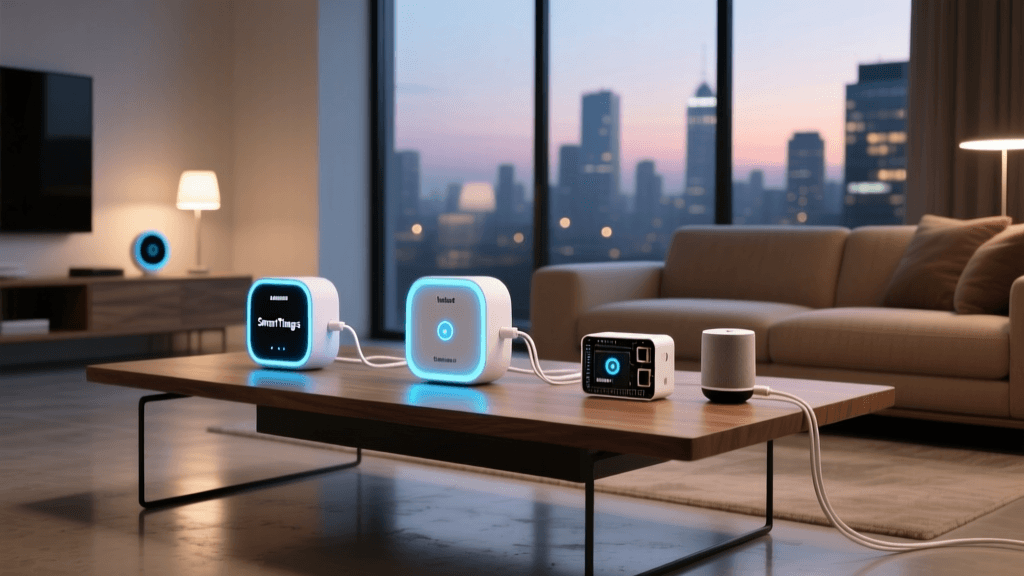
Executing multi-trigger automations requires a hub capable of handling complex logic without introducing noticeable latency. Cloud-dependent hubs often struggle with sensor fusion because every state change must travel to a remote server and back. Local processing hubs are mandatory for advanced workflows. Below is a comparison of popular hubs for multi-condition logic.
| Smart Hub | Processing Type | Multi-Trigger Logic Support | Native Protocols | Estimated Cost |
|---|---|---|---|---|
| Home Assistant (Green/ODROID) | 100% Local | Advanced (YAML & Visual Studio) | Zigbee, Thread, Matter, Wi-Fi, Z-Wave | $99 - $150 |
| Hubitat Elevation C-8 | 100% Local | Advanced (Rule Machine) | Zigbee, Z-Wave | $149 |
| Samsung SmartThings Station | Cloud / Edge Hybrid | Moderate (App-based Routines) | Zigbee, Thread, Matter, Wi-Fi | $79 |
| Apple HomePod (2nd Gen) | Local (HomeKit) | Moderate (Home App Shortcuts) | Thread, Matter, Wi-Fi | $299 |
As the Connectivity Standards Alliance (CSA) Matter protocol continues to mature, cross-platform compatibility is improving. However, for complex, multi-variable logic involving custom boolean helpers and mathematical lux calculations, Home Assistant and Hubitat remain the undisputed leaders due to their robust local rule engines.
Protocol Latency in Multi-Trigger Automations
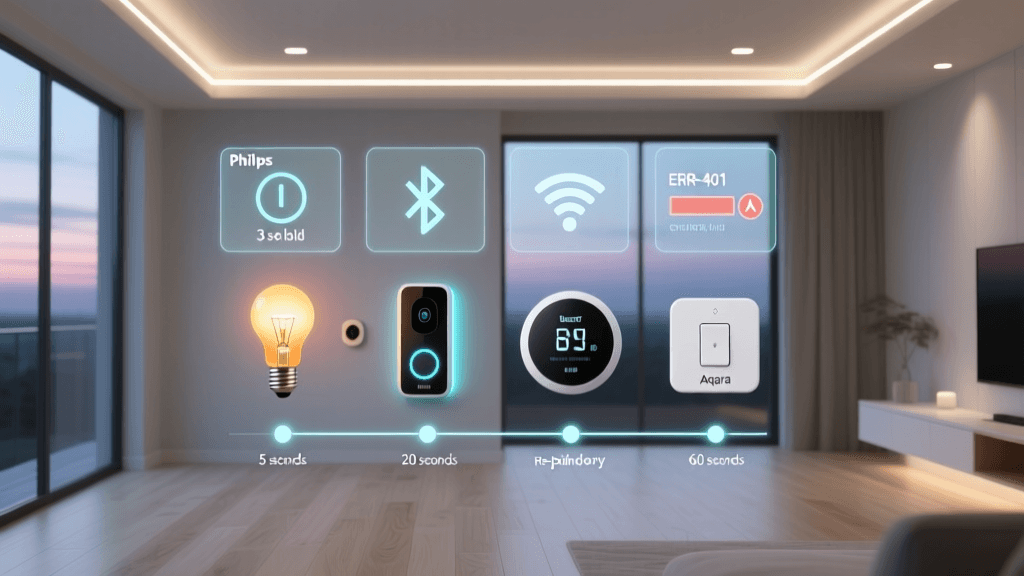
When stacking multiple sensors, the communication protocol of those sensors dictates the speed of the automation. A workflow that requires a Zigbee motion sensor to trigger, followed by a Wi-Fi smart bulb turning on, will inherently suffer from protocol translation latency. Below is a visualization of average local network latency across common smart home protocols.
As illustrated by the data and supported by Zigbee protocol standards, mesh networks like Thread and Zigbee 3.0 offer superior latency for local automations compared to Wi-Fi devices that rely on cloud polling. For multi-trigger workflows where instant feedback is expected (like lighting), keeping your sensors and actuators on the same Zigbee or Thread mesh is highly recommended.
Troubleshooting Workflow Conflicts and Race Conditions
Even the most carefully planned multi-trigger automations can fail if you do not account for hardware limitations and logical conflicts. Here are the most common issues DIY installers face and how to resolve them.
1. The PIR Sensor Cool-Down Problem
Traditional PIR motion sensors have a hardware-enforced 'cool-down' or 'blind' period, typically lasting 60 to 90 seconds after detecting motion, to conserve battery life. If your automation uses a PIR sensor to turn off lights after 'no motion for 2 minutes', you may find the lights turning off while you are still in the room. The Fix: Replace PIR sensors with mmWave presence sensors (like the Aqara FP2 or Everything Presence One) for rooms where people sit still, or extend the software timeout to 5 minutes to bridge the hardware blind spots.
2. Race Conditions in Multi-User Geofencing
If you and your partner both have geofencing automations set to turn off the HVAC when you leave, a race condition occurs if one person leaves 5 minutes before the other. The system might trigger the 'Away' mode prematurely. The Fix: Use a hub that supports 'Device Tracker' grouping. Configure the condition to check that all registered users are outside the geofence boundary before executing the 'Away' actions.
3. State Bouncing and Network Congestion
Smart door/window sensors can sometimes 'bounce' (rapidly switching between open and closed states) due to weak battery voltage or loose magnetic alignment. This can cause a multi-trigger automation to fire dozens of times in a second, crashing the hub's local queue. The Fix: Implement a 'debounce' delay in your automation logic. Instruct the hub to wait 3 seconds after the trigger fires, and then verify the state of the sensor before executing the action.
Best Practices for Future-Proofing Your Automations
As your smart home grows from a handful of devices to a whole-home automation ecosystem, organization becomes critical. Adopt a strict naming convention for your entities and helpers. Prefix your automation triggers with their location and function (e.g., automation.livingroom_lighting_evening_presence).
Additionally, utilize 'Helper' variables (virtual switches and boolean toggles) to create master override controls. For example, creating a virtual 'Guest Mode' toggle allows you to easily disable complex, multi-condition bedroom automations with a single tap on your dashboard, ensuring your visitors are not confused by lights that turn off when they stop moving.
Conclusion
Configuring multi-trigger automations is the bridge between a house with remote-controlled gadgets and a truly intelligent living space. By leveraging sensor fusion, combining lux data with mmWave presence detection, and integrating geofencing with localized climate sensors, you can create workflows that anticipate your needs without requiring manual intervention. While the initial setup requires a deeper understanding of logic gates, state conditions, and protocol latency, the resulting reliability and energy savings make it an essential skill for any serious smart home enthusiast.