The Multi-Ecosystem Smart Home Dilemma
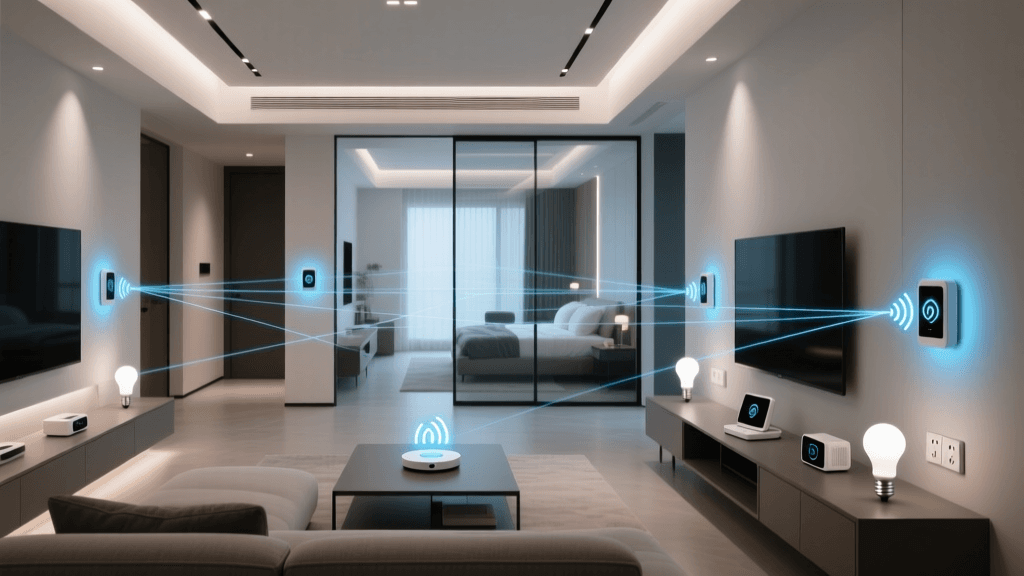
The modern smart home is rarely a monolith. In most households, the smart device landscape is a fragmented patchwork of competing ecosystems. One family member might swear by the privacy and polish of Apple HomeKit, another relies on the ubiquitous voice recognition of Amazon Alexa, while a third prefers the deep search integration of Google Home. When you add specialized devices from brands like Ring, Roborock, or Philips Hue into the mix, you are often left juggling multiple apps, redundant hubs, and disjointed automation routines.
For DIY installers and advanced homeowners, this fragmentation creates a significant setup and maintenance burden. A motion sensor in the hallway might trigger a HomeKit lighting scene, but fail to announce the alert on the living room Echo Show. Bridging these ecosystems used to require fragile cloud-to-cloud IFTTT applets or expensive, proprietary hub subscriptions. Today, however, the combination of the Matter standard and local bridging solutions like Home Assistant allows you to unify Apple, Amazon, and Google into a single, cohesive, and lightning-fast multi-ecosystem smart home.
Understanding the Foundation: Matter and Thread
Before diving into the configuration, it is crucial to understand the role of Matter. Developed by the Connectivity Standards Alliance (CSA), Matter is an open-source, royalty-free connectivity protocol designed specifically to break down walled gardens. A Matter-certified smart plug or light bulb can be simultaneously commissioned into Apple HomeKit, Amazon Alexa, and Google Home without requiring the manufacturer to build and maintain three separate cloud integrations.
Matter operates over two primary network layers:
- Wi-Fi: Best for high-bandwidth, always-powered devices like smart displays, cameras, and heavy-draw smart plugs.
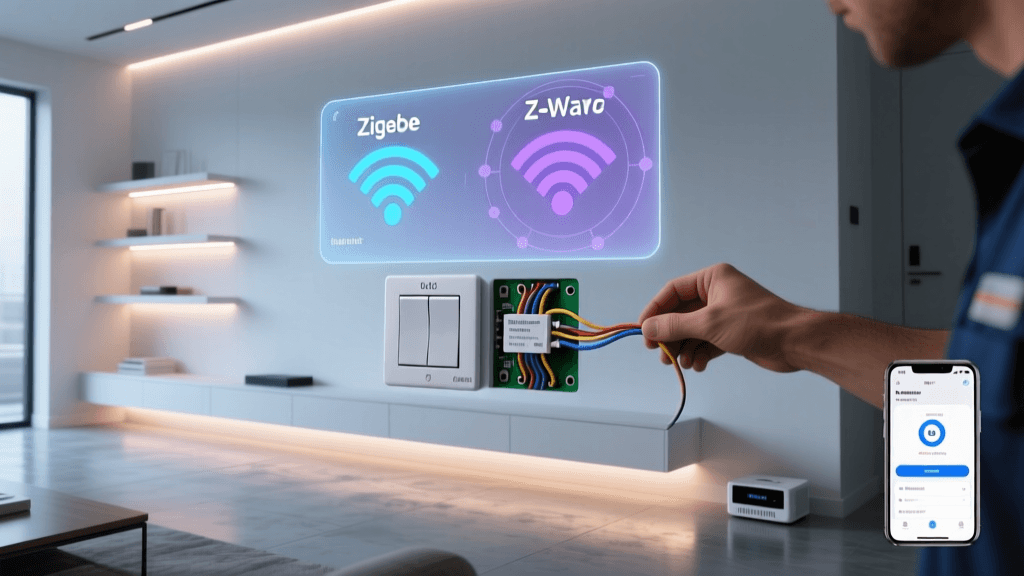
- Thread: A low-power, low-latency mesh networking protocol ideal for battery-operated sensors, smart locks, and light switches.
To leverage Thread in a multi-ecosystem setup, you need a Thread Border Router. Devices like the Apple TV 4K (3rd Gen, Wi-Fi + Ethernet), Nest Hub Pro, and Amazon Echo (4th Gen) act as border routers, translating Thread mesh traffic onto your home's IP network so your Matter controllers can communicate with the end devices.
Network Prerequisites: The Hidden Hero of Integration
The number one point of failure in multi-ecosystem setups is not the software; it is the local network architecture. Ecosystems rely heavily on mDNS (Multicast DNS) and Bonjour to discover devices on the local network. If you have segmented your IoT devices onto a separate VLAN (Virtual Local Area Network) for security purposes, mDNS broadcasts will not cross the subnet boundaries by default. Your iPhone on the main VLAN will simply not see the Home Assistant server or the Matter devices on the IoT VLAN.
Configuring mDNS Reflectors
To solve this, you must configure an mDNS reflector or repeater on your router or firewall. If you use a UniFi Dream Machine or a pfSense box, you can enable the mDNS repeater service. This service intercepts multicast discovery packets on one VLAN and mirrors them to the others, allowing your Apple devices to discover Google and Home Assistant services seamlessly.
Furthermore, ensure that IGMP Snooping is enabled on your managed switches. This prevents multicast traffic (like a cast command to a Chromecast or an AirPlay stream to a HomePod) from flooding every port on your network, which can cause severe latency and dropped connections in a multi-hub environment.
The Hardware Stack for Cross-Platform Setup
To build a truly unified home that leverages the strengths of all three major voice assistants while maintaining local control, you need a strategic hardware stack. Here is the recommended configuration for a robust multi-ecosystem home:
| Device Category | Recommended Hardware | Primary Role | Approx. Cost |
|---|---|---|---|
| Central Controller | Home Assistant Green | Local logic, universal bridging, automation engine | $99 - $129 |
| Apple Bridge / Thread | Apple TV 4K (Ethernet) | Siri processing, HomeKit hub, Thread Border Router | $149 |
| Amazon Bridge / Thread | Echo Show 10 (3rd Gen) | Alexa processing, Zigbee hub, Thread Border Router | $179 |
| Google Bridge / Thread | Google Nest Hub Pro | Google Assistant processing, Thread Border Router | $229 |
| Universal Hub (Alt) | Aeotec Smart Home Hub | Z-Wave, Zigbee, Matter-over-Thread gateway | $139 |
Step-by-Step: Bridging Home Assistant to Apple and Google
While Matter is growing, thousands of legacy and proprietary devices (like Wi-Fi robot vacuums or cloud-only smart blinds) do not support it. To expose these non-Matter devices to Apple HomeKit and Google Home simultaneously, we use Home Assistant as a local bridge. This involves configuring the native Home Assistant Apple HomeKit Integration and the Google Assistant Integration.
Step 1: Expose Devices to Apple HomeKit
Home Assistant can emulate a HomeKit accessory bridge. This tricks your Apple TV and iOS devices into thinking Home Assistant is a native HomeKit hub. You can configure this via the configuration.yaml file to precisely control which entities are exposed, preventing your Home app from being cluttered with hundreds of useless diagnostic sensors.
homekit:
  - filter:
      include_domains:
        - light
        - switch
        - lock
        - climate
      include_entities:
        - cover.garage_door
        - vacuum.roborock_s7
      exclude_entities:
        - light.hallway_sensor_led
    entity_config:
      vacuum.roborock_s7:
        name: 'Main Floor Vacuum'
        type: 'switch' # Exposes vacuum as a switch for basic start/stop in HomeKit
Once you restart Home Assistant, a pairing code will appear in your notifications. Open the Apple Home app, select 'Add Accessory', choose 'More options...', and enter the code. Your unified devices will now appear in Apple HomeKit, controllable via Siri and HomePod.
Step 2: Expose Devices to Google Home
Google requires a slightly different approach, typically utilizing Home Assistant Cloud (Nabu Casa) for the easiest, zero-config local network bypass, or a manual local webhook setup if you prefer a completely free, albeit more complex, route. By linking your Home Assistant instance to your Google account via the Google Home app's 'Works with Google' menu, you can expose your entire local device catalog to Google Assistant. This allows you to use Google Nest displays to control devices that are natively locked to other ecosystems or require local Zigbee hubs.
Visualizing Integration Complexity and Latency
When deciding how to integrate your devices, you must weigh the initial setup complexity against the long-term performance (latency). Cloud-to-cloud integrations are easy to set up but suffer from high latency and internet-dependency. Local bridges require more upfront configuration but offer instantaneous, reliable responses.
Advanced Automation Workflows Across Ecosystems
The true power of a multi-ecosystem setup is revealed in your automation workflows. By centralizing logic in Home Assistant, you can create routines that span hardware boundaries. Consider the following 'Leaving Home' workflow:
- Trigger: An Apple HomeKit geofence event detects the primary user's iPhone leaving the home zone.
- Action 1 (Local Zigbee): Home Assistant turns off all Philips Hue lights connected to the local Hue Bridge.
- Action 2 (Cloud API): Home Assistant sends a command to the Roborock cloud API to start vacuuming the kitchen.
- Action 3 (Audio Feedback): Home Assistant triggers an Amazon Alexa routine via the Alexa Media Player integration, announcing on the Echo Dot: 'The house is secured, and the vacuum has started.'
Pro Tip: When building cross-ecosystem automations, always include state-check conditions. If your network drops and a command fails, a local bridge can retry the action locally without waiting for a cloud timeout, ensuring your smart home remains resilient even when your ISP goes down.
Troubleshooting Multi-Hub Environments
Even with a perfect configuration, multi-ecosystem homes can experience unique issues. Here is how to troubleshoot the most common problems:
State Synchronization Delays
The Issue: You turn on a light using a physical smart switch connected to Home Assistant, but the Apple Home app shows the light as 'Off' for 10 seconds before updating. The Fix: This is usually an mDNS or WebSocket polling issue. Ensure your Home Assistant HomeKit bridge is set to 'Safe Mode' off, and verify that your router is not aggressively dropping idle TCP connections. Increasing the mDNS broadcast interval on your IoT VLAN can also help Apple devices catch state changes faster.
Matter Commissioning Failures
The Issue: A new Matter-over-Thread smart plug refuses to pair with your Apple TV, timing out during the 'Adding to Home' phase. The Fix: Thread networks require a stable mesh. If your Thread Border Routers (e.g., Apple TV and Nest Hub) are on different Wi-Fi networks or subnets, the Thread mesh will fracture. Ensure all Thread Border Routers are connected to the exact same 2.4GHz SSID and IP subnet. Additionally, use a Thread network scanner app on your smartphone to check for channel interference with your primary Wi-Fi network.
Voice Assistant Conflicts
The Issue: Both Alexa and Siri respond when you say a wake word, causing overlapping audio and conflicting automation triggers. The Fix: Spatial awareness is key. Use the microphone mute buttons on smart speakers in shared rooms, or configure 'Voice Match' and 'Personal Requests' settings in the Google and Alexa apps so that only the primary user's devices trigger sensitive automations. For dedicated rooms, assign specific wake words or rely on physical smart buttons (like the Flic 2 or Aeotec WallMote) to bypass voice ambiguity entirely.
Conclusion: The Future is Unified
Setting up a multi-ecosystem smart home requires a solid understanding of local networking, a willingness to configure local bridges, and the right hardware stack. While the initial setup of a Home Assistant server, Thread mesh, and mDNS reflectors may take a weekend of dedicated DIY work, the reward is a home that adapts to the preferences of every occupant. Whether a guest asks Alexa to turn off the lights, or you use your iPhone to unlock the front door via HomeKit, the underlying infrastructure handles the translation instantly, securely, and locally. As Matter continues to mature, the lines between Apple, Amazon, and Google will blur further, but mastering these integration foundations today ensures your smart home is ready for whatever the industry releases tomorrow.