Transforming your living space into a connected, automated haven is an exciting journey, but one of the most common hurdles homeowners face is understanding the true smart home installation cost. Whether you are looking to install a few smart bulbs or completely wire your house for automated blinds, security, and lighting, the financial commitment can vary wildly. Without a proper plan, it is incredibly easy to overspend on incompatible gadgets or underestimate the labor required for hardwired devices.
In this comprehensive guide, we will walk you through the exact steps to audit your home, break down the costs, and choose the right installation route for your budget. By the end of this article, you will have a clear, actionable roadmap to build your dream smart home without breaking the bank.
Project Overview: Time & Difficulty
- Difficulty Level: Easy (Planning & Budgeting) to Medium/Advanced (Physical Installation & Wiring)
- Estimated Time: 2 to 4 hours for planning and budgeting; 1 to 5 days for physical installation depending on the scope of the project.
- Cost Range: $200 for basic DIY setups to $20,000+ for fully integrated, professionally installed luxury systems.
Tools & Products Needed for Cost Planning
Before you buy a single device, you need the right tools to assess your home and plan your budget. Gathering these resources will save you from costly mistakes and return trips to the hardware store.
- Budgeting Spreadsheet or App: To track hardware, software, labor, and ongoing subscription costs.
- Wi-Fi Analyzer App: To identify dead zones in your home that may require a mesh network upgrade.
- Non-Contact Voltage Tester: Essential if you plan to DIY any hardwired smart switches or thermostats to ensure safety and check for neutral wires.
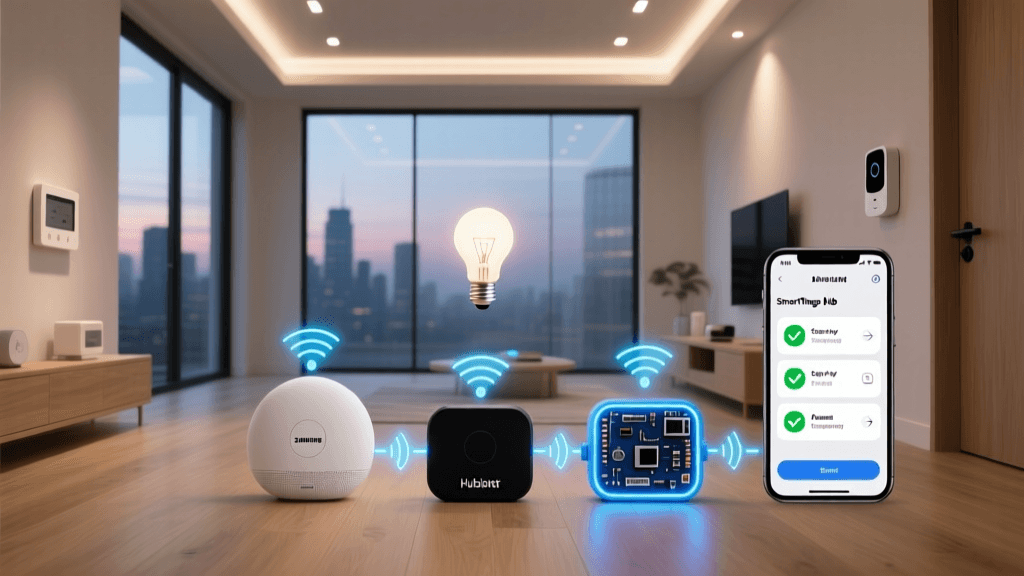
- Smart Home Hub (Optional but Recommended): A central brain like a Home Assistant server or a commercial hub to manage local protocols. Check out our guide on the best smart home hubs to see which fits your ecosystem.
- Measuring Tape: For measuring windows for smart blinds or checking door jamb clearances for smart locks.
Step 1: Audit Your Home & Define Your Smart Goals
The first step in controlling your smart home installation cost is defining exactly what you want to achieve. A common mistake is buying random devices on sale without a cohesive strategy, leading to a fragmented ecosystem that requires expensive workarounds later.
Identify Your Primary Motivations
Are you automating for security, energy efficiency, convenience, or accessibility? Your primary motivation will dictate where the bulk of your budget should go. If security is your main goal, your budget will lean heavily toward smart locks, video doorbells, and outdoor cameras. If energy efficiency is the priority, you will focus on smart thermostats, automated blinds, and smart lighting.
Conduct a Room-by-Room Audit
Walk through your home with a notepad. Note the following for each room:
- Lighting: Do you have neutral wires in your switch boxes? (This determines if you need expensive smart bulbs or can use more affordable smart switches). Learn more in our smart lighting setup guide.
- HVAC: What type of heating and cooling system do you have? High-voltage baseboard heaters require specialized, often pricier, smart thermostats compared to standard low-voltage central air systems.
- Doors & Windows: Measure your deadbolts and window tracks. Not all smart locks fit every door, and custom-sized smart blinds carry a massive premium.
- Network Coverage: Use your Wi-Fi analyzer app to check signal strength in the corners of your home where cameras or sensors will live.
By auditing your physical space, you prevent the costly mistake of buying devices that simply will not fit or function in your specific environment.
Step 2: Break Down the Smart Home Installation Cost
Understanding the tiers of smart home automation is crucial for setting realistic expectations. The smart home installation cost generally falls into three distinct categories based on the level of integration and the quality of the hardware.
Tier 1: Entry-Level DIY Setup ($200 - $800)
This tier is perfect for renters or homeowners just dipping their toes into home automation. It relies heavily on Wi-Fi and Bluetooth devices that plug into existing outlets or run on batteries.
- Smart Speakers & Displays: $50 - $250
- Smart Plugs & Bulbs: $100 - $200
- Video Doorbell & Indoor Cameras: $100 - $250
- Labor: $0 (100% DIY)
Tier 2: Mid-Range Integrated System ($1,500 - $5,000)
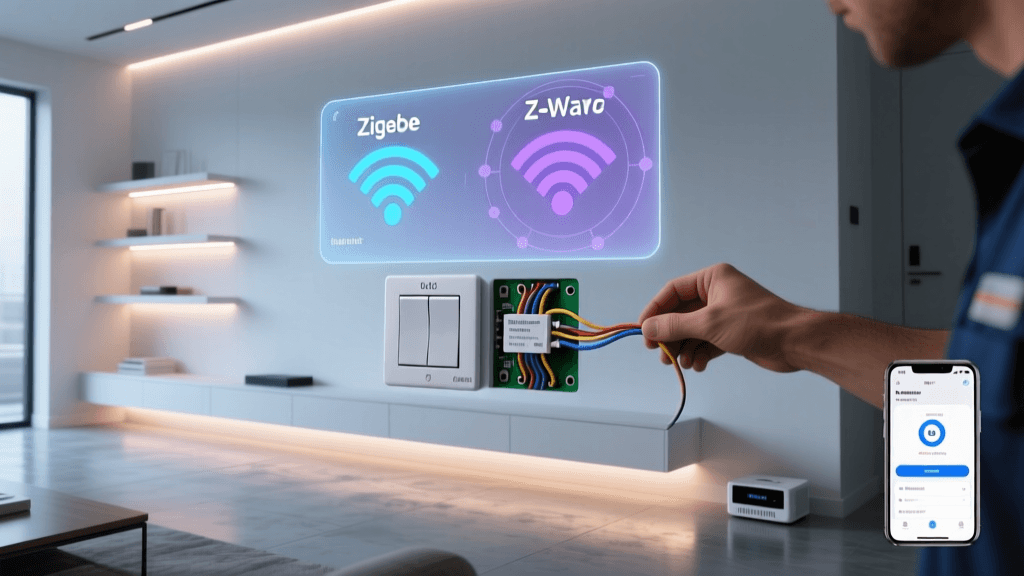
This is the sweet spot for most homeowners. It involves hardwired devices, dedicated smart home hubs, and a mix of local and cloud-controlled protocols like Zigbee & Z-Wave. For a deeper dive into protocols, read our breakdown of Matter vs. Zigbee protocols.
- Smart Switches & Dimmers (Whole Home): $500 - $1,200
- Smart Thermostat & Sensors: $200 - $400
- Smart Locks & Garage Door Controllers: $300 - $600
- Mesh Wi-Fi System Upgrade: $200 - $500
- Labor: $0 (DIY) or $500 - $1,500 (Professional Handyman/Electrician)
Tier 3: High-End Luxury Integration ($10,000 - $50,000+)
Luxury smart homes utilize premium, hardwired ecosystems like Control4, Savant, or Crestron. These systems require professional programming, dedicated equipment racks, and specialized low-voltage wiring.
- Motorized Window Treatments: $500 - $1,000+ per window
- Whole-Home Audio & Video Distribution: $3,000 - $10,000+
- Professional Programming & Labor: $5,000 - $20,000+
Step 3: Choose Your Installation Route (DIY vs. Professional)
The largest variable in your smart home installation cost is labor. Deciding between a Do-It-Yourself approach and hiring a professional integrator will drastically alter your budget and timeline.
The DIY Route: Pros & Cons
Going the DIY route saves you thousands of dollars in labor costs. With the advent of the Matter standard and user-friendly apps, setting up a smart home has never been easier. However, DIY requires a significant investment of your time. You will need to troubleshoot network issues, pair devices manually, and create your own automation routines. Furthermore, any work involving your home's electrical panel or high-voltage wiring should be avoided unless you are a licensed electrician.
The Professional Route: Pros & Cons
Hiring a certified smart home installer or electrician ensures the job is done safely and cleanly. Professionals can run low-voltage wires through walls, install heavy motorized blinds, and configure enterprise-grade networks that never drop a connection. The trade-off is the cost. Professional installers typically charge between $100 and $250 per hour for labor and programming. If you are installing a complex system like a smart irrigation system or a whole-home audio setup, professional help is highly recommended to protect your home's infrastructure.
Pro Tip: A hybrid approach often works best. Hire a licensed electrician to install hardwired smart switches and smart thermostat wiring, then handle the software configuration, smart bulb pairing, and camera setup yourself.
Step 4: Optimize Your Budget & Avoid Hidden Fees
When calculating the smart home installation cost, many buyers only look at the sticker price of the hardware. To keep your budget intact, you must account for the hidden fees and infrastructure upgrades that smart homes demand.
1. The Neutral Wire Dilemma
Most modern smart light switches require a neutral wire to stay powered on 24/7. If your home was built before the 1980s, your switch boxes likely lack this wire. You have two choices: pay an electrician hundreds of dollars to run new neutral wires through your walls, or pivot your budget toward smart bulbs or specialized no-neutral smart switches (which often require expensive bypass capacitors).
2. Network Infrastructure Upgrades
A standard ISP-provided router cannot handle 50+ smart home devices. If you try to connect dozens of Wi-Fi cameras and smart plugs to a basic router, your network will crash. Budgeting $200 to $500 for a high-quality Mesh Wi-Fi system is practically mandatory for a mid-to-large-sized smart home.
3. Subscription Fatigue
Hardware is a one-time cost, but software subscriptions are forever. Devices like Ring doorbells, Arlo cameras, and Nest thermostats often lock essential features like continuous video recording or advanced AI detection behind monthly paywalls. When budgeting, multiply the monthly subscription cost by 12 and add it to your first-year installation cost to get a true picture of your financial commitment.
4. Battery & Maintenance Costs
Wireless sensors, smart locks, and motorized blinds rely on batteries. High-quality lithium batteries are not cheap. Factor in an annual maintenance budget of $50 to $150 just to keep your wireless devices powered and functioning correctly.
Troubleshooting Common Budget & Installation Roadblocks
Even with meticulous planning, you may encounter roadblocks that threaten to derail your budget. Here is how to troubleshoot the most common smart home installation issues.
Roadblock 1: Severe Budget Overruns
The Problem: You started with a $1,000 budget, but after realizing you need a mesh network, new neutral wires, and a smart hub, your projected cost has doubled.
The Solution: Adopt a phased installation approach. Start with high-impact, low-cost areas like the living room and front door. Use the best smart locks and a video doorbell for immediate security and convenience. Wait for major holiday sales events to purchase expensive hardware like smart blinds and whole-home audio systems, spreading the cost over several months or years.
Roadblock 2: Incompatible Device Ecosystems
The Problem: You bought a mix of devices that refuse to talk to each other, forcing you to buy expensive bridging hardware or multiple hubs.
The Solution: Standardize your protocol early. Decide if you are an Apple HomeKit, Amazon Alexa, or Google Home household, and buy devices that natively support your chosen platform. Whenever possible, prioritize devices that support the new Matter standard, which guarantees cross-platform compatibility and future-proofs your investment.
Roadblock 3: Wi-Fi Dead Zones & Interference
The Problem: Your outdoor security cameras and garage door sensors keep dropping offline because they are too far from the router.
The Solution: Do not rely on standard Wi-Fi for perimeter devices. Instead, invest in a Z-Wave or Zigbee mesh network. These protocols create their own low-power mesh, where every hardwired device (like a smart plug or switch) acts as a repeater, extending the range to your outdoor devices without clogging up your main Wi-Fi bandwidth.
Frequently Asked Questions
Is a smart home worth the investment?
Yes, for most people, a smart home is worth the investment, provided you focus on devices that solve actual problems. Smart thermostats pay for themselves through energy savings, while smart locks and video doorbells provide invaluable peace of mind. However, buying gadgets just for the novelty factor often leads to buyer's remorse. Focus on automation that saves you time, enhances security, or reduces your utility bills.
How much does a professional smart home installer charge?
Professional smart home integrators typically charge between $100 and $250 per hour for labor, programming, and system design. For a standard mid-sized home requiring hardwired switches, a smart thermostat, and network configuration, you can expect to pay between $1,500 and $4,000 in labor costs alone. Luxury systems requiring custom control panels and whole-home audio can easily exceed $10,000 in professional fees.
Do smart homes increase property value?
Smart homes can increase property value and make your home more attractive to buyers, but only if the system is integrated cleanly and uses widely accepted, user-friendly platforms. Hardwired smart lighting, built-in smart thermostats, and integrated security systems are viewed as premium upgrades. However, leaving behind a fragmented mess of battery-operated gadgets and proprietary hubs can actually deter buyers who do not want to deal with the technical headache.
What are the ongoing monthly costs of a smart home?
The ongoing monthly costs depend entirely on your device choices. If you prioritize local-control devices (like Zigbee switches and a local Home Assistant hub), your monthly cost is practically zero. If you rely heavily on cloud-based security cameras and smart doorbells, expect to pay anywhere from $5 to $30+ per month in subscription fees for cloud storage and advanced AI features.
Can I take my smart home devices with me if I move?
You can take most plug-and-play devices with you, including smart speakers, cameras, smart plugs, and battery-operated sensors. However, hardwired devices like smart light switches, smart thermostats, and hardwired video doorbells are generally considered fixtures and should stay with the home. If you are renting or plan to move soon, focus your budget on non-destructive, plug-in devices and smart bulbs rather than hardwired infrastructure.
Planning your smart home installation cost does not have to be overwhelming. By auditing your space, understanding the hidden infrastructure requirements, and choosing the right mix of DIY and professional labor, you can build a seamless, automated home that fits perfectly within your budget. Ready to start your first project? Check out our step-by-step guide to smart thermostat installation to tackle one of the most cost-effective upgrades you can make today.