Introduction to UK Smart Home Installation
Transforming your house into a connected, intelligent home is one of the most rewarding DIY projects you can undertake. However, smart home installation in the UK comes with its own unique set of challenges. From older housing stock with thick brick walls that block Wi-Fi signals, to standard UK electrical wiring that often lacks neutral wires at the switch, setting up a smart home in Britain requires specific knowledge and careful planning.
Whether you are upgrading a Victorian terrace, a modern new-build, or a rented flat, this comprehensive guide will walk you through the entire process. We will cover everything from choosing the right ecosystem to navigating UK-specific heating systems and privacy laws.
Difficulty Level: Intermediate
Estimated Time: 1 to 3 Days (depending on the scale of your project)
Tools & Products Needed
Before you begin ripping up floorboards or swapping out light switches, gather the essential tools and hardware required for a UK smart home setup:
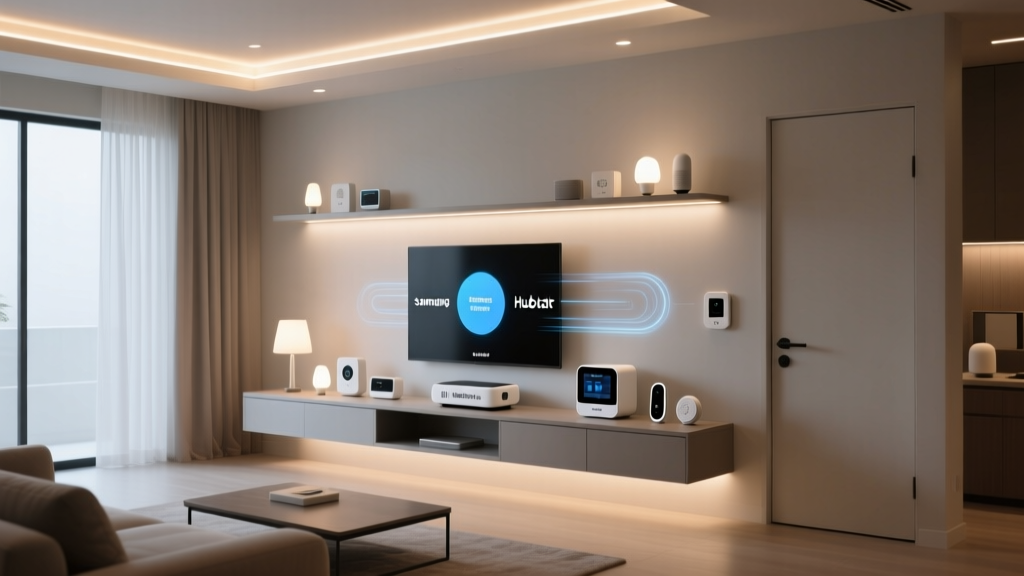
- Smart Hub / Bridge: The brain of your operation (e.g., Home Assistant, SmartThings, or an ecosystem-specific hub like Hue Bridge).
- Mesh Wi-Fi System: Essential for penetrating thick UK brick and plaster walls.
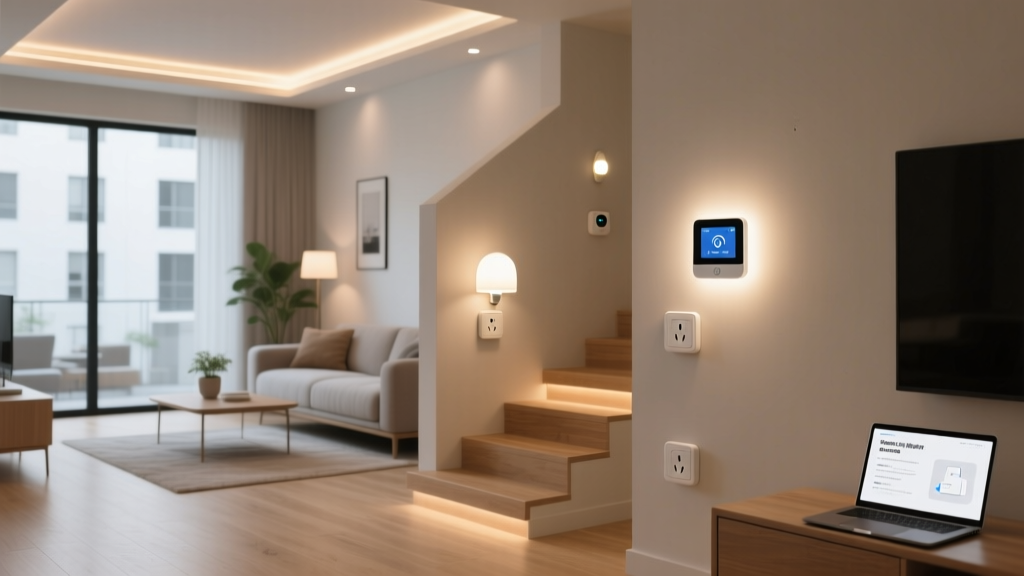
- Smart Plugs (UK 3-Pin BS 1363): For monitoring energy usage and controlling dumb appliances.
- Smart Lighting: Smart bulbs or neutral-wire-free smart switches.
- Smart Thermostat: Compatible with UK combi-boilers or system boilers (e.g., Hive, Tado, Nest, Drayton Wiser).
- Electrical Tools: Insulated screwdrivers, a non-contact voltage tester, and wire strippers.
- Smartphone / Tablet: For downloading companion apps and running initial device provisioning.
For a deeper dive into the best hardware available, check out our best smart lighting reviews and our guide to choosing the right smart ecosystem.
Step 1: Planning Your UK Smart Home Ecosystem
The first step in any smart home installation is deciding which ecosystem will control your devices. In the UK, the market is dominated by a few major players, alongside the emerging Matter standard.
Choosing Your Platform
Amazon Alexa & Google Home: These are the most popular choices in the UK due to their wide compatibility with local brands like Hive, Ring, and Tado. They offer excellent voice control and robust routines.
Apple HomeKit: Ideal for iPhone users who prioritise privacy and seamless integration. However, HomeKit-compatible hardware can sometimes be more expensive and slightly less varied in the UK market.
Matter: The new industry standard designed to make devices work together regardless of brand. When buying new devices, look for the Matter logo to ensure future-proofing.
Assessing Your Property
UK homes vary wildly in construction. A modern drywall partition will easily pass Wi-Fi and Zigbee signals, whereas a 19th-century stone cottage will act as a Faraday cage. Map out your home and identify where you will need signal repeaters or hardwired connections. If you are renting, focus on plug-and-play devices like smart bulbs, smart plugs, and wireless sensors that do not require permanent alterations to the property.
Step 2: Upgrading Your Network Infrastructure
The backbone of any smart home is its network. Most UK internet service providers (like BT, Sky, Virgin Media, and TalkTalk) supply a standard router that struggles to cover an entire home, especially if it is spread over three floors or features solid brick walls.
Deploying a Mesh Wi-Fi System
Invest in a tri-band Mesh Wi-Fi system (such as Eero, Netgear Orbi, or TP-Link Deco). Place the primary node near your master socket, and distribute the satellite nodes across your home to eliminate dead zones. This ensures that your smart plugs, cameras, and hubs maintain a stable connection.
Managing 2.4GHz vs 5GHz Bands
Most smart home devices (especially budget-friendly smart plugs and bulbs) only connect to the 2.4GHz Wi-Fi band because it offers better range and wall penetration. However, many UK ISPs combine the 2.4GHz and 5GHz bands into a single network name (SSID). This often causes smart devices to fail during setup. You may need to log into your router settings and temporarily disable the 5GHz band, or create a dedicated 'IoT' guest network specifically for your smart home devices.
Step 3: Installing Smart Lighting & Heating
Lighting and heating account for the vast majority of a UK home's energy consumption. Automating these systems not only adds convenience but can significantly reduce your utility bills.
Smart Lighting: The Neutral Wire Challenge
In the UK, standard lighting circuits are typically wired with a 'loop-in' at the ceiling rose, meaning the wall switch only has a live wire and a switched live wire, but no neutral wire. Most traditional smart switches require a neutral wire to stay powered on.
The Solutions:
- Smart Bulbs: Use Philips Hue or WiZ bulbs. They bypass the wall switch issue entirely, though you must ensure the physical wall switch is always left 'on'.
- No-Neutral Smart Switches: Brands like Lightwave, Shelly, and Aurora AOne offer smart switches and relays specifically designed to work without a neutral wire by trickling a small amount of current through the bulb.
Smart Heating: Taming the UK Combi-Boiler
Unlike the US, which largely relies on forced-air HVAC systems, the UK predominantly uses wet radiator systems powered by gas combi-boilers or system boilers. When installing a smart thermostat (like Hive, Nest, Tado, or Drayton Wiser), you must ensure it is compatible with your specific boiler.
Most modern smart thermostats connect to your boiler via a wireless receiver wired into the boiler's 'OpenTherm' or standard switching terminals. For a detailed walkthrough on wiring these safely, refer to our smart thermostat installation guide. Always remember to turn off the mains electricity at the consumer unit before touching any boiler wiring.
Step 4: Setting Up Security & Access Control
Securing your home is a top priority, but UK doors and privacy laws require specific considerations.
Smart Locks & UK Doors
Many UK front doors are made of UPVC or composite materials and utilise multipoint locking systems with Euro-cylinder barrels. Standard US-style deadbolt smart locks will not fit. Instead, look for smart locks designed for Euro-cylinders (like the Yale Linus, Ultion Smart Lock, or Nuki). These attach to the inside of your door and turn the existing thumb-turn cylinder without requiring you to drill through the door itself.
Video Doorbells & UK Privacy Laws
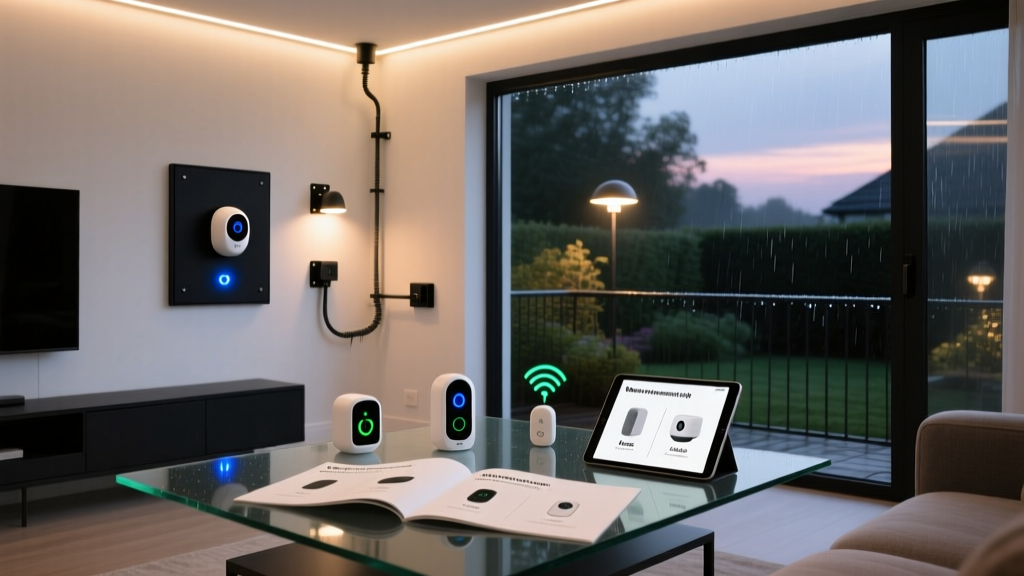
Video doorbells from Ring, Nest, and Arlo are incredibly popular. However, you must be mindful of the UK's Data Protection Act and GDPR guidelines enforced by the Information Commissioner's Office (ICO). If your camera captures footage of your neighbour's private garden or the public pavement, you are considered a data controller. To stay compliant, use the privacy masking features in your camera's app to black out areas outside your property boundary, and ensure you have clear signage indicating that CCTV is in operation.
Step 5: Automating & Integrating Your Devices
Once your hardware is installed and connected to your network, the real magic begins: automation. A true smart home anticipates your needs without requiring manual input.
Creating UK-Specific Routines
Because the UK experiences drastic shifts in daylight hours between summer and winter, lighting automations should be tied to local sunset times rather than fixed clocks. Set your smart bulbs to gradually turn on as the sun sets, and your heating to drop to an eco-temperature when the last person leaves the house (using geofencing via your smartphone).
For advanced users, platforms like Home Assistant allow you to pull in local UK weather data and energy tariff rates (like Octopus Energy's Agile tariff) to run your dishwasher or charge your EV only when electricity prices are at their lowest. Explore more smart home automation ideas to get the most out of your setup.
Troubleshooting Common Installation Issues
Even the most carefully planned smart home installations can hit snags. Here is how to resolve the most common UK-specific issues:
- Device Refuses to Connect to Wi-Fi: This is almost always a 2.4GHz vs 5GHz issue. Temporarily disable your 5GHz band in your router settings, connect the device, and then re-enable the 5GHz band. Alternatively, use a secondary smartphone to create a 2.4GHz mobile hotspot, connect the smart device to it, and then switch it back to your home network.
- Smart Switch Flickering or Buzzing: If you installed a no-neutral smart switch and your LED bulbs are flickering, the switch is likely struggling to draw enough standby power. Install the bypass capacitor (usually included in the box) across the live and neutral wires at the ceiling rose to stabilise the circuit.
- Smart Thermostat Not Firing the Boiler: If your heating app shows 'on' but the radiators remain cold, check the wiring centre. Ensure the smart thermostat's receiver is correctly wired to the boiler's 'Call for Heat' terminals and that the OpenTherm bridge (if used) is compatible with your specific boiler manufacturer.
- Zigbee / Thread Mesh Dropouts: If devices far from the hub keep going offline, remember that Zigbee and Thread rely on mains-powered devices to act as routers. Plug in a few smart plugs around the house to extend the mesh network through thick walls.
Frequently Asked Questions
Do I need a neutral wire for UK smart switches?
In most UK homes built before the late 1990s, the lighting circuit does not include a neutral wire at the wall switch. Traditional smart switches require a neutral wire to power their internal Wi-Fi or Zigbee radios. If you do not have a neutral wire, you must either use smart bulbs, install a smart relay at the ceiling rose (where the neutral wire is present), or purchase specialised 'no-neutral' smart switches that use a bypass capacitor to complete the circuit.
Are smart thermostats compatible with all UK combi-boilers?
Most modern smart thermostats (like Hive, Nest, and Tado) are compatible with the vast majority of UK combi-boilers, system boilers, and regular boilers. They typically connect via a wireless receiver wired into the boiler's switching terminals. However, if you have an older, non-OpenTherm compatible boiler, you may only get basic on/off control rather than advanced load-compensating modulation. Always check the manufacturer's compatibility checker tool before purchasing.
What are the UK privacy laws regarding smart doorbells and CCTV?
Under UK law, if your smart doorbell or security camera captures images or audio outside the boundary of your private domestic property (such as a neighbour's garden, the street, or a shared communal hallway), you are subject to the UK GDPR and the Data Protection Act 2018. You must use privacy zones to block out these areas, display clear signage that recording is taking place, and be prepared to delete footage if a neighbour submits a Subject Access Request.
Can I install smart home devices in a rented UK property?
Yes, but you must avoid making permanent alterations. Focus on 'plug and play' devices. Use smart bulbs instead of replacing wall switches, use smart plugs for lamps and appliances, and opt for smart locks that simply replace the interior thumb-turn of a Euro-cylinder without drilling the door. For smart thermostats, you will need your landlord's permission, as installation requires wiring changes to the boiler and potentially drilling holes for wall-mounted sensors.
Will my smart home devices still work if the internet goes down?
This depends on the protocol your devices use. Cloud-dependent Wi-Fi devices (like many budget smart plugs and cameras) will lose remote access and automation capabilities if your broadband drops. However, local protocols like Zigbee, Z-Wave, and Matter (via Thread) will continue to function locally. Physical switches will still control smart bulbs, and local hub-based automations will continue to run even without an active internet connection.