The Hidden Dangers Behind Your Smart Home Dreams
Upgrading to a smart home is one of the most rewarding DIY projects a homeowner can undertake. From installing automated Lutron Caseta lighting to setting up a comprehensive Ubiquiti UniFi security camera network, the promise of convenience and energy efficiency is undeniable. However, the transition from a traditional analog home to a digitally integrated smart home places entirely new demands on your electrical system. What worked perfectly for simple incandescent bulbs and basic toggle switches for the last forty years may suddenly become a severe fire hazard or a bottleneck for your modern technology.
Many enthusiastic DIYers quickly discover that peeling back a switch plate or opening a junction box reveals a Pandora's box of outdated, degraded, or improperly installed wiring. While swapping out a standard light switch for a smart Z-Wave or Wi-Fi enabled dimmer seems straightforward, the underlying electrical infrastructure must be capable of handling continuous standby loads, neutral wire requirements, and strict modern grounding codes. Ignoring these foundational issues doesn't just result in malfunctioning smart devices; it risks catastrophic electrical fires, voided home insurance policies, and severe injury.
This comprehensive guide will help you identify the exact threshold where your DIY smart home installation must pause and a licensed electrical professional must be called in. We will explore the technical limitations of older wiring, the specific power requirements of modern smart home hubs, and the legal and safety implications of unpermitted electrical work.
The Neutral Wire Dilemma in Smart Switches
The most common roadblock for smart home DIYers is the absence of a neutral wire in older switch boxes. Traditional single-pole switches only require a line (hot) wire and a load wire to complete the circuit. The neutral wire, which completes the circuit back to the panel, is typically bundled together in the back of the wall box and never connected to the manual switch itself.
Smart switches, however, are essentially small computers. They contain Wi-Fi, Zigbee, or Z-Wave radios that must remain powered 24/7 to listen for voice commands or app triggers. To maintain this continuous standby power (usually between 1 to 3 watts), the smart switch requires a constant connection to both the hot wire and the neutral wire. If your home was built before the mid-1980s, there is a high probability that your switch boxes do not contain a neutral wire.
The Danger of Bootlegging a Neutral
Some poorly informed online tutorials suggest using the bare copper or green ground wire as a substitute for a neutral wire. Never do this. The ground wire is a critical safety mechanism designed to carry fault current safely to the earth in the event of a short circuit. By passing continuous operational current through the ground wire, you energize the grounding system of your home. This means every metal appliance casing, plumbing fixture, and outlet cover in your home could potentially carry a lethal voltage. If you open a switch box and only see black (hot), white (load), and bare/green (ground) wires, you must either hire an electrician to pull a new neutral wire from the nearest junction box or pivot to a no-neutral smart switch solution.
5 Critical Red Flags That Require a Licensed Electrician
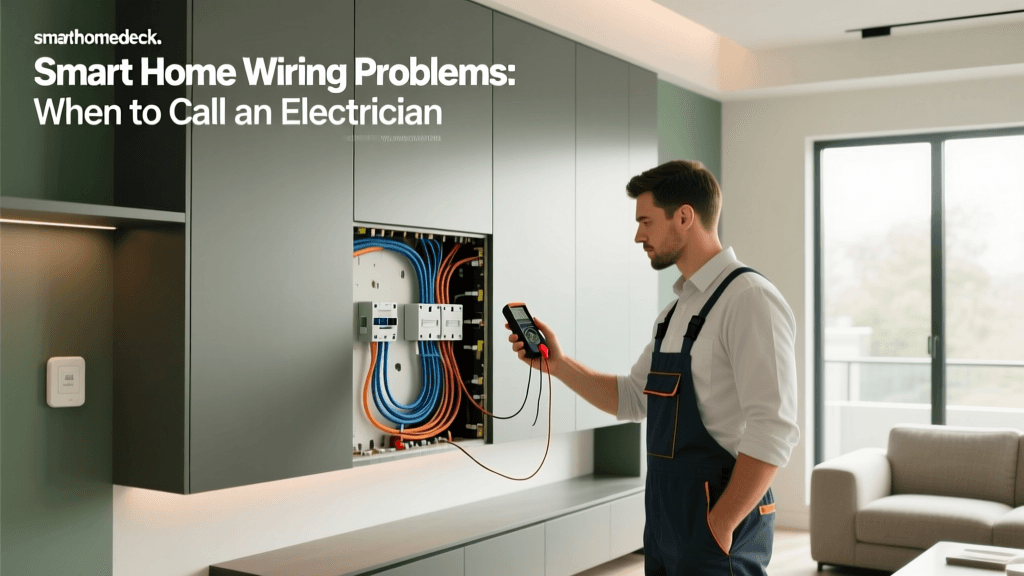
While replacing an outlet or swapping a like-for-like switch is generally safe for experienced DIYers, encountering any of the following five red flags means you must immediately stop work and contact a licensed electrician.
1. Aluminum Branch Wiring (Pre-1970s Homes)
During the copper shortage of the 1960s and early 1970s, many homes were wired with solid aluminum branch circuit wiring. Aluminum expands and contracts at a different rate than copper and brass when heated. Over time, this thermal cycling causes connections at switches and outlets to loosen, creating high-resistance arcing that is a leading cause of hidden wall fires. Modern smart switches draw continuous current, generating constant low-level heat that accelerates this degradation. If you see silver-colored wire beneath the insulation, do not connect modern smart devices without an electrician installing COPALUM crimps or AlumiConn lug connectors to safely pigtail the aluminum to copper.
2. Knob and Tube or Ungrounded 2-Prong Systems
Homes built before the 1950s may still have active knob and tube wiring or ungrounded 2-prong outlets. Smart home devices, particularly those with metal chassis or sensitive microprocessors (like smart home servers, PoE network switches, and high-end smart thermostats), require a clean, grounded electrical path to prevent static buildup and protect against power surges. Attempting to use 3-prong cheater adapters to plug smart hubs into ungrounded circuits leaves your expensive equipment vulnerable to voltage spikes and creates a severe shock hazard.
3. Overloaded Panels and Double-Tapped Breakers
A smart home requires more than just smart bulbs. Dedicated circuits for smart home servers, network racks, PoE camera switches, and EV chargers can quickly overwhelm an older 100-amp electrical panel. If you open your breaker panel and see two wires connected to a single breaker screw (double-tapping) or a panel that is completely full with no room for expansion, you need a professional load calculation and likely a panel upgrade.
4. Frequent Tripping of AFCI/GFCI Breakers
Modern electrical codes require Arc Fault Circuit Interrupters (AFCI) and Ground Fault Circuit Interrupters (GFCI) in most living spaces. Some smart devices, particularly those with large transformers, smart motors (like automated blinds or garage door openers), or poorly shielded LED drivers, can create electrical 'noise' or minor leakage currents that trick sensitive AFCI/GFCI breakers into nuisance tripping. An electrician can diagnose whether the breaker is faulty, the device is defective, or the circuit needs to be reconfigured.
5. Burn Marks, Buzzing, or Warm Switch Plates
If you remove an old switch to install a smart dimmer and notice brown or black scorch marks on the drywall, melted insulation on the wires, or if the old switch plate felt warm to the touch, you have an active arcing or overloading condition. This is an imminent fire hazard. Cap the wires with wire nuts, turn off the breaker, and call an electrician immediately.
Smart Home Power Requirements vs. Standard Wiring
Understanding the electrical draw of your smart home ecosystem is crucial for planning your installation. Unlike traditional homes where power is only drawn when a device is actively 'on', smart homes feature dozens of devices drawing continuous standby power. Below is a breakdown of common smart home categories and their electrical considerations.
| Device Category | Standby Power Draw | Peak Load | Wiring & Circuit Consideration |
|---|---|---|---|
| Smart Switches (Wi-Fi/Z-Wave) | 1 - 3 Watts | 600W (Incandescent) | Requires neutral wire; generates heat in enclosed boxes. |
| Smart Hub / Network Bridge | 5 - 15 Watts | N/A | Needs clean power; highly recommended to use a UPS backup. |
| PoE Security Cameras | 10 - 25 Watts | N/A | Requires Cat6 cabling and a dedicated PoE network switch. |
| Smart Thermostat (HVAC) | 1 - 2 Watts | N/A | Requires 24V C-Wire (Common) for continuous Wi-Fi operation. |
| Motorized Smart Blinds | 10 - 30 Watts | 60W | Needs low voltage transformer or 120V junction box nearby. |
When planning a whole-home automation system, the cumulative standby load of 50+ smart switches, sensors, and cameras can add several hundred watts of continuous draw to your electrical system. While this won't trip a standard 15-amp breaker, it does increase the baseline heat generated inside your wall cavities, making proper wire gauge (14 AWG for 15A circuits, 12 AWG for 20A circuits) and proper wire nut torque absolutely critical.
The True Cost of Professional Electrical Upgrades
Budgeting for a smart home often focuses on the cost of the devices themselves, leaving homeowners blindsided by the cost of necessary electrical remediation. Hiring a licensed electrician ensures the work is permitted, inspected, and covered by your home insurance. Below is a visualization of the average costs associated with common electrical upgrades required for comprehensive smart home integrations.
As illustrated, pulling a single neutral wire to an existing switch box can cost between $200 and $500 depending on wall accessibility and attic/crawlspace clearance. However, if your home requires a full 200-amp panel upgrade to support a smart home server rack, an EV charger, and modern HVAC systems, you are looking at a significant investment of $2,000 to $3,500. According to the U.S. Department of Energy, upgrading your electrical panel and sealing electrical penetrations during a home energy assessment can improve overall home safety and energy efficiency, partially offsetting the initial cost through long-term savings and increased property value.
Code Compliance, Permits, and Home Insurance
One of the most overlooked aspects of DIY smart home wiring is legal and financial liability. The National Electrical Code (NEC) is updated every three years to address new technologies and safety hazards, including specific mandates for AFCI protection in smart home circuits and strict rules regarding low-voltage and high-voltage wire separation in the same junction box.
If you perform unpermitted electrical work—such as running new 14/2 Romex wire to a new smart switch location or hardwiring a smart security camera into an attic junction box—and that work later causes a fire, your home insurance provider can legally deny your claim. The Electrical Safety Foundation International (ESFI) consistently warns homeowners that electrical fires are a leading cause of residential property damage, and unpermitted, uninspected DIY wiring is a massive contributing factor. Always pull the necessary local permits for structural electrical changes; the inspection fee is a tiny fraction of the cost of a denied insurance claim.
Safe DIY Alternatives for Problematic Wiring
If your home's wiring is outdated, or if the cost of hiring an electrician to pull neutral wires exceeds your budget, you do not have to abandon your smart home dreams. The industry has developed several brilliant workarounds that allow you to achieve automation without violating electrical codes or opening your walls.
No-Neutral Smart Switches
Brands like Shelly (with the Shelly 1L or Shelly Plus 1PM) and Lutron (with their Caseta line) offer switches specifically engineered to operate without a neutral wire. These devices use advanced circuitry to trickle a tiny amount of current through the load wire and the light bulb itself to keep their internal radios powered. Note that this often requires installing a small bypass capacitor across the light fixture at the ceiling to prevent LED bulbs from flickering or ghost-glowing when turned off.
Smart Plugs and Smart Bulbs
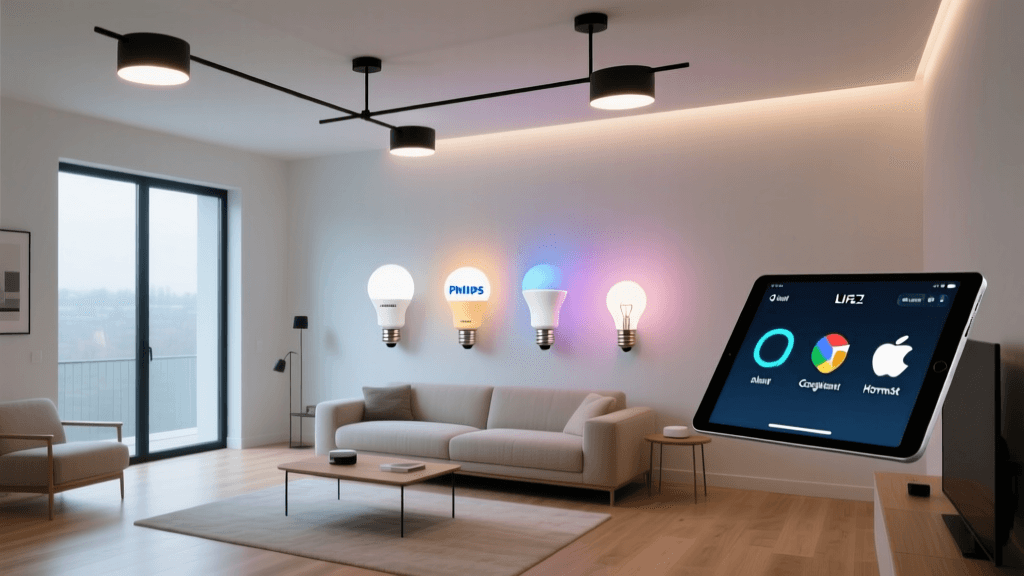
For lamps, fans, and small appliances, bypass the wall switch entirely. Use smart plugs (like the Kasa or Philips Hue Smart Plug) to control the device, and leave the traditional wall switch permanently in the 'on' position. Alternatively, use smart bulbs (Philips Hue, LIFX, Sengled) which handle the wireless communication internally. You can then install a battery-operated, wireless smart switch (like the Hue Dimmer or Lutron Pico remote) over the existing dead wall switch, completely avoiding the need to touch the high-voltage wiring.
Battery and Solar Powered Sensors
Modern Zigbee and Thread protocols are incredibly power-efficient. Motion sensors, door/window contact sensors, and temperature monitors can run for years on a single CR2032 coin cell battery. Place these strategically around your home to trigger automations without ever needing to fish low-voltage or high-voltage wires through your drywall.
Conclusion: Prioritize Safety Over Speed
Building a smart home is a marathon, not a sprint. The temptation to quickly wire up a new smart thermostat or hardwire a video doorbell into an existing porch light circuit is strong, but the risks associated with improper electrical work are far too high. By recognizing the limitations of your home's existing wiring, respecting the demands of modern smart devices, and knowing exactly when to hand the wire strippers over to a licensed professional, you ensure that your smart home is not only intelligent and convenient, but fundamentally safe for you and your family for decades to come.