Introduction to Room-by-Room Smart Home Automation
Transforming your living space into a smart home is no longer a luxury reserved for tech millionaires. Today, the Internet of Things (IoT) offers scalable solutions that fit almost any financial plan. Whether you are renting a small apartment or outfitting a sprawling suburban house, understanding how to allocate your budget room by room is the key to building a cohesive, functional, and future-proof ecosystem. This comprehensive guide breaks down smart home ideas by room and budget, providing actionable advice, specific product recommendations, and technical compatibility details to help you make informed decisions.
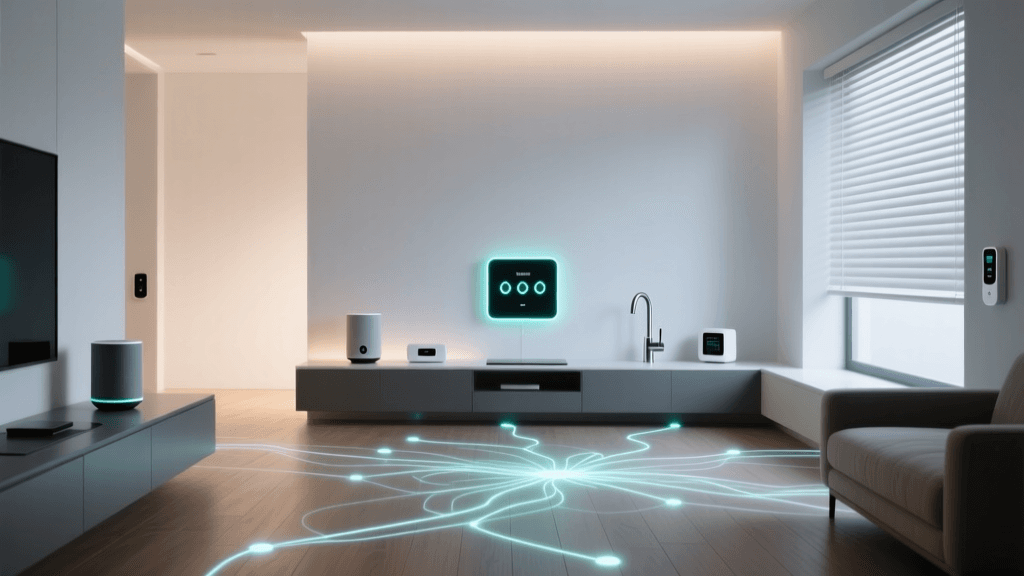
When planning your smart home, it is crucial to think beyond individual gadgets and consider the underlying protocols that allow devices to communicate. Wi-Fi is ubiquitous and great for high-bandwidth devices like cameras and smart displays, but it can congest your network if you have dozens of smart bulbs and plugs. For low-power, high-device-count setups, mesh protocols like Zigbee, Z-Wave, and the emerging Thread standard are superior. The recent introduction of the Matter standard by the CSA IoT Initiative has further simplified this landscape, promising cross-brand compatibility and reducing the friction of mixing different ecosystems.
Understanding Smart Home Budget Tiers
Before diving into specific rooms, we must define the three primary budget tiers used in this guide. These tiers represent the initial hardware investment and do not necessarily include ongoing subscription fees for cloud storage or premium software features.
- Starter Budget (Under $150 per room): Focuses on high-impact, low-cost entry points. This tier relies heavily on Wi-Fi-based smart plugs, budget-friendly smart bulbs, and entry-level voice assistants. It is ideal for renters or those testing the waters of home automation.
- Mid-Range Budget ($150 to $500 per room): Introduces dedicated hubs, advanced sensors, and higher-quality lighting. Devices in this tier often utilize Zigbee or Thread for better reliability and faster response times. This is the sweet spot for most homeowners seeking a balance of cost and premium features.
- Premium Budget ($500+ per room): Encompasses professional-grade installations, hardwired smart switches, motorized architectural shades, and high-end appliances. This tier prioritizes aesthetics, seamless integration, and long-term durability, often requiring professional installation.
The Living Room: Entertainment and Ambiance
The living room is the central hub of most homes, making it the perfect place to start your smart home journey. Automation here focuses on lighting ambiance, entertainment control, and climate management.
Starter Setup: Plugs and Bulbs
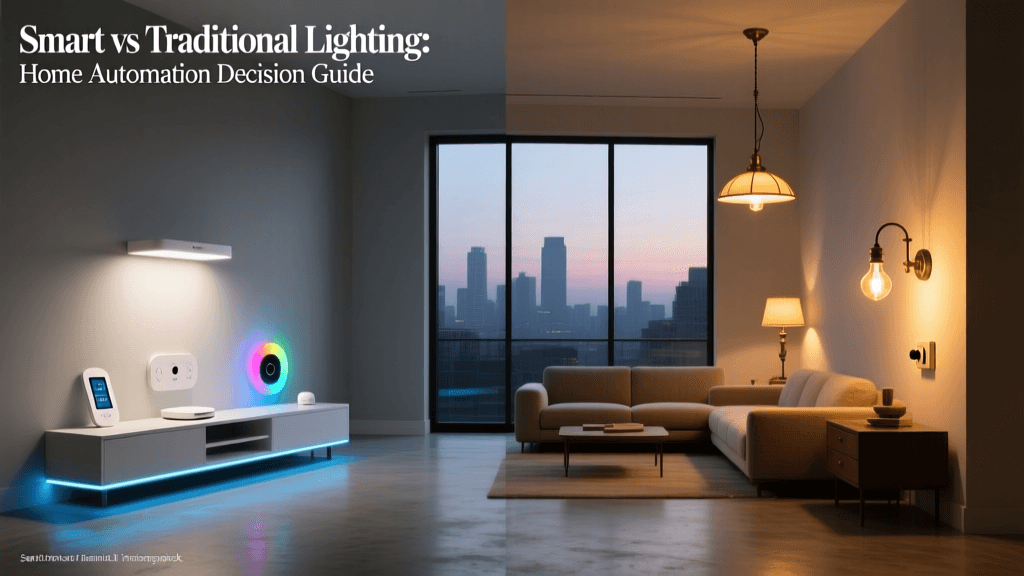
For under $150, you can dramatically change how your living room feels. Start with TP-Link Kasa Smart Plugs (EP25) to automate legacy floor lamps and decorative lighting. These plugs support energy monitoring and connect directly to your 2.4GHz Wi-Fi network without a hub. Pair them with Wyze Bulb Color bulbs for overhead fixtures. Wyze bulbs offer 1,100 lumens of brightness and 16 million colors, allowing you to create 'Movie Night' or 'Reading' scenes via the Wyze app or voice commands through Amazon Alexa and Google Assistant.
Mid-Range Setup: Hubs and Routines
Stepping up to the $150–$500 range allows you to invest in a dedicated lighting ecosystem. The Philips Hue Bridge and Starter Kit (including four White and Color Ambiance bulbs) costs around $200. Hue uses the Zigbee protocol, which keeps your Wi-Fi network free from congestion and ensures instant, reliable lighting responses. Add a Logitech Harmony Hub or a modern equivalent like the SwitchBot IR Remote to unify your TV, soundbar, and streaming stick controls into single-tap smartphone routines.
Premium Setup: Hardwired and Architectural
Premium living rooms demand invisible technology. Replace standard switches with Lutron Caseta Smart Switches. Unlike smart bulbs, smart switches ensure that the physical wall control always works, which is crucial for guests. Pair this with Lutron Serena Motorized Shades, which silently adjust based on the sun's position to reduce glare on your television and protect your furniture from UV damage. This setup easily exceeds $1,000 but offers unparalleled reliability and aesthetic integration.
The Kitchen: Safety and Convenience
Kitchens require a different approach to automation. Here, the focus shifts from ambiance to utility, safety, and hands-free operation, as your hands are often wet or covered in food.
Starter Setup: Displays and Drip Coffee
A smart display is the ultimate kitchen companion. The Amazon Echo Show 5 or Google Nest Hub (both under $100) allows you to follow recipes, set multiple cooking timers via voice, and watch tutorials. Additionally, use a smart plug to automate a basic drip coffee maker with a physical toggle switch, ensuring your morning brew is ready the moment your alarm goes off.
Mid-Range Setup: Leak Detection and Smart Storage
Water damage in the kitchen can be catastrophic. Invest in Moen Smart Water Leak Detectors or Aqara Water Leak Sensors to place under the sink and behind the refrigerator. These sensors can send instant push notifications to your phone if moisture is detected. For convenience, a mid-range budget also accommodates smart refrigerators like the Samsung Family Hub, which features internal cameras so you can check your milk supply from the grocery store via your smartphone.
Premium Setup: Automated Shutoff and Smart Ovens
At the premium tier, safety becomes proactive. The Moen Flo Smart Water Shutoff installs directly on your home's main water line. It learns your water usage patterns and will automatically shut off the water supply if it detects a catastrophic leak or micro-leak, potentially saving you tens of thousands of dollars in water damage. Pair this with a smart wall oven, such as those from the GE Profile line, which allows you to preheat the oven remotely and use integrated food cameras to monitor your roast without losing heat by opening the door.
The Bedroom: Sleep Optimization and Comfort
Bedroom automation should prioritize circadian rhythm support, temperature regulation, and minimizing disruptive blue light before sleep.
Starter Setup: Sunrise Alarms and Wind-Down
Smart lighting can drastically improve your sleep hygiene. Use budget-friendly smart bulbs programmed to gradually shift from cool, energizing daylight (5000K) in the morning to warm, dim candlelight (2200K) in the evening. Combine this with a smart plug connected to a white noise machine or fan, set to turn off automatically once you fall asleep based on a timer or a sleep-tracking app integration.
Mid-Range Setup: Automated Curtains and Air Quality
Waking up to natural light is superior to audio alarms. The SwitchBot Curtain Rod 2 is a retrofit device that attaches to your existing curtain rod and uses a light sensor to automatically open your drapes at sunrise. To ensure optimal sleep conditions, add a smart air purifier like the Levoit Core 400S, which monitors indoor particulate matter (PM2.5) and adjusts its fan speed silently to maintain clean air without disturbing your rest.
Premium Setup: Climate-Controlled Sleep Surfaces
The pinnacle of bedroom tech is the Eight Sleep Pod. This smart mattress cover uses water-based thermoregulation to heat or cool each side of the bed independently, adjusting dynamically throughout the night based on your biometric feedback. It also features gentle thermal alarms that wake you by slightly raising the bed's temperature. Combined with hardwired Lutron Serena Honeycomb Shades for total blackout capabilities, this setup creates a luxury sleep sanctuary.
The Bathroom: Luxury and Moisture Management
Bathrooms present unique challenges due to high humidity and strict electrical codes. Any smart device installed here must have appropriate Ingress Protection (IP) ratings to withstand moisture and splashes.
Starter Setup: Motion-Activated Nightlights
Navigating a dark bathroom at night can be jarring. Install Aqara Motion Sensors paired with low-voltage, water-resistant LED strip lights under the vanity. When the sensor detects movement, it triggers a dim, warm light that provides enough visibility without destroying your night vision or waking your partner.
Mid-Range Setup: Smart Showers and Mirrors
Upgrade your morning routine with a smart shower system like the Kohler Konnect suite, which allows you to preset exact water temperatures and shower durations via voice or app. Pair this with an LED smart mirror that features built-in defoggers, adjustable color rendering index (CRI) lighting for accurate makeup application, and integrated displays for weather and calendar updates.
Premium Setup: Intelligent Fixtures and Radiant Heat
Premium bathrooms feature smart toilets like the Toto Neorest, which offers automated lids, heated seats, warm water cleansing, and UV self-cleaning bowls. Furthermore, integrating smart radiant floor heating thermostats (such as those by Schluter DITRA-HEAT-E) ensures your tile floors are perfectly warmed before you step out of the shower, scheduled automatically based on your morning routine.
Comparing Smart Home Ecosystems by Budget
Choosing the right ecosystem dictates your long-term budget and compatibility. Below is a comparison of the major platforms to help you decide where to anchor your devices.
| Ecosystem | Budget Friendliness | Protocol Support | Best For |
|---|---|---|---|
| Amazon Alexa | High (Frequent sales, vast budget device compatibility) | Wi-Fi, Zigbee (via Echo hubs), Matter | Starter to Mid-Range budgets; Voice-first users |
| Google Home | High (Excellent budget hardware, strong Nest integration) | Wi-Fi, Thread, Matter | Mid-Range budgets; Users heavily invested in Google services |
| Apple HomeKit | Low (Requires premium, certified hardware; higher entry cost) | Wi-Fi, Thread, Matter | Premium budgets; Privacy-focused users in the Apple ecosystem |
| Samsung SmartThings | Medium (Affordable hub, wide third-party support) | Zigbee, Z-Wave, Wi-Fi, Thread, Matter | Mid-Range to Premium; Tinkerers wanting maximum protocol support |
Whole-Home Considerations: Energy and Security
While room-by-room upgrades are exciting, whole-home infrastructure devices often yield the highest return on investment, particularly regarding energy efficiency and data security.
Energy Management and Smart Thermostats
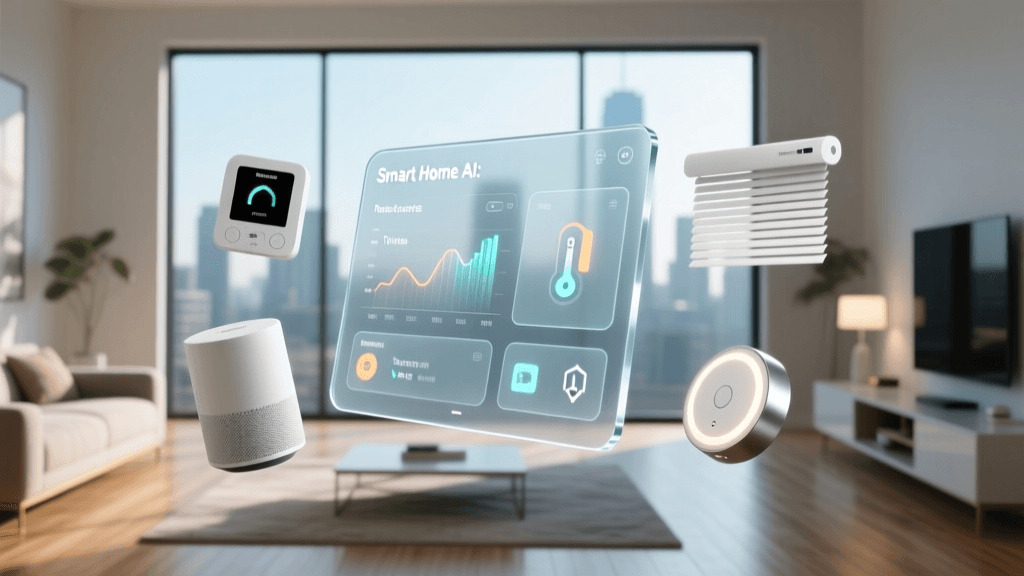
Climate control accounts for nearly half of a typical home's energy usage. Upgrading to a smart thermostat like the Ecobee SmartThermostat Premium or the Google Nest Learning Thermostat is a foundational step. According to the U.S. Department of Energy, properly programming and utilizing smart thermostats can significantly reduce heating and cooling costs by adjusting temperatures when you are asleep or away. These devices use geofencing and occupancy sensors to ensure you are never paying to heat or cool an empty house, effectively paying for themselves within a few years.
Privacy and Network Security
As you add dozens of IoT devices to your home, your network's attack surface expands. It is vital to follow cybersecurity best practices. The National Institute of Standards and Technology (NIST) provides extensive guidelines on IoT security, emphasizing the need for regular firmware updates, strong unique passwords, and network segmentation. For a practical home setup, this means creating a separate 'Guest' or 'IoT' VLAN on your Wi-Fi router specifically for your smart home devices. This ensures that if a budget smart plug is compromised, the attacker cannot pivot to access your personal computers or smartphones.
Conclusion
Building a smart home is a marathon, not a sprint. By breaking down your automation goals room by room and aligning them with a realistic budget tier, you can create a highly functional living space without overspending. Start with the basics in high-traffic areas like the living room and kitchen, prioritize energy-saving whole-home devices, and gradually expand into premium comfort features as your budget and technical confidence grow. Remember to prioritize devices that support open standards like Matter to ensure your smart home remains adaptable and future-proof for years to come.