Beyond the Buzzword: Defining the True Smart Home
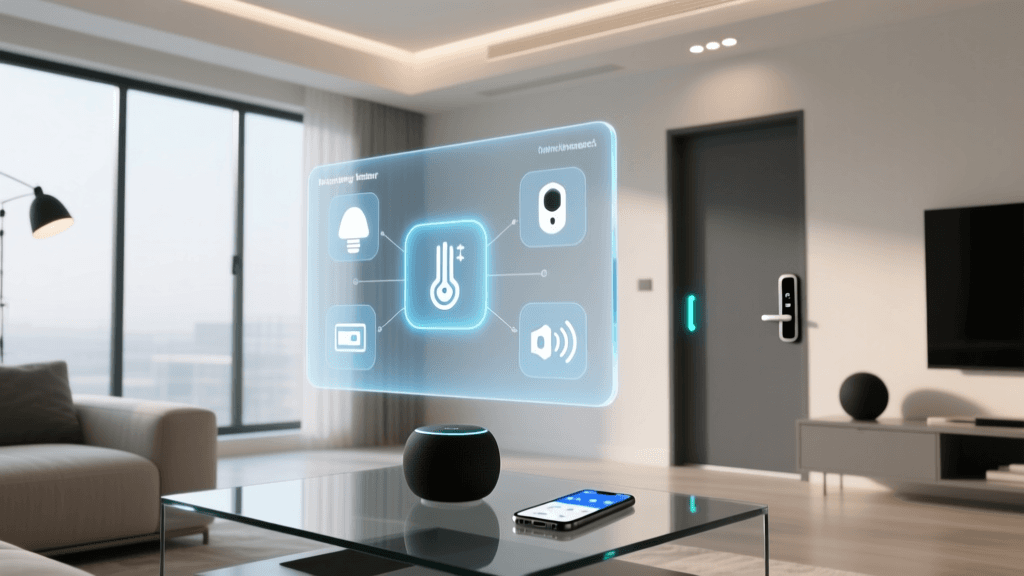
When most people hear the term 'smart home,' they picture a collection of gadgets that can be controlled via a smartphone app. While remote control is a feature, it is merely the surface level of what constitutes a true smart home. At its core, a smart home is an interconnected ecosystem of sensors, controllers, and actuators that work together to automate environments, anticipate user needs, and optimize energy consumption without constant human intervention.
To truly understand the Internet of Things (IoT) in a residential setting, we must look past the marketing jargon and examine the underlying architecture. How do devices communicate? What happens when your internet connection drops? And how do different wireless protocols interact to form a cohesive network? This deep explainer will dissect the anatomy of a modern smart home, providing you with the foundational knowledge needed to build a resilient, secure, and genuinely intelligent living space.
The Core Architecture: Sensors, Controllers, and Actuators
Every smart home automation, no matter how complex, relies on a fundamental three-part loop:
- Sensors (The Eyes and Ears): These devices monitor the environment. Examples include passive infrared (PIR) motion sensors, millimeter-wave presence sensors, temperature/humidity probes, and magnetic contact sensors on doors and windows.
- Controllers (The Brain): The controller receives data from sensors, processes it against predefined logic or AI models, and decides what action to take. This can be a dedicated hub, a cloud server, or a local edge device.
- Actuators (The Muscle): These devices execute the physical action. Smart plugs, motorized blinds, smart thermostats, and motorized water shut-off valves are all actuators.
Tracing the Signal: A Real-World Automation Scenario
To understand how these components interact, let us trace a critical automation: a water leak response system. Imagine a Zigbee-based water leak sensor placed under your kitchen sink.
- Detection: The sensor's probes detect standing water and immediately wake from its low-power sleep state.
- Transmission: The sensor broadcasts a Zigbee signal. Because Zigbee is a mesh network, the signal doesn't necessarily go straight to the hub; it might hop through a nearby smart plug acting as a router.
- Processing: Your local smart home hub receives the signal in milliseconds. It checks the automation logic: 'If leak detected, shut off main water valve.'
- Action: The hub sends a Z-Wave command to a motorized ball valve attached to your home's main water line, physically cutting off the water supply.
- Notification: Simultaneously, the hub routes an alert through your internet router to the cloud, which pushes a notification to your smartphone.
This entire sequence happens locally in under a second, preventing catastrophic water damage even if your external internet connection is down. This highlights the importance of local processing, a concept we will explore further.
The Language of Devices: Wireless Protocols Compared
The biggest hurdle in smart home architecture is interoperability. Devices must speak a common language to communicate. Historically, the market has been fractured across several competing wireless protocols. Below is a comparison of the primary standards used today.
| Protocol | Frequency | Topology | Power Consumption | Best Use Case |
|---|---|---|---|---|
| Wi-Fi (6/6E) | 2.4 / 5 / 6 GHz | Star (Hub/Router) | High | High-bandwidth devices (cameras, displays, smart speakers) |
| Zigbee 3.0 | 2.4 GHz | Mesh | Very Low | Battery-powered sensors, smart bulbs, light switches |
| Z-Wave Plus (800) | Sub-GHz (908 MHz) | Mesh | Low | Door locks, motorized valves, devices needing wall penetration |
| Thread 1.3 | 2.4 GHz | Mesh (IP-based) | Very Low | Next-gen sensors, Matter-compatible end devices |
| Bluetooth LE | 2.4 GHz | Star/Mesh | Low | Proximity triggers, smart locks, initial device provisioning |
Notice that Wi-Fi is generally unsuitable for battery-powered sensors due to its high power draw and network congestion. A robust smart home typically utilizes a hybrid approach: Wi-Fi for high-bandwidth devices, and a low-power mesh protocol (like Zigbee, Z-Wave, or Thread) for sensors and switches.
The Brain of the Operation: Hubs and Edge Computing
The 'hub' is the central nervous system of your smart home. In the early days of IoT, most hubs were merely bridges that forwarded local device signals to the cloud for processing. This introduced severe latency and privacy concerns. Today, the industry is shifting heavily toward Edge Computing—processing data locally on the hub itself.
Popular Local Processing Hubs
- Home Assistant Green ($99 - $129): A plug-and-play local server that runs the open-source Home Assistant OS. It supports virtually every protocol via USB dongles and keeps 100% of your data on your local network.
- Hubitat Elevation ($149 - $199): A powerful local hub with built-in Zigbee and Z-Wave radios. It is renowned for its incredibly fast local automation engine and robust rule machine.
- Apple TV 4K / HomePod Mini ($99 - $299): For users deeply embedded in the Apple ecosystem, these devices act as local HomeKit hubs and Thread Border Routers, processing automations locally on Apple silicon.
Pro Tip: When building your foundation, prioritize a hub that supports local execution. If your internet service provider (ISP) experiences an outage, a cloud-dependent smart home becomes a 'dumb' home. Local hubs ensure your motion-activated lights and security alarms continue to function flawlessly offline.
Charting the Shift Toward Unified Standards
The smart home industry is currently undergoing a massive consolidation phase, moving away from proprietary walled gardens toward open, IP-based standards. The chart below illustrates the shifting landscape of protocol adoption in new residential installations.
The Matter Standard: Unifying the Ecosystem
You cannot discuss modern smart home architecture without addressing Matter. Developed by the Connectivity Standards Alliance (CSA), Matter is not a new wireless radio protocol; rather, it is an application layer that runs on top of existing transport protocols like Wi-Fi, Ethernet, and Thread.
Matter solves the fragmentation problem by providing a universal language for smart home devices. A Matter-certified smart plug can be controlled simultaneously by Apple HomeKit, Amazon Alexa, Google Home, and Samsung SmartThings, without requiring the manufacturer to build separate integrations for each platform. Furthermore, Matter mandates local control over IP networks, drastically reducing latency and reliance on external cloud servers.
For the consumer, this means an end to the 'Works with X' guessing game. When purchasing new devices, looking for the Matter logo ensures a baseline of interoperability, security, and local network compatibility.
Network Infrastructure: The Unsung Hero
A smart home is only as reliable as the network it runs on. With the average connected home now boasting over 20 IoT devices, standard ISP-provided routers often buckle under the strain of managing dozens of simultaneous low-bandwidth connections.
Building a Resilient IoT Network
- Mesh Wi-Fi Systems: Systems like the Eero Pro 6E or TP-Link Deco XE75 provide blanket coverage and act as Thread Border Routers, seamlessly bridging Thread devices to your main IP network.
- Network Segmentation (VLANs): IoT devices are notorious for poor security postures. Advanced users should utilize routers that support Virtual Local Area Networks (VLANs) or dedicated 'IoT Guest Networks.' This isolates your cheap smart bulbs from your primary computers and smartphones, preventing a compromised IoT device from being used as a backdoor into your personal data.
- IGMP Snooping: If you use smart home tech that relies on multicast traffic (like Chromecast or certain local discovery protocols), ensuring your network switch or router supports IGMP Snooping will prevent multicast storms from bringing your network to a crawl.
Privacy and Security in the Connected Home
As we invite more microphones, cameras, and sensors into our private spaces, security becomes paramount. The National Institute of Standards and Technology (NIST) has published extensive guidelines on IoT cybersecurity, emphasizing that security must be built into the device lifecycle, not bolted on as an afterthought.
Consumers must take proactive steps to secure their architecture. The Cybersecurity and Infrastructure Security Agency (CISA) recommends several foundational practices for home users:
- Change Default Credentials: Never leave a hub or camera on its factory default password. Use a password manager to generate complex, unique passwords for every device.
- Automate Firmware Updates: Manufacturers frequently patch vulnerabilities. Enable automatic updates on your hubs, routers, and end devices.
- Audit Cloud Permissions: Regularly review which third-party apps and cloud services have access to your smart home data. Revoke access for integrations you no longer use.
- Disable Unused Features: If your smart TV or hub has a microphone or remote access feature that you do not actively use, disable it in the settings to reduce your attack surface.
Conclusion: Designing for the Future
Building a smart home is not about buying the most expensive gadgets; it is about designing a resilient, interoperable architecture. By understanding the distinct roles of sensors, controllers, and actuators, you can move beyond simple remote control and create automations that genuinely improve your quality of life.
As you expand your system, prioritize local processing hubs to ensure reliability, embrace the Matter standard for future-proof interoperability, and never compromise on network security. A well-architected smart home operates silently in the background, anticipating your needs and protecting your property, proving that the best technology is the kind you rarely have to think about.