What Is a Smart Home? Demystifying the Foundation
A smart home isn’t just voice-controlled lights or a talking speaker—it’s an integrated environment where everyday devices communicate with each other and with you to improve convenience, security, energy efficiency, and accessibility. At its core, a smart home is a network of Internet of Things (IoT) devices that collect data, execute commands, and adapt based on user preferences or environmental conditions.
But for newcomers, the terminology—Matter, Zigbee, Z-Wave, Thread, ecosystem lock-in—can feel overwhelming. This guide cuts through the noise. We’ll define what a smart home truly is, explain how devices talk to one another, clarify the role of hubs and controllers, and help you make your first informed decisions—without assuming prior technical knowledge.
The Smart Home Stack: How It All Fits Together
Think of a smart home as having three essential layers:
- Devices: Physical hardware—smart bulbs (e.g., Philips Hue White and Color Ambiance), smart plugs (e.g., Belkin Wemo Mini), thermostats (e.g., ecobee Sense+), door locks (e.g., Yale Assure Lock 2).
- Communication Protocols: The "languages" devices use to send and receive data—Wi-Fi, Bluetooth, Zigbee, Z-Wave, Matter, Thread.
- Control Layer (Ecosystem): The software platform that unifies devices—Apple HomeKit, Google Home, Amazon Alexa, Samsung SmartThings. This layer provides the app interface, voice control, automations, and security policies.
Crucially, all three layers must align for seamless operation. A device speaking only Zigbee won’t work directly with Apple Home unless bridged via a compatible hub. That’s why understanding protocols and ecosystems is foundational—not optional.
Smart Home Protocols Explained (Without the Jargon)
Protocols determine range, power use, bandwidth, and interoperability. Here’s what matters most to beginners:
Wi-Fi
Pros: High bandwidth, direct internet access, no hub needed for basic control.
Cons: High power draw (unsuitable for battery devices), network congestion, less reliable for large-scale automation.
Best for: Cameras (e.g., Arlo Pro 4), streaming speakers (Sonos One Gen 2), smart displays (Nest Hub (2nd gen)).
Typical cost impact: Adds $10–$30 per device due to Wi-Fi chip complexity and power management.
Zigbee
A low-power, mesh-network protocol operating at 2.4 GHz. Devices relay signals to extend range—no single point of failure.
Range per device: ~30–65 feet indoors; mesh extends coverage significantly.
Power use: Very low—ideal for sensors and battery-powered locks (e.g., Aeotec Door/Window Sensor 7).
Hubs required: Yes—e.g., Samsung SmartThings Hub ($69.99), Echo Hub ($89.99).
Compatibility note: Not natively supported by Apple Home—requires Matter translation or third-party bridge.
Z-Wave
Similar to Zigbee but operates on a sub-GHz frequency (908.42 MHz in US), offering better wall penetration and less interference from Wi-Fi/Bluetooth.
Range per device: ~50–100 feet line-of-sight; mesh extends reliably.
Security: Uses S2 encryption standard since Z-Wave 700 series (2019+ devices like Yale Assure Lock 2).
Hubs required: Yes—e.g., Home Assistant Yellow ($249) or Thing Plus Z-Wave Hub ($129).
Key advantage: Stronger legacy device support and certified interoperability—every Z-Wave device carries a certification seal.
Matter: The Universal Language (Finally)
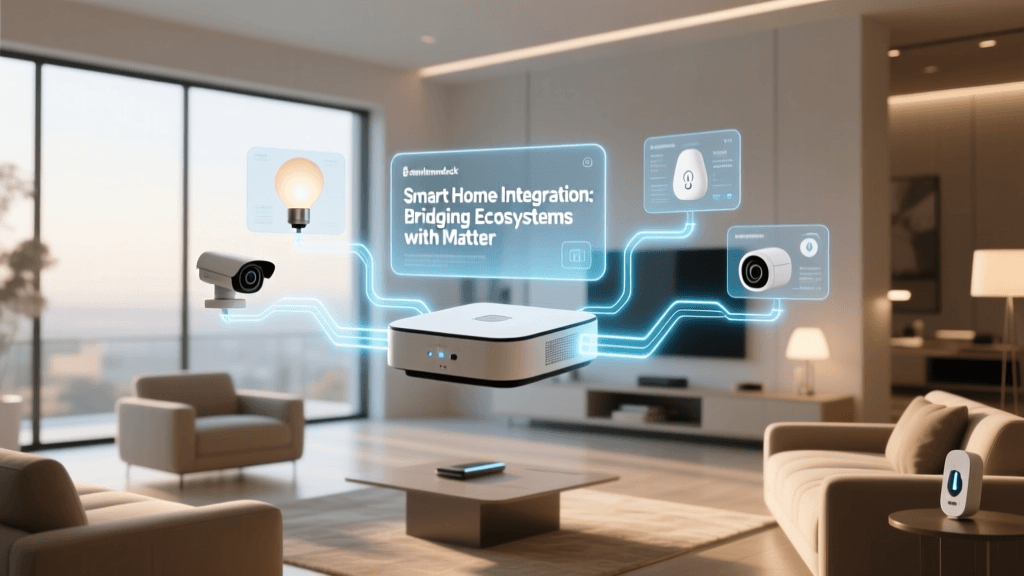
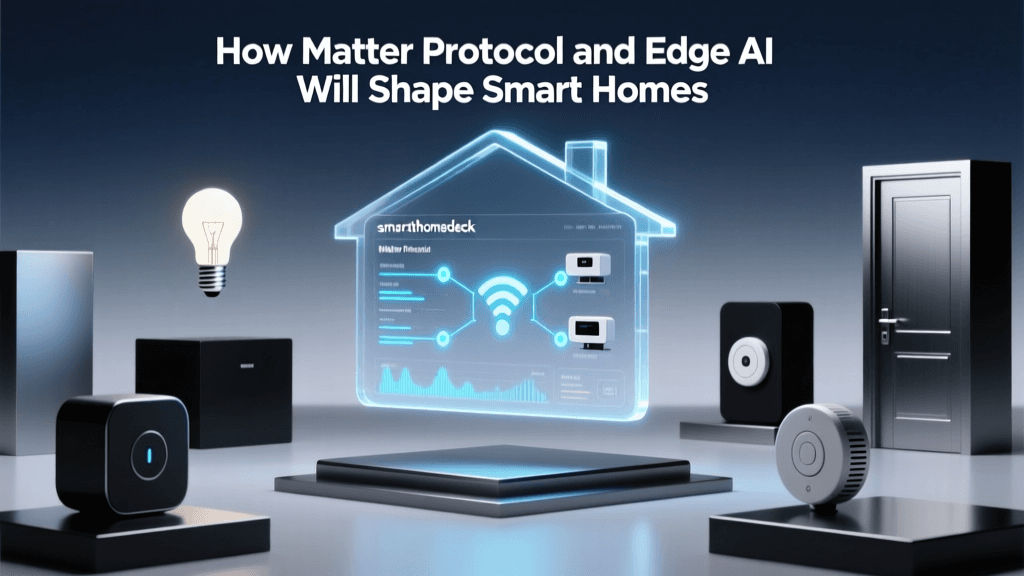
Launched in October 2022 by the Connectivity Standards Alliance (CSA), Matter is a royalty-free, open-source application layer designed to unify smart home devices across ecosystems. It runs over IP-based transports (Wi-Fi, Ethernet, Thread) and enables native cross-platform control—no cloud dependency for local actions.
As of mid-2026, over 400+ Matter-certified products are available—including lighting (Nanoleaf Shapes), thermostats (Ecobee SmartThermostat Premium), and bridges (Aqara M3 Hub). Crucially, Matter 1.3 (released March 2026) added support for energy monitoring and enhanced security key exchange.
What Matter means for you:
- You can buy a Matter lamp and control it via Apple Home, Google Home, or Alexa—no vendor lock-in.
- Setup is simplified: scan a QR code in the device’s packaging to add it to any Matter-compatible controller.
- Local execution = faster, more private, and works even if your internet drops.
Thread: Matter’s Ideal Network Partner
Thread is a low-power, IPv6-based mesh networking protocol built for Matter. Unlike Zigbee or Z-Wave, Thread devices have native IP addresses—making them discoverable and routable like any web server.
Why Thread matters:
- Enables ultra-reliable, self-healing mesh networks (used by Apple Home’s “Thread Border Router” in HomePod mini and Apple TV 4K).
- Supports up to 250+ devices per network with sub-100ms latency.
- Consumes ~1/10th the power of Zigbee—ideal for long-life battery sensors.
Real-world example: The Nanoleaf Lines Matter Edition ($199.99) uses Thread for instant local response and zero cloud dependency. Paired with a Thread border router (e.g., HomePod mini, $99), it delivers near-instantaneous dimming and color changes—no lag, no cloud round-trip.
Ecosystem Showdown: Which Platform Should You Choose?
Your ecosystem choice determines your daily experience—voice assistant quality, automation depth, privacy controls, and long-term upgrade paths. Below is a practical comparison based on 2026 capabilities, pricing, and beginner-friendliness.
| Ecosystem | Core Controller | Matter Support | Key Strengths | Beginner Cost to Start (Basic Setup) | Notable Limitations |
|---|---|---|---|---|---|
| Apple HomeKit | iPhone/iPad + HomePod mini (as Thread border router) | Full support since iOS 16.1 (2022); Matter 1.2+ certified | Best privacy (end-to-end encrypted automations), strongest local processing, seamless iOS/macOS integration | $99 (HomePod mini) + $149 (Philips Hue Bridge + 2 bulbs) = ~$248 | No native voice remote control for TVs; limited third-party camera integrations without HomeKit Secure Video ($9.99/mo) |
| Google Home | Nest Hub (2nd gen) or Nest Wifi Pro | Full Matter 1.2+ support; native Thread border routing | Strong natural-language understanding, best for multi-room audio, robust Routines engine | $99.99 (Nest Hub) + $49.99 (TP-Link Kasa Smart Plug) = ~$150 | Less granular automation logic than Home Assistant; some Matter devices require firmware updates post-purchase |
| Amazon Alexa | Echo Hub (2026) or Echo Dot (5th gen) | Full Matter 1.2+ support; Echo Hub includes built-in Zigbee & Matter hub | Largest device compatibility (including non-Matter legacy gear), strongest smart home skill ecosystem | $89.99 (Echo Hub) + $24.99 (Wyze Bulb) = ~$115 | Cloud-dependent automations by default; fewer local-only options than Apple or Google |
| Home Assistant | Home Assistant Yellow or Raspberry Pi 5 + add-ons | Full Matter controller (via add-on); supports all major protocols natively | Maximum control, zero vendor lock-in, fully local, open-source, highly customizable | $249 (Yellow) + $35 (Z-Wave USB stick) = ~$284 | Steeper learning curve; requires self-maintenance and occasional configuration updates |
Getting Started: Your First 5-Step Action Plan
Don’t buy ten devices on day one. Follow this proven sequence:
- Define 1–2 core goals. Example: “I want to turn off all lights with one voice command before bed” or “I want to know if my front door is unlocked when I’m away.” Focus on outcomes—not gadgets.
- Pick your ecosystem. If you own an iPhone and value privacy: start with Apple Home + HomePod mini. If you use Android and love voice routines: Google Home + Nest Hub. If you already own multiple Echo devices: leverage Alexa + Echo Hub.
- Buy a starter kit with Matter support. Recommended: TP-Link Kasa Smart Plug Mini (Matter-enabled) ($19.99) + Nanoleaf Lines Matter Edition ($199.99). Both work locally, across ecosystems, and require no hub.
- Set up automations using native tools. In Apple Home: create an “Evening Routine” that dims lights and sets thermostat to 68°F. In Google Home: build a “Good Morning” routine that turns on lights, reads weather, and starts coffee maker (if compatible). Avoid third-party apps until you master built-in features.
- Add a sensor next. A $29 Aeotec Door/Window Sensor 7 (Z-Wave, Matter-ready) unlocks presence-based automations—e.g., “If front door opens after sunset, turn on entryway light.”
What About Privacy and Security?
Every connected device is a potential entry point. According to the Cybersecurity and Infrastructure Security Agency (CISA), over 75% of smart home breaches originate from default passwords or unpatched firmware. Protect yourself:
- Change default credentials on every device and router.
- Enable two-factor authentication on your ecosystem account (Apple ID, Google Account, Amazon).
- Prefer local-first devices—those supporting Matter over Thread or HomeKit Secure Video reduce cloud exposure.
- Review permissions monthly: In Apple Home, go to Settings > [Your Name] > Home > People > [Your Name] > Access Level. In Google Home, visit myaccount.google.com/permissions.
The Federal Communications Commission (FCC) also advises segmenting your home network—placing smart devices on a separate guest or IoT VLAN to isolate them from laptops and phones.
What’s Next? Trends Shaping the Smart Home in 2026–2026
Understanding today’s fundamentals prepares you for tomorrow’s evolution. Key developments include:
- AI-Powered Context Awareness: Devices like the ecobee Sense+ now use on-device AI to detect occupancy patterns, air quality anomalies, and even pet movement—without sending video to the cloud.
- Energy Intelligence Integration: Matter 1.3 enables real-time energy monitoring. The Emporia Vue 2 ($129) now delivers circuit-level usage data directly into Apple Home and Home Assistant—helping users cut bills by 10–20% (per NREL 2026 study).
- Self-Healing Networks: New Thread 1.3 routers (e.g., Nordic Semiconductor nRF54L15 SoC) automatically reroute traffic around failed nodes—eliminating “dead zones” in large homes.
Final Recommendation: Start Small, Think Long-Term
Your smart home isn’t a one-time purchase—it’s a living system you’ll evolve over years. Prioritize interoperability (choose Matter-first devices), local control (favor Thread or HomeKit), and privacy-by-design (review permissions, segment networks).
Forget chasing every new gadget. Instead, invest in foundational pieces that grow with you: a Thread border router, a Matter-certified smart plug, and one high-quality sensor. From there, expand deliberately—guided not by marketing, but by real utility.
Matter Certification Growth vs. Legacy Protocol Adoption (2022–2026)
Data source: Connectivity Standards Alliance; Zigbee Alliance Annual Reports; Z-Wave Alliance Public Device Registry (2026 Q1)