The Hidden Cost of Invisible Power Consumption
The modern smart home is often marketed as a hub of convenience, offering automated lighting, voice-controlled assistants, and remote security monitoring. However, one of the most powerful and financially impactful applications of smart home technology lies in energy monitoring and utility bill reduction. As global electricity rates fluctuate and overall residential energy consumption climbs, homeowners are increasingly turning to Internet of Things (IoT) devices to gain granular visibility into their power usage.
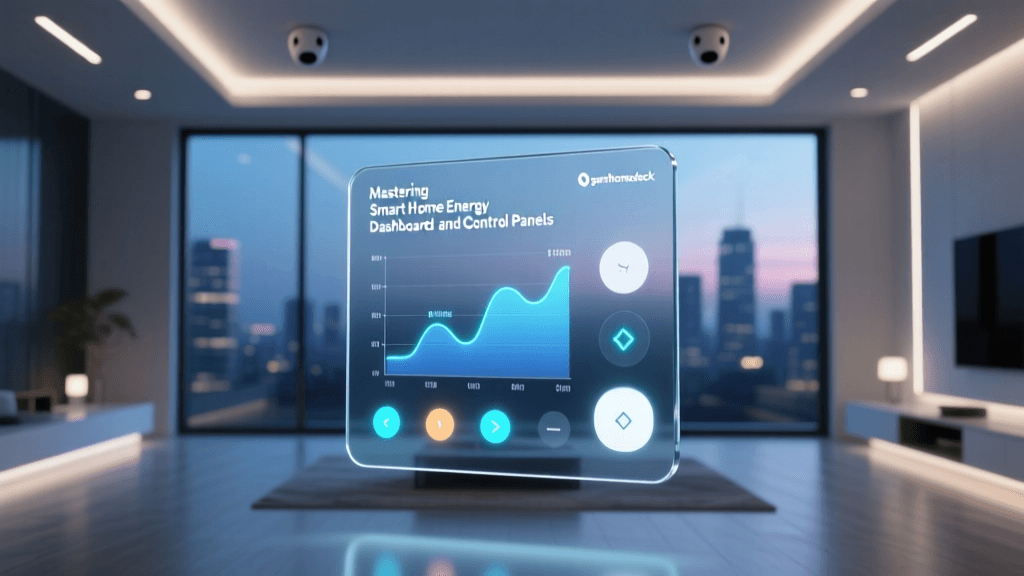
According to the U.S. Energy Information Administration (EIA), the average American household consumes roughly 10,500 kilowatt-hours (kWh) of electricity annually. Without real-time data, this energy usage is essentially a 'black box' until the monthly utility bill arrives. Smart energy monitors change this paradigm by transforming passive electrical consumption into actionable, real-time data, allowing homeowners to identify inefficiencies, eliminate waste, and optimize their usage patterns to align with lower rate structures.
Types of Smart Energy Monitors
To effectively manage your home's energy footprint, it is crucial to understand the different tiers of monitoring hardware available on the market. These devices generally fall into three categories, each serving a distinct purpose in a comprehensive energy management strategy.
1. Smart Plugs with Energy Monitoring
Smart plugs are the most accessible entry point into energy monitoring. Devices like the Kasa EP25 or the Wyze Plug Outdoor sit between your wall outlet and the appliance, measuring the exact voltage, current, and wattage passing through them. They are ideal for tracking individual, high-draw appliances such as space heaters, window air conditioning units, dehumidifiers, and entertainment centers. While they do not provide a whole-home picture, they are invaluable for isolating specific problem areas and automating power cutoffs.
2. Whole-Home Circuit-Level Monitors
For a macro-level view, whole-home energy monitors are installed directly into your electrical breaker panel. Devices such as the Emporia Vue 2 or the Sense Energy Monitor use Current Transformer (CT) clamps to measure the magnetic field around your main electrical wires and individual branch circuits. This allows you to see your home's total real-time consumption, often breaking it down by circuit (e.g., 'Kitchen Outlets,' 'HVAC,' 'Water Heater'). Advanced models use machine learning algorithms to disaggregate the data, identifying specific appliances based on their unique electrical signatures.
3. Smart Thermostats and HVAC Sensors
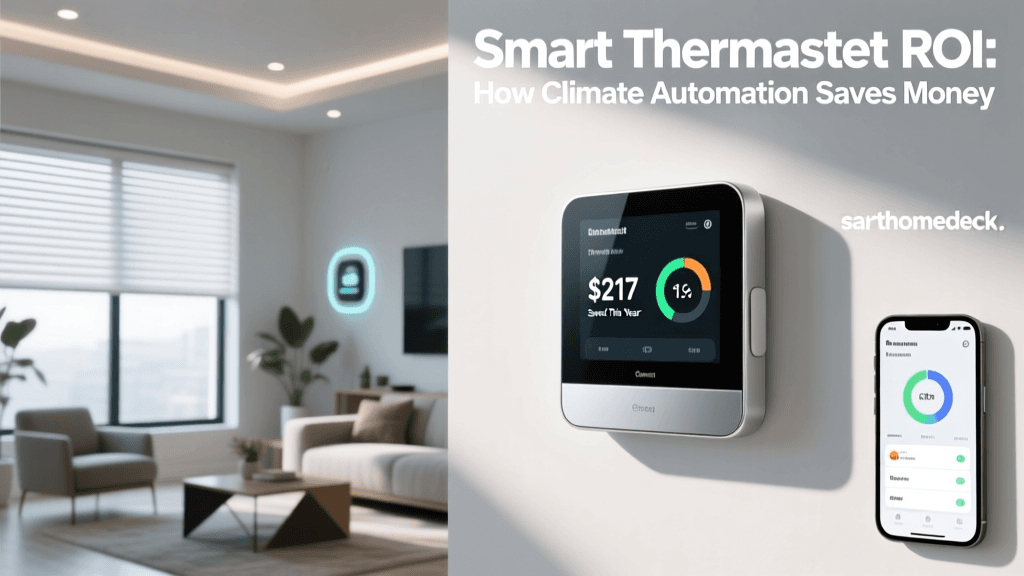
Heating and cooling account for the largest portion of residential energy use. Smart thermostats like the Ecobee SmartThermostat or the Google Nest Learning Thermostat act as specialized energy monitors for your HVAC system. They track runtime, filter usage, and local weather conditions to optimize heating and cooling cycles, ensuring you are not wasting electricity when the house is empty or when outdoor temperatures are mild.
Device Comparison: Choosing the Right Monitor
Selecting the right hardware depends on your budget, technical comfort level, and specific energy goals. Below is a comparison of leading energy monitoring solutions.
| Device | Type | Est. Cost | Accuracy / Granularity | Protocol | Best For |
|---|---|---|---|---|---|
| Emporia Vue 2 | Panel-Level (CT Clamps) | $150 - $200 | High (Main + 8 individual circuits) | Wi-Fi | Detailed circuit tracking & solar integration |
| Sense Energy Monitor | Panel-Level (AI Disaggregation) | $299 | Variable (AI device detection) | Wi-Fi | Users wanting appliance-level AI insights without individual clamps |
| Kasa Smart Plug (EP25) | Device-Level Plug | $15 - $25 | Exact (Per-plug measurement) | Wi-Fi | Isolating vampire loads & automating specific appliances |
| Aeotec Home Energy Meter | Panel-Level (Z-Wave) | $100 - $130 | High (Main + 2 clamps) | Z-Wave | Hub-based ecosystems (Home Assistant, Hubitat) |
How Energy Monitoring Hardware Actually Works
At the core of most whole-home monitors is the Current Transformer (CT) clamp. A CT clamp is a split-core sensor that snaps around an insulated electrical wire. As alternating current (AC) flows through the wire, it generates a fluctuating magnetic field. The CT clamp detects this magnetic field and induces a proportional, safely isolated secondary current, which the monitor's internal microcontroller reads to calculate amperage and wattage.
Modern monitors sample this data thousands of times per second. This high-frequency sampling is what allows AI-driven monitors like Sense to perform 'load disaggregation.' When a refrigerator compressor kicks on, it creates a distinct spike in voltage and current harmonics. The monitor's machine learning model compares this signature against a cloud-based database of known appliances, eventually labeling that specific waveform as 'Refrigerator' in your mobile app.
Actionable Strategies to Slash Your Utility Bills
Merely installing a monitor will not lower your bills; it is the behavioral and automated changes driven by the data that yield financial returns. Here are the most effective strategies for leveraging smart energy data.
Eliminating Vampire Loads and Standby Power
Many modern electronics draw power even when turned off, a phenomenon known as standby power or 'vampire loads.' This includes televisions, gaming consoles, microwaves, and computer peripherals. According to research from the Lawrence Berkeley National Laboratory, standby power can account for 5% to 10% of total residential energy consumption, costing the average household over $100 annually. By using smart plugs with energy monitoring, you can identify which devices are drawing idle power and create automations to cut power to entertainment centers or home office strips during sleeping hours or when everyone leaves the house.
Optimizing for Time-of-Use (TOU) Rates
Many utility companies are transitioning to Time-of-Use (TOU) pricing models, where electricity costs significantly more during peak evening hours (e.g., 4:00 PM to 9:00 PM) and less during off-peak overnight hours. Whole-home monitors integrated with utility API data can alert you when peak pricing begins. More importantly, you can use smart relays and heavy-duty smart plugs to automatically delay high-energy tasks—such as running the dishwasher, charging an Electric Vehicle (EV), or heating a pool—until off-peak rates apply, potentially cutting the cost of those specific tasks in half.
HVAC and Water Heating Automation
Because climate control and water heating dominate the energy profile of a home, optimizing these systems yields the highest ROI. The EPA Energy Star program notes that certified smart thermostats can save users approximately 8% on heating and cooling bills by learning occupancy patterns and adjusting setpoints automatically. Furthermore, if your energy monitor detects that your electric water heater is running during peak TOU hours, you can install a smart heavy-duty contactor to shift water heating to the middle of the night, utilizing the tank's natural insulation to store hot water for morning use.
Calculating the Return on Investment (ROI)
When evaluating the purchase of smart energy hardware, it is essential to calculate the payback period. Consider the Emporia Vue 2, which retails for approximately $150. If the device helps you identify an inefficient, aging chest freezer in the garage drawing 150 watts continuously (costing roughly $15 a month to run), and you replace it with a modern Energy Star unit, the monitor has effectively paid for itself in less than a year. Similarly, shifting an EV charging schedule away from peak TOU rates using a smart panel monitor and automated relay can save a household $30 to $50 per month, resulting in an ROI of just a few months.
Understanding Residential Energy Baselines
To know if your home is efficient, you must understand the baseline. The EIA data indicates that space heating, air conditioning, and water heating collectively account for over 60% of a typical home's electricity and natural gas usage. Lighting, refrigeration, and electronics make up the bulk of the remainder. When you first install a whole-home monitor, establish a 30-day baseline of your usage. Compare your daily kWh consumption against local averages provided by your utility provider. If your baseline is significantly higher than similar homes in your zip code, the circuit-level breakdown provided by your monitor will immediately highlight whether the culprit is poor insulation (evidenced by constant HVAC runtime) or inefficient appliances.
Privacy, Security, and Data Ownership
As with all IoT devices, connecting your home's energy profile to the cloud introduces privacy considerations. Your energy usage data is highly granular; it can indicate when you wake up, when you leave for work, and even what specific appliances you are using. When selecting a monitor, review the manufacturer's data retention and sharing policies. For privacy-conscious users, platforms like the Aeotec Home Energy Meter paired with a local hub like Home Assistant offer a compelling alternative. These setups keep your energy data strictly on your local network, allowing you to build complex, privacy-preserving automations without sending your electrical signatures to third-party cloud servers.
Conclusion: Moving from Passive to Active Energy Management
The transition to a smart home is often driven by the desire for comfort and security, but the financial benefits of smart energy monitoring are undeniable. By moving from passive utility bill payment to active, data-driven energy management, homeowners can reclaim hundreds of dollars annually. Whether you start with a simple smart plug to tackle vampire loads or invest in a comprehensive panel-level monitor to optimize solar production and TOU rates, the technology exists to make your home not just smarter, but significantly more efficient and economical.