Imagine walking through your front door and having the lights gradually brighten to your preferred setting, your thermostat adjusting to the perfect temperature, and your favorite playlist softly filling the room — all without lifting a finger. This isn't science fiction. It's the everyday reality of a well-designed smart home, and building one is more accessible than you might think.
Whether you're a complete beginner who just unboxed your first smart speaker or a tech enthusiast looking to unify a growing collection of connected gadgets, this comprehensive smart home guide will walk you through everything you need to know. From choosing the right ecosystem to setting up advanced automations, we'll cover the fundamentals and the finer details so you can create a connected home that truly works for you.
The smart home market has exploded with options, which is both a blessing and a challenge. More devices mean more possibilities, but also more confusion about compatibility, privacy, and value. That's exactly why we've put together this guide — to cut through the noise and give you a clear, actionable roadmap. For a deeper look at specific product categories, check out our smart home product reviews to find the best devices for your setup.
Understanding Smart Home Ecosystems: Choosing Your Foundation
Before you buy a single smart device, you need to decide which ecosystem will serve as the backbone of your connected home. Think of an ecosystem as the central platform that allows your devices to communicate with each other and with you. Picking the right one is the single most important decision you'll make, because it determines which devices work together seamlessly and which ones might cause headaches down the road.
The Major Ecosystems
Amazon Alexa is the most widely compatible ecosystem on the market. With tens of thousands of skills and support for virtually every smart home brand, Alexa is an excellent choice if you want maximum flexibility. The Echo lineup of speakers and displays serves as the hub, and the Alexa app provides straightforward device management. Alexa's strength lies in its breadth — it plays well with almost everything.
Google Home excels at natural language processing and integration with Google services. If you rely heavily on Google Calendar, Gmail, Google Maps, and YouTube, the Google Home ecosystem creates a cohesive experience. Google Nest speakers and displays act as your primary interfaces, and Google Assistant consistently ranks among the smartest voice assistants available. Its ability to understand context and follow-up questions makes interactions feel more natural.
Apple HomeKit prioritizes privacy and security above all else. Apple requires strict certification for any device that wants to display the "Works with Apple Home" badge, which means you generally get higher-quality, more reliable products. The trade-off is a smaller selection of compatible devices and typically higher prices. If you're deep in the Apple ecosystem with iPhones, iPads, Apple TVs, and Macs, HomeKit offers the most polished and integrated experience.
Samsung SmartThings is a versatile, hub-based platform that supports a wide range of protocols including Zigbee, Z-Wave, Wi-Fi, and the newer Matter standard. SmartThings works well for users who want a centralized hub approach and don't mind a bit more hands-on configuration. It's particularly popular among users who want to mix and match devices from different manufacturers.
The Rise of Matter
No discussion of smart home ecosystems is complete without mentioning Matter, the industry-wide interoperability standard developed by the Connectivity Standards Alliance (CSA). Matter aims to solve the fragmentation problem by creating a universal language that smart home devices can use regardless of which ecosystem you choose. According to the Connectivity Standards Alliance, Matter-certified devices can work with Amazon Alexa, Google Home, Apple HomeKit, and Samsung SmartThings simultaneously.
When shopping for new devices, look for the Matter logo. Choosing Matter-compatible products future-proofs your smart home by ensuring that your devices won't be locked into a single platform. This is especially important if you think you might switch ecosystems in the future or if different members of your household prefer different voice assistants.
Essential Smart Home Devices to Start With
Building a smart home doesn't mean you need to buy everything at once. The smartest approach is to start with high-impact devices that deliver immediate value and then expand gradually. Here are the categories that offer the best return on investment for most households.
Smart Speakers and Displays
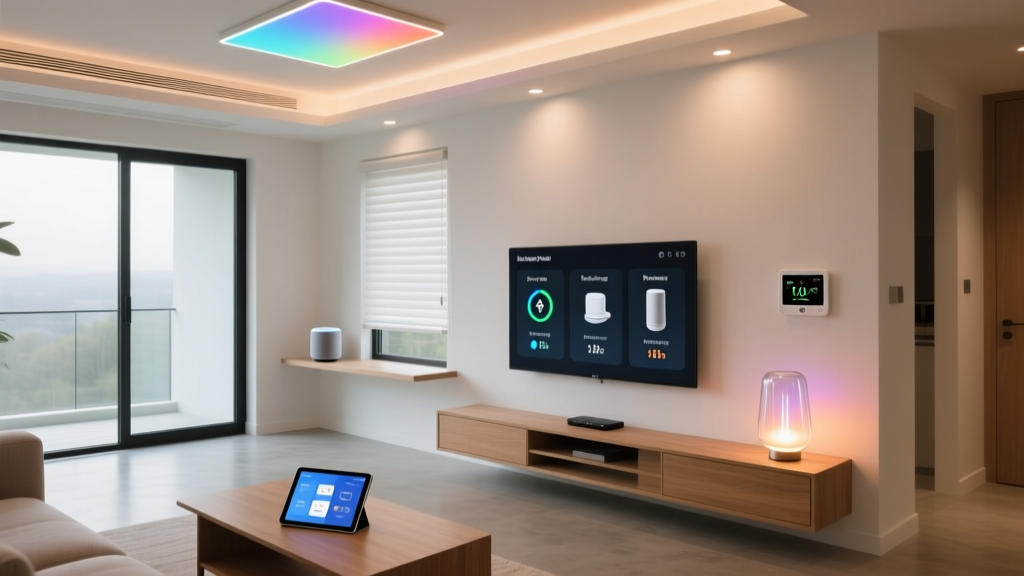
A smart speaker or display is the nerve center of most smart homes. It gives you voice control over your devices, plays music, answers questions, manages your calendar, and serves as a hub for other connected gadgets. For beginners, a smart speaker is almost always the best first purchase because it introduces you to voice control and gives you a central point to manage everything else.
Smart displays add a visual layer, showing camera feeds, video calls, recipes, and visual responses. They're especially useful in the kitchen, where you can follow along with recipes hands-free, or in the living room, where they can display security camera footage when someone rings your doorbell.
Smart Lighting
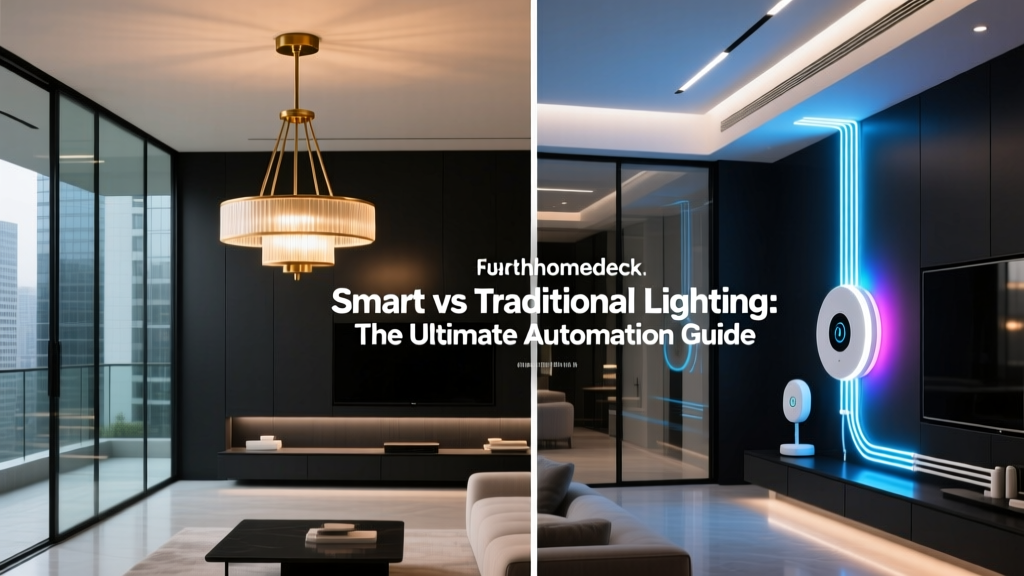
Smart lighting is one of the most impactful upgrades you can make. Smart bulbs, such as those from Philips Hue or LIFX, let you adjust brightness, color temperature, and even full RGB colors from your phone or via voice commands. You can create schedules so lights turn on at sunset, simulate occupancy when you're away, and set the mood for movie nights or dinner parties with a single voice command.
If you prefer to keep your existing bulbs, smart switches and dimmers from brands like Lutron or Leviton replace your wall switches and give you smart control over any light fixture. This approach is often more cost-effective for whole-home installations since one smart switch can control multiple bulbs.
Smart Thermostats
A smart thermostat like the Ecobee or Google Nest Learning Thermostat pays for itself over time by optimizing your heating and cooling. These devices learn your schedule, detect when you're home or away, and adjust temperatures accordingly. According to the U.S. Department of Energy, you can save up to 10% a year on heating and cooling by adjusting your thermostat by 7-10°F for 8 hours a day — something a smart thermostat does automatically.
Many utility companies offer rebates for smart thermostat installations, which can significantly reduce the upfront cost. Check with your local provider before purchasing.
Smart Security
Home security is one of the most compelling reasons people invest in smart home technology. A basic smart security setup might include a video doorbell, one or two indoor or outdoor cameras, and smart locks. Video doorbells from Ring, Google Nest, and Eufy let you see and speak to visitors from anywhere, while smart cameras provide continuous monitoring and send alerts when motion is detected.
Smart locks allow you to lock and unlock your doors remotely, grant temporary access codes to guests or service workers, and receive notifications whenever someone enters or leaves. When combined with other devices, smart security creates a powerful, responsive system. For a detailed comparison of the best options available, visit our smart security reviews section.
Smart Plugs and Sensors
Smart plugs are the unsung heroes of the smart home. For as little as a few dollars each, they can make virtually any device with a physical switch into a smart device. Plug in a lamp, fan, coffee maker, or holiday lights, and you can control them on a schedule, via voice, or through automations.
Motion sensors, door and window sensors, and leak sensors add an intelligence layer to your home. A motion sensor can trigger lights when you walk into a room, a door sensor can send you an alert if a door is left open, and a leak sensor can notify you of water problems before they become costly disasters.
Setting Up Automations That Actually Make Life Easier
Devices are only half the equation. The real magic of a smart home lies in automations — predefined sequences of actions that happen automatically based on triggers like time, location, sensor data, or device states. Well-designed automations fade into the background and simply make your home feel intuitive and responsive.
Beginner Automations to Set Up First
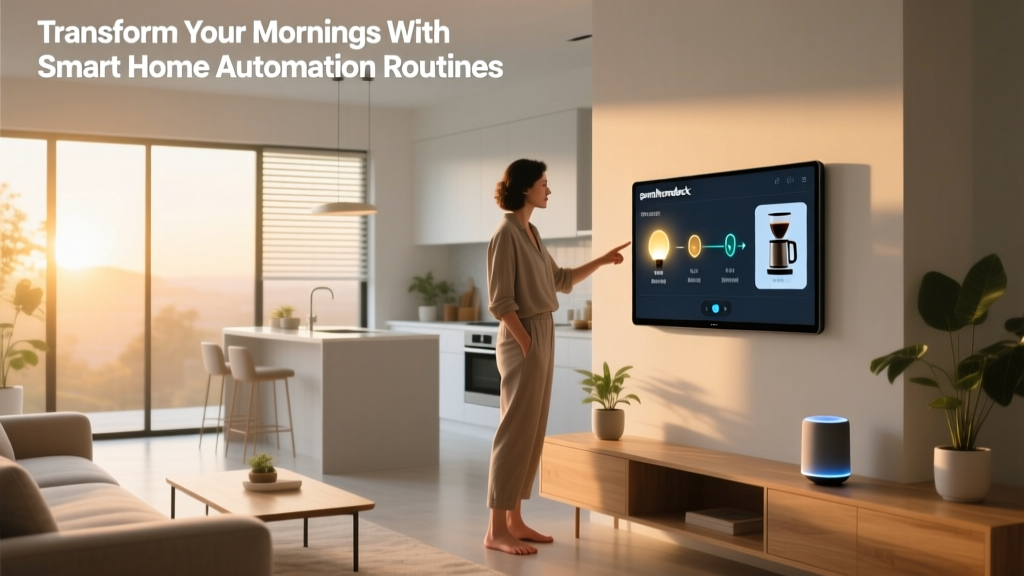
Good Morning Routine: Set your bedroom lights to gradually brighten over 15 minutes before your alarm goes off. When you dismiss the alarm, have your smart speaker read the weather forecast and your calendar for the day while your coffee maker (connected via smart plug) starts brewing.
Leaving Home: When your phone leaves the home's geofence, automatically turn off all lights, lock the doors, set the thermostat to eco mode, and arm your security cameras. This single automation eliminates the "did I turn off the lights?" anxiety and saves energy every single day.
Motion-Activated Lighting: Place motion sensors in hallways, bathrooms, and closets so lights turn on automatically when someone enters and turn off after a period of inactivity. This is especially useful at night when you can set the lights to a dim, warm glow that won't disrupt your sleep cycle.
Security Alerts: Configure your door and window sensors to send push notifications when they're opened during certain hours, and have your cameras start recording when unexpected motion is detected while you're away.
Intermediate and Advanced Automations
Once you're comfortable with basic automations, you can start layering conditions and creating more sophisticated routines. For example, you might set up an automation that only turns on outdoor lights if it's after sunset AND motion is detected. Or create a "movie night" scene that dims the living room lights, closes smart blinds, turns on the TV, and sets the thermostat to a comfortable temperature — all triggered by a single voice command.
For truly advanced automation, platforms like Home Assistant offer open-source, local-first automation that runs on your own hardware. Home Assistant supports thousands of integrations and allows you to build complex automations with conditional logic, scripts, and dashboards that go far beyond what mainstream ecosystems offer. The trade-off is a steeper learning curve and the need for dedicated hardware like a Raspberry Pi or a mini PC.
Network Infrastructure: The Hidden Backbone of Your Smart Home
Here's something that catches many smart home enthusiasts off guard: your devices are only as smart as the network they run on. A home with 30, 50, or even 100 connected devices puts significant demands on your Wi-Fi router, and a weak network will lead to laggy responses, dropped connections, and unreliable automations.
Upgrading Your Router
If you're still using the basic router your internet service provider gave you, upgrading should be one of your first smart home investments. Look for a router that supports Wi-Fi 6 (802.11ax) or the newer Wi-Fi 6E standard, which offers better performance in device-dense environments. Wi-Fi 6 uses technologies like OFDMA and MU-MIMO to handle many simultaneous connections more efficiently than older standards.
For larger homes, a mesh Wi-Fi system from brands like Eero, Google Nest Wifi, or TP-Link Deco provides blanket coverage by using multiple nodes placed throughout your home. Mesh systems eliminate dead zones and ensure that even devices in the far corners of your house maintain a strong connection.
Understanding Wireless Protocols
Not all smart home devices use Wi-Fi. In fact, many of the best devices use alternative wireless protocols that are specifically designed for low-power, reliable smart home communication:
Zigbee is a low-power mesh networking protocol used by many sensors, bulbs, and switches. Zigbee devices communicate with each other and with a central hub, creating a self-healing mesh network that gets stronger as you add more devices. Philips Hue, for example, uses Zigbee for its lighting system.
Z-Wave is similar to Zigbee but operates on a different frequency, which means it doesn't compete with Wi-Fi for bandwidth. Z-Wave is popular in the home security and automation space, with brands like Ring, Schlage, and Aeotec using it extensively.
Thread is the newest protocol to watch. Developed by the Thread Group and closely associated with the Matter standard, Thread creates a low-power mesh network that's IP-based, meaning Thread devices can communicate directly with your network without needing a proprietary hub. Apple, Google, Amazon, and many device manufacturers have committed to Thread support.
Network Security Best Practices
With dozens of devices connected to your network, security becomes critical. Follow these best practices to protect your smart home:
First, create a separate network or VLAN (Virtual Local Area Network) for your smart home devices. Most modern routers support guest networks, which can serve this purpose. By isolating your smart devices from your personal computers and phones, you limit the damage if a device is compromised.
Second, change the default passwords on every device and hub. Default credentials are widely known and are the first thing attackers try. Use strong, unique passwords for each device.
Third, keep your devices updated. Enable automatic firmware updates wherever possible, as manufacturers regularly patch security vulnerabilities. An outdated device can become a gateway for attackers to access your entire network.
Privacy, Security, and Smart Home Best Practices
Smart homes offer incredible convenience, but they also introduce new considerations around privacy and data security. Being proactive about these issues doesn't mean you have to sacrifice functionality — it just means making informed choices.
Understanding Data Collection
Every smart device collects some form of data. Voice assistants process your speech to understand commands. Cameras capture video of your home. Thermostats learn your schedule. The key is understanding what data each device collects, where it's stored, and how it's used.
Before purchasing any device, read the manufacturer's privacy policy. Look for information about data retention, whether data is processed locally or in the cloud, and whether it's shared with third parties. Companies like Apple and Home Assistant prioritize local processing, which means less of your data leaves your home. Others rely more heavily on cloud processing, which offers more features but requires sending data to external servers.
Physical Privacy Controls
Many smart speakers and displays now include physical microphone mute buttons and camera shutters. Use them. When you don't need voice control, mute the microphone. When you don't need the camera, close the shutter. These physical controls provide a hardware-level guarantee that no audio or video is being captured, regardless of software settings.
For smart cameras, establish clear rules about where they're placed. Avoid pointing cameras at private areas like bedrooms and bathrooms, and be transparent with household members and guests about where cameras are active.
Smart Home Maintenance Checklist
Like any technology system, a smart home requires periodic maintenance to keep running smoothly. Set a recurring reminder every few months to perform these tasks:
Review and update device firmware across all hubs, speakers, cameras, and other devices. Check your automations to make sure they still align with your current routines and preferences — your schedule may have changed since you set them up. Audit your device permissions and remove access for any apps or services you no longer use. Test your security devices, including smoke detectors, leak sensors, and camera notifications, to ensure they're functioning properly. Finally, review your network's connected device list to spot anything unfamiliar that might indicate unauthorized access.
Frequently Asked Questions
How much does it cost to set up a smart home?
A basic smart home setup with a smart speaker, a few smart bulbs, a smart plug, and a smart thermostat can be assembled for roughly $200 to $400. A more comprehensive setup that includes security cameras, smart locks, whole-home lighting, and advanced sensors typically ranges from $1,000 to $3,000 or more, depending on the size of your home and the brands you choose. The key is to start small and expand over time as you discover what adds the most value to your daily life.
Do smart home devices work if the internet goes down?
It depends on the device and how it's configured. Devices that rely entirely on cloud processing, such as most voice assistants, will lose functionality without an internet connection. However, many devices with local control capabilities — such as Zigbee and Z-Wave devices connected to a local hub, or devices managed through Home Assistant — can continue to operate through physical switches, sensors, and pre-programmed automations even when the internet is down. If offline reliability is important to you, prioritize devices with local processing capabilities.
Are smart homes worth the investment?
For most people, yes — but the value comes from choosing the right devices for your specific needs. Smart thermostats consistently save money on energy bills, smart security provides peace of mind and may reduce home insurance premiums, and smart lighting adds both convenience and ambiance. The devices that deliver the best return are those that solve a real problem or friction point in your daily routine. Avoid buying gadgets just because they're smart; focus on upgrades that genuinely improve your quality of life.
Can I mix devices from different brands and ecosystems?
Yes, and this is becoming easier thanks to the Matter standard. Matter-certified devices are designed to work across multiple ecosystems simultaneously, so a Matter-compatible light bulb, for example, can be controlled by both Alexa and Google Home at the same time. For non-Matter devices, platforms like Samsung SmartThings and Home Assistant act as universal bridges that can integrate products from hundreds of different manufacturers. When shopping, check for Matter compatibility or look for devices that support multiple platforms to maximize flexibility.
What is the best smart home ecosystem for renters?
Renters should focus on non-permanent, easily removable devices. Smart bulbs, smart plugs, freestanding cameras, and smart speakers require no installation and can move with you when you lease ends. For lighting, use smart bulbs instead of replacing wall switches. For security, opt for wireless cameras with adhesive mounts rather than hardwired systems. A smart speaker or display serves as your hub without requiring any modifications to the rental property. When choosing an ecosystem, Google Home and Amazon Alexa tend to offer the widest compatibility with portable, renter-friendly devices. Explore our smart home learning center for more guides tailored to specific living situations.