Stepping into the world of home automation can feel like entering a maze of confusing jargon, incompatible gadgets, and endless choices. If you have ever found yourself asking, smart home what do I need?, you are certainly not alone. Many homeowners want the convenience of automated lighting, the security of smart cameras, and the energy savings of intelligent thermostats, but they hesitate because they do not know where to begin.
The truth is that building a connected home does not require a massive budget or a degree in computer science. It simply requires a strategic, phased approach. By focusing on the foundational elements first, you can create a seamless ecosystem that grows with your needs. In this comprehensive guide, we will break down the exact hardware, software, and network requirements you need to launch your smart home journey, complete with tips & tricks to avoid common beginner mistakes.
The Foundation: Network & Internet Requirements
Before you buy a single smart bulb or camera, you must evaluate your home network. Smart devices rely heavily on a stable internet connection to communicate with each other and with cloud servers. According to the Pew Research Center, the vast majority of households now rely on broadband, but the sheer volume of Internet of Things (IoT) devices can quickly overwhelm a standard router.
A typical modern home might have dozens of connected devices, including smartphones, laptops, smart TVs, and IoT sensors. Standard routers provided by your Internet Service Provider (ISP) often struggle to handle more than fifteen to twenty simultaneous connections, leading to dropped signals and unresponsive devices.
Upgrading to a Mesh Wi-Fi System
To ensure your smart home operates smoothly, consider investing in a mesh Wi-Fi network. Unlike traditional routers that broadcast a signal from a single point, mesh systems use multiple nodes placed throughout your home to create a blanket of seamless coverage. This is especially critical for smart home devices located in garages, basements, or outdoor patios. If you are looking to upgrade your network infrastructure, checking out our list of the best mesh routers can help you find a system that handles high device counts without breaking a sweat.
Understanding 2.4GHz vs. 5GHz Bands
Most smart home devices, particularly smart plugs and basic sensors, operate exclusively on the 2.4GHz Wi-Fi band. While 2.4GHz is slower than the 5GHz band, it offers superior range and wall penetration. When setting up your network, ensure that your 2.4GHz and 5GHz bands are either clearly separated or that your router supports seamless band steering, so your IoT devices do not fail during the initial pairing process.
The Brain: Smart Hubs & Ecosystems
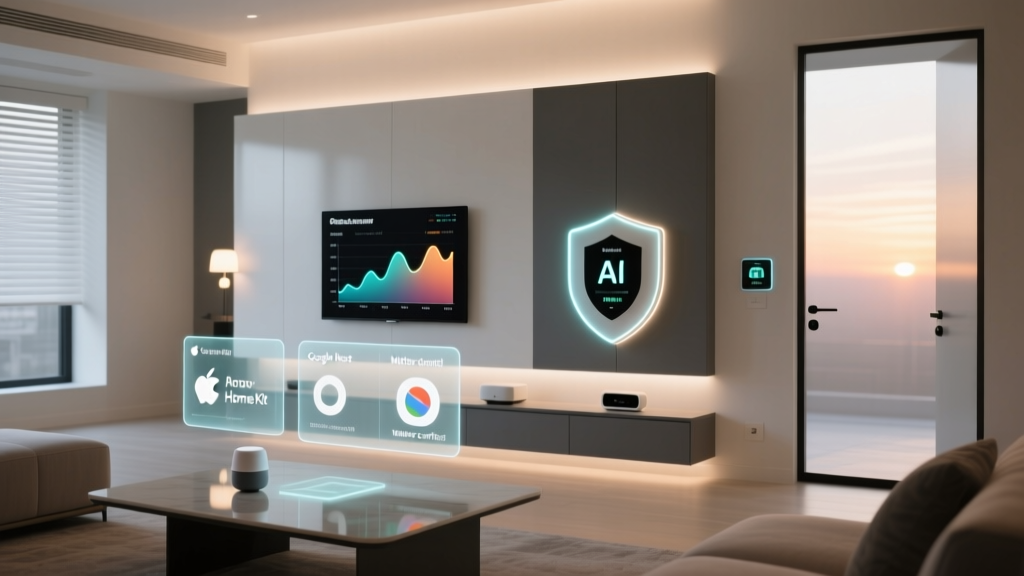
Once your network is robust, the next step is choosing the brain of your operation. The smart home ecosystem you select will dictate which devices you can buy and how they interact with one another. For a deeper dive into the pros & cons of each platform, visit our comprehensive guide to smart home ecosystems.
The Big Three: Amazon, Google, and Apple
- Amazon Alexa: Known for its massive compatibility and aggressive pricing, Alexa is often the default choice for beginners. It supports thousands of third-party devices and offers excellent voice recognition.
- Google Home: Powered by Google Assistant, this ecosystem excels in natural language processing and integrates flawlessly with Google services like Calendar, Maps, and Nest products.
- Apple HomeKit: Prioritizing privacy and security, Apple’s ecosystem is highly secure and offers a beautifully designed interface. However, it historically has a smaller pool of compatible devices and a higher price of entry.
The Game Changer: Matter
Historically, the biggest pain point in home automation was fragmentation—buying a smart lock that only works with Alexa, but a smart light that only works with HomeKit. Enter Matter, a new universal standard developed by the Connectivity Standards Alliance. Matter allows devices to communicate locally across different ecosystems. When shopping for new gear, always look for the Matter logo on the box to ensure future-proof compatibility.
Essential Smart Devices to Start With
When figuring out what you need for a smart home, it is best to start with high-impact, low-friction devices. Avoid complex hardwired installations until you are comfortable with the basics. Here are the essential categories to tackle first.
1. Smart Speakers & Displays
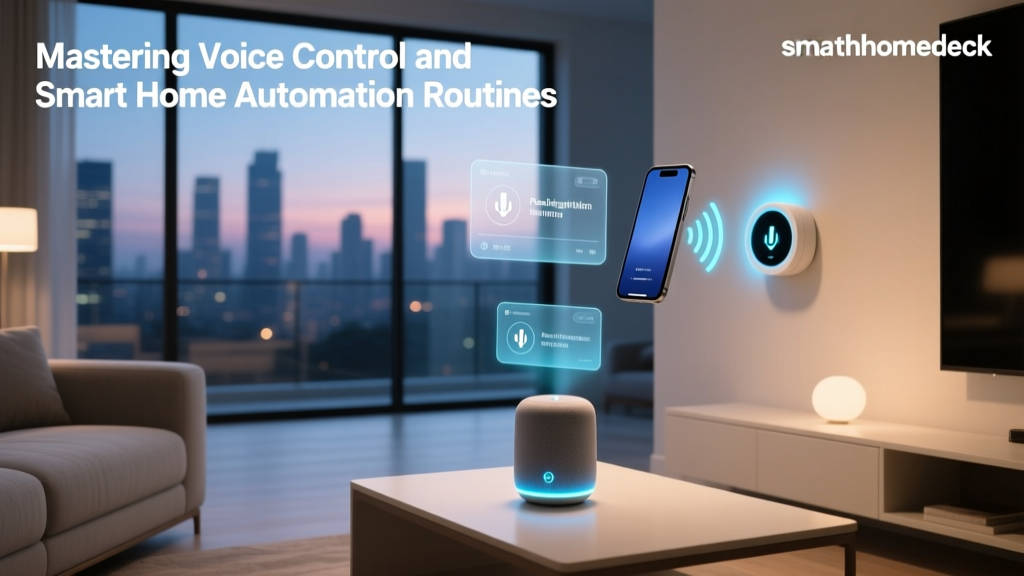
A smart speaker is the primary interface for your connected home. Devices like the Amazon Echo or Google Nest Audio serve as the central command center for voice control. Smart displays, which include a screen, add visual feedback, allowing you to view security camera feeds, watch recipe videos in the kitchen, or manage your daily schedule.
2. Smart Plugs
Smart plugs are the ultimate entry-level device. They are inexpensive, require zero installation, and instantly make dumb appliances smart. Plug in a coffee maker, a desk lamp, or a fan, and you can immediately control them via your smartphone or voice commands. They are also fantastic for setting up automated schedules, like turning on a living room lamp every evening at sunset.
3. Smart Lighting
Lighting dramatically affects the ambiance and security of your home. You can start with smart bulbs, which offer millions of colors and dimming capabilities, or smart switches, which replace your wall switches and work with existing fixtures. For a complete walkthrough on planning your home’s illumination, read our smart lighting setup guide.
4. Smart Thermostats
A smart thermostat is one of the few smart devices that can actually pay for itself over time. By learning your schedule and adjusting the temperature when you are away, these devices significantly reduce energy waste. The U.S. Department of Energy notes that properly programmed smart thermostats can yield substantial savings on annual heating and cooling bills. Browse our reviews of the top-rated smart thermostats to find a model compatible with your HVAC system’s wiring.
Security & Privacy: Protecting Your Connected Home
As you add more devices to your network, your digital attack surface expands. Security should never be an afterthought. Understanding smart home security basics is crucial for protecting your personal data and your physical property.
Network Segmentation
One of the best ways to protect your primary devices (like your laptop and smartphone) from vulnerable IoT gadgets is to use a Guest Network or a VLAN (Virtual Local Area Network). By placing all your smart bulbs, plugs, and cameras on a separate, isolated network, you ensure that if a cheap smart plug is compromised by a hacker, they cannot laterally move to access your personal computer or banking data.
Physical Security Devices
Smart security extends beyond digital firewalls. Video doorbells, indoor/outdoor cameras, and smart locks provide real-time awareness of your property. When selecting smart locks, pay attention to the connection protocol. While Wi-Fi locks are convenient, Z-Wave or Zigbee locks often offer better battery life and more reliable local communication. Always enable Two-Factor Authentication (2FA) on any smart home app that supports it, and use a password manager to generate unique, complex passwords for every device account.
Budgeting & Expanding Your Setup
A common mistake beginners make is trying to automate their entire house in a single weekend. This approach is not only expensive but also overwhelming. The most successful smart homes are built iteratively.
The Phased Approach
Start with a Starter Kit phase. Allocate a modest budget to purchase a smart speaker, two or three smart plugs, and a few smart bulbs for high-traffic areas like the living room and kitchen. Live with these devices for a few weeks. Learn how to create routines, how voice commands work, and where the friction points are.
Once you are comfortable, move to the Expansion Phase. This is where you invest in larger, more permanent fixtures like smart thermostats, smart locks, and hardwired lighting switches. Finally, the Advanced Phase involves integrating local home automation servers (like Home Assistant), setting up complex sensor-based automations, and installing comprehensive outdoor security systems.
Frequently Asked Questions
Do I need a smart hub to start?
Not necessarily. Many modern entry-level devices, such as Wi-Fi smart plugs and smart bulbs, connect directly to your home router and can be controlled via their native smartphone apps or cloud-based voice assistants like Alexa and Google Assistant. However, as your system grows, a dedicated smart hub (or a hub built into a premium smart speaker) becomes essential. Hubs utilize low-power mesh networks like Zigbee, Z-Wave, or Thread, which keep your Wi-Fi bandwidth free and ensure your devices respond instantly, even if your internet connection goes down.
Is a smart home expensive to set up?
A smart home can be as inexpensive or as lavish as you want it to be. You can start automating your space for under fifty dollars by purchasing a basic smart speaker and a couple of smart plugs. On the other hand, a fully integrated, professionally installed system with high-end lighting, automated window treatments, and enterprise-grade security can cost thousands of dollars. The beauty of the modern DIY smart home is that you can scale your investment over time, adding devices only when you have the budget and the need.
Will my smart devices work if the internet goes down?
This depends heavily on the protocols your devices use. Cloud-dependent Wi-Fi devices will lose most of their functionality, including voice control and remote access, during an internet outage. However, devices that utilize local hubs and protocols like Zigbee, Z-Wave, or the new Matter standard will continue to function locally. Your physical smart switches will still turn on your lights, and your automated routines will still trigger based on local sensors, provided the hub itself has battery backup or remains powered.
How do I choose the right smart home ecosystem?
Choosing an ecosystem largely depends on your current tech preferences and privacy concerns. If you are deeply entrenched in the Apple ecosystem and prioritize strict data privacy, Apple HomeKit is a fantastic choice. If you want the widest variety of compatible devices at the lowest price points, Amazon Alexa is hard to beat. If you rely heavily on Google services and want the smartest AI-driven voice assistant, Google Home is ideal. Fortunately, with the rollout of the Matter standard, the walls between these ecosystems are breaking down, making it easier to mix and match devices regardless of your primary hub.
What is the most important smart device to buy first?
For most people, a smart speaker or smart display is the most important first purchase. It acts as the central nervous system for voice commands and introduces you to the concept of automated routines. Following that, a smart thermostat is highly recommended because it offers immediate, tangible benefits in the form of energy savings and enhanced comfort, effectively paying for itself over time while serving as a cornerstone of your connected home.