The Dawn of Home Automation: X10 and Powerline Communication
The story of the smart home does not begin with Wi-Fi routers or cloud-based voice assistants; it begins in the mid-1970s with powerline communication. In 1975, Pico Electronics in Scotland developed the X10 protocol, a groundbreaking standard that allowed devices to communicate over existing electrical wiring. By sending 120kHz radio frequency bursts during the zero-crossing point of the alternating current (AC) waveform, X10 modules could send binary commands to turn lights and appliances on or off.
For decades, X10 was the undisputed king of home automation. Products like the iconic LM465 Lamp Module and WS467 Wall Switch were staples for early adopters. The system was relatively inexpensive and required no new wiring, making it highly accessible. However, X10 was fundamentally limited by its reliance on copper power lines. It suffered from severe signal degradation, phase-coupling issues in split-phase electrical systems, and extreme vulnerability to electromagnetic interference from modern appliances. Furthermore, the rise of energy-efficient LED bulbs and switching power supplies introduced massive amounts of high-frequency noise onto the powerline, effectively blinding X10 receivers and rendering the protocol unreliable in modern homes.
Despite its obsolescence, X10 established the foundational concept of the smart home: the desire to remotely control and automate domestic environments without tearing down drywall to run new control wires.
The RF Mesh Revolution: Zigbee and Z-Wave
As the limitations of powerline communication became apparent, the industry shifted toward dedicated Radio Frequency (RF) mesh networks. This era was defined by two competing but complementary standards: Z-Wave and Zigbee.
Z-Wave: The Sub-GHz Pioneer
Introduced in 1999 by Danish company Zensys, Z-Wave was designed specifically for residential control and automation. Operating in the sub-gigahertz spectrum (908.42 MHz in North America, 868.42 MHz in Europe), Z-Wave avoided the crowded 2.4 GHz band entirely. This gave it a distinct advantage in penetrating walls and avoiding interference from early Wi-Fi networks and Bluetooth devices. According to the Z-Wave Alliance, the protocol's mesh topology allows every mains-powered device to act as a repeater, extending the network's range and reliability. With a hard limit of 232 nodes per network, Z-Wave became the gold standard for security sensors, smart locks, and lighting relays, championed by hubs like the Aeotec Z-Stick and SmartThings.
Zigbee: The 2.4 GHz Contender
Standardized in 2003, Zigbee took a different approach. Built on the IEEE 802.15.4 standard, Zigbee operates primarily on the 2.4 GHz band globally. While this made it susceptible to Wi-Fi interference, it allowed for much higher data transmission rates and global hardware compatibility without regional frequency restrictions. Zigbee supports a staggering 65,000 nodes on a single network, making it ideal for large-scale sensor deployments. The Philips Hue ecosystem became the most famous implementation of Zigbee, utilizing a central bridge to translate Zigbee mesh commands into IP-based network traffic for smartphones and cloud services.
The Broadband Era: Wi-Fi and Bluetooth Enter the Fray
As home internet speeds increased and smartphones became ubiquitous, manufacturers sought to eliminate the need for dedicated proprietary hubs. Wi-Fi and Bluetooth emerged as direct-to-consumer alternatives.
Wi-Fi smart plugs and bulbs offered undeniable convenience: plug them in, connect them to your router, and control them via the cloud. However, Wi-Fi is inherently power-hungry and designed for high-bandwidth data transfer, not low-latency, low-power sensor pings. A home with 50 Wi-Fi smart bulbs can easily overwhelm a consumer-grade router's DHCP table and 2.4 GHz airspace, leading to network congestion and dropped connections.
Bluetooth Low Energy (BLE) offered a solution for battery-powered devices, but its traditional point-to-point topology limited its range. The later introduction of Bluetooth Mesh attempted to solve this, but it never achieved the same level of widespread, reliable adoption in residential automation as Zigbee or Z-Wave due to latency issues and complex provisioning processes.
The Modern Mesh: Thread and the Matter Standard
The fragmentation of the smart home market led to consumer frustration. A smart lock might require a Z-Wave hub, a lightbulb a Zigbee bridge, and a plug a Wi-Fi connection, resulting in a cluttered home and a disjointed app experience. The industry response was twofold: a new transport layer (Thread) and a new application layer (Matter).
Thread: The IP-Based Mesh
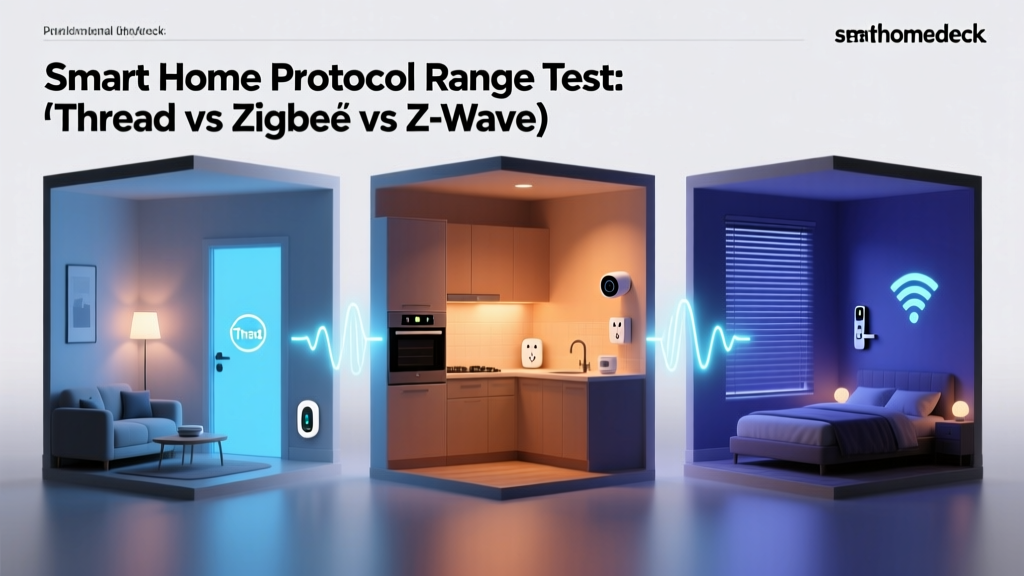
Launched in 2014 by the Thread Group (founded by Nest, Samsung, and ARM), Thread is a low-power, IPv6-native mesh networking protocol based on IEEE 802.15.4. Unlike Zigbee, Thread does not define what the devices do; it simply provides a highly reliable, self-healing transport layer. Because Thread uses 6LoWPAN (IPv6 over Low-Power Wireless Personal Area Networks), every Thread device gets its own IP address, allowing for direct, local communication without proprietary cloud translations. Thread relies on Border Routers—devices like the Apple TV 4K, Nest Hub Max, or Aqara M3—to bridge the Thread mesh network to your home's Wi-Fi and Ethernet infrastructure. The Thread Group emphasizes that this IP-based approach ensures that smart home devices are as accessible on your network as your laptop or printer.
Matter: The Great Unifier
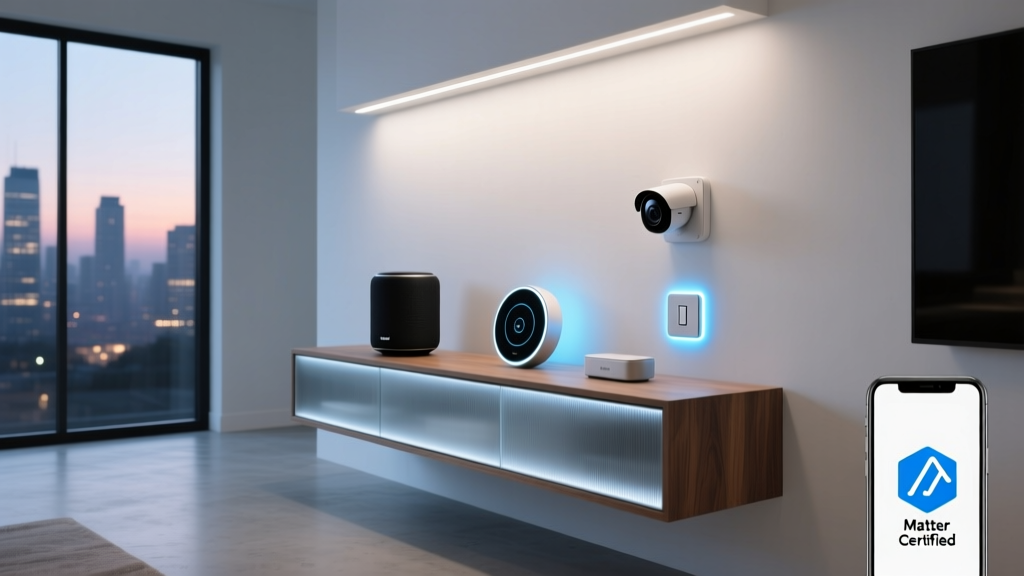
While Thread solves the transport problem, Matter solves the language problem. Developed by the Connectivity Standards Alliance (CSA), Matter is an open-source, royalty-free application layer that runs over Thread, Wi-Fi, and Ethernet. Matter ensures that a smart plug from Eve and a smart light from Nanoleaf can communicate locally, instantly, and securely, regardless of the ecosystem you use. The defining feature of Matter is Multi-Admin, which allows a single device to be controlled simultaneously by Apple Home, Google Home, Amazon Alexa, and Samsung SmartThings without complex cloud-linking workarounds.
Protocol Comparison Matrix
Understanding the technical differences between these protocols is crucial for designing a reliable smart home network. Below is a comparison of the primary standards based on their core architectural features.
| Protocol | Frequency / Medium | Topology | Power Profile | Max Nodes (Approx) |
|---|---|---|---|---|
| X10 | 120kHz (Powerline) | Bus / Star | Mains Only | 256 |
| Z-Wave | Sub-GHz RF | Mesh | Low Power | 232 |
| Zigbee | 2.4 GHz RF | Mesh | Low Power | 65,000 |
| Wi-Fi | 2.4 / 5 / 6 GHz | Star | High Power | 250 (Router dependent) |
| Thread | 2.4 GHz RF | Mesh | Low Power | 250+ (Per partition) |
Visualizing the Timeline of Smart Home Protocols
The evolution of smart home standards has been a steady march toward IP-based interoperability. The chart below illustrates the year each major protocol was introduced to the market, highlighting the decades-long journey toward the unified Matter standard.
Timeline of Smart Home Protocol Introductions
Actionable Advice: Migrating Your Legacy Smart Home
If you are currently running a legacy smart home system, upgrading to a modern, Matter-compatible ecosystem requires a strategic approach. Here is a practical migration guide, including cost estimates and specific product recommendations.
Step 1: Audit and Phase Out X10 and Wi-Fi Clutter
If you still have X10 modules, remove them. They are a fire hazard if used with modern dimmable LEDs and offer zero integration with modern voice assistants. Similarly, audit your Wi-Fi smart plugs. Replace cheap, cloud-dependent Wi-Fi plugs (which often cost $10-$15 each but degrade network performance) with Matter-over-Thread alternatives like the Eve Energy Smart Plug ($39.95) or the Nanoleaf Smart Plug ($24.99). This frees up your router's airspace and ensures local, instant control.
Step 2: Consolidate with a Multi-Protocol Hub
You do not need to throw away your existing Zigbee and Z-Wave devices. Instead, centralize them using a powerful hub that supports Matter bridging. The Home Assistant Connect ZBT-1 (formerly SkyConnect, ~$30) paired with a Home Assistant server allows you to maintain your legacy Zigbee network while exposing those devices to Apple Home or Google Home via Matter. Alternatively, the Aqara M3 Hub ($129.99) acts as a Matter Controller, Thread Border Router, and Zigbee hub all in one, seamlessly bridging older Aqara sensors into the new Matter ecosystem.
Step 3: Invest in Thread Border Routers
To build a robust Thread network, you need multiple Border Routers to ensure signal redundancy. If you are in the Apple ecosystem, ensure you have at least one Apple TV 4K (Ethernet model, $149) and a few HomePod Minis ($99 each) distributed throughout your home. For Google users, the Nest Hub (2nd Gen) and Nest Wifi Pro routers serve as excellent Thread Border Routers. This mesh backbone will support all your new Matter devices, ensuring that if one router goes offline, the mesh automatically heals and reroutes traffic.
Pro Tip: When buying new sensors (door/window, motion, temperature), prioritize Thread or Zigbee over Wi-Fi or Bluetooth. Battery-powered Wi-Fi sensors drain in months, while Thread and Zigbee sensors can last 2 to 5 years on a single CR2032 coin cell.
Conclusion
The journey from the noisy, unreliable powerline signals of X10 to the encrypted, IPv6-native mesh networks of Thread and Matter represents one of the most significant technological shifts in consumer electronics. Early adopters endured fragmented apps, proprietary hubs, and cloud outages to achieve the dream of home automation. Today, the Matter standard and Thread transport layer have finally delivered on the promise of a truly interoperable, local, and secure smart home. By understanding the history and technical foundations of these protocols, you can make informed purchasing decisions, build a resilient network topology, and future-proof your home for the next decade of innovation.