Decoding the Terminology: Hubs, Coordinators, and Border Routers
As the smart home industry matures, the days of plugging a single device into your Wi-Fi router and calling it a day are over. Today's robust smart home ecosystems rely on specialized network topologies to ensure reliability, low latency, and local processing. However, navigating the hardware requirements for different wireless protocols can be confusing. Do you need a hub? A coordinator? A border router? While these terms are often used interchangeably by marketing departments, they represent fundamentally different technical functions.
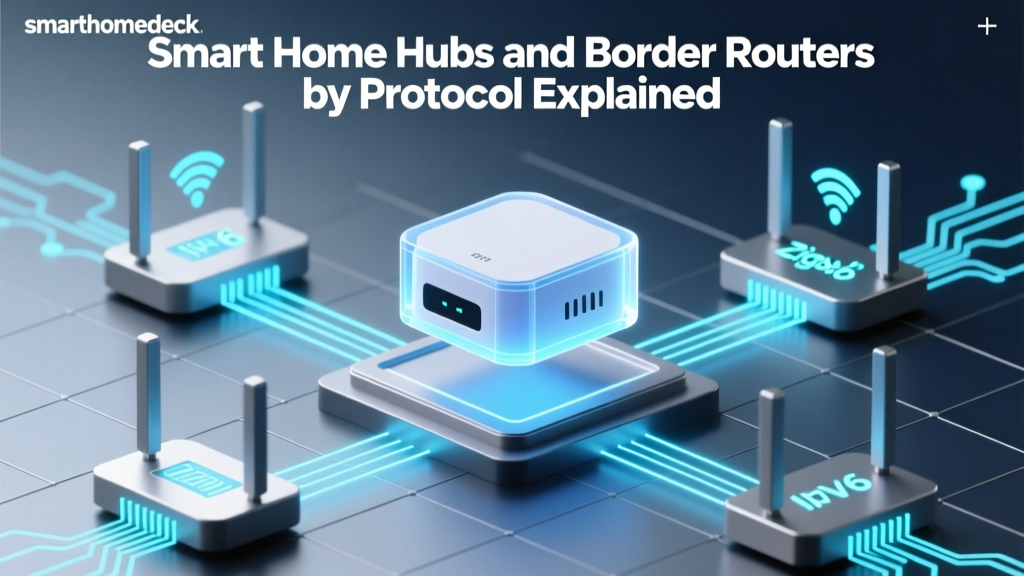
A Hub is a general term for a central device that connects smart home gadgets to your network and provides a user interface or automation engine. A Coordinator (used in Zigbee) is the primary node that forms the mesh network, manages security keys, and routes traffic. A Border Router (used in Thread) is a bridge that translates IPv6 mesh network packets into standard IP packets (Wi-Fi or Ethernet) so they can reach the internet or your local server. Understanding these distinctions is critical for building a resilient smart home that doesn't collapse when your cloud provider experiences an outage.
In this comprehensive guide, we break down the exact hub and border router requirements for every major smart home protocol, complete with product recommendations, cost analysis, and network limitations.
Matter and Thread: The Border Router Era
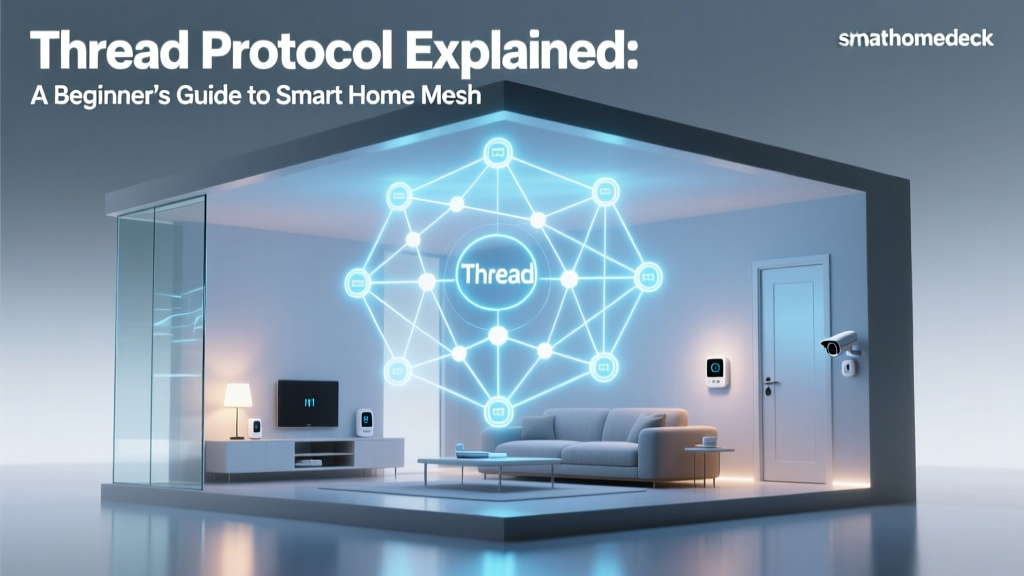
Matter is the new unifying application layer standard backed by the Connectivity Standards Alliance (CSA), but it relies on underlying transport protocols to move data. For low-power devices like sensors and smart locks, Matter uses Thread. Thread is an IPv6-based, low-power mesh networking protocol. Because Thread devices speak native IP but lack a direct connection to your home's Wi-Fi or Ethernet, they require a Thread Border Router.
Unlike a traditional hub that might process automations locally, a Thread Border Router's primary job is to route packets between the Thread mesh and your home's IP network. Interestingly, you do not necessarily need to buy a dedicated piece of hardware labeled 'Thread Hub.' Many modern smart speakers and streaming boxes already contain the necessary 802.15.4 radios to act as Border Routers.
Top Thread Border Routers
- Apple TV 4K (3rd Gen, Wi-Fi + Ethernet): Priced around $129-$149, this is the premier Border Router for Apple HomeKit users, offering Thread and Matter support out of the box.
- Amazon Echo (4th Gen): The spherical Echo ($99) includes a built-in Zigbee hub and a Thread Border Router, making it a versatile multi-protocol bridge.
- Google Nest Hub (2nd Gen) & Nest Wifi Pro: Google has enabled Thread Border Router capabilities via firmware updates on the Nest Hub ($99) and their Nest Wifi Pro mesh routers ($199+).
Practical Advice: Thread Border Routers do not pool their resources in a single mesh across different ecosystems (e.g., an Apple TV and a Nest Hub will create separate Thread partitions unless properly configured via Matter). For optimal coverage, place at least two Border Routers on opposite ends of your home to ensure the mesh can route around physical obstructions like concrete walls or large appliances.
Zigbee: The Trusty Coordinator
Zigbee operates on the crowded 2.4 GHz frequency band and utilizes a mesh topology where mains-powered devices (like smart plugs and light bulbs) act as repeaters. To create a Zigbee network, you strictly need a Zigbee Coordinator. The coordinator is the brain of the network; it assigns network addresses, manages the encryption keys, and dictates the routing paths.
Without a coordinator, Zigbee devices cannot communicate. While some Wi-Fi bridges claim to support Zigbee, dedicated coordinators offer vastly superior device capacity and stability.
Top Zigbee Coordinators
- Philips Hue Bridge (V2): Costing around $50-$60, the Hue Bridge is the most famous Zigbee coordinator. While it locks you into the Hue ecosystem for advanced features, it is incredibly stable and can handle up to 50 light sources and 12 accessories.
- Samsung SmartThings Station: At $39, this acts as both a Matter/Thread border router and a Zigbee coordinator, though its Zigbee antenna is relatively low-power, making it best for small apartments.
- Home Assistant SkyConnect / Connect ZBT-1: Priced at $29, this USB dongle is the gold standard for DIY enthusiasts. When paired with a Raspberry Pi or mini-PC running Zigbee2MQTT or ZHA, it can handle over 200 devices with zero cloud dependency.
Range and Reliability: Zigbee's indoor range is typically 30 to 50 feet per hop. Because it shares the 2.4 GHz band with Wi-Fi and Bluetooth, channel interference is a real issue. Always configure your Zigbee coordinator to use Channel 15, 20, or 25 to avoid overlapping with standard Wi-Fi channels 1, 6, and 11.
Z-Wave: The Dedicated Primary Controller
Z-Wave operates on sub-GHz frequencies (908.42 MHz in the US, 868.42 MHz in Europe), which allows it to penetrate walls and floors far better than 2.4 GHz signals. According to the Z-Wave Alliance, the protocol requires a Primary Controller to initiate the network, manage node inclusion, and maintain the routing table. Z-Wave is renowned for its strict certification process, ensuring that any Z-Wave device will work with any Z-Wave controller, regardless of the manufacturer.
Top Z-Wave Controllers
- Hubitat Elevation (Model C-8): Priced at $149, Hubitat is the undisputed king of local Z-Wave processing. Its rule engine is incredibly powerful, and the C-8 model features an external antenna for maximum range.
- Aeotec Smart Home Hub: Costing around $139, this hub is essentially a rebranded Samsung SmartThings V3 hub but with unlocked local API capabilities, making it a favorite for transitioning SmartThings users.
- HomeSeer Smart Home Controller: A premium option starting at $399, aimed at professional installers and massive luxury homes requiring rock-solid, enterprise-grade Z-Wave management.
Network Limits: A single Z-Wave network supports up to 232 nodes. However, the routing table can become sluggish if you exceed 150 devices or have too many 'dead' nodes cluttering the mesh. Regular network healing via your controller's dashboard is essential for maintaining Z-Wave speed.
Wi-Fi and Bluetooth: The 'Hubless' Illusion
Many consumers are drawn to Wi-Fi and Bluetooth smart home devices because they are marketed as 'hubless.' However, this is a technical misnomer.
Wi-Fi: Your ISP Router is the Hub
Wi-Fi devices connect directly to your home's wireless access point. While you don't buy a dedicated 'smart home hub' for them, your ISP router acts as the central coordinator. The problem? Standard consumer routers are designed to handle laptops, phones, and streaming TVs—not 40 smart bulbs sending keep-alive packets every 30 seconds. Adding too many Wi-Fi smart devices will exhaust your router's DHCP table and degrade network performance. For Wi-Fi smart homes, upgrading to a high-end Mesh Wi-Fi system (like Asus ZenWiFi or TP-Link Deco) capable of handling 150+ concurrent IoT connections is the real 'hub requirement.'
Bluetooth LE: The Proxy Requirement
Bluetooth Low Energy (BLE) devices connect directly to your smartphone. But what happens when you leave the house? You lose all remote control and automation capabilities. To fix this, BLE devices require a Bluetooth Proxy or gateway. In the Apple ecosystem, an Apple TV or HomePod acts as this proxy. In the Home Assistant ecosystem, you can deploy $10 ESP32 microcontrollers flashed with ESPHome to act as Bluetooth Proxies, forwarding BLE signals over Wi-Fi to your main server.
Protocol Hub Comparison Matrix
| Protocol | Hardware Required | Top Product Example | Avg Cost | Max Devices | Mesh Support |
|---|---|---|---|---|---|
| Thread (Matter) | Border Router | Apple TV 4K (3rd Gen) | $129 | 250+ | Yes (IPv6) |
| Zigbee | Coordinator | Home Assistant SkyConnect | $29 | 65 (Hue) / 200+ (DIY) | Yes (2.4 GHz) |
| Z-Wave | Primary Controller | Hubitat Elevation C-8 | $149 | 232 | Yes (Sub-GHz) |
| Wi-Fi | Mesh Router System | TP-Link Deco XE75 | $250+ | 50-150 (Router dependent) | No (Star) |
| Bluetooth LE | BT Proxy / Gateway | ESP32 Proxy Nodes | $10 | 10-20 per proxy | Yes (Mesh/BLE 5.0) |
Visualizing Hub Costs and Network Limits
The following chart illustrates the trade-off between the average entry-level hardware cost and the maximum device capacity you can expect from a single primary hub or coordinator node.
The Rise of the Multi-Protocol Hub
As the smart home landscape fragments into Thread, Zigbee, and Z-Wave, consumers are experiencing 'hub fatigue.' The solution is the Multi-Protocol Hub. These devices pack multiple radios (802.15.4 for Thread/Zigbee and Sub-GHz for Z-Wave) into a single chassis, managed by a unified local automation engine.
The Home Assistant Yellow ($199) is a prime example, featuring a built-in Raspberry Pi Compute Module, a Zigbee/Thread radio, and a PCIe slot for a Z-Wave daughterboard. Similarly, the upcoming Aeotec Smart Home Hub updates and third-party Matter bridges are beginning to unify these networks. According to a deep dive by The Verge, the ultimate goal of Matter is to make the underlying protocol invisible to the user, but until every legacy device is replaced, multi-protocol hubs remain the most practical bridge between the old and new smart home eras.
Actionable Buying Guide: Which Hub Do You Need?
Choosing the right hub or border router depends entirely on your technical expertise, home size, and existing device ecosystem.
1. The Apple Ecosystem User
If you live exclusively in Apple HomeKit, you already own what you need. Ensure you have an Apple TV 4K (Ethernet model) or a HomePod (2nd Gen) acting as your Thread Border Router and Home Hub. You do not need to buy third-party Zigbee or Z-Wave hubs unless you plan to use Homebridge to integrate legacy devices.
2. The Renter or Apartment Dweller
For spaces under 1,000 square feet, a Samsung SmartThings Station or an Amazon Echo (4th Gen) is sufficient. These devices provide adequate Zigbee and Thread coverage for a single floor without the need for complex network repeaters or external antennas.
3. The DIY Enthusiast & Tinkerer
If you want local control, privacy, and the ability to mix cheap Zigbee sensors with premium Z-Wave locks, invest in a Home Assistant Green ($99) paired with a SkyConnect ($29) and an Aeotec Z-Stick 7 ($60). This modular approach allows you to isolate your Zigbee and Z-Wave networks on different USB channels, preventing radio interference and maximizing your mesh reliability.
4. The Large Home / Professional Installer
For homes over 3,000 square feet with thick walls, Z-Wave remains the king of penetration. Purchase a Hubitat Elevation C-8 and strategically place Z-Wave smart plugs to act as repeaters. For your lighting and sensors, deploy multiple Thread Border Routers (like Nest Wifi Pro pods) to ensure the IPv6 mesh blankets the entire property.
Conclusion
The transition from cloud-dependent Wi-Fi gadgets to local, mesh-based networks is the most significant shift in smart home history. While Matter and Thread promise a hubless future in marketing materials, the physical reality of radio frequencies dictates that Border Routers, Coordinators, and Controllers are here to stay. By understanding the specific hardware requirements of each protocol, you can stop wasting money on redundant bridges and start building a smart home network that is fast, secure, and entirely under your control.