Building a resilient, responsive, and future-proof smart home requires more than just buying the latest connected gadgets and hoping they communicate seamlessly. While wireless protocols like Thread and Wi-Fi dominate the consumer market for their convenience and ease of deployment, they are inherently susceptible to environmental interference, physical obstructions, and network congestion. For smart home enthusiasts, custom installers, and advanced users, relying solely on wireless connections can lead to frustrating latency, dropped commands, and mesh network instability. This is where Matter over Ethernet steps in to provide the ultimate solution: a rock-solid, high-bandwidth wired backbone that anchors your entire smart home ecosystem.
Matter is the unified, IP-based smart home standard developed by the Connectivity Standards Alliance (CSA) to ensure cross-platform compatibility and robust security. While much of the industry focus has been placed on Matter over Thread for low-power sensors and Matter over Wi-Fi for high-bandwidth appliances, the specification fully supports Ethernet (IEEE 802.3) as a primary transport layer. By leveraging Ethernet, you can create a centralized, ultra-reliable nervous system for your home, ensuring that your most critical devices—such as smart home hubs, security cameras, and smart displays—never miss a beat. In this comprehensive protocol guide, we will explore the technical architecture, performance benefits, security implications, and best use cases for deploying Matter over Ethernet in your smart home.
The Protocol Overview: What is Matter Over Ethernet?
At its core, Matter is an application-layer protocol that relies on Internet Protocol version 6 (IPv6) to facilitate communication between devices. Because Matter is fundamentally IP-based, it is transport-agnostic, meaning it does not care how the data packets physically travel from point A to point B, as long as the underlying network supports IPv6 routing and local subnet discovery. Ethernet, the global standard for wired local area networks (LANs), is the most mature, stable, and high-performance transport layer available for local networking.
When a device utilizes Matter over Ethernet, it connects directly to your home's network switch or router via a standard RJ45 cable. This wired connection integrates the device into the local Matter fabric alongside your wireless Thread and Wi-Fi nodes. Unlike legacy smart home protocols that required proprietary, protocol-specific hubs (such as a dedicated Zigbee USB dongle or a Z-Wave bridge), an Ethernet-connected Matter device communicates natively over your existing IP network. It uses standard networking infrastructure to exchange encrypted messages with your smart home controllers, voice assistants, and other Matter-certified endpoints.
The primary philosophy behind utilizing Ethernet in a Matter ecosystem is the concept of the "wired backbone." In a well-designed smart home, stationary, power-hungry, or mission-critical devices are hardwired via Ethernet. These devices then act as anchors, bridges, and border routers that extend the wireless mesh networks (like Thread) to the far corners of your property. By offloading heavy traffic and critical infrastructure duties to Ethernet, you free up wireless bandwidth and drastically reduce the likelihood of mesh network collapse.
How Matter Over Ethernet Works Under the Hood
To understand how Matter operates over a wired connection, it is helpful to look at the protocol stack. Matter sits at the application layer, utilizing a secure message layer that encrypts all payloads. Below that sits the transport layer, which relies on User Datagram Protocol (UDP) and Transmission Control Protocol (TCP), specifically utilizing port 5540 for Matter communications. At the network layer, IPv6 is mandatory. Every Matter device, whether connected via a copper Ethernet cable or a wireless Thread radio, must possess a unique IPv6 address.
On an Ethernet network, IPv6 assignment is typically handled by your router's DHCPv6 server or via SLAAC (Stateless Address Autoconfiguration). Once the Ethernet-connected Matter device has an IP address, it utilizes Multicast DNS (mDNS) and DNS-Based Service Discovery (DNS-SD) to announce its presence on the local subnet. When you open your preferred smart home app—be it Apple Home, Google Home, or Home Assistant—the controller listens for these mDNS broadcasts to discover the device, initiate the secure pairing process, and integrate it into your home's digital floor plan.
One of the most powerful technical features of Matter over Ethernet is its interaction with the broader Matter fabric. The "fabric" is the secure, logical mesh of all your Matter devices. An Ethernet-connected hub or bridge acts as a high-speed gateway. For example, if a battery-powered Thread motion sensor detects movement, it sends a low-power wireless signal to the nearest Thread Border Router. If that Border Router is connected to your network via Ethernet, it instantly translates the Thread packet into a standard IPv6 packet and routes it over the wired LAN to your smart home controller with near-zero latency. This seamless translation between the 802.15.4 wireless mesh and the 802.3 wired LAN is what makes the Matter ecosystem so remarkably responsive.
Performance, Latency, and the Wired Advantage
When evaluating smart home protocols, performance is generally measured in three categories: latency (the time it takes for a command to execute), bandwidth (the volume of data that can be transmitted), and reliability (the consistency of the connection without packet loss). While wireless protocols have improved dramatically, the laws of physics still dictate that radio frequency (RF) signals degrade when passing through dense materials like concrete, brick, and metal framing. Wi-Fi networks also suffer from channel congestion, especially in densely populated urban areas or apartment complexes where dozens of neighboring networks compete for the same 2.4 GHz and 5 GHz airspace.
Ethernet completely bypasses these environmental variables. A Category 5e or Category 6 Ethernet cable provides a shielded, dedicated pathway for data, guaranteeing gigabit-level bandwidth and sub-millisecond local latency. For smart home commands, this means that when you press a button on your phone or issue a voice command to turn off the lights, the signal travels to your router, down the Ethernet cable to your Matter hub, and out to the devices instantaneously. There is no RF interference, no signal attenuation due to distance, and no "mesh hopping" delay.
Furthermore, Ethernet provides unparalleled stability for high-bandwidth devices. While Thread is perfect for sending a simple "on/off" payload to a lightbulb, it lacks the bandwidth required for streaming high-definition video. Wi-Fi can handle video, but a network saturated with multiple 4K security cameras will quickly experience dropped frames and increased latency for other smart home commands. By hardwiring your security cameras, smart TVs, and central hubs via Ethernet, you preserve your Wi-Fi airspace for mobile devices and laptops, ensuring your entire network operates at peak efficiency.
Ecosystem Compatibility and Thread Border Routers
A common misconception is that Matter over Ethernet is a standalone ecosystem. In reality, Ethernet devices are the glue that holds the broader Matter and Thread ecosystems together. Compatibility with major platforms—Apple HomeKit, Google Home, Amazon Alexa, and Samsung SmartThings—is universal, provided the device carries the official Matter certification. However, the true value of an Ethernet-connected Matter device lies in its secondary roles, most notably as a Thread Border Router.
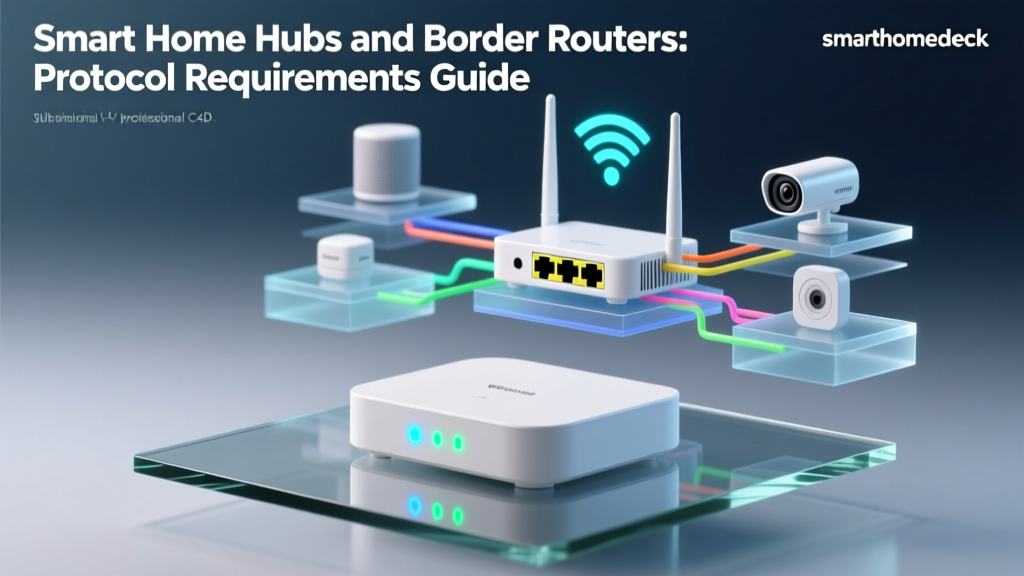
A Thread Border Router is a device that bridges the low-power, wireless Thread mesh network to your primary IP network (your LAN). Because Thread devices cannot communicate directly with a standard Wi-Fi router, they require a Border Router to translate their protocols. Almost all premium, Ethernet-connected smart home hubs and smart displays double as Thread Border Routers. When you plug an Apple TV 4K, a SmartThings Station, or an Amazon Echo Show into your wall via Ethernet, you are not just giving that specific device a reliable internet connection; you are simultaneously creating a high-speed, ultra-stable gateway for dozens of wireless Thread sensors, locks, and switches throughout your home.
This compatibility extends to advanced, open-source platforms like Home Assistant. For users running a local home automation server, connecting the server to the network via Ethernet is mandatory for optimal performance. The server acts as the primary Matter controller, communicating over the wired LAN to Ethernet-based bridges, which in turn manage the wireless Zigbee, Z-Wave, and Thread endpoints. By anchoring your controllers and bridges to Ethernet, you ensure that your automation routines execute locally and instantly, independent of cloud server outages or internet service provider (ISP) downtime.
Security Architecture on a Wired Backbone
Security is a foundational pillar of the Matter specification, and deploying Matter over Ethernet enhances your home's security posture in several distinct ways. At the protocol level, Matter utilizes a robust Public Key Infrastructure (PKI). Every certified device contains a Device Attestation Certificate (DAC) embedded in its silicon. When you commission a new Ethernet device, the controller verifies this certificate against the CSA's root certificates, ensuring the hardware is authentic and has not been tampered with.
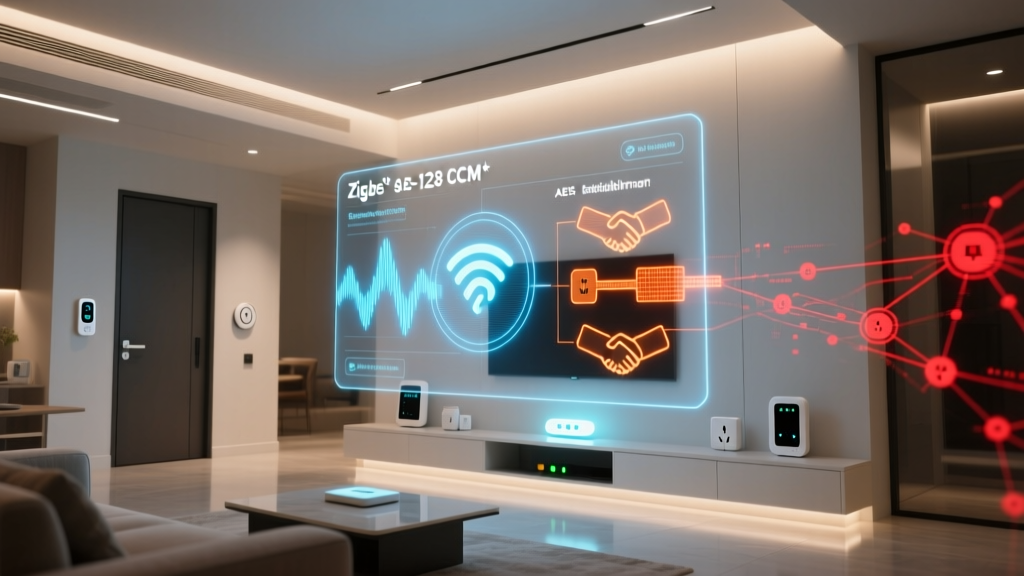
Once verified, the device undergoes the Passcode-Authenticated Session Establishment (PASE) and Certificate-Authenticated Session Establishment (CASE) protocols. This process generates unique, ephemeral encryption keys for every session. All data traveling over your Ethernet cable is end-to-end encrypted using AES-128-CCM. Even if a malicious actor were to physically tap into your Ethernet cable or mirror your network switch ports, they would only capture encrypted, indecipherable payloads.
From a network topology perspective, Ethernet allows for advanced security segmentation. Advanced users and custom installers frequently utilize managed network switches to create Virtual Local Area Networks (VLANs). By placing all your wired Matter hubs, bridges, and IP cameras onto a dedicated "IoT VLAN," you isolate them from your primary network where your personal computers, smartphones, and NAS (Network Attached Storage) drives reside. Because Matter relies on IPv6 and local mDNS discovery, you can configure your router's firewall to allow the necessary UDP/TCP ports (like 5540 and 5353) between the VLANs while blocking unauthorized inbound traffic from the internet. This physical and logical segmentation makes a wired Matter backbone significantly more secure than a flat, purely wireless network.
Best Devices for a Matter Over Ethernet Backbone
Not every smart home device needs an Ethernet connection. Battery-powered door sensors, smart bulbs, and wireless switches are perfectly suited for Thread and Zigbee. However, to build a true wired backbone, you should prioritize Ethernet for devices that are stationary, require constant power, handle heavy data loads, or serve as central coordinators for other devices.
Smart Home Hubs and Controllers
The brain of your smart home should always be hardwired if possible. Devices like the Apple TV 4K, Amazon Echo (4th Gen and newer), and dedicated Home Assistant servers (such as the Home Assistant Green or Intel NUCs) form the core of your Matter fabric. Connecting these via Ethernet ensures that your automation routines, voice processing requests, and remote access tunnels never suffer from Wi-Fi dropouts.
Thread Border Routers and Bridges
If you are heavily invested in Thread-based sensors and smart locks, your Border Routers must be stable. While some smart speakers can act as Border Routers over Wi-Fi, utilizing an Ethernet-connected hub (like the SmartThings Station or a dedicated Nanoleaf Bridge) ensures that the bridge between the wireless mesh and your LAN is never bottlenecked by wireless congestion.
Smart Displays and Entertainment Centers
Smart displays, such as the Echo Show 15 or Google Nest Hub Max, often serve as central control panels mounted on walls or kitchen counters. These devices stream video, handle video doorbell feeds, and act as local controllers. Hardwiring them via Ethernet (often using Power over Ethernet, or PoE, adapters) eliminates the need for bulky power bricks and guarantees smooth video streaming without buffering.
Security Cameras and NVRs
While many consumer cameras rely on Wi-Fi, professional-grade and prosumer IP cameras support Matter or can be integrated via Matter-compatible bridges. Hardwiring your cameras and your Network Video Recorder (NVR) via Ethernet guarantees continuous, high-bitrate recording without dropping frames, ensuring you never miss a critical security event due to a weak wireless signal.
Smart Lighting Bridges
For whole-home smart lighting systems that utilize proprietary RF or Zigbee meshes (like Philips Hue or Lutron Caseta), the central bridge must be connected to your router. Using an Ethernet cable for these bridges prevents the notorious "unresponsive room" issue that occurs when a Wi-Fi-connected lighting bridge drops off the network during a router reboot or channel switch.
Frequently Asked Questions
Do I need a special router for Matter over Ethernet?
You do not need a specialized "Matter router," but you do need a router that fully supports IPv6 and allows local network communication (mDNS/multicast) between connected devices. Most modern consumer mesh routers and enterprise-grade gateways support this out of the box. However, if you are using advanced network equipment with strict client isolation or AP isolation enabled, you will need to disable those features or create specific firewall rules to allow your Matter controllers to discover and communicate with your Ethernet-connected devices on the local subnet.
Can Ethernet devices act as Thread Border Routers?
Yes, and this is one of their most important functions. A Thread Border Router requires a stable connection to the IP network to route messages between the Thread mesh and your smart home controllers. Because Ethernet provides the most stable connection available, manufacturers heavily favor Ethernet-connected hubs and smart displays to serve as primary Thread Border Routers. By plugging your hub into the wall via Ethernet, you automatically provide a high-speed gateway for all your wireless Thread accessories.
Is Matter over Ethernet faster than Wi-Fi for smart home commands?
In terms of raw bandwidth, modern Wi-Fi 6 and Wi-Fi 6E are faster than standard Gigabit Ethernet. However, for smart home commands, latency and consistency are far more important than raw bandwidth. Ethernet provides significantly lower and more consistent latency (jitter) compared to Wi-Fi. Wi-Fi is a half-duplex shared medium that requires devices to "wait their turn" to transmit data, which can cause micro-delays. Ethernet switches operate in full-duplex, allowing simultaneous, collision-free communication, resulting in noticeably snappier smart home responses.
How do I commission a wired Matter device without a screen?
Commissioning a "headless" Ethernet device (like a smart plug, a bridge, or a server) is handled through the Matter setup code. This code is typically printed on a QR code label on the device or its packaging. When you add a new accessory in your smart home app, you scan the QR code or manually enter the numeric setup code. The controller then uses the mDNS protocol to locate the device on your local Ethernet network, initiates the secure PASE handshake, and transfers the necessary cryptographic keys to join the device to your Matter fabric.
Does a wired backbone eliminate the need for Wi-Fi or Thread?
No, a wired backbone does not eliminate the need for wireless protocols; rather, it optimizes them. Running Ethernet cables to every light switch, door sensor, and smart bulb is physically impractical and cost-prohibitive in most residential environments. The goal of a Matter over Ethernet backbone is to handle the heavy lifting—powering the hubs, bridges, cameras, and controllers—so that your Wi-Fi and Thread networks are left completely uncongested. The wired backbone supports the wireless mesh, resulting in a harmonious, highly reliable, and fully integrated smart home ecosystem.