Introduction to Smart Home Protocol Security
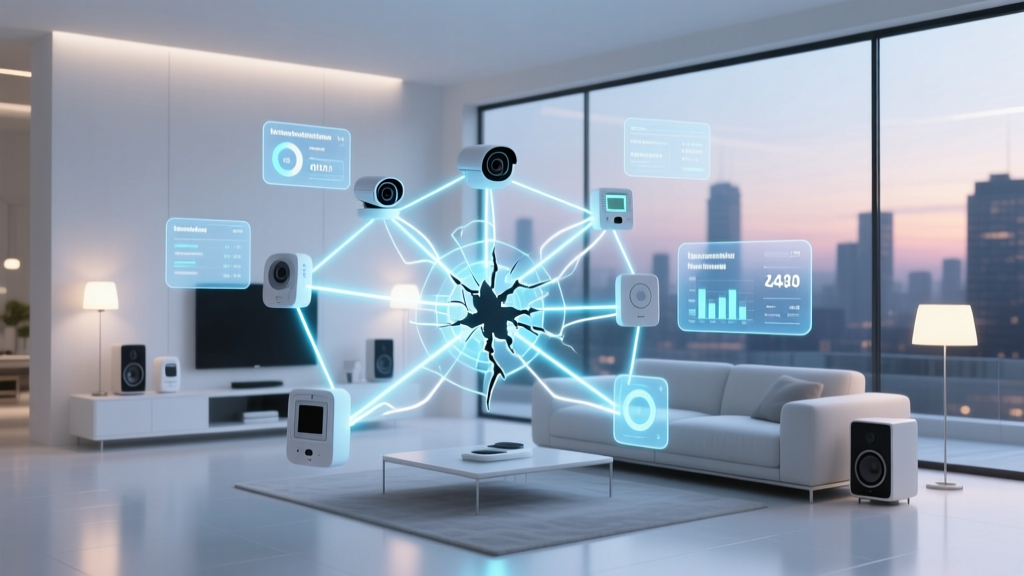
As the smart home ecosystem matures, the conversation has rightfully shifted from mere convenience to rigorous security. When you install a smart lock on your front door or a camera in your nursery, you are essentially extending your network's attack surface into the physical world. For advanced users, integrators, and cybersecurity-conscious consumers, understanding the underlying wireless protocols is no longer optional—it is a necessity. In this comprehensive security audit, we dissect the encryption standards, key management architectures, and known vulnerabilities of the three dominant smart home protocols: Matter, Zigbee, and Z-Wave.
According to the National Institute of Standards and Technology (NIST) IoT Guidelines, IoT device manufacturers must prioritize foundational cybersecurity activities, including secure device authentication, encrypted data transit, and robust vulnerability management. However, the reality of consumer-grade hardware often reveals gaps between theoretical security models and real-world implementations. By evaluating Matter, Zigbee 3.0, and Z-Wave S2 through the lens of a vulnerability audit, we can determine which protocol offers the most resilient defense against modern cyber threats.
The Cryptographic Baseline: AES-128 and IoT Constraints
Before diving into protocol-specific architectures, we must establish the cryptographic baseline. All three protocols rely heavily on AES-128-CCM (Advanced Encryption Standard with 128-bit keys in Counter with CBC-MAC mode) for symmetric encryption at the network and application layers. While enterprise IT networks often mandate AES-256, the IoT sector utilizes AES-128 due to the strict power, memory, and processing constraints of battery-operated sensors.
AES-128 remains mathematically secure against brute-force attacks; a supercomputer would take billions of years to crack it. Therefore, vulnerabilities in smart home protocols rarely stem from the encryption algorithm itself. Instead, security audits focus on key exchange mechanisms, commissioning processes, and replay attack vectors. How a device securely receives its encryption keys without exposing them to eavesdroppers is the true battleground of smart home security.
Matter Protocol: IP-Based Security and PKI
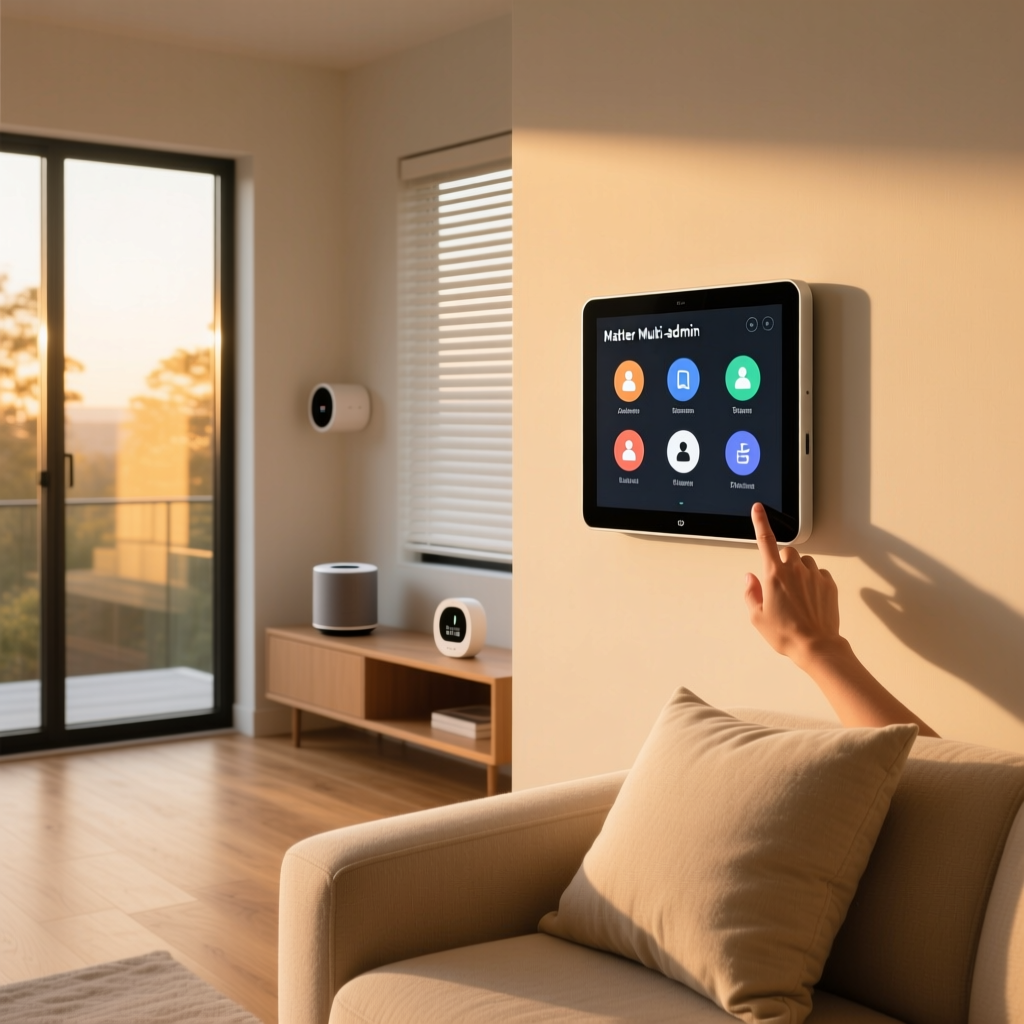
Matter, developed by the Connectivity Standards Alliance (CSA), represents a paradigm shift by running natively over IP (Internet Protocol) via Wi-Fi, Ethernet, or Thread. Because it leverages standard IP networking, Matter inherits decades of mature internet security protocols, most notably TLS 1.3 (Transport Layer Security) and DTLS (Datagram TLS) for encrypted communications.
Certificate-Based Authentication
The crown jewel of Matter's security model is its reliance on a robust Public Key Infrastructure (PKI). According to the Connectivity Standards Alliance (CSA) Matter Architecture, every certified Matter device is provisioned with a unique Device Attestation Certificate (DAC) signed by a Product Attestation Authority (PAA). This creates a verifiable chain of trust back to the root certificate. When a Matter device joins your network, the controller (such as an Apple HomePod or Home Assistant) cryptographically verifies this certificate, ensuring the hardware is genuine and has not been tampered with.
The Commissioning Vulnerability
Despite its robust operational security, Matter's primary vulnerability lies in the commissioning phase. To add a device, users typically scan a QR code containing a setup payload and a numeric PIN. If a malicious actor intercepts this QR code—either by physically photographing the device packaging or by exploiting a compromised smartphone camera app—they could theoretically hijack the pairing process. Furthermore, because Matter uses Bluetooth Low Energy (BLE) or IP for the initial handshake, proximity-based attacks in high-density living environments (like apartment complexes) require strict adherence to physical security during setup.
- Best Matter Hubs: Home Assistant Yellow ($99-$199), Apple TV 4K ($129), Aeotec Smart Home Hub 7 for Matter ($150).
- Audit Score: 9.5/10 for operational security; 8/10 for commissioning safety.
Zigbee 3.0: Overcoming Legacy Vulnerabilities
Zigbee operates on the IEEE 802.15.4 standard, creating a low-power mesh network. The transition to Zigbee 3.0 unified various application profiles and significantly overhauled the security architecture. However, Zigbee's history is fraught with implementation flaws that still haunt the ecosystem today.
The Trust Center and Key Management
Zigbee networks rely on a central coordinator known as the Trust Center (usually your main hub, like a Philips Hue Bridge or a Sonoff Zigbee Dongle). The Trust Center manages two critical keys: the Network Key (shared by all devices to decrypt mesh routing) and the Link Key (unique to each device for secure application data). In older Zigbee Home Automation 1.2 implementations, the default Link Key was a hardcoded, globally known string: 'ZigBeeAlliance09'. Attackers using inexpensive software-defined radios (SDRs) and the KillerBee framework could easily sniff the network traffic, use the known key to decrypt the Network Key exchange, and permanently compromise the mesh.
Touchlink Commissioning Risks
Zigbee 3.0 mandated randomized keys and introduced Base Device Behavior (BDB) to eliminate the hardcoded key vulnerability. However, the 'Touchlink' commissioning feature—a mechanism designed to allow easy pairing without a hub by simply bringing devices close together—remains a massive security liability. Touchlink utilizes a fallback master key that, while more obscure than the legacy HA 1.2 key, has been reverse-engineered by security researchers. An attacker standing outside your home with a high-gain antenna could initiate a Touchlink reset, steal your network keys, and inject malicious commands into your Zigbee mesh.
- Best Zigbee Coordinators: Sonoff Zigbee 3.0 USB Dongle Plus ($25), Home Assistant SkyConnect ($39), ConBee II ($40).
- Audit Score: 7.5/10 for encryption; 5/10 for commissioning safety (due to Touchlink).
Z-Wave S2: The Closed Ecosystem Fortress
Z-Wave operates in the sub-GHz spectrum (908.42 MHz in North America), avoiding the congested 2.4 GHz band utilized by Wi-Fi, Bluetooth, and Zigbee. This closed, proprietary ecosystem is managed by Silicon Labs and the Z-Wave Alliance, allowing for stringent certification requirements that open-source protocols struggle to enforce.
S2 Security Framework
The introduction of Z-Wave S2 (Security 2) marked a massive leap in IoT security. As detailed by the Z-Wave Alliance Security Framework, S2 mandates Elliptic Curve Diffie-Hellman (ECDH) key exchange. ECDH allows two devices to generate a shared secret key over an insecure channel without ever transmitting the key itself, effectively neutralizing passive eavesdropping and man-in-the-middle (MitM) attacks during pairing.
Z-Wave S2 is divided into three security classes: 1. S2 Unauthenticated: For basic sensors where physical tampering is unlikely. 2. S2 Authenticated: Requires a user-verified PIN or QR code scan, ensuring the device being paired is exactly the one you intend. 3. S2 Access Control: The highest tier, mandatory for smart locks and garage door controllers, requiring physical interaction with the device (like pressing a button on the lock) during the exact moment of pairing to prove physical proximity.
Vulnerability Profile: Jamming vs. Hacking
Cryptographically, Z-Wave S2 is nearly impervious to remote hacking. The primary vulnerability is not decryption, but RF Jamming. Because Z-Wave operates on specific sub-GHz channels, a sophisticated attacker could deploy a broadband jammer to block the signal between a security sensor and the hub, preventing an alarm trigger. However, modern Z-Wave hubs (like the Hubitat Elevation) include jamming detection algorithms that trigger a local siren if the noise floor suddenly spikes, mitigating this physical attack vector.
- Best Z-Wave Hubs: Hubitat Elevation ($150), Aeotec Z-Stick Gen7 ($65), Zooz Z-Box Hub ($120).
- Audit Score: 8.5/10 for encryption; 9/10 for commissioning safety.
Comparative Vulnerability Audit Table
| Protocol | Encryption Standard | Key Exchange Mechanism | Primary Vulnerability Vector | Estimated Hub Cost |
|---|---|---|---|---|
| Matter | AES-128-CCM / TLS 1.3 | ECDH via X.509 PKI | BLE/IP Commissioning Interception | $100 - $200 |
| Zigbee 3.0 | AES-128-CCM | Trust Center / CBKE | Touchlink Fallback Key Exploitation | $25 - $150 |
| Z-Wave S2 | AES-128-CCM | ECDH via DSK (QR/PIN) | Sub-GHz RF Jamming | $60 - $150 |
Visualizing Protocol Security Metrics
The following chart illustrates the comparative security audit scores across three critical vectors: Encryption Strength, Commissioning Safety, and Key Management. Scores are based on theoretical cryptographic resilience and real-world exploit availability.
Actionable Steps to Harden Your Smart Home Network
Understanding the theoretical vulnerabilities is only half the battle. To protect your home from both opportunistic hackers and targeted attacks, you must implement defense-in-depth strategies. Here are actionable, practical steps to secure your protocol ecosystems:
1. Disable Zigbee Touchlink and Permit Join
If you use a Zigbee coordinator like the Sonoff Dongle with Zigbee2MQTT or ZHA (Zigbee Home Assistant), you must ensure that 'Permit Join' is set to false immediately after pairing a device. Furthermore, navigate into your coordinator's advanced settings and explicitly disable the Touchlink feature. By disabling Touchlink, you force all new devices to pair through your hub's Trust Center using randomized, secure keys, completely eliminating the fallback key vulnerability.
2. Implement Network Segmentation via VLANs
Never place your smart home hubs on the same network tier as your personal computers and smartphones. If a smart bulb contains a vulnerable Wi-Fi or IP stack, an attacker could use it as a pivot point to access your NAS or laptop. Invest in a prosumer router like the Ubiquiti UniFi Dream Router ($299) or a pfSense-based appliance ($200-$400). Create a dedicated VLAN and SSID specifically for IoT devices. Configure strict firewall rules that block the IoT VLAN from initiating connections to your primary LAN, while allowing your primary LAN to initiate connections to the IoT VLAN for control purposes.
3. Enforce S2 Access Control for Physical Security
When purchasing Z-Wave smart locks (such as the Schlage BE469ZP or Yale Assure), ensure your hub supports S2 Security. During the pairing process, the hub will prompt you for the Device Specific Key (DSK), usually printed on a QR code sticker on the lock itself. Never share this DSK, and do not discard the sticker until you are certain the device is permanently installed and paired. Always select the 'S2 Access Control' security class in your hub's device settings to ensure the lock rejects any unauthenticated network commands.
4. Verify Matter Device Attestation
As Matter devices flood the market, cheap, uncertified clones will inevitably appear. These clones may bypass the PKI requirements, leaving your network open to spoofing. Only purchase Matter devices that bear the official CSA 'Works with Matter' logo. When commissioning via Apple Home or Home Assistant, pay attention to any warnings regarding 'Uncertified Devices' or failed DAC validations. If a hub warns you that a device's certificate cannot be verified against the Distributed Compliance Ledger (DCL), abort the pairing immediately.
5. Automate Firmware Patching
Protocol security is only as strong as the software stack running on the silicon. A vulnerability in the Thread border router implementation or the Z-Wave serial API can compromise the entire mesh. Use hubs that support automated, signed firmware updates. For DIY hubs like Home Assistant, enable automatic add-on updates, and schedule monthly reboots to ensure memory-clearing and security patch application.
Final Verdict
From a strict cryptographic standpoint, Matter and Z-Wave S2 represent the gold standard in smart home security. Matter's reliance on standard TLS and X.509 certificates brings enterprise-grade PKI to the consumer level, while Z-Wave's closed ecosystem and mandatory ECDH key exchanges make it a fortress for physical security devices like locks and garage doors.
Zigbee 3.0, while vastly improved over its predecessors, still carries the baggage of legacy implementations and the inherent risks of Touchlink. It remains an excellent, low-latency choice for battery-powered sensors, provided the user takes manual steps to harden the coordinator settings. Ultimately, no protocol is entirely bulletproof. The most secure smart home is one that combines robust protocol encryption with strict network segmentation, vigilant firmware management, and a healthy skepticism of uncertified hardware.