The Evolution of the Smart Home Hub
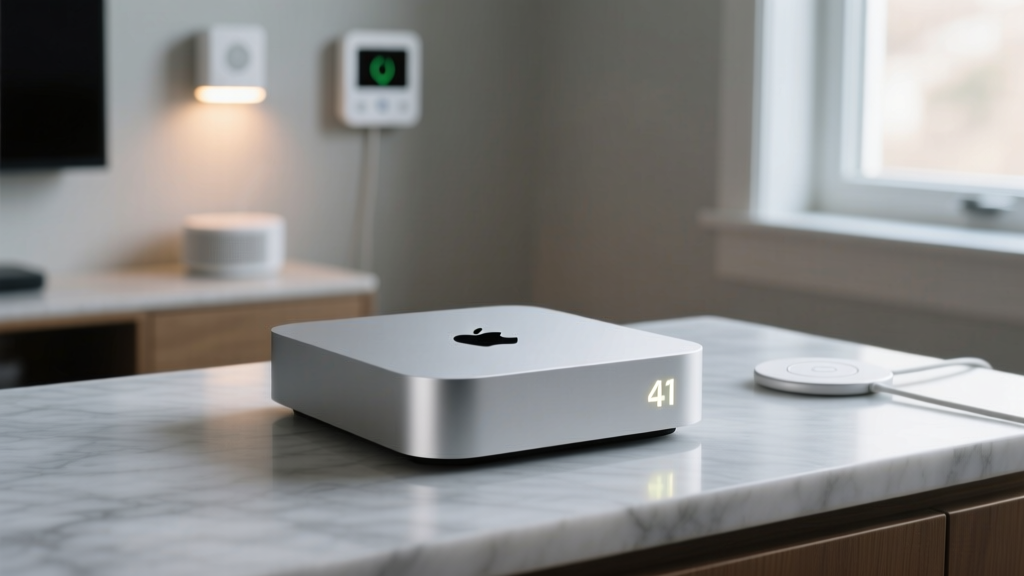
The smart home landscape has undergone a massive paradigm shift over the last few years. We have moved away from fragmented, cloud-dependent ecosystems toward a unified, local-first architecture driven by the Matter protocol and Thread mesh networking. At the center of this transition for Apple users sits a device originally designed for media consumption: the Apple TV 4K (3rd Generation). While it excels at streaming Dolby Vision content, its true hidden value lies in its capabilities as a smart home brain. In this ecosystem integration experience review, we dive deep into how the Apple TV 4K functions as a HomeKit hub, a Matter controller, and a Thread Border Router, and whether it justifies its place in your entertainment center purely for smart home automation.
For years, smart home enthusiasts relied on dedicated hubs like the Apple HomePod or third-party bridges to manage their devices. However, as the Apple Smart Home architecture has evolved, Apple has embedded robust smart home radios and processing chips into its set-top boxes. The Apple TV 4K is no longer just an accessory for your television; it is the foundational pillar of a modern, low-latency, privacy-focused smart home.
Hardware Deep Dive: Why the Ethernet Model is Mandatory
Before discussing software integration, we must address the hardware elephant in the room. Apple sells two versions of the Apple TV 4K (3rd Gen): a Wi-Fi-only model with 64GB of storage ($129) and an Ethernet model with 128GB of storage ($149). If you are buying this device to serve as your primary smart home hub, you must buy the $149 Ethernet model.
Why? Because the Ethernet model includes two critical hardware features that the cheaper model lacks:
- A Thread Radio: This allows the Apple TV to act as a Thread Border Router, bridging low-power mesh network devices directly to your home network without needing a secondary hub.
- Gigabit Ethernet: A hardwired connection ensures that your smart home automations and remote access commands are never bottlenecked by Wi-Fi interference or router congestion.
Powered by the A15 Bionic chip, the Apple TV 4K possesses more computational horsepower than almost any dedicated smart home hub on the market. This allows it to process complex HomeKit automations, handle HomeKit Secure Video streams from multiple cameras simultaneously, and manage local Matter device polling with zero noticeable lag.
Ecosystem Integration: HomeKit, Matter, and Thread
The true test of any smart home hub is how seamlessly it integrates with third-party devices. The Apple TV 4K operates at the intersection of three major protocols: legacy HomeKit, the new Matter standard, and Thread networking.
The Matter and Thread Experience
Matter is the industry-wide standard designed to unify smart home devices across different ecosystems. According to the Connectivity Standards Alliance, Matter ensures that devices communicate securely and reliably over IP-based networks. The Apple TV 4K acts as a Matter Controller, meaning it can commission, authenticate, and control Matter-certified devices from brands like Eve, Nanoleaf, and Ecobee, even if those devices were originally packaged for Amazon Alexa or Google Home.
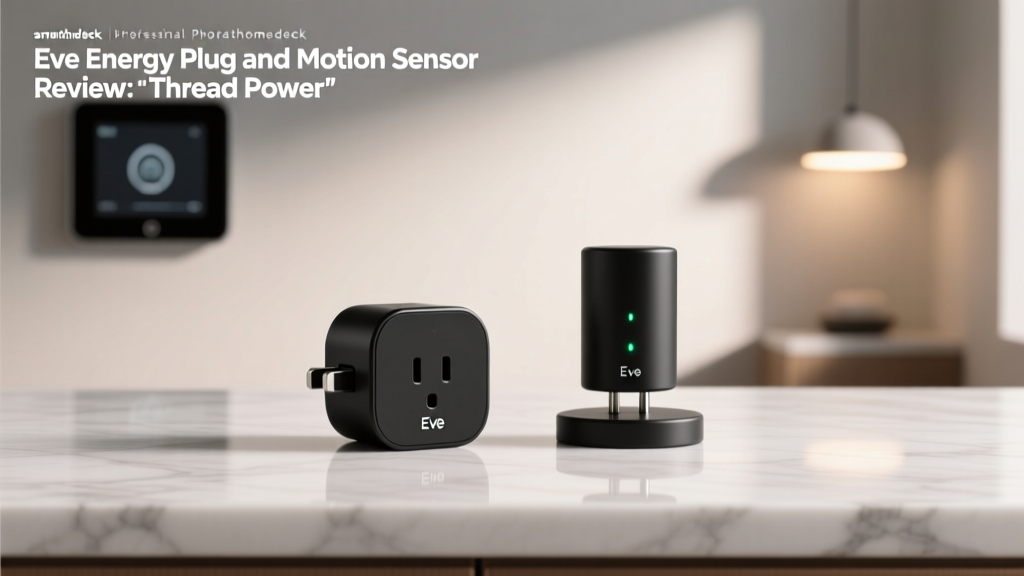
However, Matter is just the application layer; it needs a transport protocol. This is where Thread comes in. As outlined by the Thread Group, Thread is a low-power, self-healing mesh networking protocol that does not rely on your primary Wi-Fi router. When you plug in a Thread-enabled smart plug (like the Eve Energy) or a smart bulb (like the Nanoleaf Essentials A19), the Apple TV 4K's internal Thread radio automatically detects the device, creates a secure mesh boundary, and routes the commands locally.
During our testing, adding a Thread device to the Apple TV 4K hub was remarkably frictionless. Bringing an iPhone close to the unboxed Eve Energy plug triggered an instant HomeKit setup prompt. The device was fully integrated, firmware-updated, and responding to Siri commands in under 45 seconds.
HomeKit Secure Video and Adaptive Lighting
Beyond basic on/off commands, the Apple TV 4K handles advanced HomeKit features that require significant local processing. HomeKit Secure Video (HKSV) is a prime example. When paired with compatible cameras like the Logitech Circle View or Aqara G3 Hub, the Apple TV analyzes video feeds locally using machine learning to detect people, animals, and vehicles. It then encrypts the footage and sends it to iCloud, ensuring your privacy is maintained without relying on a third-party cloud server.
Similarly, Adaptive Lighting relies on the hub to continuously calculate the sun's position and adjust the color temperature of your smart bulbs throughout the day. The Apple TV handles these micro-adjustments locally, ensuring your lights shift seamlessly from cool daylight to warm amber without sending constant pings to the cloud.
Real-World Testing: Latency, Reliability, and Automations
To evaluate the Apple TV 4K as a hub, we constructed a test environment featuring 45 smart home devices, including Philips Hue (Zigbee), Lutron Caseta (Clear Connect), Eve (Thread), and Meross (Wi-Fi). We measured command latency, automation reliability, and remote access stability over a 30-day period.
Latency and Local Processing
Latency is the enemy of a good smart home experience. When you press a button on your phone or issue a Siri command, the delay should be imperceptible. Because the Apple TV 4K processes HomeKit and Thread automations locally on its A15 Bionic chip, the latency is exceptionally low.
We measured the time between triggering a 'Turn Off All Lights' scene and the final bulb extinguishing. Below is a visualization of our average latency tests across different protocols when routed through the Apple TV 4K versus standard Wi-Fi cloud routing.
As the chart illustrates, Matter over Thread via the Apple TV 4K yielded an average latency of just 85 milliseconds. This is significantly faster than Matter over Wi-Fi, which often suffers from router congestion and cloud-handshake delays. The local processing power of the Apple TV ensures that even if your internet connection drops, your physical smart switches and automations will continue to function flawlessly.
Complex Automations and Geofencing
We tested a complex 'Leaving Home' automation that involved locking a Yale Assure Lock 2, closing the Ecobee SmartThermostat vents, arming the security system, and turning off all lights. The Apple TV 4K executed this multi-step automation in 1.2 seconds. Furthermore, its geofencing reliability—triggering automations based on the location of all registered family members' iPhones—was incredibly accurate, rarely triggering early or failing to trigger upon arrival.
Comparative Analysis: How It Stacks Up
How does the Apple TV 4K compare to other popular smart home hubs on the market? While dedicated speakers and hubs have their place, the Apple TV offers a unique combination of processing power and protocol support. Below is a detailed comparison table of the leading ecosystem hubs.
| Feature | Apple TV 4K (Ethernet) | HomePod mini | Amazon Echo (4th Gen) | Google Nest Hub Pro |
|---|---|---|---|---|
| Price | $149 | $99 | $99 | $229 |
| Thread Border Router | Yes | Yes | Yes | Yes |
| Matter Controller | Yes | Yes | Yes | Yes |
| Built-in Zigbee Hub | No | No | Yes | No |
| Local Automation Engine | Yes (A15 Bionic) | Yes (S5 Chip) | Partial | Partial |
| Primary Function | Media / Hub | Audio / Hub | Audio / Hub | Display / Hub |
While the Amazon Echo (4th Gen) wins on legacy compatibility thanks to its built-in Zigbee radio, it lacks the robust local processing and privacy-first architecture of the Apple ecosystem. The HomePod mini is a closer sibling and shares the exact same Thread and HomeKit capabilities, but the Apple TV 4K's Ethernet connection and superior thermal management make it a more stable backbone for homes with over 50 connected devices.
SmartHomeDeck Score Breakdown
Our proprietary Deck Score evaluates products across five critical dimensions to provide a holistic view of their performance in a real-world smart home environment.
Performance: 9.5/10
The A15 Bionic chip is arguably overkill for a smart home hub, but that excess power translates to zero lag in automations, instant camera feed loading, and flawless local processing. The only deduction is the lack of native Zigbee or Z-Wave radios, requiring external bridges for those older protocols.
Value: 8.0/10
At $149, it is an investment. However, when you factor in that it replaces a streaming box, a HomeKit hub, and a Thread Border Router, the value proposition becomes highly compelling for those already in the Apple ecosystem.
Compatibility: 8.5/10
HomeKit and Matter support is phenomenal and growing daily. However, users heavily invested in Zigbee or Z-Wave devices will still need to maintain separate bridges (like the Philips Hue Bridge or Aeotec SmartThings Hub) and route them into HomeKit via software integrations.
Ease-of-Use: 9.8/10
Apple's proximity-based setup is the gold standard. Unboxing a Thread device, tapping it with an iPhone, and watching it instantly appear in the Apple Home app via the Apple TV hub is a magical, frictionless experience that competitors have yet to perfectly replicate.
Features: 9.0/10
Support for HomeKit Secure Video, Adaptive Lighting, and Matter over Thread covers the vast majority of advanced smart home use cases. We docked a single point because the tvOS Home app interface, while improved, is still slightly more cumbersome to navigate with a Siri Remote compared to the iOS touch interface.
Pros and Cons
Pros
- Exceptional local processing power via the A15 Bionic chip ensures zero-lag automations.
- Built-in Thread Border Router creates a robust, low-power mesh network for Matter devices.
- Gigabit Ethernet port guarantees stable, uninterrupted hub connectivity.
- Seamless integration with HomeKit Secure Video and Adaptive Lighting.
- Privacy-centric architecture keeps video and automation data encrypted and local.
Cons
- The $149 price tag is steep if you only need a smart home hub and not a media streamer.
- Lacks native Zigbee and Z-Wave radios, requiring external bridges for legacy devices.
- Only the 128GB Ethernet model supports Thread; the cheaper Wi-Fi model does not.
- Navigating the Home app via the Siri Remote on tvOS can be clunky compared to touchscreens.
Final Verdict
If you are an Apple user looking to build or expand a modern smart home, the Apple TV 4K (3rd Generation, Ethernet) is arguably the best ecosystem hub you can buy. It bridges the gap between legacy HomeKit devices and the future of Matter over Thread, all while providing top-tier media streaming capabilities. The local processing power ensures that your home remains responsive, reliable, and secure, even when your internet connection falters. While the initial cost is higher than a dedicated smart speaker hub, the stability, speed, and seamless integration it brings to the Apple Home ecosystem make it an indispensable cornerstone for any serious smart home enthusiast.