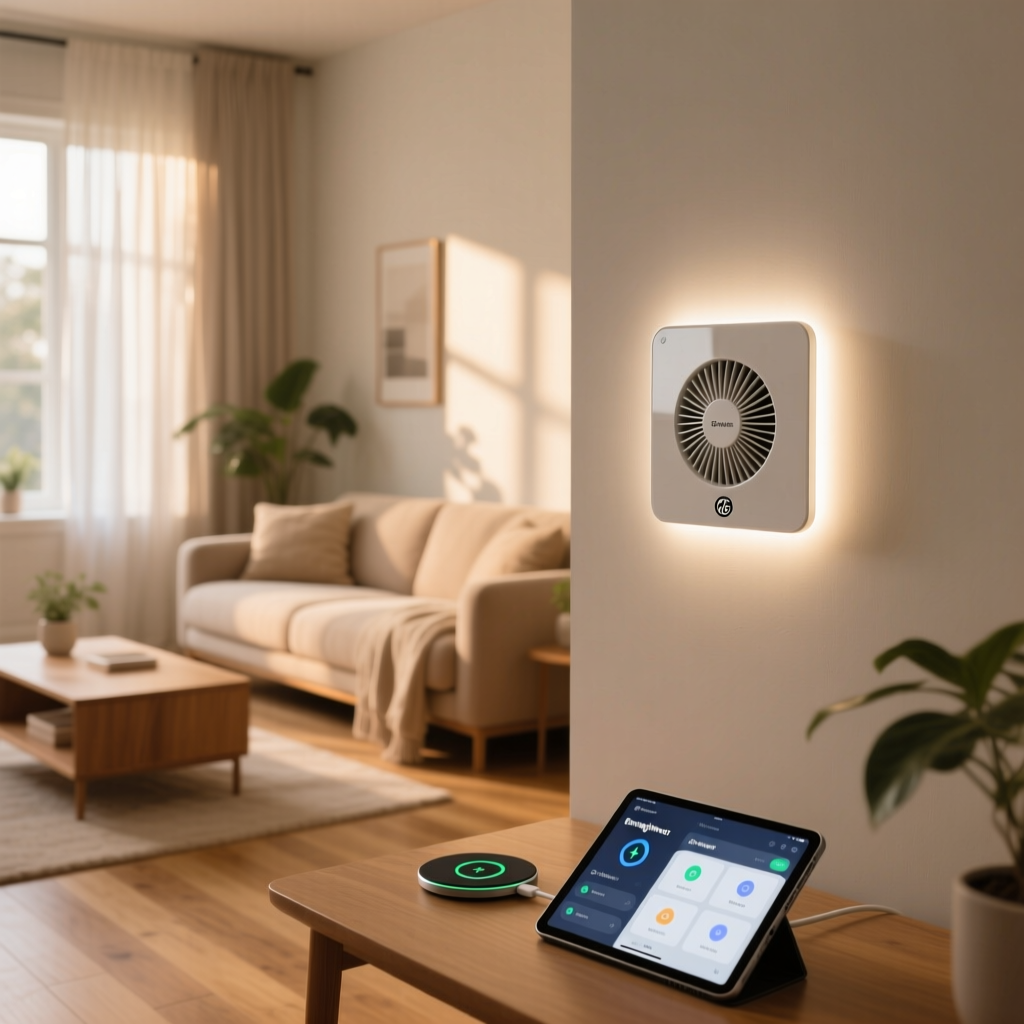
Upgrading a home with smart technology often starts with lighting, but ceiling fans are equally important for comfort, air circulation, and energy efficiency. While smart bulbs and plugs offer quick fixes, they fall short when it comes to controlling the actual motor of a ceiling fan. Enter the GE Enbrighten Z-Wave Smart Fan Control, an in-wall switch designed specifically to bring your existing ceiling fan into the smart home ecosystem without replacing the fixture itself.
In this comprehensive review, we break down everything you need to know about the GE Enbrighten Z-Wave Smart Fan Control. From its physical design and installation requirements to its performance on a Z-Wave mesh network and compatibility with major smart home hubs, we will help you decide if this switch is the right upgrade for your home. If you are also weighing your wireless protocol options, be sure to check out our guide on Z-Wave vs Zigbee to understand why Z-Wave remains a top choice for in-wall switches.
Product Overview: Taking Ceiling Fans Into the Smart Era
The GE Enbrighten line, manufactured by Jasco, has long been a staple in the smart home community for reliable, no-nonsense in-wall wiring solutions. The Z-Wave Plus Smart Fan Control is specifically engineered to handle the inductive load of a ceiling fan motor, which is a critical distinction from standard smart dimmers. Using a light dimmer on a fan motor can cause severe humming, reduce the lifespan of the fan, and even pose a fire hazard. This dedicated fan controller ensures safe, smooth operation across three distinct speed settings: Low, Medium, and High.
Unlike Wi-Fi-based switches that can clog up your home router, this device utilizes Z-Wave Plus technology. This means it communicates on a separate, low-frequency radio band dedicated to smart home commands, and it actively strengthens your mesh network by repeating signals from other wired Z-Wave devices. Whether you want to schedule your fan to turn on before you wake up, trigger it based on a smart thermostat’s temperature readings, or simply turn it off from bed without reaching for a pull chain, this switch acts as the perfect bridge between your analog fan and your digital home.
Design and Features: Built for Reliability
Aesthetically, the GE Enbrighten Z-Wave Smart Fan Control matches the standard Decora-style rocker switches found in most modern homes, ensuring it blends seamlessly with your existing wall plates. The switch features a large primary paddle for turning the fan on and off, accompanied by a smaller, secondary rocker switch on the right side. This secondary switch is dedicated to cycling through the fan speeds (Low, Medium, and High).
Physical Controls and LED Indicators
One of the standout features of the Enbrighten line is the customizable LED status indicator. Located discreetly at the bottom of the switch, the LED can be configured to turn on when the switch is off (making it easy to find in the dark) or when the switch is on (providing visual confirmation of power). You can also turn the LED off completely if you prefer a pitch-black bedroom environment. The physical buttons offer a satisfying, tactile click, and the speed toggle allows guests or family members who do not use the smart app to easily adjust the fan to their liking.
Load Capacity and Motor Compatibility
The switch is rated for ceiling fan motors up to 1.5 amps. This covers the vast majority of standard residential ceiling fans. However, it is strictly designed for AC (alternating current) fan motors. It is not compatible with DC (direct current) motors, which are becoming more common in high-end, ultra-quiet designer fans. Additionally, this switch controls the fan motor only; it does not control an attached light kit. If your fan has a light, it will remain on or off based on the pull chain or a separate wall switch, which is a crucial limitation to keep in mind before purchasing.
Setup and Installation: What You Need to Know
Installing any in-wall smart switch requires a basic understanding of home electrical wiring, and the GE Enbrighten is no exception. Before beginning any installation, always turn off the power at the circuit breaker and verify with a non-contact voltage tester.
The Neutral Wire Requirement
Like almost all Z-Wave in-wall switches, the GE Enbrighten Smart Fan Control requires a neutral wire to power its internal radio and logic board. In older homes built before the 1980s, neutral wires are often absent from switch boxes. If your switch box lacks a neutral wire (usually a bundle of white wires capped together in the back of the box), this switch will not work. You would need to look into alternative smart fan solutions, such as canopy-mounted smart receivers or specialized no-neutral switches, though the latter are rare for fan motors.
Wiring and Junction Box Depth
The wiring process involves connecting the Line (power from the breaker), Load (power to the fan), Neutral, and Ground wires. The switch uses standard wire nuts or push-in connectors. One common hurdle during installation is the physical depth of the switch. Because it houses a Z-Wave radio, a relay, and a heat sink, the back end of the switch is quite bulky. If you have shallow junction boxes or a box stuffed with multiple Romex cables, fitting the Enbrighten switch can be a tight squeeze. We highly recommend using deep junction boxes or taking the time to neatly fold and push the wires into the back of the box to avoid pinching.
Z-Wave Pairing Process
Once wired and powered, the inclusion process is straightforward. By placing your Z-Wave hub into pairing mode and tapping the fan control paddle, the switch is quickly discovered. Thanks to Z-Wave Plus S2 security, the pairing is secure and the mesh routing is highly efficient. For a seamless pairing experience, ensure you are using one of the best Z-Wave hubs on the market, as older hubs may require you to manually enter a PIN code found on the back of the switch.
Performance and Daily Use: Speed Control Done Right
The true test of any smart fan controller is how smoothly it handles the physical motor, and this is where the GE Enbrighten shines. Cheap, off-brand fan controllers often use phase-cut dimming to slow down a fan, which results in a loud, electrical humming noise that can be incredibly distracting in a bedroom or office. GE has engineered this switch with proper motor-control circuitry, ensuring that the fan runs quietly at all three speed levels without any noticeable electrical hum.
Latency and Mesh Network Benefits
Because it operates on a Z-Wave mesh network, the latency between pressing a button in your smart home app and the fan responding is virtually non-existent. Furthermore, because this is a mains-powered Z-Wave Plus device, it acts as a signal repeater. Adding this switch to your wall actually improves the reliability of the Z-Wave devices around it, such as smart locks or window sensors, by providing an additional routing path back to the hub. If you are building out a robust smart home, every wired Z-Wave switch you add strengthens your overall network topology.
Automation and Routines
Daily use is where the switch truly pays for itself. By integrating the fan control into your hub’s automation engine, you can create highly effective climate control routines. For example, you can set the fan to turn on to ‘Medium’ speed when your smart thermostat detects that the room temperature has exceeded 74 degrees, and then turn off when the room cools down. You can also tie the fan to your security system, having it turn on at low speed when you arm your system in ‘Away’ mode to simulate occupancy and keep air circulating while you are on vacation.
Ecosystem Compatibility: Hub-Dependent but Versatile
It is vital to understand that the GE Enbrighten Z-Wave Smart Fan Control is not a Wi-Fi device. It will not connect directly to your router, and you cannot control it natively with Alexa, Google Assistant, or Siri out of the box. It requires a dedicated Z-Wave hub to translate commands from the cloud to the Z-Wave radio frequency.
SmartThings and Hubitat
For users in the Samsung SmartThings ecosystem, the switch is natively supported. It automatically registers as a fan controller, exposing the three speed settings and on/off toggles to the SmartThings app and Alexa/Google Home via the hub. Similarly, for local-processing enthusiasts using Hubitat, the switch pairs instantly and offers lightning-fast local automations. If you are considering a local hub, read our Hubitat Elevation review to see why it pairs so beautifully with GE Enbrighten products.
Home Assistant Integration
For the advanced tinkerer using Home Assistant, the GE Enbrighten fan control is fully supported via the Z-Wave JS integration. Home Assistant correctly identifies the device class as a fan, allowing you to use the built-in fan cards on your dashboard. You can easily set up automations based on room occupancy sensors, humidity levels, or even integrate it with HomeKit via the Homebridge or Matter bridges, giving Apple users a pathway to control their Z-Wave fans with Siri.
Pros and Cons: The Final Verdict
To summarize our hands-on experience, here is a breakdown of the strengths and weaknesses of the GE Enbrighten Z-Wave Smart Fan Control.
Pros
- Quiet Operation: No electrical humming or buzzing at low or medium speeds, a common flaw in cheaper alternatives.
- Z-Wave Plus Mesh Repeater: Strengthens your overall smart home network reliability.
- Physical Override: The secondary speed rocker allows manual control without needing a smartphone.
- Customizable LED: Status light can be inverted or disabled entirely for bedroom use.
- Safe Motor Control: Specifically engineered for inductive fan loads, protecting your ceiling fan motor.
Cons
- Requires a Hub: Not a standalone Wi-Fi device; requires an investment in a Z-Wave hub.
- No Light Control: Only controls the fan motor; integrated light kits must be controlled separately.
- Bulky Housing: The deep back-end can make installation difficult in shallow or crowded junction boxes.
- AC Motors Only: Incompatible with modern DC motor ceiling fans.
Ultimately, if you have a standard AC ceiling fan, a neutral wire in your switch box, and a compatible Z-Wave hub, the GE Enbrighten Z-Wave Smart Fan Control is arguably the most reliable in-wall solution on the market. It prioritizes safety, network stability, and quiet operation over flashy, unnecessary features.
Frequently Asked Questions
Does this switch control both the fan and the light kit?
No. The GE Enbrighten Z-Wave Smart Fan Control is strictly designed to manage the fan motor. If your ceiling fan has an integrated light kit, the light will remain independently powered. You will need to rely on the fan’s pull chain, a separate wall switch, or smart bulbs installed in the light kit to control the illumination. Attempting to wire a fan/light combo to a single load wire on this switch will result in improper operation and potential damage to the switch.
Do I need a neutral wire for installation?
Yes, a neutral wire is absolutely required. The Z-Wave radio and internal processor need a constant trickle of power to stay connected to your smart home hub, even when the fan is turned off. If your home’s switch boxes do not have neutral wires, you will need to look into canopy-mounted smart fan receivers that install up inside the ceiling fan housing itself, rather than in-wall switches.
Can I use this switch with a DC motor ceiling fan?
No. This switch is engineered exclusively for traditional AC (alternating current) fan motors, which are standard in most homes. DC (direct current) ceiling fans require specialized digital controllers and often use proprietary remote-control receivers. Connecting a DC fan to this Z-Wave switch will likely damage the fan’s internal power supply and the switch itself.
Will it work directly with Alexa or Google Home without a hub?
No. Because this device uses Z-Wave radio frequencies instead of Wi-Fi, it cannot communicate directly with your router or cloud-based voice assistants. You must have a compatible Z-Wave hub (such as SmartThings, Hubitat, or a Home Assistant Z-Wave stick) to act as the bridge between the switch and your voice commands. Once connected to a hub, you can easily expose the fan to Alexa or Google Assistant for voice control.