The Rising Cost of Power and the Need for Visibility
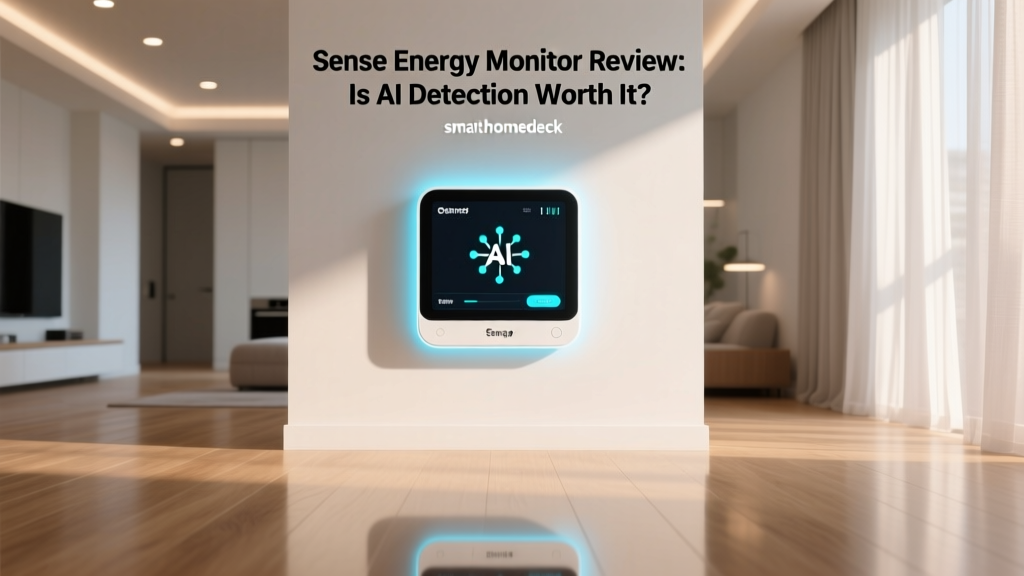
Electricity prices are notoriously volatile, and as our homes become increasingly filled with smart devices, EV chargers, and high-draw appliances, understanding your energy consumption has never been more critical. According to the U.S. Energy Information Administration, the average residential utility customer consumes vast amounts of electricity monthly, yet most homeowners have no idea which specific appliances are driving their bills. Your utility company's smart meter might tell you your daily total, but it operates as a black box, offering zero visibility into the 'when' and 'what' of your energy usage. Enter the Sense Energy Monitor, a device that promises to demystify your electrical panel using artificial intelligence. But does the AI actually work, and is it worth the premium price tag and professional installation?
Hardware Design and Installation Realities
The Sense Energy Monitor hardware is deceptively simple. It consists of a compact, bright orange rectangular box that houses the processing unit, Wi-Fi antenna, and ports for the current transformer (CT) clamps. The build quality is solid, and the bright color makes it easy to spot inside a dark electrical panel. However, the physical installation is where the first major hurdle appears. Unlike smart plugs or battery-powered sensors, Sense requires a hardwired connection directly into your main electrical breaker panel.
Installation involves attaching two main CT clamps around your primary service lines to measure total home amperage, while two voltage leads connect to individual breakers to measure phase voltage. If you have solar panels or want to monitor specific high-draw circuits individually, you will need the Sense Flex add-on, which introduces additional CT clamps. Do not attempt this installation yourself unless you are a licensed electrician. Working inside a live 200-amp panel is incredibly dangerous. Factoring in the cost of the device (typically around $299) and a licensed electrician (usually $150 to $300 depending on your region and panel complexity), the initial buy-in is significant. Once wired and connected to your 2.4GHz Wi-Fi network, the hardware essentially disappears, leaving the software to do the heavy lifting.
The Core Feature: AI Device Detection Explained
The primary selling point of the Sense Energy Monitor is its proprietary AI device detection. Instead of relying on a massive array of individual CT clamps for every single breaker in your house (which is how competitors like Emporia operate), Sense uses high-frequency sampling. It reads the electrical current over a million times per second, analyzing the microscopic 'noise' and voltage signatures that every appliance creates when it turns on or off.
When you first install Sense, it will only show you your total home usage. Over the next few weeks, the AI begins to isolate distinct signatures. It might identify your electric oven, your HVAC compressor, your EV charger, and your dishwasher. In our real-world testing, the AI excelled at identifying high-wattage, single-purpose resistive loads and large motors. It quickly and accurately tagged our EV charger, electric water heater, and dryer.
However, the AI is not infallible. It frequently struggles with variable-speed motors, modern inverter-based HVAC systems, and devices hidden behind smart plugs or power strips. You will inevitably end up with a few 'Mystery' devices in your app. To combat this, Sense allows you to merge, rename, and categorize these signatures.
Pro Tip: To help the Sense AI identify a mystery device, turn the suspected appliance on and off in a distinct pattern (like three quick bursts) while watching the real-time power meter bubble view in the app. The AI will often catch the pattern and tag the device for you.
The 'Always On' Metric and Vampire Power
One of the most eye-opening features of the Sense app is the 'Always On' metric. This represents the baseline power draw of your home when everything is supposedly turned off—think router modems, smart speakers, TV standby modes, and phone chargers. The Lawrence Berkeley National Laboratory notes that standby power (often called vampire power) can account for up to 10% of residential electricity use. Sense tracks this phantom load continuously, allowing you to hunt down energy vampires and calculate exactly how much money they are costing you annually. Seeing that your 'Always On' load costs you $25 a month is a powerful motivator to start utilizing smart plugs with physical cut-off switches.
App Experience and Real-Time Monitoring
The Sense mobile app (available on iOS and Android) is widely considered the gold standard for energy monitoring interfaces. The dashboard is broken down into three main views: Power Meter, Devices, and Trends. The Power Meter view features a satisfying, real-time bubble chart where the size of the bubble represents the wattage draw. Watching the bubbles shift in real-time as you turn on a microwave or a space heater is incredibly engaging and provides instant feedback on your energy habits.
The Trends view offers deep historical data, allowing you to compare your daily, weekly, and monthly usage against your past performance and even against anonymized Sense users in your region. The notification system is equally robust. You can set up custom alerts for almost anything: get a push notification when your EV finishes charging, when your HVAC has been running for more than two hours, or if your 'Always On' load suddenly spikes, which could indicate a forgotten appliance or a failing motor.
Smart Home Deck Score Breakdown
To provide a comprehensive evaluation, we put the Sense Energy Monitor through our rigorous Smart Home Deck testing methodology. Below is a visual breakdown of its scores across our five core dimensions.
Performance (8.5/10)
Hardware reliability is stellar. Once installed, the Sense unit rarely drops offline, and the data latency is practically non-existent. The only deduction comes from the AI's occasional inability to separate similar low-wattage signatures, requiring manual user intervention to keep the data clean.
Value (7.0/10)
At $299, plus the mandatory cost of professional installation, Sense is a premium product. While the app experience justifies the software cost, budget-conscious users might find the hardware-level circuit tracking of the Emporia Vue 2 to be a more cost-effective, albeit less polished, alternative.
Compatibility (8.0/10)
Sense plays very well with the broader smart home ecosystem, offering native integrations for major voice assistants and robust APIs for advanced users. However, the lack of native Apple HomeKit support (requiring workarounds via Home Assistant or Homebridge) keeps it from a perfect score.
Ease-of-Use (9.0/10)
From the onboarding process to the daily app interaction, Sense is incredibly user-friendly. The UI is intuitive, the data visualizations are easy to comprehend for non-engineers, and the alert system is straightforward to configure.
Features (9.5/10)
Between the real-time bubble view, historical trend analysis, solar production tracking (with Flex), and granular notification engine, Sense offers one of the most comprehensive feature sets on the market.
Ecosystem Compatibility and Integrations
A smart home energy monitor is only as good as its ability to communicate with the rest of your home. Sense offers native integrations with Amazon Alexa and Google Assistant. You can use voice commands like, 'Alexa, ask Sense how much power my house is using,' or 'Hey Google, is the oven on?' This is surprisingly useful when your hands are full.
For the advanced smart home enthusiast, Sense's integration with Home Assistant is where the real magic happens. Using the native Home Assistant Sense integration, your real-time wattage and individual device states are pulled directly into your local dashboard. This enables powerful automations. For example, you can create a script that automatically turns on a smart plug connected to a dehumidifier only when Sense detects that your solar panels are producing excess energy, or trigger an alert to your smart watch if the sump pump runs for an unusually long time, potentially indicating a leak or a failing motor.
Sense vs. The Competition
How does the Sense Energy Monitor stack up against other popular home energy tracking solutions? Here is a quick comparison to help you weigh your options.
| Feature | Sense Energy Monitor | Emporia Vue 2 | Span Smart Panel |
|---|---|---|---|
| Price Range | $299 + Install | $149 + Install | $5,000+ (Full Panel) |
| Detection Method | AI Signature Analysis | Individual Circuit CTs | Individual Circuit CTs |
| App Quality | Excellent | Good | Excellent |
| Solar Support | Yes (with Flex add-on) | Yes (Native) | Yes (Native) |
| Granularity | Device-level (AI dependent) | Circuit-level | Circuit-level & Outlet |
While Emporia offers a cheaper entry point and guaranteed circuit-level accuracy, its app lacks the predictive AI, historical trend depth, and polish of Sense. Span offers the ultimate control but requires replacing your entire electrical panel, making it a renovation-level project rather than a simple smart home upgrade.
Pros and Cons
Pros:
- Best-in-class mobile app with intuitive data visualizations.
- Non-invasive hardware installation (doesn't require panel replacement).
- Excellent 'Always On' vampire power tracking.
- Robust notification system for custom energy events.
- Strong third-party integrations (Alexa, Google, Home Assistant).
Cons:
Final Verdict
The Sense Energy Monitor is a premium tool for homeowners who are serious about understanding and optimizing their energy consumption. While the AI device detection is not a flawless magic trick and requires some manual training, the overall app experience, real-time visibility, and ecosystem integrations are unmatched in the industry. If you are willing to invest in the hardware and the professional installation, Sense provides actionable data that can genuinely help you lower your utility bills, optimize your solar production, and build a smarter, more efficient home.