Mastering Temporal Automation: Beyond the Room-by-Room Approach
While organizing your smart home by physical spaces like the kitchen, bedroom, or living room is an excellent way to plan your hardware layout, the true magic of a smart home emerges when you layer temporal automation over these spatial setups. Temporal automation—specifically Morning, Evening, and Away routines—dictates how your rooms behave based on the time of day, your occupancy, and the natural rhythm of your household. By shifting your focus from 'what this room does' to 'what this room does at 7:00 AM versus 10:00 PM,' you unlock unprecedented levels of comfort, security, and energy efficiency.
In this comprehensive guide, we will break down how to design flawless Morning, Evening, and Away routines that span across your entire home. We will cover specific device recommendations, precise measurements for lighting and climate, budget tiers, and expert tips to ensure your automations run smoothly without constant manual intervention.
The Morning Routine: Waking Up the House
A well-designed morning routine should gently transition your home from its dormant night state to an active, energized environment. This involves coordinating circadian lighting, climate control, and automated appliances across the bedroom, kitchen, and living areas.
Bedroom: Circadian Lighting and Climate Adjustment
Your morning routine begins before you even open your eyes. Instead of a jarring alarm, utilize smart lighting to simulate a natural sunrise. The Philips Hue White and Color Ambiance bulbs (Zigbee/Matter compatible) can be programmed via the Hue app to gradually increase brightness from 0% to 100% and shift color temperature from a warm 2000K to an energizing 5000K over a 30-minute window prior to your wake time. Simultaneously, motorized blinds like the SwitchBot Curtain 3 can silently glide open at the 20-minute mark, allowing natural UV light to halt your brain's melatonin production.
Climate is equally critical. According to the U.S. Department of Energy, smart thermostats can significantly optimize energy use while maintaining comfort. Program your Google Nest Learning Thermostat to raise the temperature to a comfortable 72°F (22°C) exactly 45 minutes before your alarm, ensuring the room is warm when you step out of bed.
Kitchen: Automated Brewing and Briefings
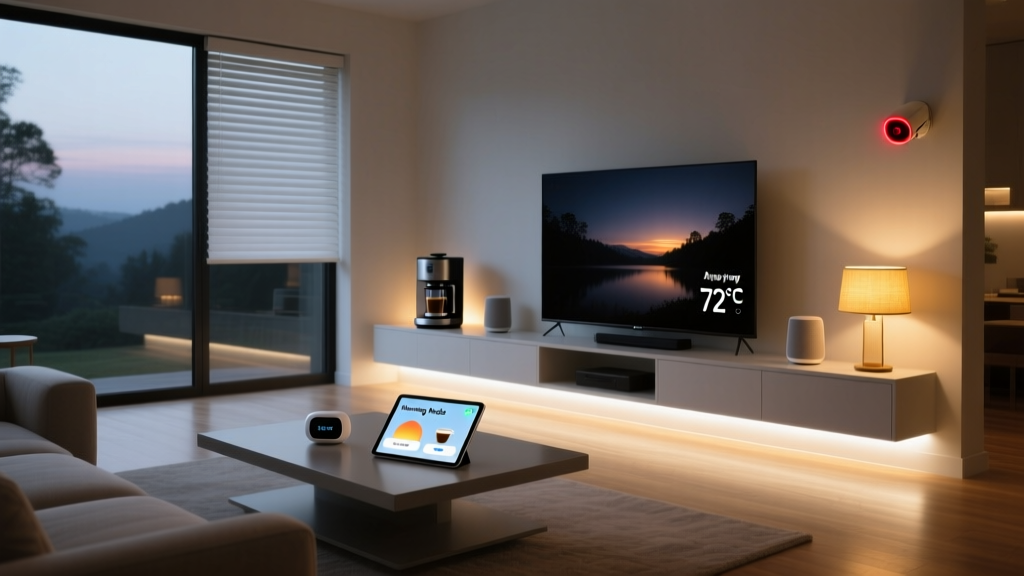
As you move to the kitchen, your routine should anticipate your needs. A smart plug like the Eve Energy (Thread-enabled) can trigger your espresso machine or drip coffee maker to begin brewing the moment your bedroom motion sensor detects you walking out of bed. In the kitchen, a smart display like the Amazon Echo Show 15 can automatically launch your morning briefing, reading out the daily weather, commute traffic, and calendar events, while under-cabinet Lutron Caseta LED strips illuminate the countertops at a crisp 4000K daylight temperature to help you focus.
The Evening Routine: Winding Down and Securing
The evening routine is all about signaling to your body that it is time to rest, while simultaneously securing the perimeter of your home and shutting down unnecessary energy drains.
Living Room: Media Sync and Ambient Dimming
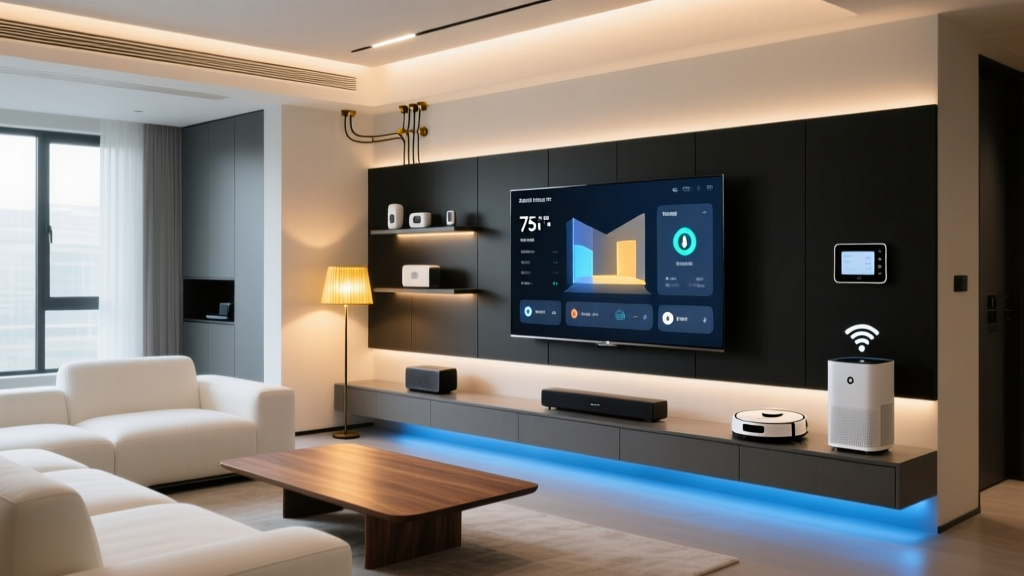
As the sun sets, your living room should transition into a cozy entertainment space. Using a hub like the Hubitat Elevation or Apple HomePod (for HomeKit users), create an 'Evening Wind-Down' routine triggered by sunset or a specific time (e.g., 8:00 PM). This routine should dim your main overhead lights to 20% brightness and shift the color temperature to a warm, melatonin-friendly 2200K. If you turn on your television, a Logitech Harmony Elite or an HDMI-CEC enabled smart plug can automatically turn off the overhead lights and turn on bias lighting behind the TV to reduce eye strain.
Whole-Home Security and Bedroom Sleep Hygiene
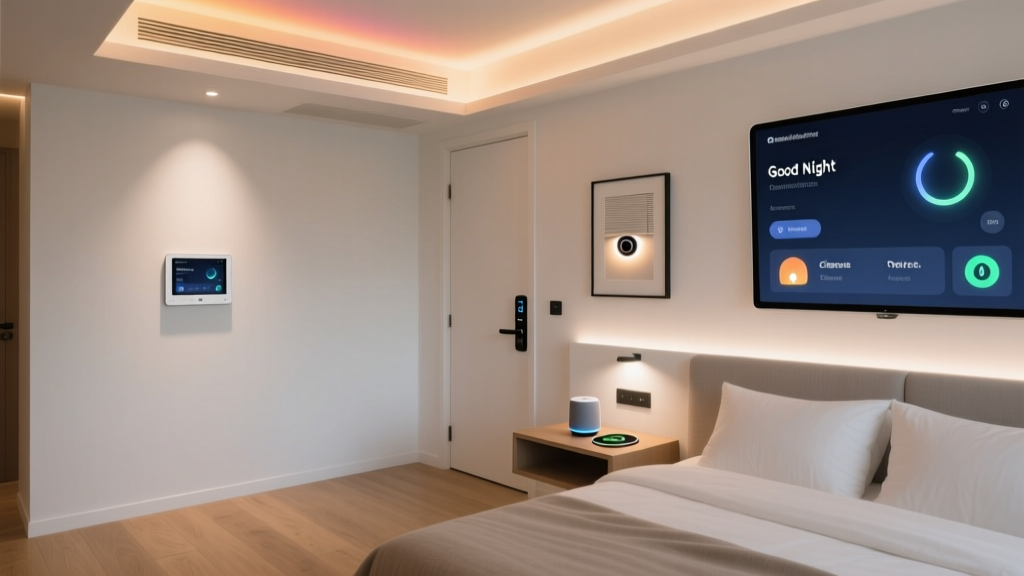
At 10:30 PM, your 'Night Security' routine should execute. This involves locking all smart locks (such as the August Wi-Fi Smart Lock), arming ground-floor window sensors, and turning off interior cameras for privacy. The EPA Energy Star program notes that properly scheduling smart home devices to power down at night can reduce phantom energy loads significantly. In the bedroom, your Hatch Restore 2 smart sleep assistant can automatically begin playing brown noise at 45 decibels, while your thermostat drops the ambient temperature to the scientifically optimal sleep temperature of 65°F (18.3°C).
The Away Routine: Security and Energy Efficiency
The Away routine is perhaps the most critical for protecting your property and minimizing wasted resources. This routine should trigger via geofencing when the last registered smartphone leaves a 150-meter radius of your home, or via a physical keypad button press by the front door.
Whole-Home: Eco Modes and Vacancy Simulation
When the house is empty, your Ecobee Smart Thermostat Premium should immediately switch to Eco-Mode, allowing the temperature to drift up to 78°F (25.5°C) in the summer or down to 62°F (16.5°C) in the winter. According to EPA Energy Star, this single automation can save homeowners an average of 8% on heating and cooling bills annually.
For security, the Ring Alarm Pro system should arm in 'Away' mode, activating all motion detectors and door contacts. Exterior cameras should switch from 'home privacy' mode to active recording with person detection enabled. To deter burglars, use a 'Vacancy Simulation' lighting routine. Instead of leaving lights on continuously, program your smart switches to randomly toggle different living room and bedroom lamps on and off between 7:00 PM and 11:00 PM, mimicking human presence. Finally, deploy your Roborock S8 Pro Ultra robot vacuum to clean the main floors while no one is home to disturb the peace.
Budget Tiers for Routine Automation
Building a home capable of executing these complex routines requires a mix of sensors, actuators, and a central hub. Below is a breakdown of budget tiers to help you plan your investment.
| Tier | Estimated Cost | Core Hardware | Hub / Ecosystem | Capability Limitations |
|---|---|---|---|---|
| Starter | $300 - $600 | 2x Smart Plugs, 4x Smart Bulbs, 1x Smart Thermostat, 1x Smart Speaker | Amazon Alexa / Google Home (Cloud-based) | Limited to basic time and geofence triggers; relies heavily on internet connection. |
| Mid-Range | $1,200 - $2,500 | Smart Switches, Motorized Blinds, Smart Lock, Leak Sensors, Robot Vacuum | Apple HomeKit / Samsung SmartThings | Excellent device variety, but complex conditional logic (e.g., IF/AND/OR) can be clunky. |
| Pro | $4,000+ | Hardwired Lutron Caseta, Shelly Relays, PoE Cameras, Occupancy Sensors | Hubitat / Home Assistant (Local Execution) | Requires technical setup; offers zero-latency, offline-capable, highly complex routines. |
Energy and Security Impact Visualization
Understanding the tangible benefits of temporal automation helps justify the investment. The chart below illustrates the relative impact of Morning, Evening, and Away routines on both energy conservation and home security enhancement.
As the data suggests, while Morning routines offer modest energy savings by optimizing wake-up climates, the Away routine provides the most massive leap in both energy conservation and security fortification. Evening routines strike a balance, heavily reducing phantom power loads while securing the perimeter for the night.
Expert Tips for Flawless Execution
Creating routines is easy; making them reliable is the challenge. Here are expert tips to ensure your automations do not fail when you need them most.
1. Prioritize Local Execution Over Cloud
If your internet connection drops, cloud-based routines (like those relying entirely on Alexa or Google Home servers) will fail to execute. For critical routines like evening security arming or morning blind opening, invest in a local hub like Home Assistant or Hubitat. These hubs process logic locally via Zigbee, Z-Wave, or Thread, ensuring your home functions even during an ISP outage.
2. Refine Your Geofencing Boundaries
Geofencing is a popular trigger for Away routines, but it can be finicky. If your boundary is set too tight (e.g., 50 meters), your home might arm while you are simply taking out the trash or walking the dog. Set your geofence radius to at least 150 meters, and combine it with a secondary condition, such as 'No motion detected inside for 15 minutes,' to prevent false Away triggers.
3. Secure Your Automation Network
As you add more devices to execute these routines, your network attack surface grows. The Cybersecurity and Infrastructure Security Agency (CISA) strongly recommends segmenting your smart home devices onto a separate VLAN or Guest Wi-Fi network. This ensures that if a cheap smart plug is compromised, hackers cannot pivot to your personal computers or smartphones. Furthermore, always enable Two-Factor Authentication (2FA) on your smart home ecosystem accounts.
4. Use Millimeter-Wave Presence Sensors
Standard PIR (Passive Infrared) motion sensors only detect active movement. If you are reading a book on the couch, the lights might turn off because the sensor thinks the room is empty. Upgrade your living room and bedroom sensors to millimeter-wave (mmWave) presence sensors, like the Aqara FP2. These detect microscopic movements like breathing, ensuring your Evening routine doesn't accidentally plunge you into darkness while you are relaxing.
Conclusion
Transitioning from a static, room-by-room smart home setup to a dynamic, time-based automation ecosystem is the hallmark of a truly intelligent living space. By carefully crafting your Morning, Evening, and Away routines, you do more than just impress guests with automated lights; you create a home that actively cares for your circadian rhythm, fiercely protects your property, and diligently conserves energy. Start with the Starter tier, master the basic temporal triggers, and gradually expand your hardware and logic as your comfort with smart home ecosystems grows. Your home should not just be a place you live in; it should be a space that lives in sync with you.