Introduction to Family-Friendly Smart Spaces
When designing a smart home, families face a unique set of challenges that single professionals or couples might not consider. Children are naturally curious, highly energetic, and entirely unconcerned with the retail price of a smart speaker or the delicate nature of an OLED television panel. A living room or playroom must serve as a dual-purpose space: a relaxing sanctuary for adults and a safe, engaging, and durable environment for children. Transforming these shared spaces into a kid-safe smart room requires a delicate balance of robust hardware, intuitive parental controls, and physical safety measures.
At SmartHomeDeck, we believe that technology should adapt to your family, not the other way around. This comprehensive guide will walk you through the essential strategies for childproofing your smart living room and playroom. From selecting shatterproof devices and managing screen time to setting up automated 'quiet time' routines and securing your family's digital privacy, we have curated the ultimate blueprint for a modern, family-friendly smart home.
Core Principles of a Kid-Safe Smart Room
Before purchasing any gadgets, it is crucial to establish the foundational principles of a kid-safe smart room. These principles span three main categories: physical safety, digital boundaries, and data privacy.
1. Physical Safety and Durability
The living room is often the most active space in a house. Devices must be able to withstand accidental bumps, spills, and the occasional flying toy. According to the Consumer Product Safety Commission Child Safety Guidelines, unsecured furniture and televisions pose a severe tipping hazard to toddlers and young children. In a smart home, this means televisions must be securely anchored to the wall or the studs behind the drywall using heavy-duty anti-tip straps. Furthermore, all smart home wiring, power strips, and charging cables must be concealed behind walls or inside tamper-resistant cord raceways to prevent tripping hazards and electrical shocks.
2. Digital Boundaries and Screen Time
Smart displays and televisions are incredible educational tools, but they require strict boundaries. The American Academy of Pediatrics Family Media Plan emphasizes the importance of consistent limits on screen time and ensuring that media does not replace essential activities like sleep and physical play. A kid-safe smart room utilizes built-in parental controls to enforce daily time limits, restrict access to mature content, and disable purchasing features on voice assistants.
3. Privacy and Data Protection
Children are particularly vulnerable when it comes to data collection. Smart devices with microphones and cameras are constantly listening for wake words, which raises valid privacy concerns. Under the Federal Trade Commission's COPPA Rule (Children's Online Privacy Protection Act), companies are strictly regulated regarding the collection of personal information from children under 13. As parents, you must take an active role by utilizing physical microphone mute buttons, disabling voice purchasing, and regularly reviewing the audio recordings stored in your smart home app dashboards.
Recommended Devices for the Family Living Room
Not all smart devices are created equal, especially when children are in the mix. Here are our top recommendations for the family living room and playroom, prioritizing durability, safety, and ecosystem integration.
Smart Televisions and Displays
For the main living room TV, we highly recommend the Samsung The Frame. Its flush wall-mount design makes it incredibly difficult for little hands to grab or pull down. Furthermore, the matte screen reduces glare and is more resilient to accidental smudges. For younger children in the playroom, avoid smart displays with exposed glass screens. Instead, opt for audio-only devices or ruggedized tablets kept in protective foam cases.
Audio and Voice Assistants
The Amazon Echo Dot Kids Edition is a staple for playrooms. It features a fun, kid-friendly design, but more importantly, it comes with a one-year subscription to Amazon Kids+, which filters out explicit music and provides age-appropriate games and audiobooks. Alternatively, the Apple HomePod mini is an excellent choice for Apple families. It lacks a screen (eliminating the risk of cracked glass), features a durable fabric mesh, and integrates seamlessly with Apple's robust Screen Time and Family Sharing controls.
Lighting and Climate
Avoid smart bulbs that protrude from lamps where they can be unscrewed or broken. Instead, use Philips Hue Lightstrip Plus. These are encased in a thick, shatterproof silicone coating, emit virtually no heat, and operate on low voltage, making them completely safe for children to touch. Pair these with an Airthings View Plus air quality monitor to keep an eye on VOCs, CO2, and humidity levels in the playroom, ensuring a healthy environment for your kids.
Smart Plugs and Outlets
Standard smart plugs can easily be pulled out of the wall by curious toddlers. Look for smart outlets that replace the existing wall receptacle, such as the Leviton Decora Smart Wi-Fi Outlet. These feature built-in tamper-resistant (TR) shutters, which require simultaneous pressure on both prongs to insert a plug, drastically reducing the risk of electrical shock.
Budget Tiers: Starter, Mid, and Pro
Building a kid-safe smart room can be tailored to fit almost any budget. Below is a breakdown of three distinct tiers to help you plan your family's smart home upgrade.
| Budget Tier | Core Devices Included | Estimated Cost | Key Kid-Safe Features |
|---|---|---|---|
| Starter | Amazon Echo Dot Kids, Kasa Smart Plugs (with outlet covers), Wyze Bulbs, Anti-Tip TV Straps | $250 - $400 | Basic voice filtering, automated nightlights, essential physical TV anchoring. |
| Mid-Range | Apple HomePod mini, Philips Hue Lightstrips, Leviton TR Smart Outlets, Airthings View Plus | $600 - $1,100 | Shatterproof lighting, tamper-resistant outlets, real-time air quality monitoring, Apple Family controls. |
| Pro | Samsung The Frame TV (Flush Mount), Sonos Roam, Lutron Caseta In-Wall Dimmers, Ecobee Smart Thermostat | $2,000 - $3,500+ | Flush-mounted unbreakable TV displays, premium multi-room audio with kid profiles, advanced climate safety. |
Essential Automation Routines for Parents
The true magic of a smart home lies in automation. By setting up specific routines, you can manage your children's environment without having to constantly issue voice commands or open apps. Here are three essential routines every family should implement in their living room and playroom.
1. The 'Quiet Time' / Nap Routine
Triggered by a physical smart button (like the Philips Hue Dimmer Switch mounted out of reach) or a set schedule, this routine transforms the chaotic playroom into a calming space. The Philips Hue lights dim to 20% and shift to a warm amber hue. The smart TV turns off, and the smart speaker begins playing a curated playlist of white noise or soft lullabies. Simultaneously, the smart thermostat adjusts the room temperature to an optimal 70°F (21°C) for sleeping.
2. The 'Homework and Focus' Mode
When it is time to transition from play to study, activate Homework Mode. This routine changes the living room lights to a bright, cool-white (4000K) to promote alertness. More importantly, if you use a smart mesh router like Eero or Google Nest Wifi, this routine can trigger a network pause on gaming consoles and entertainment tablets, ensuring that Wi-Fi bandwidth is reserved for educational apps and that distractions are minimized.
3. The 'Movie Night' Family Routine
Make family movie night effortless. A single voice command like 'Alexa, it's movie night' triggers the living room routine: the motorized blackout blinds lower to block out streetlights, the overhead lights fade to zero, the Philips Hue lightstrips behind the TV glow with a soft bias lighting (which reduces eye strain), and the Samsung TV powers on directly to the family's favorite streaming app profile.
Device Safety and Parental Control Comparison
When selecting the central hub for your family room, it is vital to compare how different devices handle physical durability, privacy, and parental controls. The chart below visualizes our internal SmartHomeDeck safety scores for popular living room devices.
Kid-Safety Scores by Device Category (Out of 10)
Analysis: The Amazon Echo Dot Kids leads in parental features due to its seamless integration with Amazon Kids+ and robust content filtering. However, the Apple HomePod mini scores highest in privacy and physical durability, as its screenless design eliminates the risk of cracked glass and its localized Siri processing minimizes data exposure. Smart displays like the Nest Hub, while useful for recipes in the kitchen, score lower in physical durability for a playroom due to their fragile glass touchscreens.
Privacy and Security: Protecting Your Children's Data
In a room where children play, talk, and sometimes sing along to their favorite songs, smart devices are constantly processing audio. Protecting your family's digital footprint is non-negotiable. First, always utilize the physical microphone disconnect switch found on devices like the Echo Dot or HomePod when the kids are having private conversations or engaging in imaginative play.
Second, disable 'Drop In' or intercom features between the living room and other areas of the house unless strictly necessary, to prevent unintended audio broadcasting. Finally, regularly log into your Amazon Alexa or Google Home privacy dashboards to review and delete voice recordings. Teaching your children about digital privacy—such as explaining that the smart speaker is a 'helper' but not a 'person'—is a crucial step in raising tech-literate kids.
Design and Aesthetic Considerations
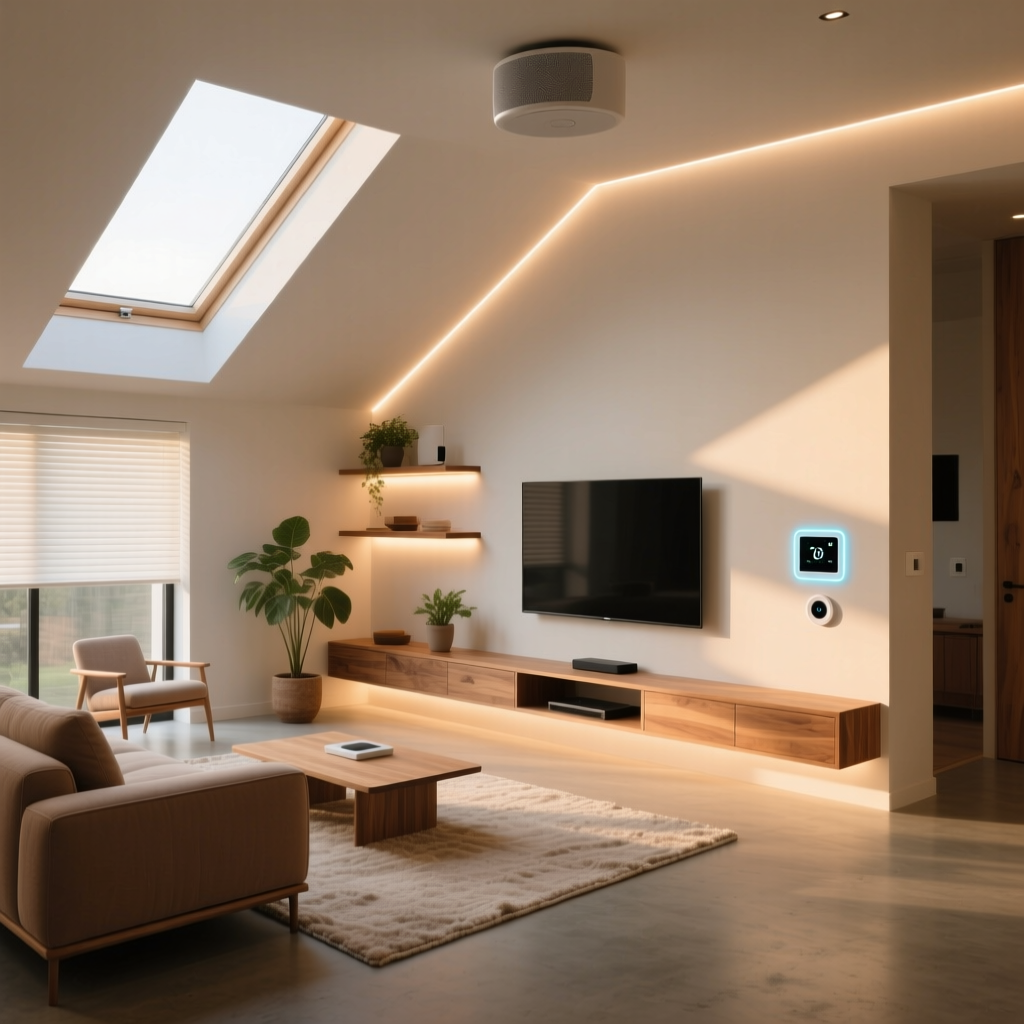
A kid-safe smart room should not look like a fortress or a server room. Aesthetics matter, especially in the main living area. To maintain a clean, adult-friendly aesthetic while keeping tech out of little hands, utilize floating shelves mounted at least 48 inches from the floor for smart speakers and air quality monitors. This keeps the devices within optimal acoustic range while remaining completely inaccessible to toddlers.
For cable management, avoid cheap plastic zip ties that can become choking hazards if chewed or broken. Instead, invest in paintable, screw-mounted cord channels that run flush against the baseboards. Use decorative woven baskets with false bottoms to hide smart plugs and power strips; this allows the Wi-Fi signals to pass through while keeping the clutter and electrical hazards completely hidden from curious eyes and hands.
Conclusion
Designing a kid-safe smart living room and playroom is an investment in both your peace of mind and your children's well-being. By prioritizing physical durability, leveraging robust parental controls, and implementing thoughtful automation routines, you can create a space that grows with your family. Technology should enhance your family time, not complicate it. With the right devices and safety measures in place, your smart home will become a secure, magical environment where both kids and adults can thrive.