The Renter's Dilemma: Smart Tech Without the Damage
For millions of renters, the dream of a fully integrated smart home feels just out of reach. Lease agreements notoriously prohibit drilling into studs, running new low-voltage wiring, swapping out hardwired light fixtures, or replacing built-in thermostats. Violating these clauses can result in forfeited security deposits or even eviction. However, the smart home industry has evolved rapidly, shifting away from permanent, hardwired installations toward modular, wireless, and battery-operated ecosystems. You no longer need to own your home to enjoy the convenience, security, and energy efficiency of modern automation.
This comprehensive guide explores the ultimate no-drill, portable smart apartment setup. We will break down room-by-room solutions, highlight specific renter-friendly products, provide budget tiers, and share automation routines that respect your lease while elevating your living space.
Core Principles of a No-Drill Smart Home
Before purchasing devices, it is crucial to understand the foundational principles of a renter-friendly smart home. A successful portable setup relies on three core pillars:
- Non-Destructive Mounting: Utilizing advanced adhesives, tension-based hardware, and friction-fit mounts. For example, 3M Command Strips can hold up to 16 pounds per pair, making them suitable for lightweight smart displays and indoor cameras. For heavier items, tension rods and floor-standing mounts are essential.
- Wireless and Battery-Powered: Prioritizing devices that run on long-lasting lithium batteries, USB power, or standard wall outlets rather than requiring hardwired junction boxes or C-wires. Protocols like Zigbee, Z-Wave, and the new Matter standard allow devices to communicate without relying on your landlord's aging Wi-Fi router.
- Plug-and-Play Portability: Choosing devices that can be easily packed into a moving box. When your lease ends, your smart home should be able to move with you in an afternoon, leaving the apartment exactly as you found it.
Room-by-Room No-Drill Portable Setup
Living Room: Entertainment and Ambiance
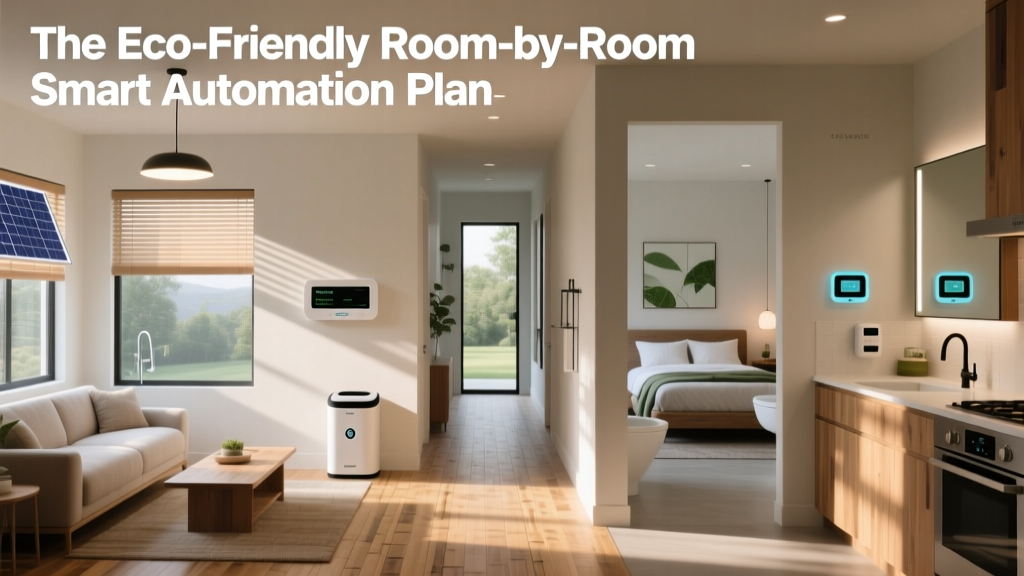
The living room is the hub of your apartment, requiring a mix of ambient lighting, entertainment control, and climate management. Since you cannot install recessed smart lighting or hardwired surround sound, focus on freestanding and adhesive-based alternatives.
- Lighting: Skip the hardwired switches. Use Philips Hue Play Bars ($129/pair) placed on media consoles or mounted behind TVs using heavy-duty, removable Velcro strips. For bias lighting, Govee RGBIC LED Strips ($30-$50) feature a silicone adhesive backing that can be safely removed with a hairdryer without damaging drywall or peeling paint.
- Entertainment: Instead of drilling into studs for a TV mount, invest in a Floor-Standing Tension Pole TV Mount (like those from Fitueyes, ~$80). These use floor-to-ceiling tension to hold TVs up to 55 inches securely. Pair this with a Sonos Roam or Apple HomePod Mini for high-quality, wireless audio that sits on shelves or side tables.
- Climate: If your apartment has a window AC unit, use a Sensibo Sky or Mysa Smart AC Controller ($100-$140). These devices use infrared signals to control your existing "dumb" AC unit, integrating it into your smart home ecosystem without touching the electrical panel.
Kitchen: Safety and Convenience
Kitchens in apartments are often small and lack pre-wired smart infrastructure. The focus here should be on countertop convenience and proactive safety monitoring.
- Countertop Command Center: A Lenovo Smart Clock 2 or Amazon Echo Show 8 serves as a recipe guide, timer, and intercom. These sit flat on the counter and require only a standard outlet.
- Appliance Automation: Use a Kasa EP25 Smart Plug ($15) for your coffee maker or electric kettle. Ensure the appliance has a physical "on" switch that remains engaged when power is cut, allowing the smart plug to act as the trigger.
- Leak Detection: Apartment plumbing is notoriously unpredictable. Place a D-Link Wi-Fi Water Sensor ($25) under the sink and behind the refrigerator. It requires no wiring, runs on a coin cell battery for over a year, and will send an instant push notification to your phone if it detects moisture, potentially saving you from a massive liability claim.
- Under-Cabinet Lighting: Use battery-operated, magnetic puck lights with 3M adhesive pads. They snap onto the magnetic base, allowing you to easily remove them for charging via USB.
Bedroom: Sleep and Security
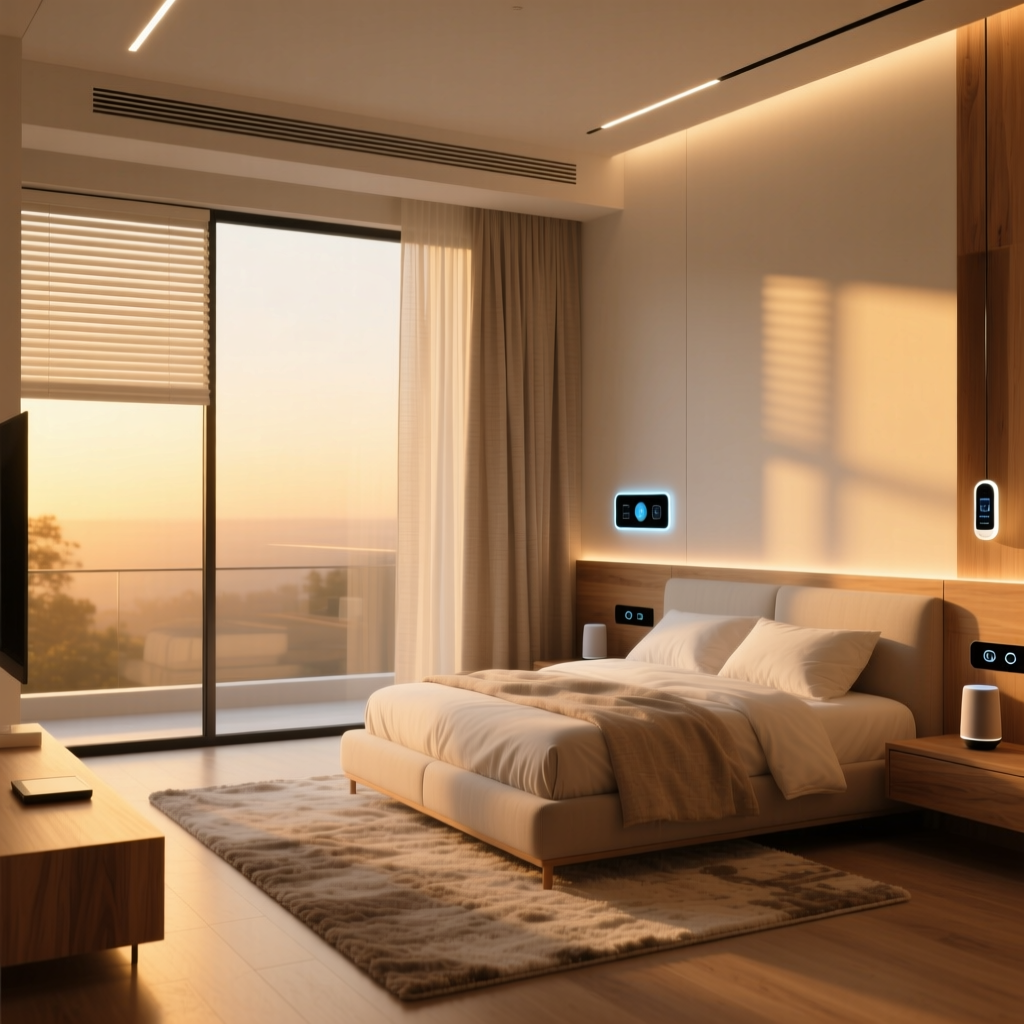
Your bedroom should be a sanctuary optimized for circadian rhythms and privacy. Avoid cameras in this space and focus on environmental controls.
- Smart Blinds: You cannot drill into window frames for motorized tracks. Instead, the SwitchBot Blind Tilt ($80) is a game-changer. It clamps directly onto the existing wand of your horizontal blinds, using a motorized gear to tilt the slats based on the time of day or sunlight sensors. It is entirely non-destructive and takes 10 seconds to install.
- Sleep Tracking: The Withings Sleep Analyzer ($130) is a pneumatic pad that slides directly under your mattress. It tracks sleep cycles, snoring, and heart rate without requiring you to wear a smartwatch, and it can trigger "Good Morning" routines (like turning on smart bulbs) when you get out of bed.
- Air Quality: A portable smart air purifier like the Levoit Vitalox 200S connects via Wi-Fi and can be automated to run on high when indoor VOC sensors detect poor air quality from cooking or city smog.
Bathroom: Moisture and Monitoring
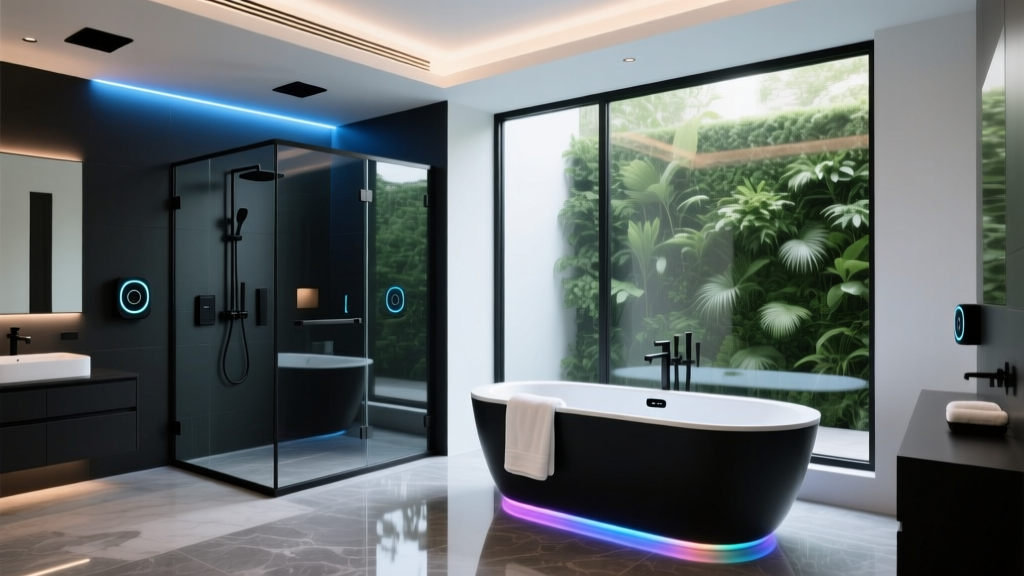
Bathrooms present challenges due to high humidity and a lack of electrical outlets. Focus on water conservation and passive monitoring.
- Smart Showerhead: The Hai Smart Showerhead ($130) screws directly onto the standard 1/2-inch NPT shower arm. It requires no batteries or drilling, utilizing a built-in hydro-generator to power its LED temperature indicators and leak alerts. It tracks water usage via Bluetooth, helping you keep utility bills down.
- Smart Scales: The Renpho Smart Scale ($30) connects via Bluetooth to your phone, tracking body composition metrics over time without taking up permanent counter space.
- Smart Mirrors: If your apartment lacks a lighted vanity, use heavy-duty, removable adhesive hooks (rated for 10+ lbs) to hang a lightweight, battery-operated LED vanity mirror.
Budget Tiers for Renter-Friendly Smart Homes
Building a smart apartment does not require a massive upfront investment. Below is a breakdown of budget tiers based on a standard one-bedroom apartment setup.
| Tier | Estimated Cost | Key Components | Best For |
|---|---|---|---|
| Starter | $100 - $250 | Smart plugs, basic Wi-Fi bulbs (e.g., Wyze), single water sensor, entry-level smart speaker. | Renters testing the waters; small studios. |
| Mid-Tier | $250 - $600 | Adds SwitchBot Blind Tilt, smart AC controller, LED light strips, smart leak detectors, hub (e.g., SwitchBot Hub). | Most 1-2 bedroom apartments; balanced automation. |
| Pro | $600 - $1,200 | Adds premium lighting (Philips Hue), smart showerhead, sleep trackers, high-end portable audio, Matter-compatible hubs. | Tech enthusiasts; long-term renters in larger spaces. |
Cost Comparison: Traditional vs. No-Drill Setups
One of the most significant advantages of a renter-friendly setup is the reduction in installation and hardware costs. Traditional smart homes often require professional electricians, drywall repair, and expensive hardwired fixtures. The chart below illustrates the estimated cost differences across major categories.
Bar chart comparing estimated costs of traditional hardwired smart home setups versus no-drill portable setups across four categories.
As the data shows, no-drill solutions can cut your initial hardware and installation costs by more than 50%, primarily by eliminating the need for professional contractors and structural modifications.
Essential Automation Routines for Apartments
Hardware is only half the equation; the magic lies in automation. Using platforms like Apple HomeKit, Amazon Alexa, or IFTTT, you can create routines tailored to apartment living.
1. The "Renter's Climate Saver" Routine
Utility bills in poorly insulated apartments can skyrocket. This routine optimizes your portable climate control.
- Trigger: Geofencing detects you have left a 200-meter radius of your apartment.
- Action 1: Smart AC Controller turns off the window unit.
- Action 2: SwitchBot Blind Tilt closes the blinds on south-facing windows to block solar heat gain.
- Action 3: Smart plugs cut power to idle electronics (TVs, gaming consoles) to prevent vampire draw.
According to the U.S. Department of Energy, optimizing climate control through smart scheduling and automated adjustments can save households up to 10% to 15% on heating and cooling costs annually, a crucial benefit for renters paying their own utilities.
2. The "Apartment Privacy Mode" Routine
Living in close proximity to neighbors and shared hallways requires strict privacy management.
- Trigger: Voice command ("Alexa, I'm home") or NFC tag tapped on your entryway table.
- Action 1: Smart displays (Echo Show, Nest Hub) automatically disable their cameras and microphones.
- Action 2: Philips Hue lights transition to a warm, 2700K "Relax" scene, and Govee LED strips behind the TV turn on to reduce eye strain.
- Action 3: Smart locks (if permitted by your landlord, such as a non-destructive August Wi-Fi Smart Lock that replaces only the interior thumbturn) lock the door behind you.
Design and Aesthetic Considerations
A common complaint about portable smart home gear is the clutter of visible wires and bulky power bricks. Maintaining a clean aesthetic in a rental requires strategic cable management.
- Removable Raceways: Use J-channel cable raceways lined with removable nano-tape (rather than the permanent adhesive that comes in the box). This allows you to run power cords down walls to smart blinds or wall-mounted displays without damaging the paint.
- Color Matching: Choose smart devices that blend into your apartment's existing color palette. If your landlord uses standard "builder grade" white trim, opt for white smart plugs and white sensor housings to make them visually disappear.
- Hub Consolidation: Instead of scattering smart hubs and dongles across your living room, use a freestanding, multi-tier AV rack or a decorative woven basket to house your SwitchBot Hub, Apple TV, and router. This keeps your space looking like a curated home rather than an IT closet.
Security and Privacy in Shared Networks
Many apartment complexes provide shared "building Wi-Fi" as a perk. While convenient, connecting your smart home devices to a shared network is a massive security risk, as malicious actors on the same network could potentially intercept device traffic or access local IP cameras.
To mitigate this, invest in a dedicated, portable mesh router (like the TP-Link Deco series) that connects to the building's ethernet wall jack or your personal ISP modem. Create a separate "Guest" or "IoT" VLAN specifically for your smart bulbs, plugs, and sensors. The National Institute of Standards and Technology (NIST) strongly recommends network segmentation and strict baseline security configurations for IoT devices to prevent unauthorized access and protect user data. By isolating your portable smart home network, you ensure that your privacy moves with you, regardless of the building's infrastructure.
Moving Out: The Portable Advantage
The true beauty of a no-drill smart apartment setup is revealed on moving day. When it is time to hand over the keys, the process is remarkably simple. Unplug your smart hubs, peel off the LED strips using a heat gun on a low setting to soften the adhesive, and unclamp the blind motors. Pack everything into a single labeled bin.
Because you have avoided drilling holes and altering fixtures, your landlord has no grounds to withhold your security deposit for smart home modifications. You simply walk into your next apartment, plug in your hub, and your entire ecosystem—from your lighting scenes to your climate routines—reconnects and resumes functioning within minutes. The smart home is no longer tied to the real estate; it is tied to you.