The Renter's Dilemma: Smart Tech Without the Security Deposit Risk
Living in an apartment or rental property often feels like a tug-of-war between modern convenience and strict lease agreements. You want the seamless automation, enhanced security, and energy efficiency of a smart home, but your landlord's strict "no-drilling" policy and the looming threat of losing your security deposit stand in the way. Fortunately, the smart home ecosystem has evolved dramatically. Today's market is flooded with portable, non-destructive, and renter-friendly devices that require zero permanent alterations to your space.
Whether you are living in a compact studio or a multi-bedroom rental, building a smart apartment setup is entirely possible without picking up a power drill. This comprehensive guide will walk you through the best no-drill smart home solutions, room by room, complete with budget tiers, installation hacks, and automation routines designed specifically for the transient lifestyle of a renter.
The Core Philosophy: Tension, Adhesion, and Retrofitting
Before diving into specific products, it is crucial to understand the three pillars of renter-friendly smart home design:
- Retrofitting: Devices that attach to or replace existing interior hardware without altering the exterior or the core mechanism. This is especially true for smart locks and blind controllers.
- Tension and Friction: Utilizing expandable tension rods and friction-based mounts to hold curtains, cameras, and sensors without the need for drywall anchors.
- Advanced Adhesives: Leveraging modern adhesive technologies, such as 3M VHB tape and damage-free Command Strips, to mount lightweight hubs, LED strips, and sensors securely.
Entryway & Security: Fortify Without Drilling
Security is usually the first casualty in a rental. Landlords rarely allow you to replace the main deadbolt or drill holes for wired video doorbells. Here is how you bypass these restrictions.
The Retrofit Smart Lock
The August Wi-Fi Smart Lock and the SwitchBot Lock are the undisputed kings of renter security. These devices install entirely on the interior side of your door. They clamp directly over your existing thumbturn and deadbolt mechanism using the pre-existing screws or heavy-duty 3M VHB tape. The exterior of your door remains completely untouched, meaning your landlord's keys will still work, and you can easily remove the device when you move out. Ensure your deadbolt is properly aligned before installation, as retrofit locks require smooth mechanical operation to prevent battery drain.
The Peephole and Battery-Powered Camera
If you cannot drill a hole for a Ring or Nest doorbell, look to the Ring Peephole Cam or the Eufy Security Battery Video Doorbell. The Peephole Cam replaces your existing door peephole in seconds using a simple hand tool—no drilling required, and you can keep the original peephole in a drawer for move-out day. Alternatively, battery-powered doorbells can be mounted using heavy-duty outdoor adhesive strips or clamped onto a custom-made tension rod screen door frame.
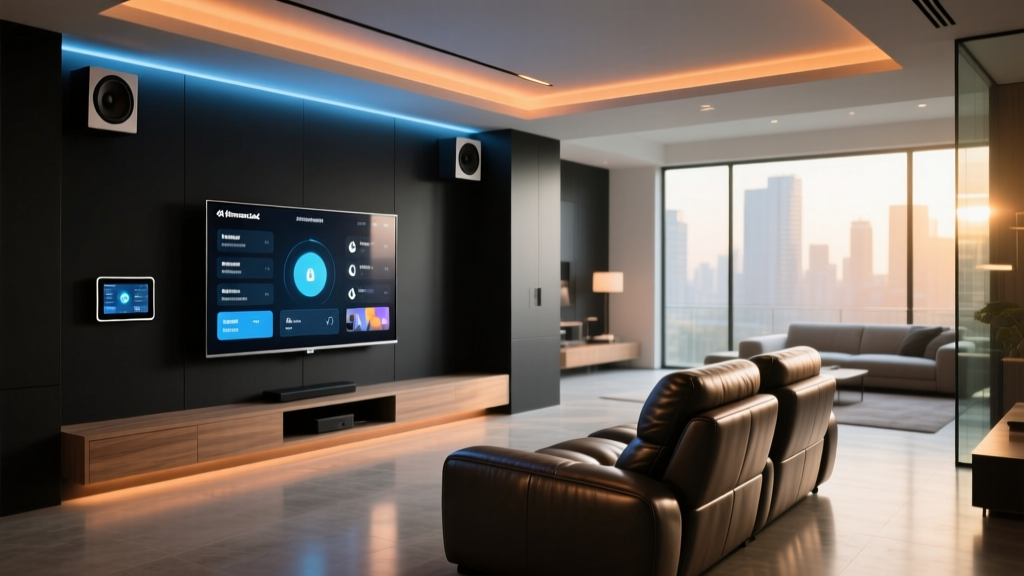
Living Room: Ambient Lighting and Automated Shading
The living room is the hub of your apartment, and lighting and shading play massive roles in setting the mood and regulating temperature.
Damage-Free Smart Blinds
Drilling into window frames or drywall for motorized blinds is a major lease violation. Instead, the SwitchBot Blind Tilt is a brilliant, portable solution. It clamps directly onto the existing wand of your horizontal blinds. Powered by AA batteries or an optional solar panel, it uses a quiet motor to rotate the wand, allowing you to schedule your blinds to open with the sunrise or close during peak heat hours to save on cooling costs.
Adhesive LED and Floor Lamp Ecosystems
Avoid hardwiring sconces. Instead, use Govee RGBIC LED Strip Lights behind your TV or under floating shelves. Pro Tip: The adhesive that comes with LED strips can sometimes damage cheap apartment paint upon removal. Apply a strip of painter's tape or a Command Strip to the wall first, then attach the LED strip's adhesive to that backing. For ambient lighting, invest in smart floor lamps like the Philips Hue Signe or Govee Lyra, which plug into standard outlets and offer powerful, room-filling color gradients without taking up permanent space.
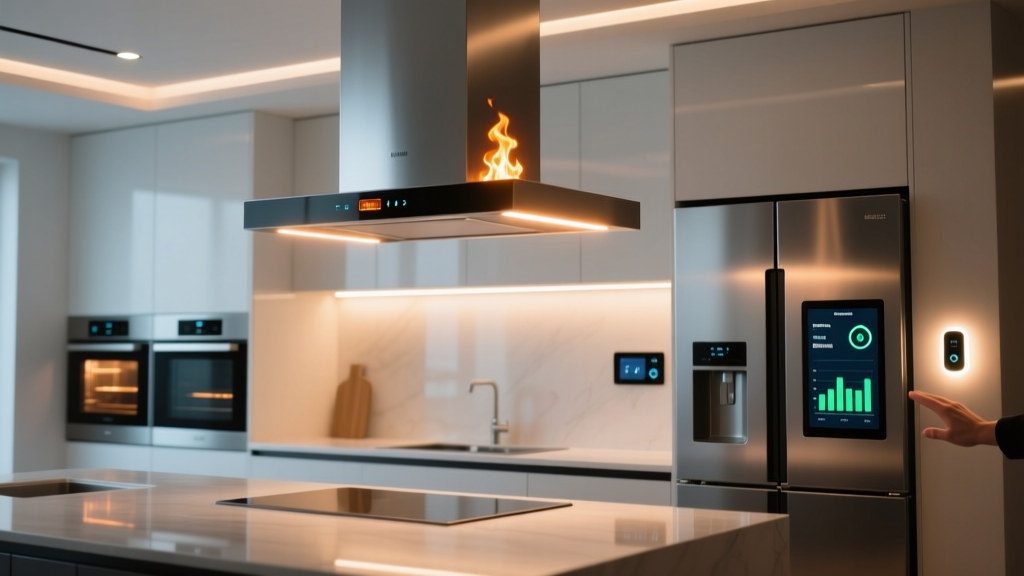
Kitchen & Climate: Portable Efficiency
Apartments often suffer from poor insulation and outdated HVAC systems. Smart tech can help you manage this without altering the building's infrastructure.
Smart Plugs and Appliance Automation
The kitchen is filled with "dumb" appliances that can be made smart via Meross or Kasa Smart Plugs. Plug your coffee maker in to have it pre-heat at 6:30 AM. Use a smart plug for your slow cooker or electric kettle. According to the Energy Star Smart Home guidelines, utilizing smart plugs to eliminate "vampire power" draw from idle kitchen electronics can yield noticeable reductions in your monthly utility bills.
Taming the Window AC Unit
If your apartment relies on a bulky, inefficient window air conditioning unit, the Sensibo Sky or Mysa Smart Thermostat for AC is a game-changer. These devices use infrared (IR) blasters to mimic your AC's remote control. Mount the Sensibo on a nearby bookshelf or use an adhesive wall mount. It allows you to set precise temperature schedules, use geofencing to turn the AC off when you leave for work, and integrate with your broader smart home ecosystem.
Network Security & Privacy in Shared Buildings
Apartment complexes often provide shared Wi-Fi networks or have thin walls that make Bluetooth and Zigbee signals overlap with neighbors. Securing your IoT devices is paramount.
The Cybersecurity and Infrastructure Security Agency (CISA) strongly recommends segmenting IoT devices from your primary computing network. As a renter, you can achieve this by purchasing a budget-friendly travel router (like the GL.iNet Mango) or a secondary mesh node. Connect this router to the apartment's main ethernet port or via wireless bridging, and connect all your smart plugs, bulbs, and cameras to this isolated "guest" network. Furthermore, following the NIST Cybersecurity IoT guidelines, ensure every device firmware is updated and default passwords are changed immediately upon unboxing.
Budget Tiers for the Smart Apartment
Building a smart home does not require an infinite budget. Here is a breakdown of what you can achieve at different price points.
| Tier | Estimated Cost | Core Devices Included | Best For |
|---|---|---|---|
| Starter | $150 - $300 | Smart plugs, Wi-Fi smart bulbs, basic IR blaster for AC. | Students, studio apartments, basic automation. |
| Mid | $300 - $600 | Adds retrofit smart lock, LED light strips, smart blind tilt motor. | 1-2 bedroom rentals, focus on security and ambiance. |
| Pro | $600 - $1000+ | Adds battery video doorbell, smart air purifiers, local hub (Home Assistant). | Tech enthusiasts, long-term renters, privacy advocates. |
Visualizing the Investment: Cost Breakdown by Category
When planning your budget, it helps to understand where the bulk of your investment will go. Security and lighting typically command the highest initial costs, while convenience plugins remain incredibly affordable.
Average Cost of No-Drill Smart Devices by Category
The Damage-Free Installation Masterclass
The secret to getting your full security deposit back lies in proper installation and removal techniques. Follow these rules religiously:
- Prep the Surface: Never apply adhesive directly to dusty or greasy apartment walls. Wipe the area with 70% isopropyl alcohol and let it dry completely. This ensures the adhesive bonds to the paint, not a layer of dust.
- Use the Right Adhesive: 3M VHB (Very High Bond) tape is incredible for holding weight, but it will rip drywall paper upon removal. For painted drywall, always use Command Strips rated for the specific weight of your device. For glass, tile, or metal (like window frames or doors), VHB tape is safe and secure.
- The 24-Hour Rule: Command Strips require time to cure. Apply the strip to the wall, press firmly for 30 seconds, and then wait 24 hours before attaching your smart hub or camera.
- The Removal Process: When moving out, never pull the adhesive straight out. Use a hairdryer on medium heat to warm the adhesive for 30 seconds. This softens the chemical bond. Then, pull the tab straight down, parallel to the wall, stretching it slowly until it releases cleanly.
Essential Automation Routines for Renters
Hardware is only half the equation. The true magic of a smart apartment lies in the software routines. Here are three essential automations tailored for renters:
1. The "Ghost" Routine (Security)
Apartments are vulnerable to burglaries, especially on the ground floor or near stairwells. Create a routine that triggers when your phone leaves a 1-mile geofence. The routine should turn off all lights, lock the August retrofit lock, arm the peephole camera, and set your smart plugs (connected to lamps and a radio) to turn on and off at randomized intervals between 7 PM and 11 PM. This simulates occupancy and deters opportunistic intruders.
2. The Climate Saver (Efficiency)
Renters often pay for their own electricity, and window AC units are notorious energy hogs. Set a routine that triggers when your apartment's indoor temperature drops below 68°F (in winter) or rises above 76°F (in summer) while your phone is not connected to the home Wi-Fi. The routine will use the Sensibo IR blaster to shut off the AC or adjust it to an eco-friendly baseline, ensuring you never pay to cool an empty apartment.
3. The Morning Brew & Shade (Convenience)
Link your SwitchBot Blind Tilt to your local weather API and sunrise times. Set the blinds to open to 50% at 7:00 AM to let in natural light without glaring into your bedroom. Simultaneously, trigger the smart plug connected to your coffee maker (ensure the physical switch is left in the "on" position) so that by the time you walk into the kitchen, the machine is pre-heated and ready.
Conclusion: Pack Up and Take It With You
The beauty of the no-drill smart apartment setup is its modularity. Unlike hardwired systems that become part of the real estate, every device mentioned in this guide is entirely portable. When your lease is up, you simply peel off the adhesives, unscrew the tension rods, and pack your smart home into a single moving box. You leave the apartment exactly as you found it, secure your deposit, and take your automated lifestyle to your next address. Smart home tech is no longer just for homeowners; it is a versatile, damage-free toolkit for the modern renter.