Introduction to Rhythmic Home Automation
A truly intelligent home does not merely respond to voice commands or smartphone taps; it anticipates your needs based on the natural rhythm of your day. By structuring your smart home around three core routines—Morning, Evening, and Away—you transform a fragmented collection of gadgets into a cohesive, automated ecosystem. This approach not only elevates your daily comfort but also significantly reduces energy waste and enhances home security.
In this comprehensive guide, we will explore room-by-room solutions tailored to these three distinct phases of the day. We will cover specific device recommendations, precise automation logic, budget tiers, and the underlying hub technologies required to make these routines execute flawlessly, even when your internet connection drops.
The Morning Routine: Waking Up the House
The morning routine is all about gentle transitions and preparing the home for active use. Abrupt alarms and cold floors are relics of the past; modern automation focuses on circadian alignment and sequential room awakening.
Bedroom: Circadian Lighting and Automated Shading
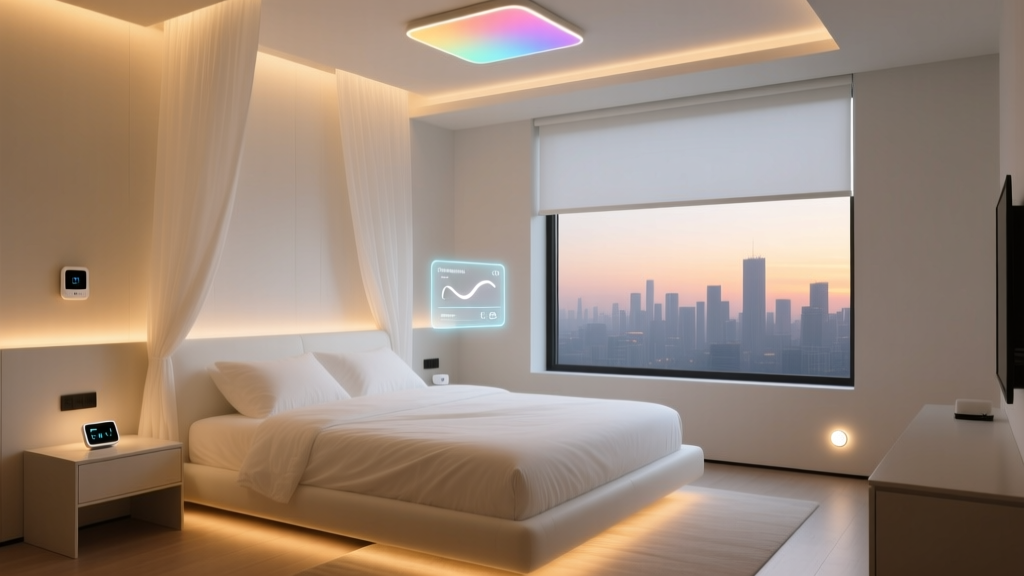
Your morning routine should begin in the bedroom, leveraging light to suppress melatonin and signal to your brain that it is time to wake. Instead of a jarring alarm, use smart lighting and motorized curtains.
- Smart Lighting: Philips Hue White and Color Ambiance bulbs can be programmed for a 'Gradual Wake' routine. Set the automation to begin 30 minutes before your alarm, starting at 10% brightness with a warm 2000K color temperature, and slowly ramping to 80% brightness with a crisp 5000K daylight temperature.
- Smart Blinds: The SwitchBot Curtain Rod 2 is an excellent, non-invasive retrofit for existing curtain rods. Configure it to open to 50% when your bedroom motion sensor detects you sitting up in bed, allowing natural light to complement the smart bulbs.
Bathroom: On-Demand Comfort and Ventilation
Nobody wants to step onto cold tile or enter a dark bathroom at 6:00 AM. Automation here relies heavily on motion and humidity sensors.
- Lighting and Heating: Install a Lutron Caseta motion sensor at the bathroom entrance. When motion is detected between 5:00 AM and 8:00 AM, trigger the vanity lights to 30% brightness and turn on a smart plug connected to a low-wattage floor heater. Once motion is clear for 10 minutes, the routine turns everything off.
- Smart Ventilation: Use an Aqara Temperature and Humidity Sensor linked to a smart exhaust fan switch. If humidity spikes above 65% during a morning shower, the fan activates automatically and runs for 15 minutes after the humidity drops back to baseline.
Kitchen: Sequential Appliance Staging
The kitchen morning routine focuses on convenience and safety. While you cannot safely automate a gas stove, you can stage small appliances and lighting.
- Coffee and Kettle: Use an energy-monitoring smart plug, like the TP-Link Kasa Smart Plug Slim with Energy Monitoring (EP25), for your coffee maker. Set a routine to turn the plug on 15 minutes before your typical wake time. The energy monitoring feature ensures the plug is actually drawing power, sending a notification to your phone if the machine was accidentally left off the night before.
- Under-Cabinet Lighting: Link your kitchen under-cabinet LED strips to the main kitchen smart switch. When the switch is toggled on in the morning, the under-cabinet lights should instantly illuminate to 100% to provide task lighting for breakfast prep.
The Evening Routine: Winding Down
As the sun sets, your home should transition into a relaxing environment. The evening routine focuses on reducing blue light, securing the perimeter, and preparing the HVAC system for sleep.
Living Room: Immersive Media and Ambient Lighting
The living room is the hub of evening relaxation. Automation here should seamlessly integrate with your entertainment system without requiring manual adjustments.
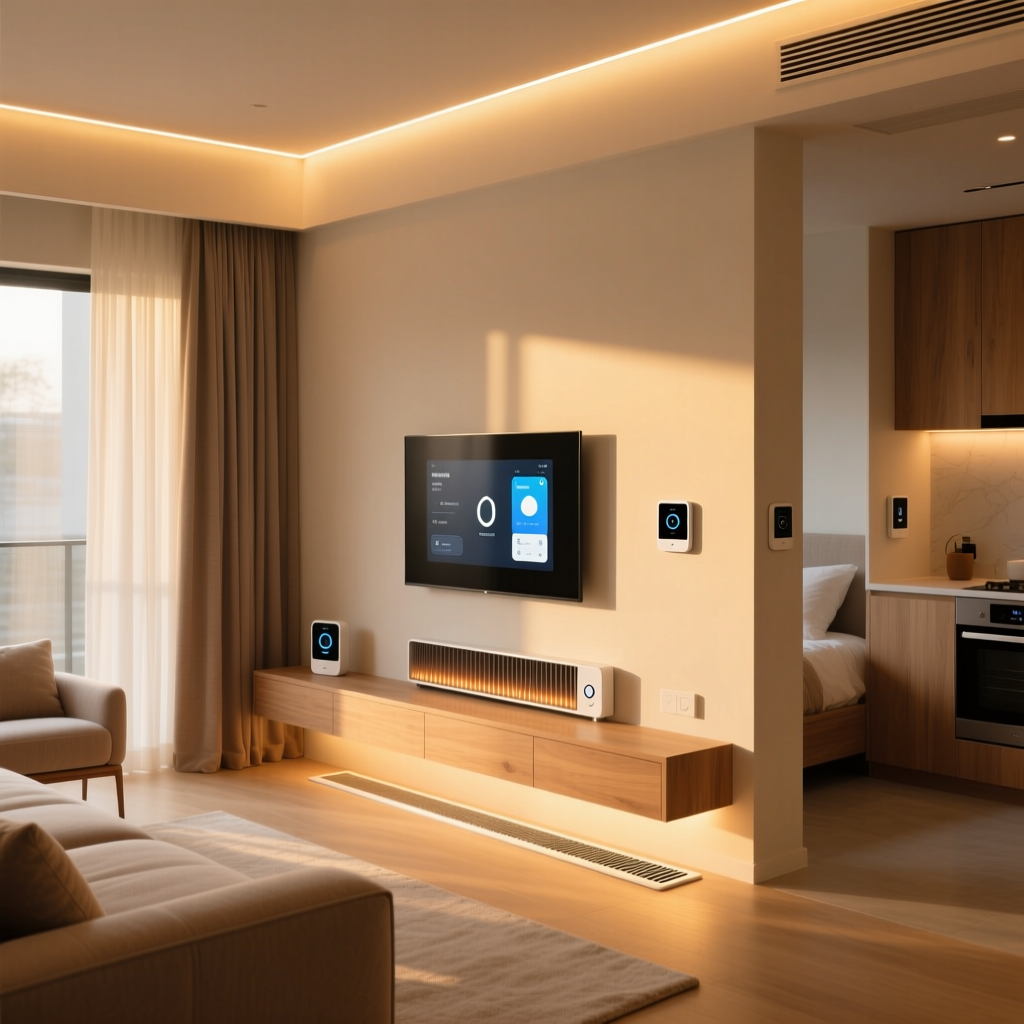
- Bias Lighting Sync: The Philips Hue Play HDMI Sync Box captures the colors from your television and mirrors them onto Hue Lightstrips mounted behind the TV. Create an 'Evening Media' routine that triggers when your smart TV is turned on: the main overhead lights dim to 20%, the bias lighting activates, and the smart blinds close to prevent screen glare.
- Audio Automation: If you use Sonos speakers, integrate them with your smart home hub to automatically lower the volume and switch to a 'Lo-Fi Chill' playlist when the living room lights are dimmed below 40% after 8:00 PM.
Whole House: Security and Thermal Preparation
The transition from evening to night requires securing the home and optimizing the climate for sleep.
- Smart Locks and Garage: Create a 'Goodnight' virtual switch or routine. When triggered via voice or a bedside button, the routine commands the August Wi-Fi Smart Lock to engage the deadbolt, closes the myQ Smart Garage Control, and arms your security system to 'Stay' mode.
- HVAC Night Setback: According to the U.S. Department of Energy, adjusting your thermostat by 7 to 10 degrees for 8 hours a day can save up to 10% a year on heating and cooling. Program your Ecobee SmartThermostat Premium to drop the temperature to 65°F (18°C) at 10:30 PM, promoting deeper sleep while reducing energy consumption.
The Away Routine: Security and Energy Savings
When the house is empty, the automation focus shifts entirely to protection, conservation, and simulated presence. This routine is best triggered by geofencing (using your smartphone's location) or a manual 'Away' mode toggle.
Simulated Presence and Lighting
Burglars look for predictable patterns. A static schedule where lights turn on at exactly 7:00 PM every day is easily identified. Instead, use randomized lighting routines.
- Randomized Lighting: Platforms like Hubitat Elevation or Home Assistant offer 'Randomize' apps. Configure the routine to toggle various Lutron Caseta switches and Wyze Bulbs in the living room and master bedroom at random intervals between 6:00 PM and 11:00 PM, mimicking human movement.
Leak Detection and Water Shutoff
Water damage is one of the most common and costly home insurance claims. The Away routine must include proactive water management.
- Smart Water Shutoff: Install the Moen Flo Smart Water Shutoff on your main water line. When the home is in 'Away' mode, set the Flo system to 'High Sensitivity'. If it detects a micro-leak or pressure drop, it automatically shuts off the main valve and sends a critical alert to your phone. The EPA WaterSense program notes that household leaks can waste nearly 10,000 gallons of water annually; automated shutoffs prevent catastrophic damage while you are on vacation.
Fire and Environmental Monitoring
While smoke detectors are always active, their integration into the Away routine is crucial for emergency response.
- Smart Alarms: Link your Google Nest Protect alarms to your smart lighting and HVAC. If smoke or carbon monoxide is detected while the home is in 'Away' mode, the routine should automatically shut down the HVAC system to prevent circulating smoke, turn all interior lights to 100% brightness to assist first responders, and unlock the front door. The National Fire Protection Association emphasizes that early detection and unobstructed access are critical for minimizing fire damage.
Budget Tiers for Routine Automation
Building a routine-based smart home does not require an unlimited budget. Below is a breakdown of three budget tiers to help you prioritize your investments.
| Tier | Core Devices | Hub / Ecosystem | Estimated Cost |
|---|---|---|---|
| Starter | Wyze Bulbs, TP-Link Kasa Plugs, Wyze Sense Motion | Cloud-based (Wyze / Kasa Apps, IFTTT) | $150 - $300 |
| Mid-Range | Philips Hue, Lutron Caseta Switches, Ecobee Thermostat | SmartThings, Apple HomeKit, or Amazon Alexa | $800 - $1,500 |
| Pro | Moen Flo, Lutron RadioRA 3, Hue Sync Box, Motorized Blinds | Hubitat Elevation, Home Assistant (Local Processing) | $3,000+ |
Energy Savings Visualization
Implementing Morning, Evening, and Away routines yields compounding financial benefits. The chart below illustrates the estimated annual savings across different automation categories based on average US utility rates.
The Backbone: Hubs, Protocols, and Local Execution
The most frustrating aspect of smart home automation is when a routine fails because your internet service provider is experiencing an outage. If your Morning routine relies on cloud servers to tell your smart bulbs to turn on, a dropped connection leaves you in the dark.
Why Local Processing Matters
For critical routines like Morning wake-ups and Evening security locking, local processing is non-negotiable. Hubs like the Hubitat Elevation or a custom Home Assistant server process logic locally on your network. When your motion sensor triggers the bathroom lights, the signal goes from the sensor to the hub to the switch, entirely within your home's LAN. This results in sub-100-millisecond latency and 100% reliability during internet outages.
Protocol Selection: Zigbee vs. Z-Wave vs. Matter
- Zigbee: Excellent for high-bandwidth, low-power devices like smart bulbs (Philips Hue) and motion sensors. It creates a robust mesh network but can interfere with 2.4GHz Wi-Fi if not managed properly.
- Z-Wave: Operates on a lower frequency (908.42 MHz in the US), meaning it will never interfere with your Wi-Fi. It is the gold standard for critical infrastructure like smart locks (Schlage Encode) and in-wall switches (Leviton Decora Smart).
- Matter over Thread: The emerging standard. Thread creates a low-power, self-healing mesh network similar to Zigbee but with IP-based routing, making it highly reliable for future-proofing your room automation routines.
Design and Aesthetic Considerations
A common pitfall in room-by-room automation is the visual clutter of sensors, hubs, and wiring. A well-designed smart home should look entirely analog to the untrained eye.
Hiding the Hardware
- Sensor Placement: Instead of mounting bulky motion sensors on the ceiling, use recessed millimeter-wave sensors like the Aqara Presence Sensor FP2. These can be mounted discreetly in corners or even behind thin, non-metallic furniture to detect human presence without altering the room's aesthetic.
- Smart Switches: When replacing dumb switches with smart ones (like Lutron Caseta), opt for the color that matches your existing wall plates. Use deep junction boxes if your existing wall cavities are shallow, as smart switches often have deeper bodies to accommodate their internal radios and neutral wires.
- Hub Management: Dedicate a small, ventilated network closet or a piece of media console furniture to house your Hubitat, Home Assistant Green, and router. Use short, color-coded Ethernet cables and Velcro ties to keep the backbone of your automation routines organized and accessible for troubleshooting.
Neutral Wire Requirements
Before purchasing any in-wall smart switches for your Morning or Evening lighting routines, verify that your switch boxes contain a neutral wire (usually a bundle of white wires capped together in the back of the box). While some premium switches (like Lutron Caseta) do not require a neutral wire, most Wi-Fi and Z-Wave switches do. Attempting to install a neutral-requiring switch without one will result in flickering lights and damaged electronics.
Expert Tips for Flawless Execution
To elevate your routines from basic triggers to intelligent automations, implement these advanced logic parameters:
- Use Lux Sensors, Not Just Time: A Morning routine set for 6:30 AM is useless on a bright summer morning or a dark winter day. Integrate a lux (light level) sensor. Program the smart blinds to open only if the interior lux is below 50, ensuring the room only brightens when necessary.
- Implement Hysteresis for Climate: When automating the Away routine HVAC setback, use hysteresis (a buffer zone) to prevent short-cycling your HVAC system. Instead of turning the AC on at exactly 75°F and off at 74°F, set a 2-degree deadband to protect your compressor.
- Geofence with Presence Enablers: Smartphone GPS can be battery-intensive and inaccurate. For the Away routine, consider using a dedicated presence fob or an Apple AirTag linked to Home Assistant via the 'Find My' integration to trigger the home's security and energy-saving modes the moment your car leaves the neighborhood radius.
Conclusion
Mastering daily rhythms through Morning, Evening, and Away room automation routines is the ultimate realization of the smart home promise. By thoughtfully selecting devices, prioritizing local execution, and designing routines that respect both human biology and energy conservation, you create a living space that actively works for you. Start with a single room, perfect the logic, and gradually expand your automated ecosystem until your entire home moves in perfect harmony with your life.