The Power of Orchestrated Room Automation
Transitioning from controlling individual smart devices to orchestrating whole-home routines is the hallmark of a truly intelligent living space. While turning on a single smart bulb via an app is convenient, programming a synchronized sequence of events across your bedroom, kitchen, living room, and outdoor spaces fundamentally changes how you interact with your home. By establishing dedicated Morning, Away, and Evening routines, you can optimize energy consumption, bolster security, and elevate your daily comfort without lifting a finger.
In this comprehensive guide, we will break down the ideal smart home routines room-by-room, recommend specific devices across various budget tiers, and explore advanced triggers like geofencing and the new Matter standard. Whether you live in a compact studio or a sprawling multi-story house, these automation blueprints will help your home anticipate your needs.
The Morning Routine: Waking Up to a Smart Home
A well-designed morning routine should mimic the natural sunrise, gently pull you from deep sleep, and prepare your living spaces for the day ahead. The goal is to eliminate friction during the groggiest part of your day.
Bedroom: Gentle Illumination and Climate Control
Start your morning in the bedroom by replacing jarring audio alarms with circadian lighting. Using Philips Hue White Ambiance bulbs or Lutron Serena smart shades, you can program a gradual fade-in effect that begins 30 minutes before your target wake time. This suppresses melatonin production naturally. Simultaneously, a smart thermostat like the Ecobee Smart Thermostat Premium can detect that your sleep schedule has ended and begin warming the house from its overnight eco-temperature, ensuring you don't step onto cold floors.
Pro Tip: If you use a smart ceiling fan like the Big Ass Fans Haiku, integrate it into your morning routine to turn on at a low, quiet speed to circulate fresh air as you wake up.
Kitchen: Automated Brews and Briefings
By the time you reach the kitchen, your coffee should be ready. A smart plug connected to your espresso machine, or a dedicated device like the Smarter Coffee machine, can begin brewing the moment your bedroom motion sensor detects you getting out of bed. On the kitchen counter, a smart display like the Amazon Echo Show 15 or Google Nest Hub Max can automatically trigger a "Morning Briefing" routine, reading aloud your daily calendar, local weather, and traffic conditions while under-cabinet LED strips illuminate your prep areas at 100% cool-white brightness.
The Away Routine: Security and Energy Conservation
The "Away" routine is arguably the most critical for home protection and utility savings. This routine should trigger the moment the last person leaves the house, utilizing geofencing or manual voice commands to secure the perimeter and eliminate phantom energy drains.
Whole-Home Climate and Power Management
When your Away routine triggers, your smart thermostat should immediately switch to an Eco-mode. According to the U.S. Department of Energy, smart thermostats can save homeowners roughly 8% on heating and cooling bills annually by automatically adjusting temperatures when the house is empty. Furthermore, smart plugs connected to entertainment centers, desktop computers, and secondary televisions should cut power entirely to prevent vampire energy drain.
Perimeter Security and Outdoor Maintenance
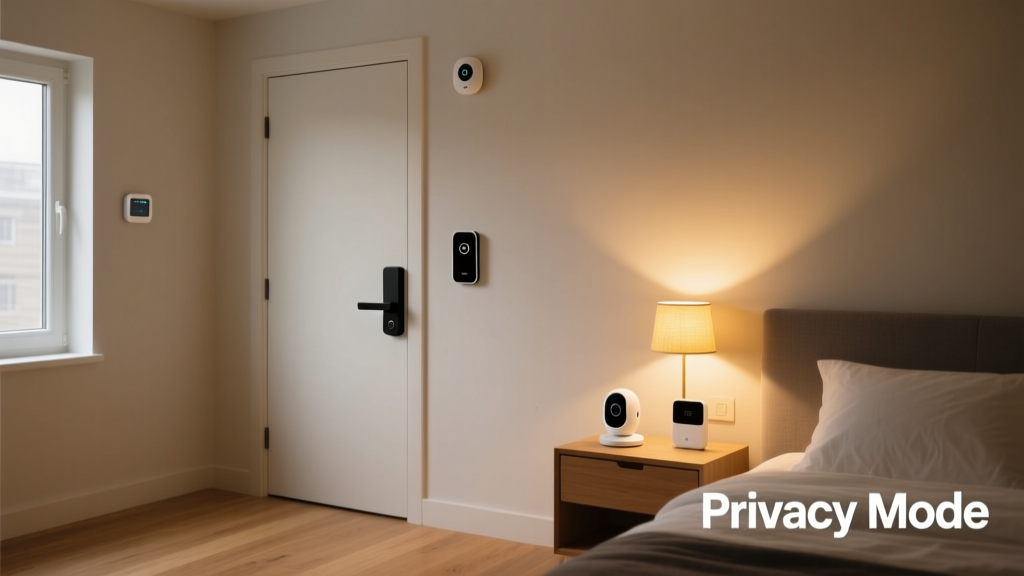
Security is paramount when the house is empty. Your Away routine should command all August Wi-Fi Smart Locks to engage, close the myQ Smart Garage door if left open, and arm your Ring Alarm or SimpliSafe system to "Away" mode. Outdoor cameras should switch from privacy-mode to active recording, and smart lighting should enable "Vacation Mode," which randomizes interior lighting schedules to simulate occupancy.
For outdoor maintenance, the Away routine is the perfect time to run loud appliances. Command your iRobot Roomba j7+ to begin vacuuming the living room and kitchen. Outside, a Rachio 3 Smart Sprinkler Controller can evaluate local weather data. The Environmental Protection Agency (EPA) notes that smart irrigation controllers can save the average home nearly 7,600 gallons of water annually by automatically skipping watering cycles when rain is in the forecast.
The Evening Routine: Winding Down Seamlessly
As the sun sets, your home should transition into a relaxing sanctuary. The Evening routine focuses on ambient lighting, entertainment integration, and preparing the bedroom for optimal sleep hygiene.
Living Room: Ambient Lighting and Entertainment
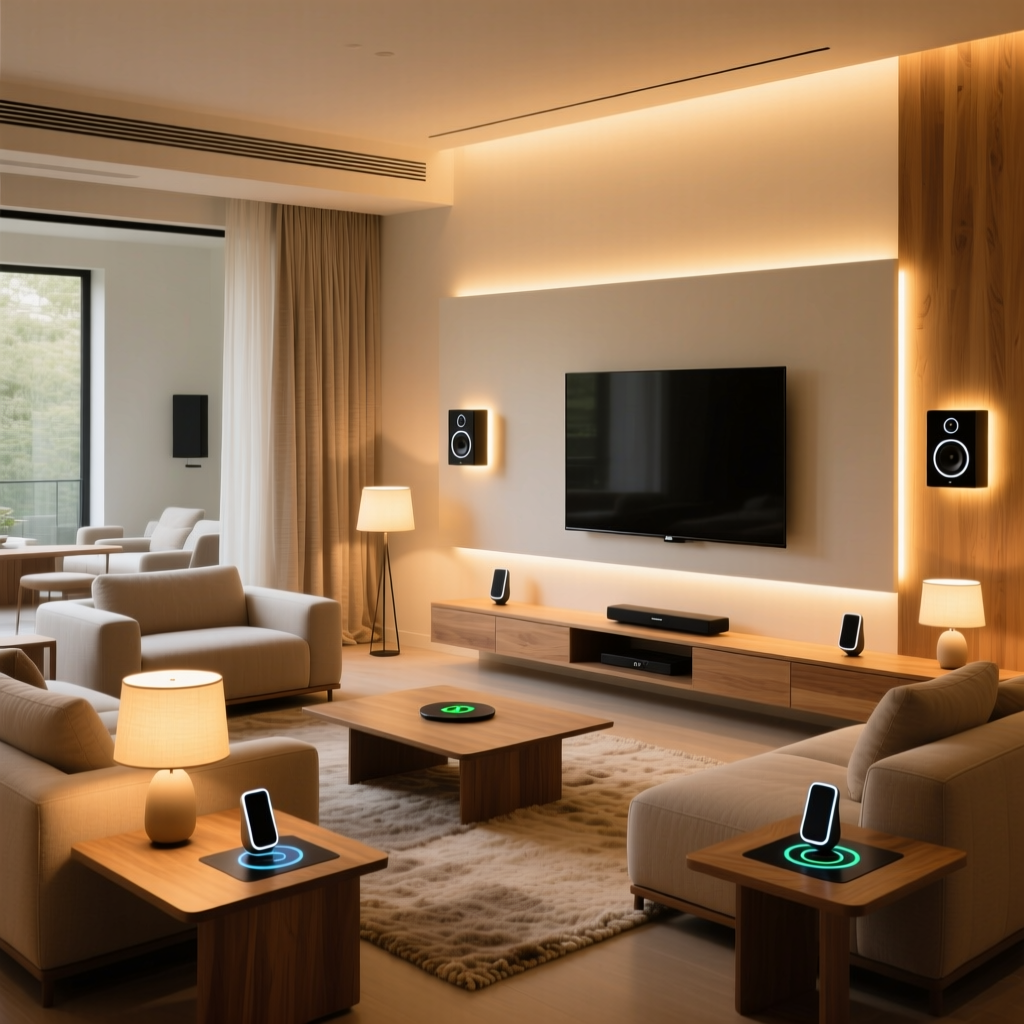
Triggered by a local sunset API or a simple voice command like "Good Evening," the living room transforms. Overhead lights dim to 20%, while accent lighting like Nanoleaf Shapes or Govee Glide wall bars shift to warm, cinematic colors (around 2200K). If you use a universal remote system or a smart IR blaster, the routine can automatically power on your TV and soundbar, setting the perfect stage for movie night without fumbling through multiple remotes.
Bedroom: Sleep Hygiene and Automation
The final phase of the evening routine occurs at bedtime. A "Goodnight" command should lock all exterior doors, arm the security system to "Stay" mode, and lower the thermostat by a few degrees. In the bedroom, a device like the Hatch Restore can begin playing guided meditation or white noise, while smart blinds lower completely to block early morning streetlights. As highlighted by the Connectivity Standards Alliance (CSA), the new Matter protocol ensures that devices from different brands—like a Lutron switch and a Philips Hue bulb—can execute these complex, multi-brand bedtime scenes instantly and reliably without cloud latency.
Routine Breakdown and Budget Tiers
Building a fully automated home doesn't require an unlimited budget. Below is a breakdown of how to approach these routines across three different investment tiers.
| Routine Phase | Primary Room | Starter Tier (Under $200) | Mid Tier ($200 - $600) | Pro Tier ($600+) |
|---|---|---|---|---|
| Morning | Bedroom / Kitchen | Smart Plugs for Coffee Maker & Lamps | Philips Hue Starter Kit + Smart Display | Lutron Caseta Shades + Circadian Lighting System |
| Away | Whole Home | Wyze Cameras + Basic Smart Thermostat | Ring Alarm Kit + August Smart Lock | Hardwired Security + Ecobee Premium + Robot Vacuum |
| Evening | Living Room | Smart Bulbs + IR Blaster for TV | Nanoleaf Panels + Smart Soundbar Integration | Control4 / Savant Hub + Motorized Media Blinds |
Visualizing Energy Savings Through Automation
One of the most compelling reasons to implement rigorous "Away" and "Morning" routines is the measurable impact on your utility bills. By ensuring devices are only drawing power when needed, and by optimizing HVAC usage based on occupancy, the savings compound rapidly over the year.
Estimated Annual Energy Savings by Smart Device Category
Advanced Triggers: Moving Beyond Time-Based Schedules
While setting routines to trigger at 7:00 AM or 9:00 PM is a great starting point, true smart home magic relies on dynamic, context-aware triggers.
Geofencing and Location Services
Geofencing uses your smartphone's GPS to create a virtual perimeter around your home. When the last registered phone crosses this boundary, the "Away" routine fires automatically. This means you never have to remember to arm the security system or turn off the lights when you leave in a hurry. Most major ecosystems, including Apple HomeKit, Google Home, and Amazon Alexa, support native geofencing, though third-party apps like IFTTT or Home Assistant offer more granular control over GPS radius sizes.
Occupancy and Contact Sensors
For rooms where time-based schedules fail (like bathrooms or home offices), rely on physical sensors. A millimeter-wave presence sensor, such as the Aqara FP2, can detect human presence even if you are sitting perfectly still reading a book. This prevents the frustrating experience of lights turning off while you are in the room, a common flaw with basic PIR motion sensors. Similarly, door/window contact sensors can trigger localized routines; for example, opening the garage door can automatically turn on the mudroom lights and adjust the hallway thermostat.
Design and Aesthetic Considerations
A truly smart home should look as good as it functions. When installing devices to support these routines, aesthetics matter.
- Hide the Hardware: Use paintable wire channels for smart shade power cables, or opt for battery-powered motorized tracks to avoid unsightly wires dangling from windows.
- Match Color Temperatures: When programming your Morning and Evening routines, ensure all bulbs in an open-concept living and kitchen space shift to the exact same Kelvin (K) temperature. Mixing 2700K warm bulbs with 4000K cool bulbs in the same sightline creates visual dissonance.
- Consolidate Controls: Replace banks of traditional light switches with single, elegant smart keypads (like the Lutron Pico or Brilliant Smart Home Control panel) to reduce wall clutter and provide one-touch access to your Morning, Away, and Evening scenes.
Conclusion
Mastering room-by-room automation routines transforms your house from a collection of gadgets into a cohesive, responsive environment. By carefully designing your Morning, Away, and Evening scenes, you not only protect your property and reduce your carbon footprint, but you also reclaim valuable time and mental energy. Start with a single room and a basic trigger, then gradually expand your ecosystem using the Matter standard and advanced sensors. The future of smart living isn't about controlling your home from your phone; it's about your home knowing exactly what you need, right when you need it.