The Foundation of the Connected Home: Understanding Smart Home Ecosystems
Building a smart home is no longer just about buying a single connected light bulb or a standalone Wi-Fi camera. Today, creating a truly intelligent, responsive, and seamless living environment requires a central nervous system. This is where smart home ecosystems come into play. A smart home ecosystem is the underlying software platform, hardware hub, and communication protocol network that allows your disparate devices to talk to one another, respond to automated triggers, and be controlled from a single unified interface.
Choosing the right ecosystem is arguably the most critical decision you will make in your smart home journey. It dictates which devices you can purchase, how reliably they will perform, the complexity of your automation routines, and the level of privacy your household data enjoys. With major tech giants and specialized home automation companies vying for control of your living space, the landscape can feel incredibly fragmented. However, the recent introduction of universal standards has begun to bridge the gap between competing platforms.
In this comprehensive guide, we will dissect the major smart home ecosystems available today. We will compare their strengths, weaknesses, hardware requirements, and automation capabilities. Whether you are a privacy-focused Apple purist, a budget-conscious Amazon shopper, a Google services loyalist, or an advanced tinkerer looking for agnostic compatibility, this comparison will help you architect the perfect connected home. For a deeper dive into specific hardware, be sure to explore our extensive library of smart home device reviews.
The Core Contenders: A Deep Dive into Major Smart Home Ecosystems
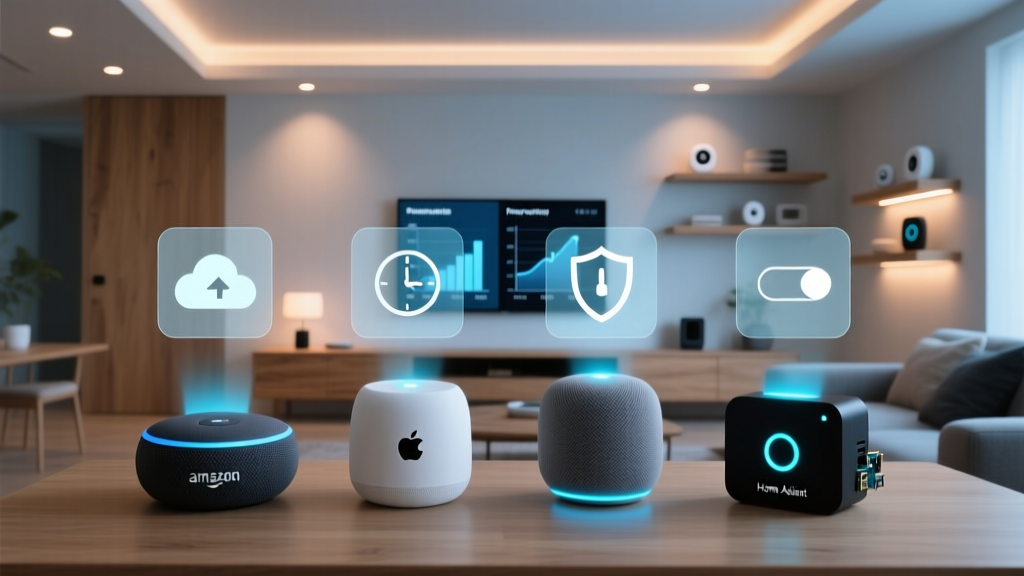
The market is currently dominated by four primary ecosystems, each with a distinct philosophy regarding user experience, hardware integration, and data management. Understanding the nuances of these platforms is essential before you commit to purchasing your first smart hub or connected appliance.
Amazon Alexa: The Ubiquitous Marketplace
Amazon Alexa remains one of the most widely adopted smart home ecosystems globally, largely due to the aggressive pricing and massive variety of the Echo hardware lineup. Alexa operates primarily as a cloud-based ecosystem, relying on Amazon’s vast server infrastructure to process voice commands, execute routines, and manage device states. The platform’s greatest strength is its sheer compatibility. Through the Alexa Skills Kit and the Works with Alexa program, thousands of third-party devices from budget brands to premium manufacturers can be integrated into the ecosystem with minimal friction.
Alexa’s app interface has undergone significant redesigns to prioritize device grouping, favorites, and automated routines. The platform excels in e-commerce integration, multi-room audio, and broadcasting features. However, because Alexa relies heavily on cloud processing, internet outages can cripple basic automations and voice controls. Furthermore, the sheer volume of supported devices means the user experience can sometimes feel inconsistent, with varying levels of latency and feature parity depending on the third-party manufacturer’s implementation of the Alexa API. For those building an Alexa-centric home, investing in Echo devices with built-in Zigbee or Matter hubs is highly recommended to ensure local processing for basic commands and to reduce Wi-Fi network congestion.
Google Home: The Intelligent Assistant
Google Home, powered by the Google Assistant, is renowned for its superior natural language processing and contextual understanding. If your household frequently asks complex, multi-part questions or relies heavily on Google services like Calendar, Maps, and YouTube, this ecosystem offers the most frictionless experience. Google’s hardware lineup, primarily the Nest series of speakers, displays, and thermostats, is designed with a minimalist aesthetic and deep integration into the broader Google software ecosystem.
The Google Home app provides a clean, card-based interface that makes managing rooms and viewing camera feeds intuitive. Google has also made significant strides in predictive automation and sensor-based routines, particularly when paired with Nest hardware. However, Google’s ecosystem has historically suffered from a split identity, transitioning between the legacy Google Home app and the newer, more capable Google Home app architecture. While Matter support is rolling out robustly across Nest Hubs and Border Routers, users often find that advanced automations require the use of Google’s web-based Script Editor, which presents a steeper learning curve compared to the visual routine builders found in competing platforms. Google Home is ideal for users who prioritize voice assistant intelligence and seamless integration with Android devices and Google Workspace products.
Apple Home (HomeKit): The Privacy-First Walled Garden
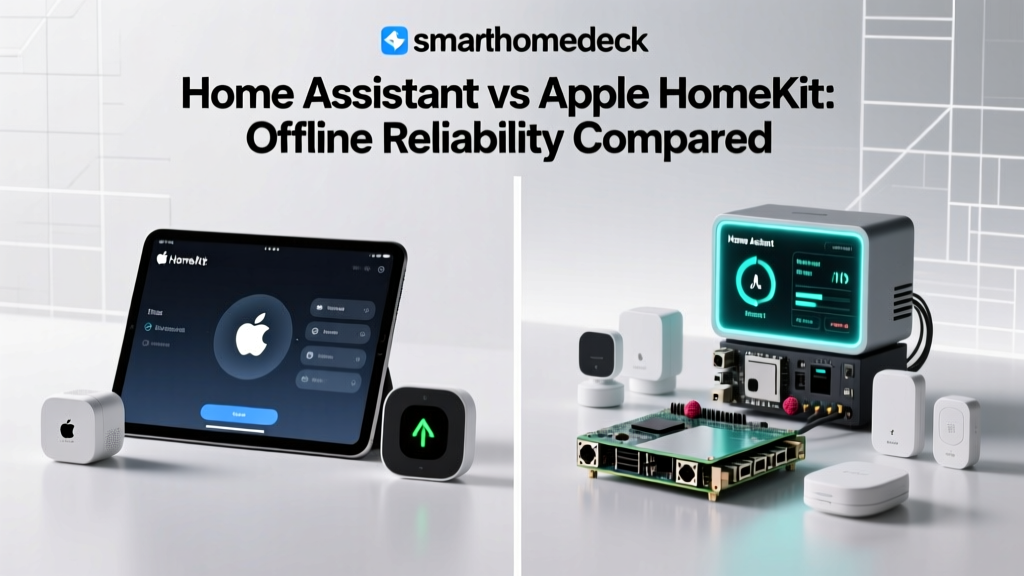
Apple Home, formerly known as HomeKit, represents the premium, privacy-centric approach to home automation. Apple’s ecosystem is built on a foundation of strict security protocols, local processing, and end-to-end encryption. Unlike its cloud-heavy competitors, Apple Home relies on local hubs—specifically the Apple TV 4K and HomePod mini—to process automations and remote access requests. This local-first architecture means that your smart home continues to function even if your internet connection drops, providing unparalleled reliability for critical automations like lighting and security.
The Apple Home app is widely considered the most polished and user-friendly interface on the market, offering beautiful control center widgets, adaptive lighting support, and seamless integration with iOS, iPadOS, and macOS. Apple’s Secure Video feature, which analyzes camera feeds locally and stores encrypted clips in iCloud, is a standout feature for privacy-conscious consumers. The primary drawback of Apple Home is the “Apple Tax.” Historically, HomeKit-certified devices have been more expensive due to the stringent hardware and security requirements imposed on manufacturers. While the advent of Matter is slowly lowering the barrier to entry, building a comprehensive Apple Home setup still requires a significant financial investment in both Apple hub hardware and premium third-party accessories. Explore our curated list of the best smart locks that natively support Apple Home Key.
Samsung SmartThings: The Agnostic Powerhouse
Samsung SmartThings occupies a unique position in the market as a highly agnostic, protocol-rich ecosystem designed for the advanced user and the multi-brand household. Originally a standalone Kickstarter project, SmartThings was acquired by Samsung and has evolved into one of the most powerful automation engines available. The SmartThings Hub (and its modern Aeotec-manufactured equivalents) supports a vast array of wireless protocols, including Zigbee, Z-Wave, Wi-Fi, and now Matter and Thread, allowing it to bridge devices that would otherwise never communicate.
The SmartThings app offers granular control over device parameters that other ecosystems hide. Users can access custom device handlers, detailed energy monitoring, and complex automation logic involving multiple conditions and restrictions. SmartThings is also the backbone of the “Works With SmartThings” (WWST) program, ensuring deep integration with Samsung appliances, TVs, and mobile devices. While the platform is incredibly powerful, its user interface can feel cluttered and overwhelming for beginners. The automation engine, while robust, sometimes requires workarounds or third-party community-developed smart apps to achieve highly specific logic. SmartThings is the ultimate choice for tinkerers, users with legacy Z-Wave or Zigbee devices, and those who want a central hub that doesn’t discriminate based on device brand.
The Great Unifiers: Matter and Thread Explained
No modern comparison of smart home ecosystems is complete without addressing the industry-shifting introduction of Matter and Thread. For years, the smart home industry was plagued by fragmentation. Consumers had to check compatibility logos, juggle multiple apps, and rely on cloud-to-cloud integrations that were prone to breaking. Matter, developed by the Connectivity Standards Alliance (CSA), is an open-source, royalty-free connectivity protocol designed to solve this exact problem.
Matter operates as a universal language that runs over existing networking technologies like Wi-Fi, Ethernet, and Thread. When a device is Matter-certified, it can be simultaneously paired to multiple ecosystems. This means a single Matter-enabled smart plug can be controlled by Apple Home, Amazon Alexa, and Google Home at the exact same time, without relying on the manufacturer’s cloud servers. This multi-admin capability fundamentally changes how ecosystems compete, shifting the focus from hardware exclusivity to software experience, automation reliability, and voice assistant intelligence.
Thread is the low-power, mesh networking protocol that often serves as the transport layer for Matter devices. Unlike Wi-Fi, which can congest your primary router when dozens of smart bulbs are connected, Thread devices create their own self-healing mesh network. Thread Border Routers (built into modern Apple TVs, Nest Hubs, and high-end smart speakers) translate Thread signals to your home’s Wi-Fi or Ethernet network. Together, Matter and Thread are dismantling the traditional “walled gardens,” allowing consumers to choose their preferred ecosystem software without being locked into specific hardware brands. To understand how to future-proof your network, read our guide on understanding Matter and Thread.
Best Devices and Hardware for Each Ecosystem
While Matter is expanding compatibility, native integrations still offer the most reliable and feature-rich experiences. When building out your home, selecting hardware that aligns with your chosen ecosystem’s strengths is crucial for long-term satisfaction.
Smart Speakers and Displays
The smart speaker is the traditional gateway into any ecosystem. For Amazon Alexa, the Echo Show and Echo Studio provide excellent value, Zigbee hub functionality, and superior multi-room audio capabilities. Google’s Nest Hub and Nest Hub Max offer fantastic smart displays for kitchen use, leveraging Google’s superior recipe integration, YouTube support, and photo casting. Apple’s HomePod and HomePod mini prioritize audiophile-grade sound quality, spatial audio, and seamless AirPlay 2 integration, though they lack the visual smart display capabilities of their competitors. When selecting a speaker, consider the primary use case: voice commands, media consumption, or acting as a Thread Border Router. Compare the top models in our best smart speakers roundup.
Smart Lighting and Switches
Lighting is the most popular entry point for home automation. Philips Hue remains the gold standard across all ecosystems, utilizing its own dedicated Zigbee hub to ensure bulletproof reliability and advanced features like adaptive lighting and entertainment syncing. For Apple Home users, Nanoleaf and LIFX offer brilliant Wi-Fi and Thread-based alternatives that support HomeKit Adaptive Lighting natively. Smart switches, such as those from Lutron Caséta, are highly recommended over smart bulbs for primary lighting circuits, as they prevent the “dead bulb” issue where a physical wall switch cuts power to a smart device. Lutron’s proprietary Clear Connect RF protocol is incredibly reliable and bridges seamlessly into Alexa, Google Home, and Apple Home via its Pro hub.
Security and Access Control
Security devices require low latency and high reliability. Smart locks from brands like Yale, Schlage, and Level offer native integrations across the major platforms. Apple Home users benefit immensely from Home Key support, allowing them to unlock their doors with a tap of their iPhone or Apple Watch, even if the device battery is depleted. For cameras, Google Nest cameras offer the deepest integration with Google Home displays, providing rich notifications and familiar face detection. Conversely, Apple HomeKit Secure Video supports a wider variety of third-party cameras (like Eufy and Aqara) while maintaining strict end-to-end encryption, ensuring your video feeds are never analyzed on a public cloud server. See our top picks for secure entry in our best smart locks guide.
Climate Control and Energy Management
Smart thermostats are essential for energy savings and comfort. The Ecobee SmartThermostat is a standout performer, offering room sensors, built-in Alexa, and native support for Apple Home, Google Home, and SmartThings. Google’s Nest Learning Thermostat remains a favorite for its algorithmic learning capabilities and elegant design, though it is naturally optimized for the Google ecosystem. For advanced energy monitoring and whole-home automation, SmartThings users can integrate Z-Wave or Zigbee smart plugs and energy panels to track power consumption at a granular level, creating automations that shut off vampire devices when the house is empty.
Setup Tips and Network Architecture
A smart home ecosystem is only as reliable as the network it operates on. One of the most common mistakes new enthusiasts make is connecting dozens of Wi-Fi smart plugs, bulbs, and cameras directly to their primary ISP-provided router. This inevitably leads to IP address exhaustion, dropped connections, and network instability. Proper network architecture is a non-negotiable aspect of a successful smart home setup.
Upgrading to a Mesh Wi-Fi System
Investing in a high-quality mesh Wi-Fi system is the first step in preparing your home for a connected ecosystem. Systems from Eero, TP-Link Deco, and Asus ZenWiFi provide blanket coverage and, crucially, offer robust IoT (Internet of Things) management features. Many modern mesh routers allow you to create a dedicated Guest Network or a separate IoT VLAN (Virtual Local Area Network). Isolating your smart home devices on a separate network prevents a compromised smart bulb from being used as a backdoor to access your personal computers and smartphones. Furthermore, Eero routers feature built-in Zigbee hubs and Thread Border Routers, making them an excellent bridge for Amazon Alexa and Matter ecosystems.
Managing Wireless Interference
Zigbee and Z-Wave operate on different frequencies (2.4GHz and sub-1GHz, respectively), but Wi-Fi and Zigbee both utilize the crowded 2.4GHz spectrum. If your Wi-Fi router is set to auto-select channels, it may jump onto the same channels used by your Zigbee hub, causing severe interference and delayed smart home responses. To mitigate this, manually set your 2.4GHz Wi-Fi network to channel 1, 6, or 11, and configure your Zigbee hub (like the Philips Hue Bridge or SmartThings Hub) to use a non-overlapping channel, such as channel 15, 20, or 25. Proper channel management ensures that your lighting and sensor automations execute instantly without lag.
Strategic Hub and Border Router Placement
Unlike Wi-Fi routers, which are often hidden in media consoles, Zigbee and Z-Wave hubs should be placed in a central, elevated location, away from metal obstructions, large appliances, and thick masonry walls. For Thread networks, the placement of your Thread Border Routers (Apple TVs, HomePods, Nest Hubs) is critical. Because Thread relies on a mesh of mains-powered devices to route signals, having multiple Border Routers distributed throughout the home ensures that low-power battery sensors in the basement or garage maintain a strong, low-latency connection to your primary ecosystem hub.
Automation and Routines: Taking Your Home to the Next Level
The true magic of a smart home ecosystem is not remote control; it is automation. A well-programmed home anticipates your needs, reacts to environmental changes, and operates invisibly in the background. While all major ecosystems offer basic “if this, then that” routines, their capabilities vary wildly in depth and complexity.
Triggers, Conditions, and Actions
Every automation consists of three core components: the trigger (what starts the routine), the condition (the parameters that must be met), and the action (what the devices do). Amazon Alexa and Google Home excel at simple, time-based, and voice-triggered routines. For example, “When I say ‘Goodnight’, turn off the lights, lock the doors, and set the thermostat to 68 degrees.” Both platforms also support geofencing, using the GPS location of your smartphone to trigger actions when you arrive home or leave.
However, geofencing can be unreliable in multi-user households. If one partner leaves for work while the other stays home, a poorly configured geofence might turn off the HVAC system prematurely. Apple Home and SmartThings handle multi-user presence much more elegantly. Apple Home allows for complex logic, such as “Turn off the lights when the last person leaves,” and supports conditional logic based on the time of day, ambient light sensors, and the state of other devices. SmartThings takes this even further, allowing users to create routines with multiple restrictions, pre-conditions, and delayed actions without needing third-party software.
Sensor-Driven Automation
To achieve a truly proactive home, you must move beyond time and voice triggers and rely on environmental sensors. Motion sensors, contact sensors, temperature probes, and lux (light) sensors provide the raw data your ecosystem needs to make intelligent decisions. For instance, instead of turning on the hallway lights at a set time every evening, a lux sensor can trigger the lights to turn on only when the ambient light drops below a certain threshold and motion is detected. Apple Home’s support for adaptive lighting allows bulbs to automatically shift their color temperature from cool, energizing daylight in the morning to warm, melatonin-friendly amber in the evening, completely automated based on the time of day and local sunset data.
Advanced Logic and Third-Party Integrations
For users who find the native routine builders too restrictive, the smart home community has developed powerful third-party automation engines. Platforms like Home Assistant, Hubitat, and Node-RED operate locally on your network, pulling data from Alexa, Google, Apple, and SmartThings via APIs to execute incredibly complex logic. While these require a steeper learning curve and dedicated hardware (like a Raspberry Pi or a dedicated hub), they offer unlimited possibilities, such as integrating local weather radar data to close smart blinds before a rainstorm, or using local facial recognition to adjust the thermostat based on who walked into the room. For most users, however, the native automation engines of Apple Home and SmartThings provide more than enough power to create a comfortable, automated living space.
Privacy and Security: Protecting Your Digital Household
As we invite microphones, cameras, and sensors into our most private spaces, the privacy and security policies of our chosen smart home ecosystem become paramount. The way different platforms handle your data, process your voice commands, and store your video feeds varies significantly.
Cloud Processing vs. Local Execution
The most significant privacy differentiator is where your data is processed. Amazon Alexa and Google Home are fundamentally cloud-first platforms. When you issue a voice command, the audio snippet is typically sent to Amazon or Google’s servers for natural language processing before the command is sent back to your device. While both companies offer options to auto-delete voice recordings and opt-out of human review programs, the reliance on cloud processing means your data is constantly traversing the internet. Furthermore, if the cloud servers experience an outage, your smart home becomes remarkably “dumb.”
Conversely, Apple Home and platforms like Hubitat prioritize local execution. When you ask Siri to turn off the lights, the request is processed locally by your HomePod or Apple TV hub. The command never leaves your local network, resulting in near-instantaneous response times and complete privacy from cloud data mining. Apple’s business model is rooted in hardware and services sales, rather than advertising and data aggregation, which aligns their corporate incentives with user privacy.
Camera Privacy and Video Storage
Security cameras represent the highest privacy risk in a smart home. Google’s Nest Aware subscription offers excellent features like familiar face detection and continuous video recording, but all video analysis and storage occur on Google’s cloud servers. Amazon offers similar cloud-based storage through Ring and Blink subscriptions. While these services are secure and encrypted in transit and at rest, they are still subject to cloud vulnerabilities and law enforcement data requests.
Apple HomeKit Secure Video (HSV) takes a radically different approach. HSV uses your local Apple TV or HomePod to analyze the video feed for motion, people, animals, and vehicles. The video is then encrypted end-to-end and uploaded directly to your private iCloud storage. Apple cannot view your footage, and the analysis happens on your local hardware, not in the cloud. This makes Apple Home the undisputed champion for users who want robust security camera integration without sacrificing their privacy. For more on securing your network, read our guide on smart home network security.
Microphone Mutes and Physical Shutters
Regardless of the ecosystem you choose, hardware-level privacy controls are essential. All major smart speakers from Amazon, Google, and Apple feature physical microphone disconnect switches that electrically sever the connection to the mics, ensuring the device cannot listen to wake words. Similarly, when selecting smart displays or indoor cameras, look for devices that feature physical privacy shutters that slide over the lens, providing visual confirmation that the camera is disabled when you are at home.
The Ultimate Ecosystem Comparison: Pros, Cons, and Verdicts
Choosing the right ecosystem ultimately comes down to your budget, your technical expertise, your existing hardware, and your stance on data privacy. Here is a summary of who each platform serves best.
Amazon Alexa: The Budget and Variety Maximizer
Best for: Users who want the widest variety of compatible devices, aggressive hardware pricing, and robust multi-room audio.
Pros: Massive third-party support, frequent hardware sales, excellent e-commerce and broadcasting features, built-in Zigbee/Matter hubs in premium Echo devices.
Cons: Heavy reliance on cloud processing, cluttered app interface, privacy concerns regarding voice data retention, inconsistent third-party device latency.
Google Home: The Intelligent Assistant and Android User
Best for: Households deeply integrated into Google services, Android users, and those who prioritize natural language voice interactions.
Pros: Superior voice assistant intelligence, clean app interface, excellent smart displays, predictive automations, strong Matter/Thread support.
Cons: Advanced automations require scripting, history of confusing app transitions, cloud-dependent processing, limited native smart lock support compared to Apple.
Apple Home: The Privacy Purist and Premium Experience
Best for: iPhone users, privacy advocates, and those willing to pay a premium for local reliability and a polished user interface.
Pros: Unmatched local processing reliability, end-to-end encrypted Secure Video, beautiful app and widget integration, Home Key support, strict hardware certification.
Cons: High cost of entry (requires Apple TV/HomePod hubs), historically limited device selection (though improving via Matter), Siri’s voice intelligence lags behind competitors.
Samsung SmartThings: The Agnostic Tinkerer
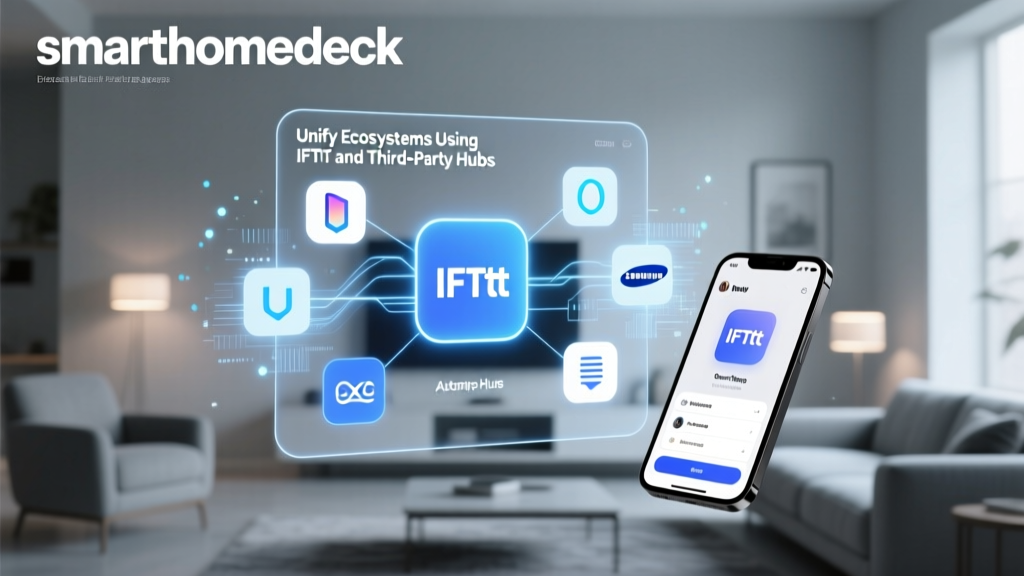
Best for: Advanced users, homes with a mix of legacy Z-Wave/Zigbee devices, and Samsung appliance owners. Yes, but with caveats. In the past, mixing ecosystems meant relying on third-party cloud bridges like IFTTT or complex local servers like Home Assistant to make devices talk to one another. Today, the Matter protocol allows a single Matter-certified device to be paired to multiple ecosystems simultaneously. For example, a Matter smart plug can be controlled by Apple Home on your iPhone and Amazon Alexa via a smart speaker in the kitchen. However, for non-Matter devices, you will still need to use the manufacturer’s native app or rely on cloud-to-cloud integrations, which can introduce latency and points of failure. It is generally recommended to choose one primary ecosystem for your core automations and voice control to maintain a unified user experience. Matter is an open-source, universal smart home standard backed by Apple, Amazon, Google, Samsung, and hundreds of other manufacturers. It changes compatibility by removing the need for proprietary cloud bridges. Instead of a device needing to be “Works with Alexa” or “Works with Apple Home,” it simply needs to be Matter-certified. Once paired, the device communicates locally over your network using Wi-Fi or Thread. This ensures faster response times, local execution of commands, and the freedom to switch your primary ecosystem in the future without having to replace all your smart home hardware. Matter is the single most important development in the smart home industry in the last decade. Amazon Alexa is widely considered the most budget-friendly ecosystem. Amazon frequently discounts its Echo smart speakers, smart plugs, and smart bulbs, often selling them at or below cost to drive adoption of the Alexa platform. Furthermore, the “Works with Alexa” program encompasses thousands of budget-friendly, off-brand devices available on major e-commerce platforms. While these budget devices may not offer the premium build quality or advanced features of brands like Lutron or Philips Hue, they allow users to outfit an entire home with smart switches, bulbs, and plugs for a fraction of the cost of an Apple Home or high-end SmartThings setup. The necessity of a dedicated hub depends on the protocols your devices use and the ecosystem you choose. If you are exclusively using Wi-Fi-based devices and a cloud-heavy ecosystem like Alexa or Google Home, a dedicated hub is not strictly necessary, though a mesh router is highly recommended to handle the network traffic. However, if you want to use low-power, mesh-networking protocols like Zigbee, Z-Wave, or Thread, a hub or border router is mandatory. Apple Home requires an Apple TV or HomePod to act as a hub for remote access and automations. SmartThings requires its proprietary hub to manage Z-Wave and Zigbee networks. Hubs are essential for reducing Wi-Fi congestion and enabling local processing of automations. Transitioning between ecosystems used to be a costly and frustrating process, requiring the replacement of most hardware. With the rollout of Matter, transitioning is becoming significantly easier. If your existing devices support Matter via a firmware update, you can simply add them to your new ecosystem of choice. For legacy devices that do not support Matter, the transition requires a phased approach. First, set up your new ecosystem hub and migrate your Wi-Fi and Matter devices. Next, evaluate your Zigbee and Z-Wave devices; many can be excluded from your old hub and included into a new SmartThings or Hubitat hub. Finally, for proprietary devices locked to a specific cloud (like older Ring cameras or Nest thermostats), you may need to use third-party aggregation software or eventually replace them with Matter-compatible alternatives as your budget allows.
Pros:Cons:Frequently Asked Questions (FAQ)
Can I mix and match different smart home ecosystems?
What is Matter and how does it change ecosystem compatibility?
Which smart home ecosystem is the most budget-friendly?
Do I need a dedicated smart home hub?
How do I transition from one ecosystem to another?