The Renter's Dilemma: Security vs. Lease Agreements
For millions of renters, securing an apartment or leased home presents a unique challenge. You want the peace of mind that comes with modern smart home technology—video doorbells, smart locks, and automated alarm systems—but your lease agreement likely prohibits drilling holes, running new wires, or permanently altering the property. According to the Insurance Information Institute, while renters insurance protects your belongings from theft, it cannot prevent a break-in from happening in the first place. Prevention requires proactive security measures, but traditional hardwired systems are completely off-limits for those who do not own their homes.
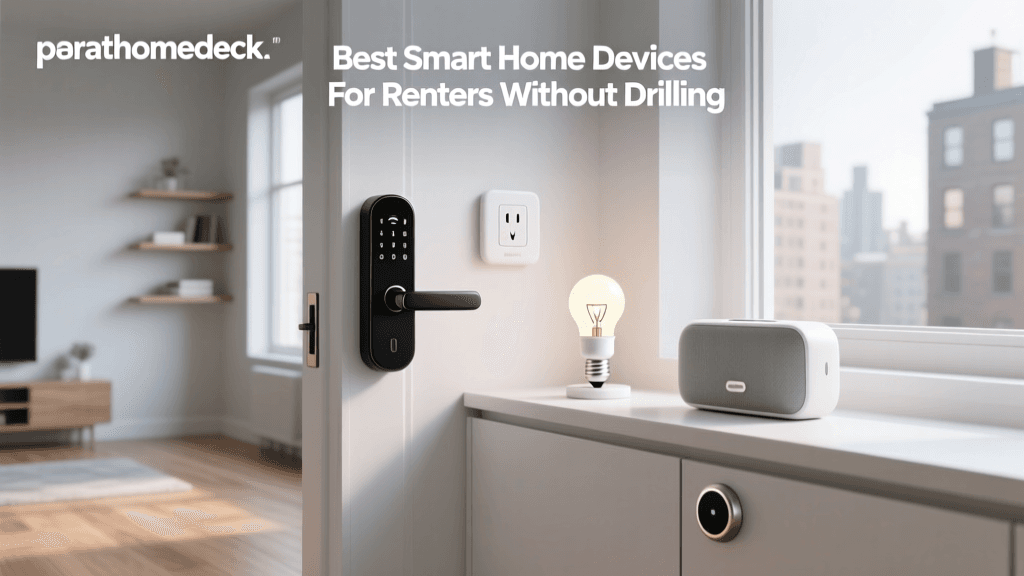
Fortunately, the smart home industry has recognized the massive renter demographic. Today, there is a thriving ecosystem of 'no-drill,' 'peel-and-stick,' and 'retrofit' smart security devices designed specifically for temporary living situations. These devices offer enterprise-grade security without risking your security deposit or violating your lease. In this comprehensive buyer's guide, we break down the best renter-friendly security systems, smart locks, and cameras that require zero permanent installation.
What Makes a Security System 'Renter-Friendly'?
Before diving into specific product recommendations, it is crucial to understand the criteria that separate a renter-friendly device from a homeowner's permanent fixture. When evaluating products for this guide, we prioritized the following features:
- Non-Destructive Installation: Devices must utilize adhesive strips, tension mounts, or existing hardware. No power drills, drywall anchors, or screwdrivers required for the primary mount.
- Portability and Reusability: When your lease ends, you should be able to pack the system in a box and take it to your next home. Modular systems with wireless sensors are ideal.
- Hub-Free or Plug-In Hubs: Hardwired control panels are out. Renter-friendly systems rely on Wi-Fi, Bluetooth, or small plug-in base stations that connect to standard wall outlets.
- Landlord Compatibility: Smart locks must not alter the exterior appearance of the door or require replacing the entire deadbolt mechanism, ensuring the landlord's master keys continue to work.
Top Renter-Friendly Smart Locks
August Wi-Fi Smart Lock (4th Generation)
The August Wi-Fi Smart Lock remains the undisputed champion for renters. Unlike traditional smart locks that require you to remove the entire deadbolt and exterior keypad, the August lock is a 'retrofit' device. It only replaces the interior thumbturn. Using a simple Phillips-head screwdriver, you remove the existing interior latch and attach the August mounting plate over the existing tailpiece. The exterior of your door remains completely untouched, meaning your landlord's physical keys will still work perfectly, and the aesthetic of the apartment door is preserved.
Key Specs: Built-in Wi-Fi (no extra hub needed), auto-unlock via Bluetooth geofencing, works with Apple HomeKit, Amazon Alexa, and Google Assistant. Cost Range: $200 - $230.
Yale Assure Lock 2 (Keypad Version)
If you are renting a home where the existing deadbolt is old, flimsy, or incompatible with the August retrofit, the Yale Assure Lock 2 is a fantastic alternative. While it does require replacing the entire deadbolt (which technically involves screws), it is a direct swap that takes about 15 minutes and leaves no new holes in the door. You simply keep the original hardware in a drawer and reinstall it on move-out day. The keypad version eliminates the need to hide a physical key under the mat.
Key Specs: Wi-Fi and Bluetooth, sleek keypad, auto-lock features. Cost Range: $150 - $180.
Best No-Drill Security Cameras
Blink Mini (Indoor)
For indoor monitoring, the Blink Mini is a powerhouse that requires zero mounting. Its weighted base allows it to sit securely on a bookshelf, desk, or kitchen counter, providing a wide 110-degree field of view. It plugs directly into a standard wall outlet, eliminating the anxiety of battery drain. While it does have a mounting bracket included, renters can completely ignore it and rely on the freestanding base.
Key Specs: 1080p HD video, two-way audio, motion detection, requires a Sync Module 2 or compatible Echo device for local storage. Cost Range: $35 - $50.
Ring Indoor Cam (2nd Gen)
The Ring Indoor Cam is perfect for renters who want a privacy-focused camera for shared spaces or living rooms. It features a physical privacy cover that manually blocks the lens and disables the microphone, which is a massive selling point for those concerned about indoor surveillance. It can sit on a flat surface or use a peel-and-stick 3M Command strip to mount to a wall without damaging the paint.
Key Specs: 1080p HD, physical privacy shield, integrates seamlessly with Ring Alarm systems. Cost Range: $50 - $60.
Best Complete Wireless Alarm Kits
SimpliSafe 12-Piece Wireless System
SimpliSafe revolutionized the renter security market by introducing cellular-backed, peel-and-stick alarm systems that require no professional installation. The 12-piece kit includes a base station, keypad, key fob, and various entry and motion sensors. Every sensor uses heavy-duty, pre-applied 3M adhesive tape. According to the U.S. Department of Energy, modern smart home ecosystems like SimpliSafe not only provide security but can integrate with smart thermostats to improve overall home efficiency, a bonus for renters paying their own utility bills.
Key Specs: 24-hour cellular backup, optional professional monitoring (no long-term contracts), 100% wireless sensors. Cost Range: $250 - $300 (plus optional monthly monitoring).
Abode iota All-In-One Security Kit
The Abode iota is a unique hybrid device: it is a Wi-Fi router, a smart home hub, a motion sensor, and a 1080p camera all built into a single, sleek soundbar-like unit that sits on your TV stand. This drastically reduces the number of devices you need to plug in and manage. The accompanying door/window sensors use peel-and-stick adhesive. Abode is highly favored by tech-savvy renters because of its deep integration with Apple HomeKit and its flexible, short-term monitoring options (perfect if you are only renting a cabin for a month).
Key Specs: Built-in 1080p camera, Zigbee, Z-Wave, and Wi-Fi radios, HomeKit Secure Video support. Cost Range: $280 - $320.
Renter Security System Comparison Table
| Product | Category | Install Method | Hub Required? | Price Range |
|---|---|---|---|---|
| August Wi-Fi Smart Lock | Smart Lock | Retrofit Thumbturn | No (Built-in) | $200 - $230 |
| Blink Mini | Indoor Camera | Freestanding Base | Yes (Sync Module) | $35 - $50 |
| SimpliSafe 12-Piece | Full Alarm Kit | Peel-and-Stick | No (Base Station) | $250 - $300 |
| Abode iota Kit | Hybrid Hub/Camera | Freestanding / Adhesive | No (All-in-One) | $280 - $320 |
| Ring Indoor Cam (2nd Gen) | Indoor Camera | Freestanding / Adhesive | No (Wi-Fi) | $50 - $60 |
Setup Time and Portability Visualization
One of the primary advantages of renter-friendly security systems is the drastic reduction in setup time. Traditional hardwired systems can take days and require professional technicians. The systems highlighted below can be unboxed, configured, and fully operational in under an hour.
The Move-Out Guide: Removing Adhesives Safely
The biggest fear for renters using peel-and-stick sensors is damaging the paint or drywall upon removal, resulting in deducted security deposits. Here is a professional, step-by-step guide to removing smart home adhesives without leaving a trace:
- Apply Heat: Use a standard hairdryer on a medium heat setting. Hold it a few inches away from the sensor and move it back and forth for about 45 seconds. This softens the acrylic compounds in 3M VHB and Command strips.
- Use Dental Floss: Do not pull the sensor straight away from the wall, as this creates outward tension that can rip drywall paper. Instead, take a piece of waxed dental floss or fishing line, wrap it around your fingers, and gently 'saw' back and forth behind the sensor, parallel to the wall. This slices through the foam adhesive layer.
- Remove Residue: Once the device is off, you will likely have a square of foam residue left on the wall. Apply a commercial citrus-based adhesive remover (like Goo Gone) or warm soapy water to a microfiber cloth. Let it sit on the residue for two minutes, then gently roll the foam off with your thumb. Never use metal scrapers on painted drywall.
Network and Privacy Considerations for Renters
Navigating Shared Wi-Fi Networks
Many large apartment complexes offer 'included' Wi-Fi or shared building networks. These networks often utilize client-isolation protocols, meaning devices on the same network cannot communicate with each other. This will completely break smart home setups that rely on local hub-to-sensor communication. If your apartment provides shared Wi-Fi, you must purchase your own dedicated router and run your smart home devices on a private, encrypted network to ensure functionality and security.
Privacy Laws and Shared Hallways
While you have the right to secure the interior of your leased unit, pointing a smart camera into a shared apartment hallway, stairwell, or communal driveway can violate local privacy laws and your lease agreement. Always ensure your video doorbell or outdoor camera's motion zones are strictly configured to monitor only your private entryway and immediate threshold, masking out neighboring doors and shared walkways in the software settings.
Final Verdict: Building Your Renter Security Stack
Securing a rental property does not require compromising your security deposit or violating your lease. By combining the August Wi-Fi Smart Lock for keyless, retrofit entry, a freestanding Blink Mini for interior monitoring, and a modular SimpliSafe kit for perimeter defense, you can build a comprehensive, enterprise-grade security stack for under $500. These devices respect the physical boundaries of your rental, adapt to your specific floor plan, and most importantly, pack neatly into a moving box when it is time to sign your next lease.