The Evolution of Smart Home Security
Securing your home has evolved far beyond traditional deadbolts and wired alarm panels. Today, the best smart home security devices offer a comprehensive, interconnected ecosystem that allows you to monitor, control, and automate your property's defenses from anywhere in the world. Whether you are looking to deter package thieves, keep an eye on pets, or ensure your doors are locked after you leave for work, modern smart security gear provides unprecedented peace of mind. However, with hundreds of options on the market, building a cohesive system can be overwhelming. This comprehensive buyer's guide breaks down the best smart home security devices across cameras, locks, sensors, and hubs, helping you create a robust defense tailored to your specific needs and budget.
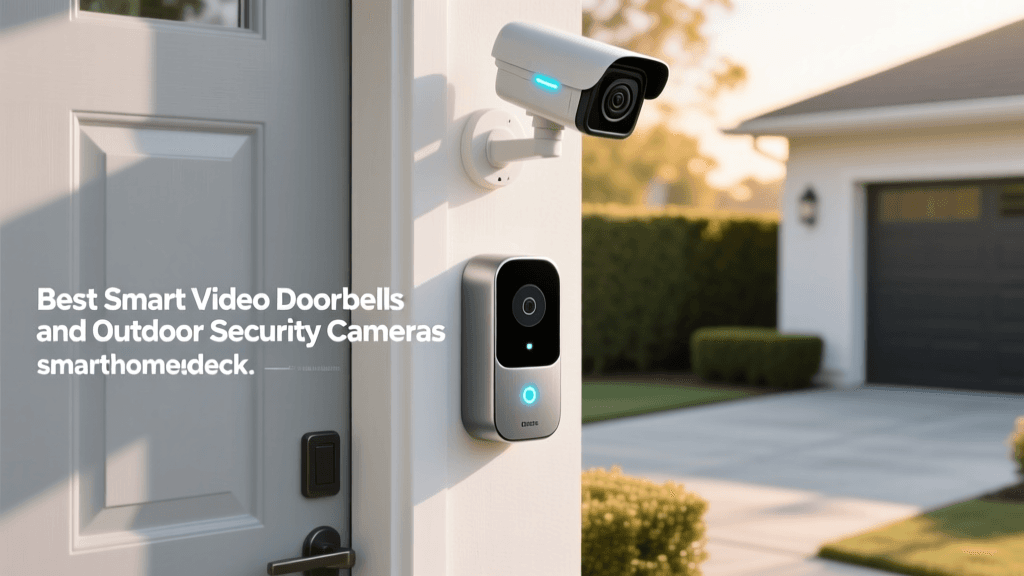
Top Smart Security Cameras and Video Doorbells
Visual verification is the cornerstone of any modern security setup. The best cameras combine high-resolution sensors, intelligent motion detection, and reliable connectivity to ensure you never miss a critical event.
1. Arlo Pro 5S 2K Spotlight Camera
The Arlo Pro 5S remains a top-tier choice for outdoor surveillance. It features a stunning 2K HDR resolution with a 12x zoom and an expansive 160-degree field of view, eliminating blind spots in your yard. The built-in color night vision and integrated spotlight ensure that footage remains clear and identifiable even in pitch-black conditions.
- Best For: Homeowners needing premium outdoor coverage with color night vision.
- Pros: 160-degree FOV, color night vision, intelligent motion zones, built-in spotlight.
- Cons: Requires an Arlo Secure subscription for advanced AI features and cloud storage.
- Estimated Cost: $200 - $250
2. Ring Battery Video Doorbell Plus
For front-door monitoring, the Ring Battery Video Doorbell Plus is a standout. Its defining feature is the Head-to-Toe HD+ video, which provides a square aspect ratio that captures everything from a visitor's face to packages left on the mat. It operates on a quick-release battery pack, making installation entirely wire-free.
- Best For: Renters and DIYers who want package detection without wiring.
- Pros: Head-to-Toe HD+ video, easy battery swap, seamless Alexa integration.
- Cons: Battery life can drain quickly in high-traffic areas; requires Ring Home subscription for historical video.
- Estimated Cost: $150 - $180
3. Google Nest Cam (Outdoor or Indoor, Battery)
Google's Nest Cam excels in on-device AI processing. It can distinguish between people, animals, and vehicles right out of the box without requiring a subscription for basic alerts. It also includes three hours of free event video history, a rarity in the current smart camera landscape.
- Best For: Google Home users who want free basic cloud storage and smart AI alerts.
- Pros: Free 3-hour event history, excellent on-device AI, magnetic mount.
- Cons: 1080p resolution is lower than competitors; continuous recording requires Nest Aware.
- Estimated Cost: $170 - $190
Best Smart Locks for Keyless Entry
Smart locks eliminate the need to hide keys under the mat and allow you to grant temporary access to guests, dog walkers, or contractors. When choosing a smart lock, consider whether you want a full lock replacement or a retrofit solution that works with your existing deadbolt.
1. Schlage Encode Plus
The Schlage Encode Plus is a fortress in smart lock form. It features built-in Wi-Fi, meaning no extra hub is required, and it is one of the few locks on the market that supports Apple HomeKey. This allows you to unlock your door simply by tapping your iPhone or Apple Watch against the lock, even if your phone battery is dead.
- Best For: Apple ecosystem users and those prioritizing maximum physical security (ANSI Grade 1).
- Pros: Apple HomeKey support, built-in Wi-Fi, top-tier physical security rating.
- Cons: Bulky design; Wi-Fi connectivity can drain batteries faster than Thread or Z-Wave.
- Estimated Cost: $270 - $300
2. August Wi-Fi Smart Lock (4th Generation)
If you love your existing deadbolt but want smart features, the August Wi-Fi Smart Lock is the ultimate retrofit solution. It attaches to the inside of your door, leaving the exterior keyhole intact. Its DoorSense technology tells you not just if the lock is engaged, but if the door is physically closed.
- Best For: Renters or those who want to keep their existing exterior hardware.
- Pros: Easy retrofit installation, DoorSense technology, auto-unlock via geofencing.
- Cons: Wi-Fi connection can be finicky; bulky on the interior side of the door.
- Estimated Cost: $200 - $230
Essential Hubs and Entry Sensors
Cameras and locks are vital, but a true security system relies on hubs and sensors to monitor the perimeter and trigger automated routines.
1. Ring Alarm Pro
The Ring Alarm Pro is a hybrid device that serves as both a Z-Wave security hub and an Eero 6 Wi-Fi router. This dual functionality allows it to process security events locally, ensuring your alarm still triggers even if your internet goes down. It also provides network security features to protect your IoT devices from external threats.
- Best For: Users building a comprehensive Ring ecosystem who also need a Wi-Fi mesh upgrade.
- Pros: Local processing, built-in Eero 6 router, 24/7 backup internet (with subscription).
- Cons: Expensive; locks you into the Ring/Z-Wave ecosystem.
- Estimated Cost: $250 - $300
2. Aqara Door and Window Sensor P2
The Aqara P2 is a game-changer because it is one of the first widely available sensors to support Matter over Thread. This means it connects directly to compatible smart home hubs (like Apple TV or Nest Hub) without needing a proprietary Aqara bridge, offering incredibly fast response times and low power consumption.
- Best For: Early adopters of the Matter standard and Thread network builders.
- Pros: Matter/Thread support, no proprietary hub required, 2-year battery life.
- Cons: Requires a Thread border router to function.
- Estimated Cost: $35 - $45
Comprehensive Device Comparison Table
To help you compare the top picks at a glance, we have compiled a detailed breakdown of their core specifications, connectivity protocols, and ecosystem compatibility.
| Device | Category | Connectivity | Ecosystem | Power Source | Avg. Price |
|---|---|---|---|---|---|
| Arlo Pro 5S | Outdoor Camera | Wi-Fi (2.4GHz) | Alexa, Google, HomeKit | Rechargeable Battery | $250 |
| Ring Doorbell Plus | Video Doorbell | Wi-Fi (2.4/5GHz) | Alexa | Quick-Release Battery | $160 |
| Schlage Encode Plus | Smart Lock | Wi-Fi / NFC | Apple HomeKit, Alexa | 4x AA Batteries | $280 |
| August Wi-Fi Lock | Retrofit Lock | Wi-Fi / Bluetooth | Alexa, Google, HomeKit | 2x CR123A Batteries | $220 |
| Ring Alarm Pro | Hub / Router | Z-Wave / Wi-Fi 6 | Ring / Alexa | Hardwired + Backup | $280 |
| Aqara Sensor P2 | Entry Sensor | Thread / Matter | Matter-Compatible Hubs | 1x CR2032 Battery | $40 |
Visualizing Smart Security Costs
Budgeting for a smart home security system requires understanding the average costs across different device categories. The chart below illustrates the typical investment required for various types of security hardware.
Smart Security Device Pricing
Navigating Ecosystems: Matter, Thread, and Wi-Fi
One of the most critical decisions when buying smart security devices is choosing your underlying connectivity protocol and ecosystem. Historically, consumers were forced to choose between Amazon Alexa, Google Home, or Apple HomeKit, often resulting in fragmented setups where devices could not communicate with one another.
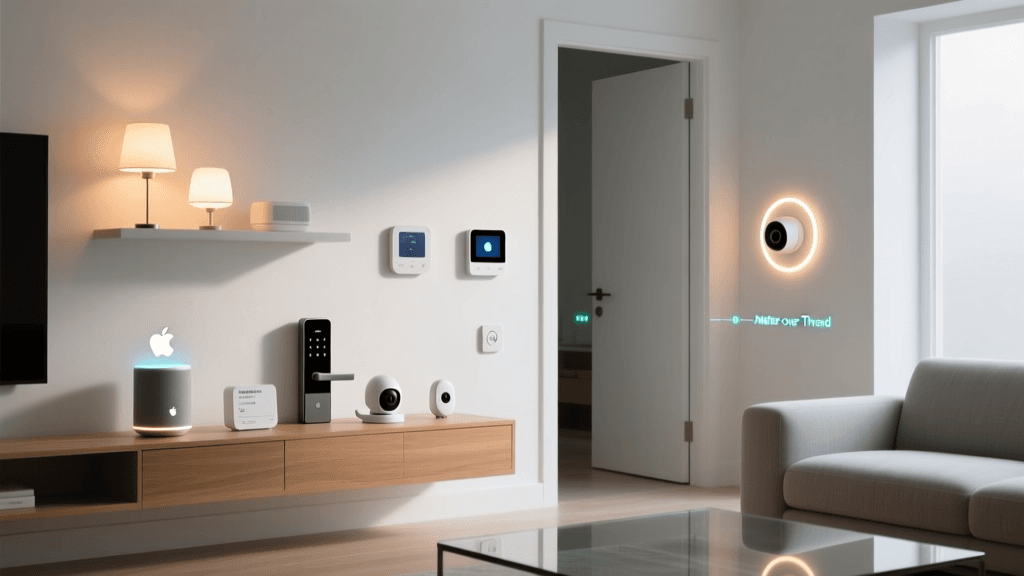
Enter Matter, the industry-unifying standard developed by the Connectivity Standards Alliance (CSA). Matter allows devices from different manufacturers to work together seamlessly, regardless of whether you use an iPhone or an Android device. When shopping for new security sensors, smart plugs, or locks, looking for the Matter logo ensures future-proofing and cross-platform compatibility.
Alongside Matter, Thread is revolutionizing how devices connect. Unlike Wi-Fi, which can congest your home network when dozens of cameras and sensors are connected, Thread creates a low-power, self-healing mesh network. Devices like the Aqara P2 sensor use Thread to communicate with a border router (like an Apple TV or Nest Hub), resulting in lightning-fast response times and battery life that stretches into years rather than months.
Privacy and Network Security Best Practices
While smart security devices protect your physical property, they also introduce digital vulnerabilities. Internet of Things (IoT) devices are frequent targets for cyberattacks if not properly secured. The Cybersecurity and Infrastructure Security Agency (CISA) strongly recommends segmenting your home network. By placing your smart cameras and locks on a separate 'Guest' or 'IoT' Wi-Fi network, you prevent a compromised smart bulb from giving hackers access to your personal computers and smartphones.
Furthermore, privacy advocates like the Electronic Frontier Foundation (EFF) advise consumers to carefully review data retention policies. Always enable Two-Factor Authentication (2FA) on your security accounts, use unique, complex passwords, and regularly update device firmware. For indoor cameras, consider models with physical privacy shutters or geofencing features that automatically turn the camera off when your phone detects you are home.
Professional Monitoring vs. Self-Monitoring
When building your security system, you must decide how alerts are handled. Self-monitoring means your phone receives a push notification when a camera detects motion or a door opens. This is cost-effective (often free or under $5/month for cloud storage) but relies entirely on you being available to check your phone and call authorities if necessary.
Professional monitoring (offered by Ring, Arlo, and ADT) costs between $10 and $25 per month. If an alarm triggers and you do not respond to a verification call, the monitoring center will dispatch police or fire services to your home. For frequent travelers or those who want guaranteed emergency response, professional monitoring is a worthwhile investment. Many insurance companies also offer premium discounts for homes with professionally monitored, centrally certified alarm systems.
Final Thoughts on Building Your Security Arsenal
The best smart home security setup is one that fits your lifestyle, your home's layout, and your budget. Start with the essentials: a reliable video doorbell and a smart lock. From there, expand your perimeter with outdoor cameras and fortify your entryways with Thread-enabled contact sensors. By prioritizing devices that support modern standards like Matter and Thread, and by maintaining strict digital hygiene on your home network, you can build a fortress that is as intelligent as it is impenetrable.