The Renter's Dilemma: Security Without the Security Deposit Risk
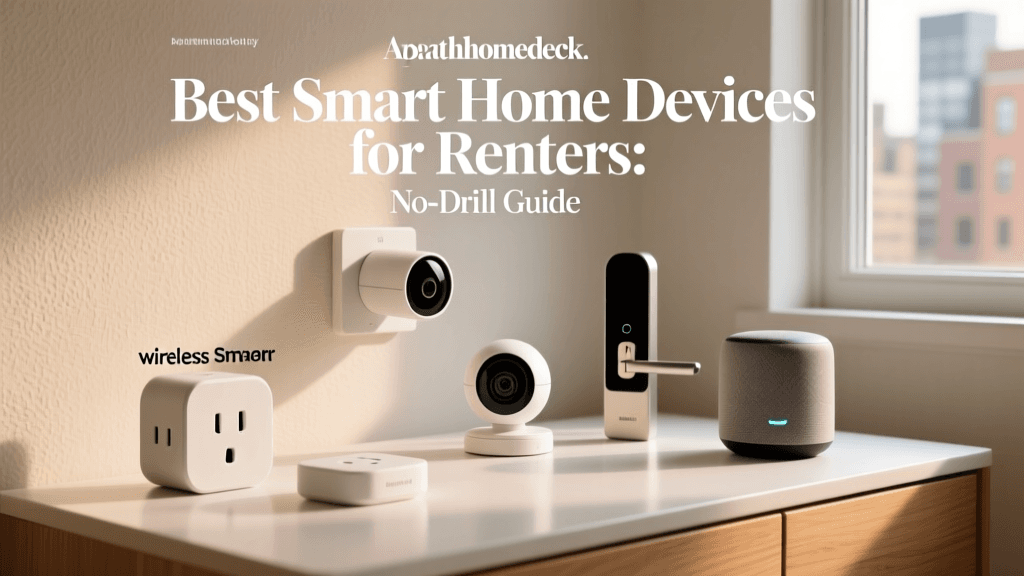
Securing your home is a universal priority, but for renters, the path to a smart, connected security system is often blocked by strict lease agreements. Landlords typically prohibit drilling holes for hardwired cameras, replacing existing deadbolts, or altering the exterior siding. Fortunately, the smart home industry has evolved to meet the needs of the modern tenant. Today, you can build a comprehensive, professional-grade security ecosystem using peel-and-stick sensors, battery-operated cameras, and retrofit smart locks that leave zero damage behind.
In this guide, we break down the best renter-friendly smart security products that require no permanent installation. Whether you are living in a high-rise apartment or a leased single-family home, these picks will keep you safe while ensuring you get your full security deposit back when it is time to move.
What Makes a Smart Security System Renter-Friendly?
Before diving into specific products, it is essential to understand the criteria we use to evaluate renter-friendly smart home gear. A truly lease-compliant security device must meet the following standards:
- No Drilling or Hardwiring: Devices must operate on batteries or plug into standard wall outlets. Mounting should rely on heavy-duty adhesive strips, tension rods, or freestanding bases.
- Retrofit Capabilities: Smart locks must work with the existing door hardware, allowing you to reinstall the original lock when you move out.
- Portability: The system should be easy to pack up and take with you to your next residence without requiring a complete reconfiguration.
- Non-Destructive Removal: Adhesives and mounting brackets must be removable without stripping paint, damaging drywall, or leaving sticky residue.
Top Picks for Renter-Friendly Smart Security
Best Retrofit Smart Lock: August Wi-Fi Smart Lock
Replacing your apartment's deadbolt is usually a major lease violation. The August Wi-Fi Smart Lock solves this by retrofitting your existing deadbolt. It replaces only the interior thumb-turn, leaving the exterior lock and your landlord's original keys completely intact. Installation takes about 10 minutes using just a screwdriver and the included adhesive mounting tape (no drilling required). It features built-in Wi-Fi, auto-unlock as you approach, and compatibility with Alexa, Google Assistant, and Apple HomeKit. Priced around $200 to $230, it is the ultimate set-it-and-forget-it smart lock for renters.
Best Overall Sensor Kit: Ring Alarm Security Kit (5-Piece)
The Ring Alarm Security Kit is a favorite among apartment dwellers because its base station is compact, and all sensors use peel-and-stick 3M Command-style adhesive. The 5-piece kit includes a base station, keypad, contact sensor, motion detector, and range extender. The contact sensors are slim enough to fit on most apartment doors and windows without interfering with the frame's weatherstripping. While it requires a subscription for professional monitoring (Ring Home plans start around $4.99/month), the upfront cost of roughly $199 is highly competitive. Plus, if you move, you simply peel off the sensors, pack the base station, and update your address in the app.
Best Budget Indoor/Outdoor Camera: Wyze Cam v3
For renters who need versatile surveillance without breaking the bank, the Wyze Cam v3 is unmatched. At roughly $50, this compact cube offers 1080p video, color night vision, and an IP65 weather resistance rating, meaning it can sit on an apartment balcony or patio shelf without needing to be screwed into the exterior wall. It features a magnetic base that can be mounted using heavy-duty adhesive metal plates. While it requires a nearby power outlet (or a USB extension cable routed through a window seal), its local microSD storage option means you can avoid monthly cloud fees if you choose.
Best No-Drill Video Doorbell: Eufy Security Video Doorbell (Battery-Powered)
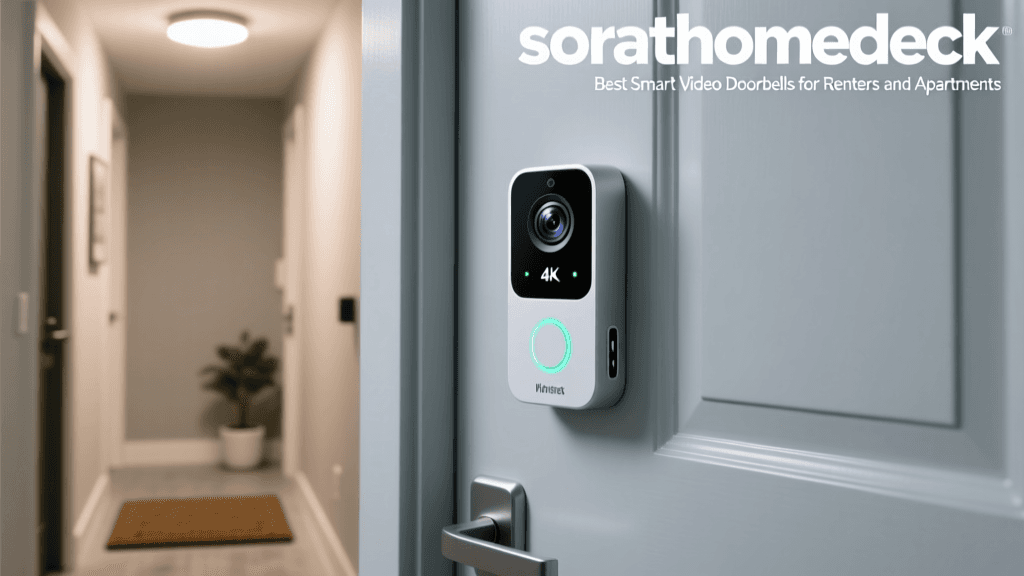
Wired doorbells are a luxury many renters do not have. The Eufy Security Battery Video Doorbell eliminates the need for existing chime wiring. It mounts using a specialized bracket that can be secured with heavy-duty outdoor mounting tape, or you can use a universal no-drill doorbell mount that clamps to the doorframe. The battery lasts up to 180 days on a single charge, and it connects to the Eufy HomeBase, which plugs into a wall outlet inside your apartment. Because the HomeBase stores video locally, there are zero monthly subscription fees, making it a highly economical choice over time.
Feature Comparison Table
| Product | Category | Installation Method | Est. Upfront Cost | Subscription Required? |
|---|---|---|---|---|
| August Wi-Fi Smart Lock | Smart Lock | Retrofit / Adhesive Tape | $229 | No |
| Ring Alarm (5-Piece) | Sensor Hub | Peel-and-Stick Adhesive | $199 | Optional (for pro monitoring) |
| Wyze Cam v3 | Camera | Magnetic / Adhesive Plate | $49 | Optional (for cloud AI) |
| Eufy Battery Doorbell | Doorbell | Adhesive Bracket / Clamp | $159 | No |
Cost Analysis: Upfront vs. Subscription
When budgeting for a renter-friendly security system, it is crucial to look beyond the initial hardware cost. Monthly subscriptions can quickly add up over a standard 12-month lease. The chart below illustrates the financial difference between systems that require cloud subscriptions and those that offer local storage or standalone functionality.
Cost comparison of renter-friendly security systems showing upfront hardware costs versus estimated annual subscription fees.
As visualized above, investing slightly more upfront in a system like Eufy or August can eliminate recurring monthly fees, which is ideal for renters managing tight monthly budgets.
Supplementary Security: Smart Lighting and Sensors
A camera and a lock are great, but deterrence is your first line of defense. Smart lighting can simulate occupancy, making your apartment look lived-in even when you are away.
- Philips Hue Go: This portable, battery-powered smart light requires no hardwiring. Place it on a desk or bookshelf near your window. Using the Hue app, you can set randomized "Vacation" routines that turn the light on and off at varying intervals to deter burglars.
- Aqara Door and Window Sensors: If the Ring ecosystem is too bulky for your apartment's slim window frames, Aqara offers ultra-slim Zigbee sensors. They use minimal adhesive and can trigger smart lights or phone alerts the second a window is breached.
Installation Hacks for Apartment Dwellers
To ensure you do not damage your rental property, follow these installation best practices:
1. Use the Right Adhesives
Never use standard double-sided tape or super glue on drywall or painted wood. Always use 3M Command Strips or the specific adhesive pads provided by the manufacturer. For heavier items like the Eufy HomeBase or outdoor camera mounts, use Command Picture Hanging Strips, which distribute weight more evenly and pull off cleanly when stretched parallel to the wall.
2. The Tension Rod Trick
If you need to mount an indoor camera to get a high-angle view of your living room but cannot drill into the ceiling or upper walls, use a heavy-duty tension rod placed vertically in the corner of the room. You can mount lightweight cameras (like the Wyze or Blink Mini) to the rod using zip ties or small clamp mounts, completely avoiding wall damage.
3. Window Seal Routing
If you want to place a camera on your balcony but lack an outdoor power outlet, you can run a flat, low-profile USB extension cable through the window seal. Many renters use specialized "window seal strips" designed for portable AC units to close the gap around the cable, maintaining climate control and security without drilling through the exterior wall.
Network Security and Privacy Considerations
Living in an apartment complex often means sharing walls and, sometimes, poorly secured public Wi-Fi networks. When setting up your smart home, network security is paramount. According to the Cybersecurity and Infrastructure Security Agency (CISA), IoT devices are frequent targets for cyberattacks because they often ship with default passwords and lack robust built-in security.
To protect your smart locks and cameras:
- Use a Dedicated Network: If your apartment provides shared Wi-Fi, invest in your own router and set up a separate "Guest" or "IoT" VLAN specifically for your smart home devices. This isolates them from your personal computers and phones.
- Enable Two-Factor Authentication (2FA): Every major smart home brand (Ring, August, Eufy, Wyze) offers 2FA. Enable it immediately to prevent unauthorized access to your camera feeds.
- Follow NIST Guidelines: The National Institute of Standards and Technology (NIST) recommends regularly updating device firmware and disabling unnecessary universal plug-and-play (UPnP) features on your router to prevent external port mapping.
Furthermore, privacy advocates like the Electronic Frontier Foundation (EFF) warn renters to be mindful of indoor cameras. Always use physical privacy shutters (available on many modern cameras) when you are home, and ensure your cameras are not pointed toward shared hallways or neighbors' windows to avoid privacy disputes and lease violations.
The Move-Out Protocol: Packing Up Your Smart Home
When your lease is up, removing your smart security system requires just as much care as installing it. Follow this checklist to ensure a smooth transition:
- Heat and Peel: Use a hairdryer on a low heat setting to warm the adhesive behind your sensors and camera mounts. This softens the glue, allowing you to remove the devices without peeling off the landlord's paint.
- Residue Removal: If any sticky residue remains, use a mild citrus-based adhesive remover or warm soapy water. Avoid harsh chemicals like acetone, which can damage semi-gloss or satin paint finishes.
- Reinstall Original Hardware: For the August Smart Lock, simply detach the interior unit, reattach the original thumb-turn, and store the smart lock in its original packaging for the next move.
- Factory Reset and Unbind: This is critical. Factory reset all cameras, hubs, and locks. More importantly, log into the respective mobile apps and "Remove" or "Unbind" the devices from your account. If you move and leave a device linked to your apartment's old GPS coordinates, it can cause geofencing errors and false alarms at your new home.
Conclusion
Being a renter no longer means sacrificing the safety and convenience of a modern smart home. By choosing retrofit locks like the August Wi-Fi Smart Lock, adhesive-based sensor kits from Ring, and freestanding cameras from Wyze and Eufy, you can build a robust security perimeter that adapts to your lifestyle. These devices respect the boundaries of your lease agreement while providing the peace of mind you deserve. Remember to prioritize network security, use damage-free mounting techniques, and properly reset your devices when it is time to hand the keys back to your landlord.