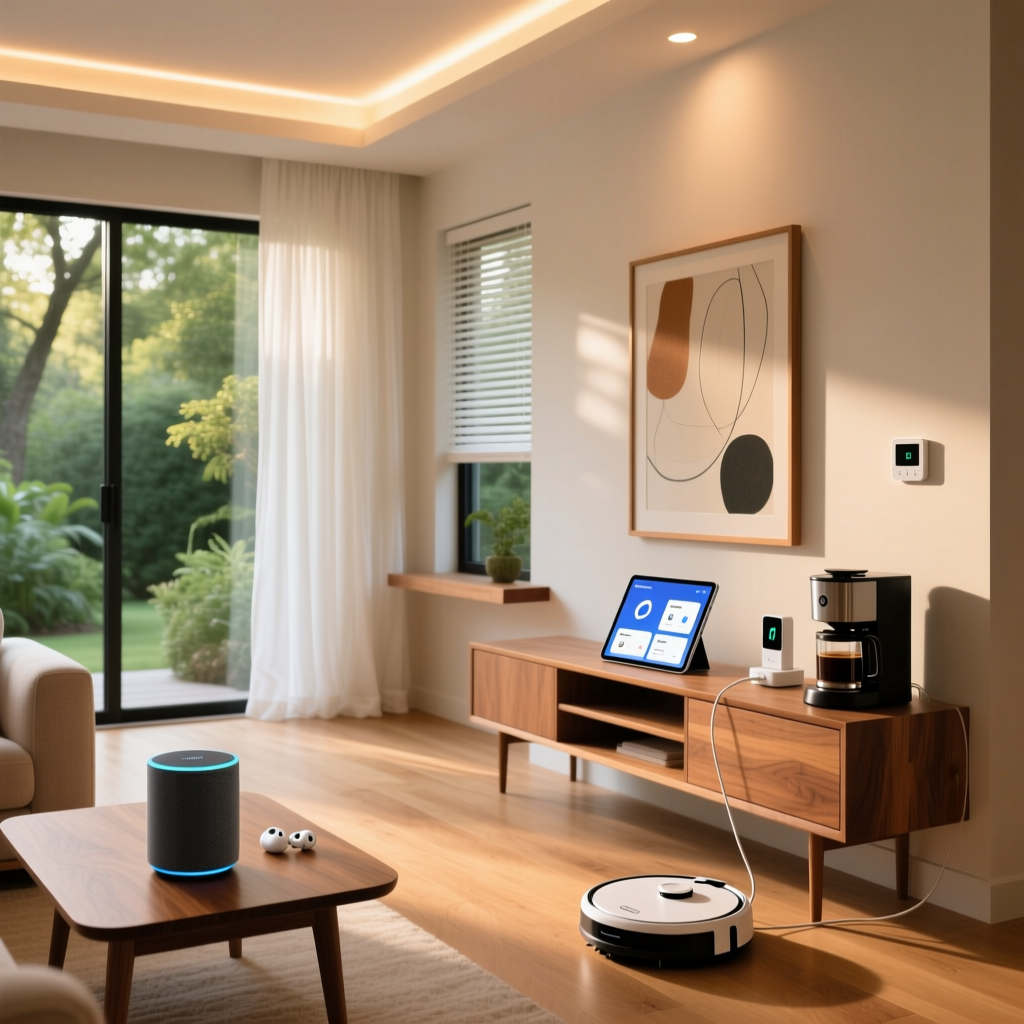
The Battle of the Smart Home Ecosystems
Building a smart home is no longer just about turning on lights with your voice; it is about creating seamless, automated routines that anticipate your needs. Whether you want your coffee to brew when your morning alarm goes off, your thermostat to adjust when you leave for work, or your security cameras to arm automatically at midnight, the 'brain' of your smart home relies on its ecosystem platform. In the modern smart home landscape, the three dominant titans—Amazon Alexa, Google Home, and Apple HomeKit (Siri)—each offer distinct approaches to automation routines. But which one truly reigns supreme for complex, reliable, and customizable automations?
In this comprehensive guide, we will dissect the automation capabilities of Alexa, Google, and Siri. We will evaluate their triggers, actions, compatibility, local processing reliability, and overall cost of entry, helping you decide which platform deserves to be the central nervous system of your automated home.
Amazon Alexa: The Unmatched Routine Powerhouse
Amazon Alexa has long been the market leader in smart home compatibility, and its 'Routines' feature is arguably the most robust and user-friendly for the average consumer. The Alexa app allows you to chain together dozens of actions based on a wide variety of triggers.
Triggers and Actions
Alexa supports triggers based on voice commands, schedules, device states (e.g., a motion sensor detecting movement), location (geofencing), and even the dismissal of an alarm. Where Alexa truly shines is in its action diversity. You can control smart home devices, send custom text-to-speech announcements ('Alexa says'), play specific Spotify playlists, and even integrate with third-party APIs via IFTTT or native skills.
One of Alexa's most powerful automation tools is the 'Wait' action. You can program a routine to wait for a specific duration (e.g., 5 minutes) or wait for a specific device state (e.g., wait until the Ecobee SmartThermostat Premium finishes its heating cycle) before executing the next step. This conditional logic is invaluable for complex morning or bedtime routines.
Hardware and Cost of Entry
Getting started with Alexa is incredibly affordable. An entry-level Amazon Echo Pop costs around $40, while the Echo Studio ($230) serves as a premium smart speaker with a built-in Zigbee and Matter hub, eliminating the need for separate bridges for devices like the Philips Hue or Aqara sensors. The vast compatibility means you can mix and match budget-friendly TP-Link Kasa plugs ($15) with high-end Lutron Caseta lighting systems ($100+ per switch).
Google Home: The Contextual & Conversational Genius
Google Home (powered by Google Assistant) takes a slightly different approach, leaning heavily into contextual awareness and natural language processing (NLP). While the standard Google Home app routines are similar to Alexa's, Google's ecosystem offers unique advantages for media consumption and advanced users.
Contextual Triggers and Nest Integration
Google's routines excel in media and contextual triggers. For example, a 'Movie Time' routine can seamlessly dim your Philips Hue lights, lower your smart blinds, and cast a specific YouTube playlist to your Chromecast or Nest Hub Max. Furthermore, Google's Nest devices offer deep integration; a Nest Cam can trigger floodlights to turn on if a person is detected in the driveway at night.
According to Google Nest Support, users can set up routines that adjust based on who is speaking, thanks to Google's superior Voice Match technology. This means saying 'Good Morning' can trigger a personalized routine that reads your specific calendar events and commute traffic, rather than a generic household update.
The Script Editor for Advanced Users
For power users, Google recently introduced the Script Editor in the Google Home app. This feature allows advanced users to write JSON-based automations, enabling complex conditional logic, webhooks, and precise timing that the standard visual interface hides. While the learning curve is steep, it bridges the gap between consumer platforms and enthusiast systems like Home Assistant.
Apple HomeKit & Siri: The Secure, Local, & Seamless Option
Apple HomeKit, controlled via Siri and the Apple Home app, has historically been criticized for a smaller accessory catalog. However, when it comes to automation reliability, privacy, and local execution, Apple is in a league of its own. As noted by Apple's official automation guide, HomeKit is designed to process automations locally via a home hub, ensuring your smart home works even if your internet connection goes down.
Local Processing and Adaptive Lighting
Unlike Alexa and Google, which rely heavily on cloud servers to process routines (meaning a dropped internet connection breaks your smart home), Apple requires a home hub—such as an Apple TV 4K ($129) or HomePod mini ($99)—to execute automations locally. This results in near-instantaneous reaction times for motion-triggered lighting.
HomeKit also features Adaptive Lighting, a native automation that automatically adjusts the color temperature of compatible bulbs (like Nanoleaf or Philips Hue) throughout the day to match natural sunlight, promoting better circadian rhythms without requiring manual routine setup.
Siri Shortcuts and NFC Tags
Apple's secret weapon is the Shortcuts app. While HomeKit handles standard device automations, Siri Shortcuts allows you to integrate iOS-level actions. You can create a routine that logs your water intake, sends a WhatsApp message to your spouse, and adjusts your smart thermostat simultaneously. Furthermore, you can trigger these complex shortcuts by tapping your iPhone against cheap NFC tags ($10 for a pack of 10) placed on your nightstand or car dashboard.
Feature-by-Feature Automation Comparison
To help you visualize the differences, we have compiled a comprehensive comparison table detailing the automation capabilities of each ecosystem.
| Feature | Amazon Alexa | Google Home | Apple HomeKit |
|---|---|---|---|
| Trigger Variety | Excellent (Voice, Schedule, Device, Location, Alarm, Sound) | Very Good (Voice, Schedule, Device, Location) | Good (Time, Device, Location, NFC via Shortcuts) |
| Conditional Logic | High (Wait for time/device state) | High (via Script Editor JSON) | Moderate (Native conditions, high via Shortcuts) |
| Local Execution | Limited (Requires specific Zigbee/Matter hubs) | Limited (Matter devices only) | Excellent (Requires Apple TV or HomePod hub) |
| Camera Integration | High (Ring, Blink, Arlo native feeds) | High (Nest ecosystem deep integration) | Moderate (HomeKit Secure Video, limited brands) |
| Entry Cost | Low ($40 - $50 for basic Echo) | Low-Medium ($50 - $100 for Nest Mini/Hub) | High ($99 Hub + premium HomeKit accessories) |
Visualizing Ecosystem Automation Capabilities
The following chart illustrates how the three platforms score regarding overall automation complexity (the ability to chain intricate, multi-step actions) versus local execution reliability (how well the system functions without an active internet connection).
Real-World Automation Scenarios Tested
To move beyond specifications, let's look at how these ecosystems handle three common, real-world smart home scenarios.
Scenario 1: The Perfect Morning Routine
- Alexa: Triggered by alarm dismissal. Alexa slowly brightens Hue lights over 10 minutes, starts a smart plug connected to the coffee maker, and reads the daily weather and calendar. The 'Wait' function ensures the news doesn't start until the lights reach 50% brightness.
- Google: Triggered by 'Good Morning' voice command. Google uses Voice Match to identify the user, turns on the TV to a local news channel via Chromecast, and adjusts the Nest Thermostat to an active daytime temperature.
- Apple: Triggered by an NFC tag tap on the nightstand. HomeKit activates Adaptive Lighting for a soft morning glow, opens Eve Smart Blinds, and Siri reads a personalized summary generated by the iOS Shortcuts app.
Scenario 2: Geofencing and Security
Geofencing relies on your smartphone's location to trigger 'Arrive' and 'Leave' routines. Tech reviewers at The Verge have frequently noted that Apple's geofencing is the most reliable because it is tied deeply into the iOS operating system at the hardware level. Alexa and Google rely on background app refresh, which can sometimes be delayed or killed by aggressive battery-saving settings on Android devices, leading to lights turning on five minutes after you've already walked through the door.
Scenario 3: Media and Entertainment
If your automations revolve around home theater setups, Google Home and Alexa have a distinct edge. Alexa's integration with Fire TV and Sonos allows for seamless audio routing routines. Google's ability to cast specific YouTube videos or Netflix profiles to a Nest Hub or Chromecast via voice or schedule is unmatched. Apple's HomeKit lacks native TV automation outside of the Apple TV box itself, making it less ideal for living room media routines.
Privacy, Data Handling, and the Matter Protocol
When you create a routine, you are feeding data to a tech giant. Every time a motion sensor triggers a light, that signal is often routed through a cloud server.
Cloud vs. Edge Computing
Apple processes almost all HomeKit automations locally on your home hub. Your data never leaves your house, and Apple cannot monetize your smart home habits. Amazon and Google, conversely, process the vast majority of routines in the cloud. While both companies offer robust privacy controls and data deletion options, the fundamental architecture means your device states are constantly pinged to external servers. For privacy-focused users, Apple's local execution is a massive selling point.
The Impact of Matter
The introduction of the Matter protocol is beginning to blur the lines between these ecosystems. Matter allows devices to be controlled locally via Thread or Wi-Fi, and supports multi-admin setups. This means you can buy a single Matter-compatible sensor (like the Aqara Motion Sensor P2) and use it to trigger an Alexa routine, while simultaneously using it to trigger an Apple HomeKit automation, keeping the local execution benefits of Apple while retaining the device compatibility of Amazon.
Final Verdict: Which Platform Should You Choose?
The 'best' automation ecosystem depends entirely on your technical expertise, budget, and privacy concerns.
- Choose Amazon Alexa if: You want the widest possible compatibility, love building complex multi-step routines with conditional 'Wait' logic, and prefer a budget-friendly entry point. It is the ultimate sandbox for smart home tinkerers who don't want to code.
- Choose Google Home if: Your home is heavily invested in media consumption, you utilize Google Workspace (Calendar, Maps), or you are a power user willing to learn the JSON-based Script Editor for unparalleled customization.
- Choose Apple HomeKit if: Privacy is your top priority, you demand instantaneous local execution without relying on cloud servers, and you are already deeply embedded in the Apple hardware ecosystem. The higher cost of entry is offset by unmatched reliability and seamless iOS integration.
Ultimately, the rise of Matter means you no longer have to pledge absolute allegiance to one brand. However, the automation engine you choose to drive those devices will define your daily smart home experience for years to come.