The Challenge of the Shared Smart Home
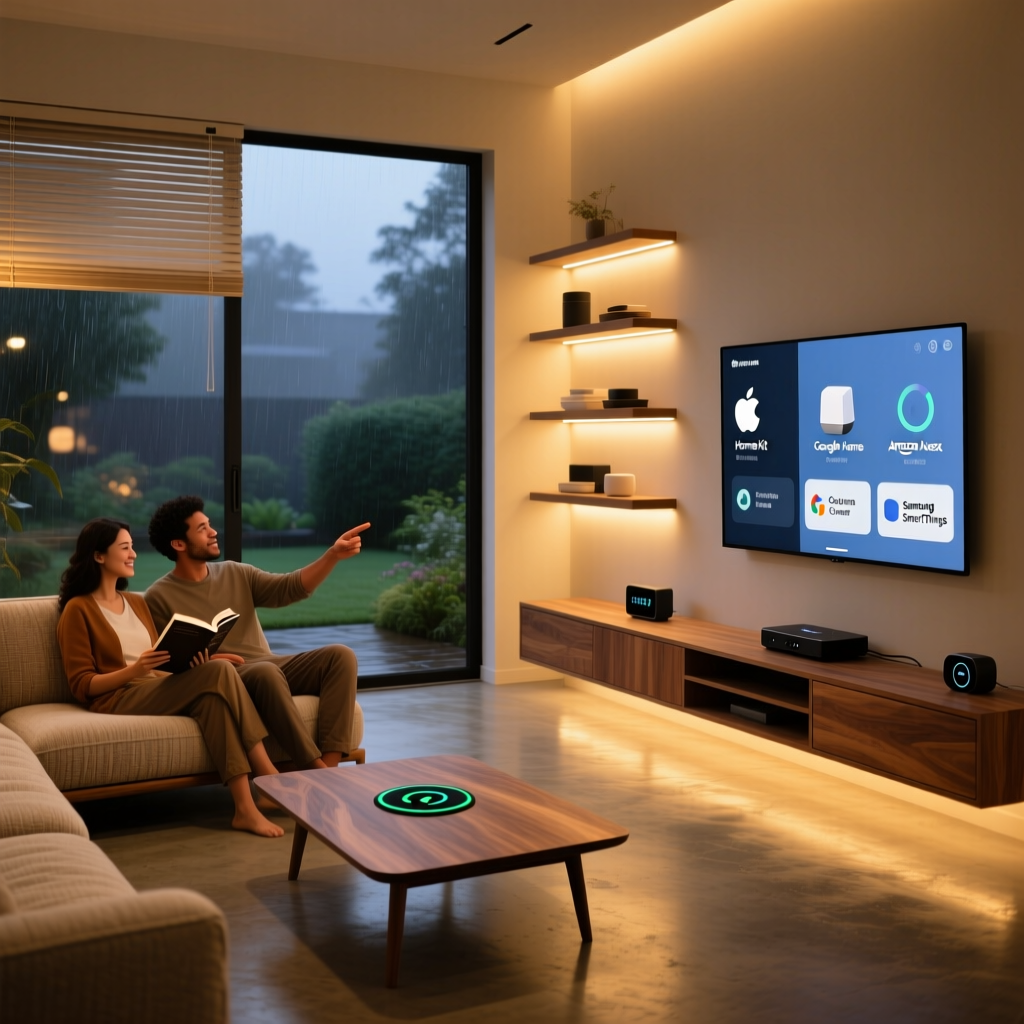
As smart homes evolve from single-user tech playgrounds to whole-family ecosystems, the challenge of multi-user access has become a central friction point. A modern smart home must seamlessly differentiate between a parent requesting the morning news, a child asking for a bedtime story, and a guest needing temporary Wi-Fi or lock access. If your smart speaker always plays your heavy metal playlist when your teenager asks for music, or if your smart lock lacks granular PIN management for the dog walker, the ecosystem is failing your household.
Managing a multi-user smart home requires balancing convenience, personalized automation, and stringent privacy controls—especially concerning minors. In this comprehensive guide, we break down how the major smart home ecosystems handle family access, child safety, and guest permissions, helping you choose the right platform for your household dynamics.
Amazon Alexa: Amazon Household and Voice Profiles
Amazon’s approach to multi-user access is anchored by Amazon Household, a feature that links two adult Amazon accounts, up to four teen profiles, and up to four child profiles. The primary friction point for many couples is that Amazon Household requires both adults to share their digital payment methods and digital content libraries. If you prefer to keep your Amazon purchase history or Kindle library private from your partner, this is a significant hurdle.
Voice Recognition and Personalization
Alexa supports up to six distinct Voice Profiles. When a user speaks to an Echo device (like the $49.99 Echo Dot 5th Gen), Alexa analyzes the vocal print to route personalized results. This means 'Alexa, play my music' triggers the correct Spotify or Amazon Music account. Furthermore, Alexa’s Personal Routines allow automations to trigger based on the recognized voice. For example, when Dad says 'Good morning,' the coffee maker turns on and the garage door opens; when the kids say it, the TV turns on to Disney+.
Child Safety and Amazon Kids
For families with young children, Alexa integrates with Amazon Kids (formerly FreeTime). Parents can create dedicated child profiles that filter explicit music, block voice purchasing, and limit screen time on devices like the Echo Show 8. While basic parental controls are free, unlocking premium educational content and ad-free radio requires an Amazon Kids+ subscription, which costs $4.99 per month per child. When setting up child profiles, parents must navigate the FTC Children's Online Privacy Protection Rule (COPPA) consent screens, ensuring Amazon handles the minor's voice data in compliance with federal privacy laws.
Google Home: Family Groups and Voice Match
Google’s ecosystem is built around the Google Family Group, which allows up to six family members to share access to a Google Nest home without the invasive requirement of sharing payment methods or personal email inboxes. According to Google's official family member management guidelines, the home 'Admin' can invite members via email, granting them control over shared devices while keeping their personal Google accounts, search histories, and YouTube recommendations completely isolated.
Voice Match and Nest Hub Features
Google’s Voice Match is widely considered the most accurate voice recognition engine on the market, supporting up to six users. This accuracy is crucial for the Nest Hub Max ($229) and Nest Hub (2nd Gen) ($99), which feature built-in cameras and sleep-sensing radar. Voice Match ensures that when the Nest Hub tracks sleep patterns or displays personalized calendar events, it only presents data relevant to the recognized user, maintaining privacy between spouses or siblings sharing a room.
Family Bell and YouTube Kids
Google excels in family routines with the Family Bell feature, which acts as an automated PA system to announce when it is time for homework, dinner, or bed. Additionally, Google Home seamlessly integrates with YouTube Kids on smart displays, allowing parents to set strict content filters and daily time limits directly from the Google Home app. If a child tries to access standard YouTube on a Nest Hub, the system will block it unless a parent grants temporary access via a PIN.
Apple HomeKit: iCloud Family Sharing and the Home App
Apple approaches the smart home with a privacy-first, walled-garden philosophy. Multi-user access is handled through iCloud Family Sharing, which supports up to six members. When the Home 'Owner' invites family members to the Apple Home app, they gain control over accessories based on permissions set by the Owner (Admin vs. Guest). As detailed in Apple's official HomeKit sharing documentation, all HomeKit data is end-to-end encrypted, meaning not even Apple can view your family's automation logs or camera feeds.
HomePod and Personal Requests
The HomePod mini ($99) and the larger HomePod (2nd Gen) utilize Siri's on-device processing to recognize up to six different voices. Apple’s 'Personal Requests' feature allows Siri to access a user's private messages, calendars, and reminders. If a child asks Siri to read their reminders, the HomePod will politely decline unless the parent has explicitly enabled Personal Requests for that child's Apple ID via Screen Time settings.
Intercom and Ecosystem Lock-In
Apple’s standout family feature is Intercom, which allows family members to send voice messages from a HomePod directly to another family member's iPhone, iPad, or Apple Watch, even if they are away from home. However, Apple's strict security means guest access is cumbersome; there is no simple 'guest mode' for temporary users, making it less ideal for frequent visitors or short-term rental properties compared to Google or Amazon.
Samsung SmartThings and Home Assistant
Samsung SmartThings Family
SmartThings is highly popular in households heavily invested in Samsung Galaxy devices. The SmartThings app allows the primary account holder to invite family members to a shared 'Location.' SmartThings excels in presence detection; by combining the GPS of multiple family members' Galaxy smartphones with the SmartThings Station hub, the home can accurately trigger automations only when the *last* person leaves or the *first* person arrives. Furthermore, SmartThings integrates deeply with smart locks like the Yale Assure Lock 2 (~$250), allowing parents to generate unique, temporary PIN codes for kids or dog walkers, complete with push notifications when those specific codes are used.
Home Assistant: The Privacy-First Power User
For tech-savvy families who refuse to compromise on data privacy, Home Assistant offers local, server-based user management. Running on a local device like the Home Assistant Green ($99), the platform allows the creation of distinct user accounts with granular dashboard permissions. A parent can have an 'Admin' dashboard showing security cameras and energy usage, while a child's tablet displays a simplified 'User' dashboard with only lighting and media controls. To allow family members to access the home remotely without opening ports on your router, families typically use the Nabu Casa cloud subscription ($6.50/month), which supports secure, encrypted remote access for all local users.
Ecosystem Feature Comparison
The following table summarizes the core multi-user capabilities, hardware costs, and child safety features across the major platforms.
| Ecosystem | Max Adult Users | Max Child Profiles | Voice Recognition Limit | Child Safety Features | Base Hub Cost |
|---|---|---|---|---|---|
| Amazon Alexa | 2 (Household) | 4 | 6 Voices | Amazon Kids, Content Filters, Time Limits | $49.99 (Echo Dot) |
| Google Home | 5 (Family Group) | 5 | 6 Voices | Family Bell, YouTube Kids, Screen Time | $99.00 (Nest Hub) |
| Apple HomeKit | 5 (iCloud Family) | 5 | 6 Voices | Screen Time integration, No explicit content | $99.00 (HomePod mini) |
| SmartThings | Unlimited (Location) | N/A (App based) | N/A (App based) | Smart Lock PINs, Device Restrictions | $69.99 (Station) |
| Home Assistant | Unlimited (Local) | Unlimited | Depends on Add-on | Custom Dashboards, Local Data Only | $99.00 (HA Green) |
Data Visualization: Profile Limits by Ecosystem
The chart below illustrates the maximum number of recognized voice profiles and dedicated child profiles supported natively by the primary smart speaker ecosystems.
Ecosystem Multi-User Profile Limits
Best Practices for Family Smart Home Security
Regardless of the ecosystem you choose, managing a multi-user smart home requires strict security hygiene to protect your family's physical and digital privacy.
1. Implement Smart Lock PIN Management
Never share your primary smart lock admin code with children or guests. Invest in a Matter-compatible or native ecosystem lock like the Schlage Encode Plus (~$299). Create unique PIN codes for each family member. This not only prevents unauthorized access but also allows the smart home app to send you a notification reading, 'Front door unlocked by Leo's code,' providing peace of mind when kids arrive home from school.
2. Utilize Physical Camera Shutters
For families concerned about privacy in shared spaces, prioritize smart displays with physical camera shutters or hardware mute switches. The Lenovo Smart Clock 2 and the Nest Hub Max feature physical switches that electrically disconnect the camera and microphone, ensuring that no software glitch or malicious hack can compromise your family's privacy in bedrooms or kitchens.
3. Establish Guest Networks and Guest Modes
When hosting extended family or friends, do not give them access to your primary smart home app or your main Wi-Fi network. Set up a dedicated IoT (Internet of Things) guest network on your router (such as the Eero Pro 6E) specifically for smart bulbs and plugs. For ecosystem access, platforms like Google Home allow you to create a 'Home Guest' mode that expires automatically after a set number of days, ensuring temporary visitors do not retain permanent control over your thermostats or security cameras.
Conclusion
Choosing the right smart home ecosystem for a multi-user household ultimately depends on your family's specific priorities. Google Home offers the most seamless, frictionless family grouping and superior voice recognition without forcing account merging. Amazon Alexa provides the most robust, albeit complex, child safety features via Amazon Kids, provided you are willing to share digital wallets via Amazon Household. Apple HomeKit remains the undisputed champion of privacy and secure data handling, ideal for families deeply embedded in the iOS ecosystem who prioritize encryption over third-party device compatibility. Finally, SmartThings and Home Assistant cater to households that prioritize physical security, presence detection, and granular, localized control. By understanding these multi-user architectures, you can build a smart home that serves every member of your family safely and intuitively.