The Shift to Local Smart Home Control
The smart home industry has long been dominated by walled gardens and cloud-dependent ecosystems. When you buy a smart bulb or a security camera, you are often forced to rely on remote servers to execute basic commands. If your internet connection drops, your smart home becomes remarkably dumb. Furthermore, the privacy implications of sending telemetry and voice data to corporate servers have become a major concern for modern consumers. Enter Home Assistant: the ultimate open-source alternative that prioritizes local control, unparalleled privacy, and limitless customization.
Unlike Amazon Alexa, Google Home, or even Samsung SmartThings, Home Assistant operates entirely on your local network. It acts as the central brain of your home, communicating directly with your devices without needing to ping a server halfway across the world. In this comprehensive guide, we will explore the hardware requirements, device compatibility, automation capabilities, and privacy benefits of building a smart home powered by Home Assistant.
What is Home Assistant?
Home Assistant is a free, open-source home automation platform developed by a massive global community of contributors. It is designed to integrate virtually every smart device on the market into a single, unified dashboard. According to the Home Assistant Installation Guide, the platform supports over 2,500 native integrations, ranging from Philips Hue and LIFX lighting to Ecobee thermostats, Tesla vehicles, and SolarEdge inverters.
Because it is open-source, Home Assistant is not driven by a profit motive to sell you hardware or harvest your data. It simply works with what you already own, bridging the gap between competing ecosystems. You can control an Apple HomeKit-exclusive accessory alongside a Google Nest thermostat and a Zigbee motion sensor, all from one interface.
Hardware Requirements and Setup Costs
To run Home Assistant, you need a dedicated piece of hardware that stays powered on 24/7. While you can install it on an old laptop or a virtual machine, most users opt for low-power, single-board computers or dedicated hubs. Below is a breakdown of the most popular hardware options and their associated costs.
| Hardware Option | Estimated Cost | Best For | Pros & Cons |
|---|---|---|---|
| Raspberry Pi 4 (4GB) | $55 - $75 | Beginners on a budget | Pros: Low power, huge community. Cons: SD card corruption risks, stock issues. |
| Home Assistant Green | $99 | Plug-and-play beginners | Pros: No setup required, reliable eMMC storage. Cons: No built-in Zigbee/Thread radio. |
| Home Assistant Yellow | $199+ | Advanced users | Pros: Built-in Zigbee/Thread, NVMe support. Cons: Requires purchasing a separate Compute Module. |
| Intel NUC / Mini PC | $150 - $250 | Power users, large homes | Pros: Massive processing power, Docker support. Cons: Higher initial cost, slightly higher power draw. |
For most new users, the Home Assistant Green is the best starting point. It eliminates the complexity of flashing operating systems and dealing with failing MicroSD cards. For power users running multiple Docker containers (like Frigate for NVR or Plex), an Intel NUC with an i3 or i5 processor running Proxmox is the gold standard.
Essential Radios: Zigbee, Z-Wave, and Thread
Wi-Fi is great for high-bandwidth devices like cameras, but it is terrible for low-power sensors and smart bulbs. Relying on 50 Wi-Fi devices will quickly overwhelm your router. To build a robust smart home, you need dedicated mesh networking protocols: Zigbee, Z-Wave, and the emerging Matter/Thread standard.
- Zigbee & Thread: The official Home Assistant Connect ZBT-1 (formerly SkyConnect) is a $29.99 USB dongle that supports both Zigbee and the new Thread protocol. Thread is the networking layer that powers the new Matter standard, which the Connectivity Standards Alliance (CSA) is pushing to unify the smart home industry.
- Z-Wave: For the ultra-reliable, sub-1GHz Z-Wave protocol, the Aeotec Z-Stick Gen5+ (approx. $60) remains the community favorite. It offers excellent range and can even be unplugged to pair devices in hard-to-reach corners of your home before plugging it back into your server.
Unmatched Device Compatibility and Integrations
Commercial ecosystems often block third-party devices to keep you in their walled garden. Home Assistant takes the opposite approach. If a device has an API, a local network protocol, or a radio frequency, Home Assistant can likely control it.
Native vs. HACS Integrations
While the core platform boasts over 2,500 official integrations, the real magic lies in HACS (Home Assistant Community Store). HACS is a third-party repository that allows you to install custom components and dashboard themes created by the community. Through HACS, you can integrate niche devices like local robotic vacuums, regional weather APIs, and custom EV charger telemetry that major platforms ignore.
"The true power of Home Assistant isn't just in what it supports out of the box, but in its ability to adapt to any hardware through community-driven reverse engineering and local API polling."
Mastering Automations and the Energy Dashboard
Automations are the lifeblood of a smart home. Home Assistant uses a logical framework consisting of Triggers, Conditions, and Actions. While advanced users can write automations in YAML code, the platform now features a highly capable Visual Automation Editor.
Practical Automation Example
Consider a smart hallway lighting setup. In a commercial ecosystem, you might only be able to set a basic schedule. In Home Assistant, you can build a nuanced automation:
- Trigger: Motion detected by an Aqara P2 sensor.
- Condition 1: Time is between 11:00 PM and 6:00 AM.
- Condition 2: Ambient lux level is below 50.
- Action: Turn on Philips Hue hallway lights to 15% brightness, warm white (2700K).
- Action 2: Wait 2 minutes after motion stops, then fade lights to off over 10 seconds.
The Energy Dashboard
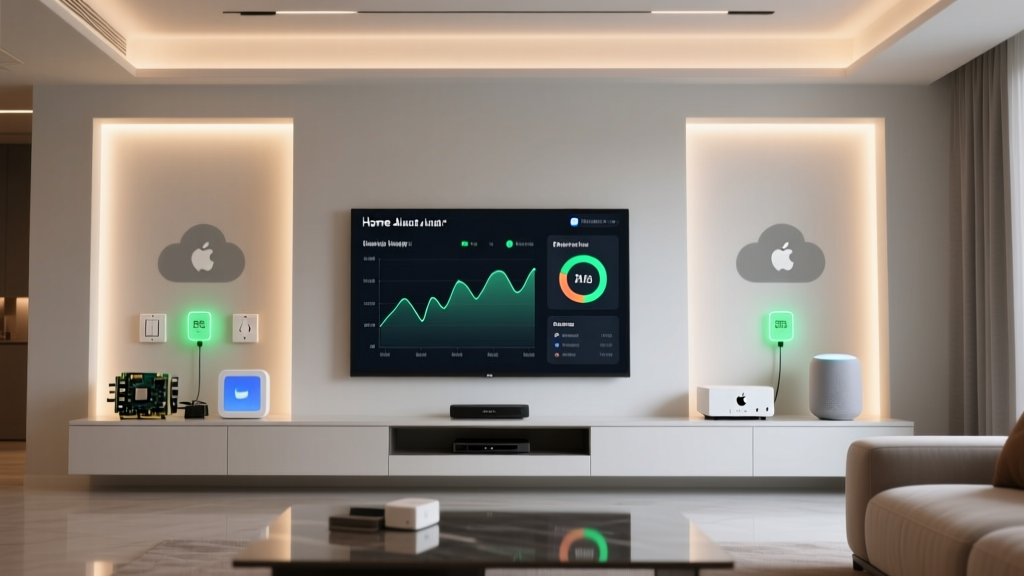
Home Assistant features a built-in Energy Dashboard that rivals commercial solar monitoring apps. By integrating hardware like the Shelly Pro EM or the Emporia Vue 2 into your breaker panel, you can track real-time grid consumption, solar production, and battery storage. You can even automate heavy appliances (like water heaters or EV chargers) to turn on only when your solar panels are producing excess energy, drastically reducing your utility bills.
Privacy, Security, and Data Handling
The most compelling reason to switch to Home Assistant is privacy. Commercial smart speakers and hubs are essentially always-on microphones and telemetry trackers. According to Mozilla's Privacy Not Included guide, many mainstream smart home devices collect vast amounts of user data, including voice recordings, usage habits, and location data, which are then used for targeted advertising or sold to third-party brokers.
Home Assistant flips this model entirely. Your data never leaves your local network. There are no cloud servers logging when you turn on your bedroom lights or when you disarm your security system. If you want to access your Home Assistant dashboard while away from home, you can use Nabu Casa (the official remote access service that financially supports the project) or set up your own secure WireGuard VPN. Even when using Nabu Casa, the connection is a direct, encrypted tunnel to your home; their servers never see or store your device states or camera feeds.
Furthermore, because Home Assistant executes commands locally, your automations continue to function flawlessly even if your ISP goes down. A cloud-dependent smart lock or smoke alarm is a liability during an internet outage; a local Zigbee or Z-Wave network managed by Home Assistant remains resilient and secure.
Final Verdict: Is Home Assistant Right for You?
Home Assistant is not for everyone. If you simply want to ask a voice assistant to play music and turn on a single smart plug, the $30 Amazon Echo Dot or Google Nest Mini will suffice. However, if you are a homeowner, a renter with a complex setup, or a privacy advocate who wants granular control over their environment, Home Assistant is unmatched.
The initial learning curve is steeper than unboxing a commercial hub. You will need to learn basic networking concepts, understand IP addressing, and perhaps dip your toes into YAML configuration. But the payoff is a truly intelligent home that anticipates your needs, respects your privacy, and operates independently of corporate cloud servers. By investing in a Home Assistant Green, a Connect ZBT-1 radio, and local Zigbee sensors, you are building a future-proof smart home ecosystem that you actually own.