The Renter's Dilemma: Smart Homes Without the Permanence
For millions of renters, the dream of a fully automated smart home often clashes with the reality of lease agreements. Landlords typically prohibit hardwiring new switches, drilling into walls for security cameras, or replacing existing deadbolts with smart locks. Furthermore, the transient nature of renting means that any technology you invest in must be easily packable, quick to reset, and adaptable to the layout of your next apartment. This is where the concept of ecosystem portability becomes the most critical factor in your purchasing decision.
Choosing the right smart home ecosystem as a renter is not just about voice assistants or flashy apps; it is about finding a platform that supports non-destructive installation, hub-free or easily portable hub architectures, and seamless device migration. In this comprehensive guide, we break down the top smart home ecosystems—Amazon Alexa, Apple HomeKit, Google Home, and Samsung SmartThings—to determine which offers the ultimate portability and renter-friendly experience.
What Makes a Smart Home Ecosystem 'Renter-Friendly'?
Before diving into specific platforms, it is essential to establish the criteria that make an ecosystem suitable for rental properties. A truly renter-friendly ecosystem must excel in the following areas:
- Non-Destructive Installation: The platform must support devices that rely on adhesive strips, magnetic mounts, or plug-in power sources rather than requiring in-wall wiring or extensive drilling.
- Hub Portability: If a hub is required, it should be small, wireless, and easy to unplug. Better yet, the ecosystem should offer devices with built-in hubs or support peer-to-peer mesh networks like Thread.
- Cloud and Account Migration: Moving to a new Wi-Fi network should not require a complete factory reset of every single bulb and sensor. The ecosystem should allow for easy network credential updates.
- Cross-Platform Compatibility: Support for universal standards ensures that your devices will not become obsolete if you switch from an iPhone to an Android, or if your next apartment has different infrastructure.
Amazon Alexa: The Universal, Hub-Free Champion
Amazon Alexa remains the most ubiquitous smart home ecosystem, largely due to its massive third-party device compatibility and affordable entry point. For renters, Alexa's greatest strength is the sheer volume of plug-and-play devices that require zero permanent installation.
The Hub Situation
Many modern Echo devices, such as the Echo Dot (5th Gen) and Echo Show, come with built-in Zigbee and Matter hubs. This means you can connect smart bulbs, plugs, and sensors directly to your Echo speaker without needing a separate, dedicated bridge. When it is time to move, you simply unplug the Echo, pack it in a box, and your entire hub moves with it.
Best Renter Devices for Alexa
- TP-Link Kasa Smart Plugs (EP25): Priced around $15 each, these allow you to automate landlord-provided lamps or coffee makers without touching the electrical wiring.
- Blink Mini Indoor Camera: A compact, plug-in camera that sits on a shelf. It requires no drilling and integrates flawlessly with Alexa Guard for security monitoring.
- Govee LED Strip Lights: These use strong but removable 3M adhesives to add ambient lighting under cabinets or behind TVs, completely bypassing the need for hardwired lighting upgrades.
While Alexa's app can sometimes feel cluttered, its 'Routines' feature is incredibly powerful for renters. You can create a 'Leaving Home' routine that turns off all smart plugs and alerts your phone if an adhesive-mounted door sensor is left open.
Apple HomeKit: Premium Security and Seamless Handoffs
Apple HomeKit is often criticized for its higher hardware costs and stricter certification processes, but for renters deeply embedded in the Apple ecosystem, it offers an unparalleled, secure, and highly portable experience.
The Hub Situation
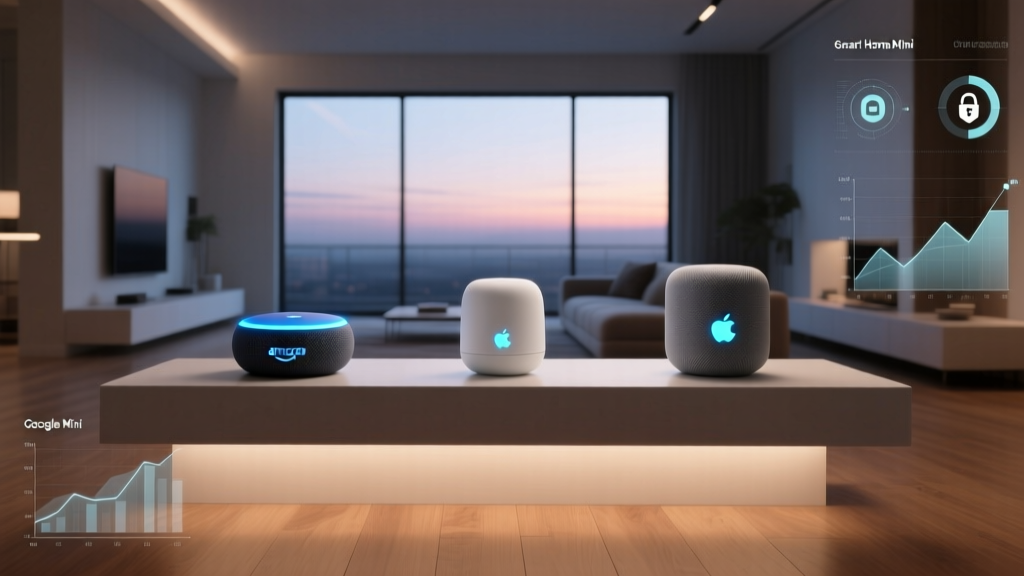
Apple recently transitioned its HomeKit architecture to support Matter and Thread, utilizing the HomePod Mini and Apple TV 4K as border routers. The HomePod Mini is roughly the size of a grapefruit, requires only a single power cable, and acts as a powerhouse hub. Its portability is unmatched—you can easily toss it into a backpack when moving.
Best Renter Devices for HomeKit
- Aqara Door and Window Sensors: These tiny sensors use adhesive tape that can be safely removed with a little heat from a hairdryer. They connect via Zigbee to an Aqara hub or directly via Thread to a HomePod Mini.
- Philips Hue Go Portable Lamp: A battery-powered, HomeKit-compatible smart light that you can carry from the living room to the patio, completely independent of wall outlets.
- Eve Energy Smart Plugs: These not only automate your appliances but also track energy consumption, helping renters keep an eye on utility costs.
HomeKit's biggest advantage for renters is privacy. Apple processes most smart home commands locally on the hub, meaning your data is not constantly beamed to the cloud. When you move out and unplug the HomePod Mini, your local smart home data goes with it.
Google Home: Budget Automation and Voice Control
Google Home (now transitioning under the 'Google Home' app banner) is a fantastic middle-ground for renters who want advanced voice recognition and budget-friendly automation without the premium price tag of Apple or the overwhelming clutter of Amazon.
The Hub Situation
Google Nest Hubs and Nest Minis do not have built-in Zigbee radios, meaning you often rely on Wi-Fi-based smart devices or third-party hubs (like SwitchBot or Aqara) bridged into the Google Home app. However, Google's aggressive push into the Matter standard via the Connectivity Standards Alliance (CSA) means that newer Thread-enabled devices can use the Nest Hub (2nd Gen) as a Thread border router.
Best Renter Devices for Google
- Wyze Cam v3: While primarily using its own app, Wyze integrates with Google Assistant for voice commands. It is cheap, portable, and can be mounted using removable adhesive strips.
- Meross Smart Wi-Fi Plugs: Highly affordable and natively supported by Google Home, perfect for automating seasonal lighting or fans.
The Secret Weapon for Renters: Matter and Thread
If you are setting up a smart home in a rental today, the most important acronym you need to know is Matter. Backed by the CSA, Matter is a universal language that allows smart home devices to work across Amazon, Apple, Google, and Samsung simultaneously.
For renters, Matter over the Thread networking protocol is a game-changer. Thread creates a low-power, mesh network that does not rely on your apartment's potentially spotty Wi-Fi. More importantly, Thread devices do not lock you into a single cloud. If you move to a new apartment and decide to switch from Google Home to Apple HomeKit, your Matter-over-Thread smart plugs and sensors can simply be re-paired to the new ecosystem without needing to be replaced. This universality is the ultimate form of portability, protecting your hardware investment across multiple leases and life changes.
Ecosystem Comparison: Which Fits Your Rental Best?
To help you decide which platform aligns with your living situation, we have compared the major ecosystems based on factors that directly impact renters.
| Ecosystem | Hub Required? | Avg. Starter Cost | Renter Portability Score | Best For |
|---|---|---|---|---|
| Amazon Alexa | No (Built-in to Echo) | $50 - $100 | 9.2 / 10 | Maximum device compatibility & budget setups |
| Apple HomeKit | Yes (HomePod Mini) | $100 - $150 | 8.8 / 10 | Apple users prioritizing privacy & local control |
| Google Home | Yes (Nest Hub) | $50 - $100 | 8.5 / 10 | Voice search enthusiasts & budget Thread devices |
| Samsung SmartThings | Yes (Station/Hub) | $80 - $120 | 7.5 / 10 | Complex automations & Samsung appliance owners |
Visualizing Portability and Setup
The chart below illustrates our proprietary 'Renter Portability Score,' which factors in hub size, ease of network migration, adhesive-friendly device availability, and average setup time in a new apartment.
Energy Savings in a Rental Property
Renters often pay for their own utilities, making energy efficiency a smart financial move. While you may not be able to install a hardwired smart thermostat like the Nest Learning Thermostat without landlord permission, you can still achieve significant savings using portable smart plugs and smart radiator valves.
According to the U.S. Department of Energy, smart home controls can help households reduce energy waste by ensuring devices are only drawing power when needed. By using smart plugs to eliminate 'vampire power' from entertainment centers and using smart blinds to regulate solar heat gain, renters can lower their monthly bills. Furthermore, the EPA's Energy Star program highlights that certified connected devices are tested not just for energy efficiency, but for their ability to integrate into broader home energy management systems, ensuring your portable setup is as green as it is convenient.
The Ultimate Move-Out Checklist
Moving is stressful, and dealing with a tangled web of smart home devices can make it worse. Follow this checklist to ensure a smooth transition and protect your security deposit:
- Soften Adhesives: Before pulling off command strips or adhesive sensor mounts, use a hairdryer on a low heat setting for 30 seconds. This softens the glue and prevents peeling the landlord's paint, saving you from damage fees.
- Update Network Credentials Early: If your new apartment's Wi-Fi network has a different SSID or password, use the ecosystem's 'Network Migration' tool (available in Apple Home and SmartThings) before packing the hub, or be prepared to re-pair devices on the new network.
- Factory Reset Hubs: If you are selling or storing an old hub, perform a hard factory reset to wipe your apartment's floor plan and device data.
- Revoke Third-Party Access: Open your ecosystem app and revoke permissions for any services or IFTTT applets you no longer use.
Privacy and Data Handling When Moving
When you move out of a rental, you leave behind physical keys, but you must also ensure you do not leave behind digital access. If you used a smart lock (with landlord permission) or a Wi-Fi camera, failing to properly deauthorize these devices can leave your new tenant with access to your accounts, or worse, leave your old devices connected to your cloud profile.
Always remove the 'Home' or 'Location' from your smart home app settings before moving day. For Amazon Alexa, go to 'More > Settings > Device Settings' and remove the old address. For Apple HomeKit, delete the old 'Home' profile from the Home app once all devices are packed. This ensures that any device accidentally left behind is completely severed from your personal data, cloud routines, and payment methods.
Conclusion: Which Should You Choose?
If your primary goal is absolute flexibility, a massive selection of cheap, plug-in devices, and a built-in hub that moves with your bedside speaker, Amazon Alexa is the undisputed champion for renters. If you are an iPhone user who values local processing, privacy, and the future-proofing of Thread, investing in a HomePod Mini and Apple HomeKit is worth the premium. Finally, if you are starting fresh today, prioritize devices that carry the Matter logo—this single badge guarantees that your smart home will remain portable, not just from apartment to apartment, but across any ecosystem you choose to adopt in the future.