Smart Home Platform Comparison: Finding Your Perfect Ecosystem
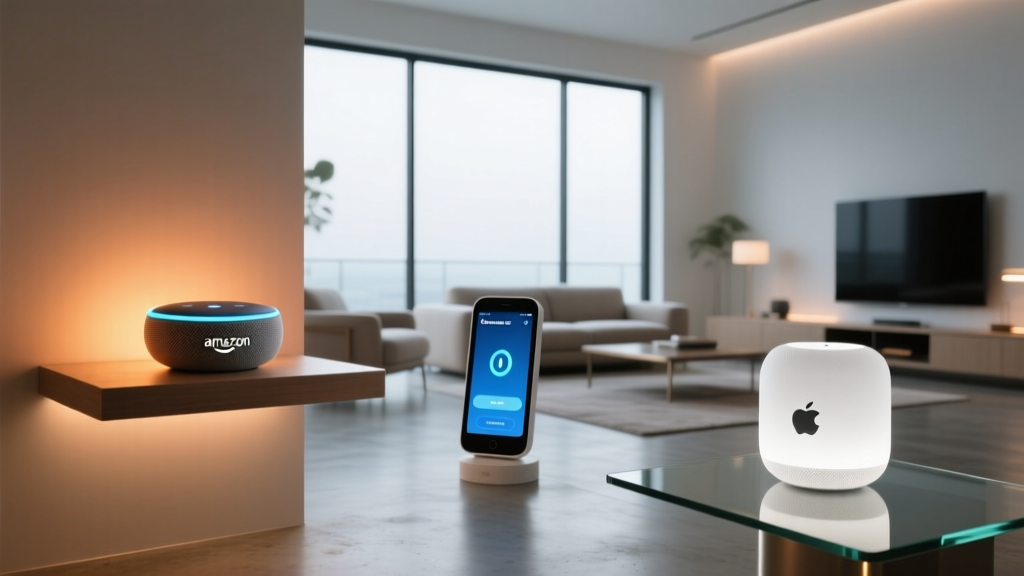
Building a connected home is an exciting journey, but it often begins with a paralyzing decision: which smart home platform should serve as the brain of your house? With the market saturated with brilliant devices, the underlying ecosystem you choose will dictate your daily experience, from how you trigger automations to how securely your data is handled. In this comprehensive smart home platform comparison, we are putting the industry titans head-to-head: Amazon Alexa, Google Home, Apple Home, and Samsung SmartThings.
While the introduction of the Matter protocol has begun to unify device compatibility, the control platform remains the crucial differentiator. The app interface, voice assistant intelligence, automation logic, and privacy policies vary wildly between these four giants. Whether you are outfitting a small apartment with a few smart bulbs or wiring a multi-story house with advanced sensors, choosing the right foundation is critical. Below, we break down the pros & cons of each ecosystem to help you decide which platform deserves to run your home.
Side-by-Side Specification Table
Before diving into the nuanced differences in performance and features, let us look at the core specifications that define these platforms. This table provides a high-level overview of what to expect regarding hardware requirements, compatibility, and underlying technology.
| Feature | Amazon Alexa | Google Home | Apple Home | Samsung SmartThings |
|---|---|---|---|---|
| Hub Required? | Optional (Echo devices act as hubs) | Optional (Nest Hubs act as Thread/Matter borders) | Yes (HomePod, Apple TV, or iPad required) | Yes (SmartThings Station or Hub required) |
| Voice Assistant | Alexa | Google Assistant | Siri | Relies on Alexa, Google, or Bixby |
| Matter Support | Yes (via compatible Echo devices) | Yes (via Nest Hubs & Android) | Yes (via Apple TV 4K & HomePod) | Yes (via SmartThings Hub V2/V3 & Station) |
| Local Processing | Limited (Zigbee/Matter only) | Moderate (Thread/Matter) | High (HomeKit & Matter) | Excellent (Zigbee, Z-Wave, Thread) |
| Best For | Budget beginners & massive device variety | Android users & natural language queries | Privacy advocates & Apple ecosystem loyalists | Advanced tinkerers & complex automations |
| Entry Price | Low (Frequent smart speaker sales) | Low to Medium | High (Premium hardware required) | Medium (One-time hub investment) |
Ecosystem & Device Compatibility
The sheer number of devices you can connect to your network is often the first metric buyers consider. However, quantity does not always equal quality. Each platform takes a distinctly different approach to onboarding third-party hardware.
Amazon Alexa: The Compatibility King
Amazon Alexa boasts the largest library of compatible devices on the market. The 'Works With Alexa' program is incredibly expansive, meaning you can find budget-friendly smart plugs, obscure Wi-Fi cameras, and premium lighting systems all functioning under one roof. Alexa relies heavily on cloud-based 'Skills' to bridge the gap between the Amazon servers and third-party manufacturer servers. While this means near-universal compatibility, it also means your automations are heavily dependent on internet connectivity and third-party server uptime.
Google Home: The Balanced Contender
Google Home offers a massive ecosystem that rivals Alexa in sheer numbers, but it feels slightly more curated. Google excels in its integration with Nest products, creating a seamless experience for thermostats, cameras, and doorbells. Google has also been highly aggressive in adopting the Matter protocol, making it an excellent choice for modern, cross-brand setups. If you are deeply embedded in the Android & Google ecosystem, the synergy between your phone, your watch, and your home app is incredibly smooth.
Apple Home: The Curated & Secure Walled Garden
Apple Home (formerly HomeKit) has historically been the most restrictive platform. Apple requires manufacturers to undergo strict MFi (Made for iPhone/iPad) certification, ensuring that every device meets rigorous standards for security, latency, and reliability. While this resulted in a smaller, more expensive device catalog in the past, the advent of Matter has blown the doors wide open. Today, Apple Home offers the best balance of high-quality hardware and strict security, though you will still find fewer ultra-budget, no-name devices compared to Alexa.
Samsung SmartThings: The Ultimate Hub
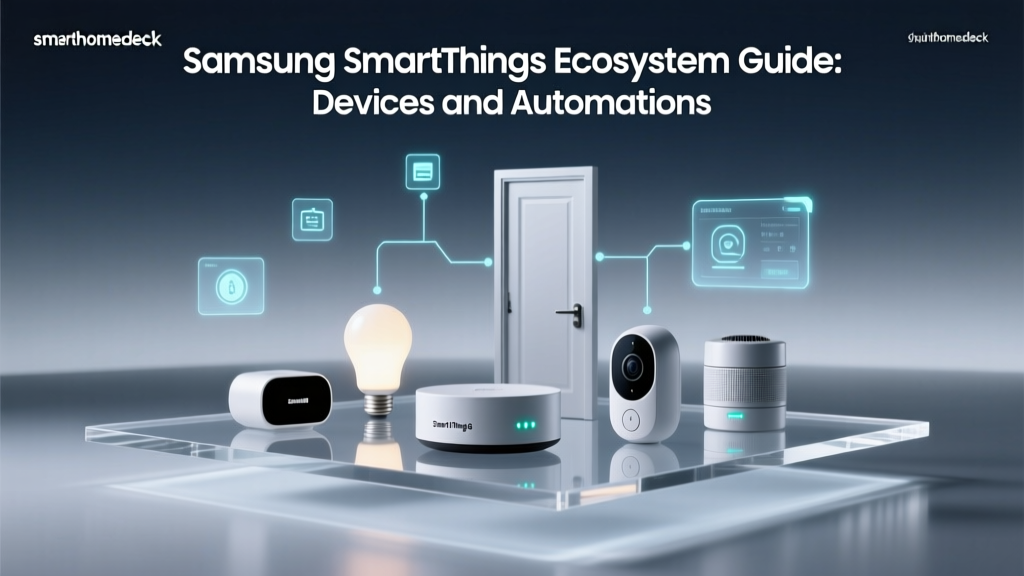
If you are looking to connect legacy devices alongside modern ones, SmartThings is the undisputed champion. Unlike the voice-first approaches of Amazon, Google, and Apple, SmartThings is a hub-first platform. It natively supports Zigbee, Z-Wave, Thread, Matter, and Wi-Fi, making it the ultimate translation layer for your home. For users who want to integrate specialized sensors, smart locks, and garage door controllers without relying on a dozen different manufacturer apps, SmartThings is the gold standard. Check out our guide to the best smart hubs for more on why dedicated hubs matter.
Performance & Voice Assistant Intelligence
A smart home is only as 'smart' as its interface. Whether you are barking commands from the kitchen or setting up complex routines in the app, the performance of the underlying software dictates your daily satisfaction.
Voice Recognition & Natural Language
Google Assistant remains the undisputed king of natural language processing. It understands context, handles follow-up questions seamlessly, and is far more forgiving of conversational phrasing. If you say, 'Turn on the lights in the room I am in,' Google can often figure it out based on the device you are speaking to. Alexa is incredibly fast and reliable for direct, rigid commands, but it can stumble on complex, multi-part queries. Siri has improved significantly with on-device processing, offering excellent privacy, but it still lags behind Google in conversational intelligence and general knowledge queries.
App Interface & User Experience
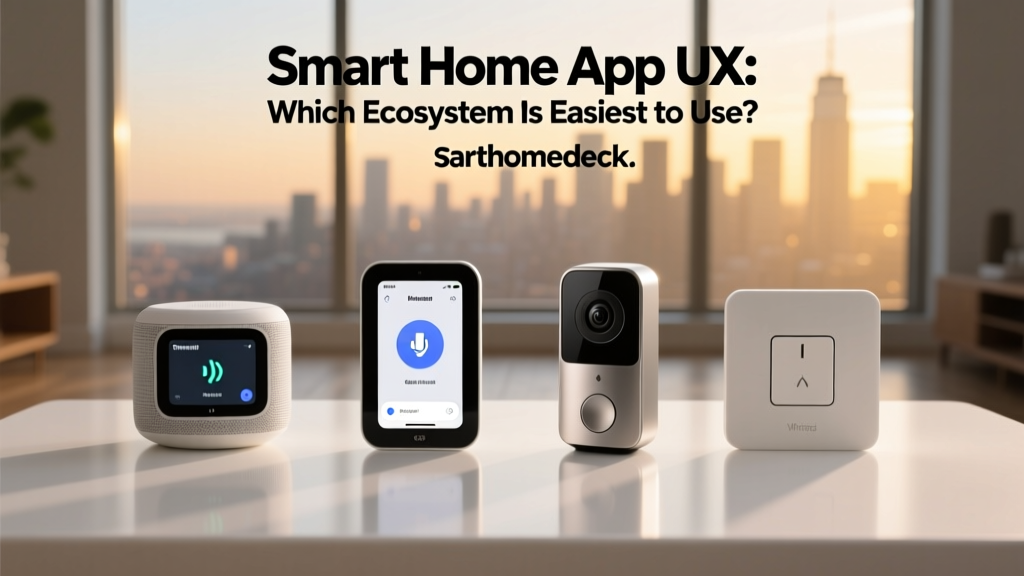
The Google Home app is widely considered the cleanest and most intuitive, utilizing Google's Material You design language to make device grouping and room management a breeze. The Apple Home app is visually stunning and integrates beautifully into the iOS Control Center, making it a joy to use on an iPhone or Apple Watch. However, setting up complex automations in the native Apple Home app can be frustratingly limited without third-party tools. The Alexa app is incredibly powerful but notoriously cluttered, often requiring too many taps to reach device settings. SmartThings offers the most granular control, presenting a dashboard that feels more like a professional control panel than a consumer app.
Latency & Local Execution
When you press a button in an app or trigger a motion sensor, how fast do the lights turn on? Platforms that rely entirely on cloud processing (like many Wi-Fi devices on Alexa) suffer from latency. If your internet goes down, your smart home becomes a dumb home. Apple Home and SmartThings excel in local processing. Because the logic is handled on the local hub (HomePod or SmartThings Hub), automations trigger instantly, even if your broadband connection drops. For a deep dive into wireless protocols, read our Matter vs Zigbee comparison.
Features, Automations & Routines
Voice commands are just the tip of the iceberg; true smart home magic happens through automations. This is where the platforms diverge sharply in their capabilities.
Amazon Alexa Routines
Alexa offers highly robust routines that can be triggered by voice, time, device state, location, and even specific sounds (like a baby crying or a dog barking). You can chain multiple actions together, add delays, and integrate third-party services like IFTTT. However, Alexa's conditional logic (IF/THEN statements) is somewhat basic compared to dedicated hub platforms. You can easily say 'When the front door opens, turn on the hallway light,' but creating a routine that says 'When the front door opens, ONLY IF it is after sunset AND the house is empty' requires workarounds or third-party skills.
Google Home Automations
Google has heavily revamped its automation engine, introducing 'Starter' and 'Action' blocks that make visual programming relatively easy. Google's geofencing (location-based triggers) is highly accurate, leveraging the GPS capabilities of Android devices. However, Google still lacks some of the granular local sensor integrations that hub-based systems offer, making it better suited for lifestyle automations (like morning routines and media control) rather than complex security logic.
Apple Home Automations
Apple Home provides a secure, reliable automation engine that supports conditions, time delays, and NFC tag triggers. The ability to tap your iPhone against an NFC tag on your nightstand to run a 'Goodnight' scene is a fantastic, tactile feature. However, power users often find the native app restrictive. To unlock the true potential of Apple Home, many enthusiasts turn to third-party macOS and iOS apps like Controller for HomeKit to write complex scripts and conditional logic that Apple does not natively expose.
Samsung SmartThings Logic
SmartThings is built for the automation tinkerer. It supports complex conditional logic, local sensor states, and webhooks. You can create highly specific rules based on multiple variables, such as lux levels (brightness), humidity, and precise geofencing boundaries. Furthermore, SmartThings integrates natively with advanced platforms like Home Assistant via community drivers, making it the ultimate bridge between consumer-friendly hardware and enthusiast-level software.
Privacy, Security & Overall Value
Your smart home knows when you wake up, when you leave for work, and what you watch on TV. How each platform handles this deeply personal data is a critical factor in your decision.
The Privacy Divide
Apple is the clear winner in the privacy category. Apple Home processes most automations locally, and voice requests to Siri are heavily anonymized and processed on-device whenever possible. Apple does not monetize your smart home data for advertising. Conversely, Amazon and Google are advertising companies at their core. While both offer robust security features like two-factor authentication and end-to-end encryption for cameras, their voice assistants rely on cloud servers to process requests, and the data is historically used to train AI models and refine ad targeting. You can opt-out of voice recording storage on both platforms, but the cloud-dependent nature of their ecosystems remains a concern for privacy purists.
Hardware Costs & Value
If you are on a budget, Amazon Alexa is the most accessible entry point. Amazon frequently discounts Echo devices, making it incredibly cheap to put a smart speaker in every room. Google Nest devices are slightly more expensive but offer superior audio quality and smart displays. Apple Home requires a significant investment; you must purchase a HomePod mini, a full-sized HomePod, or an Apple TV 4K to act as a hub, and compatible accessories often carry a premium price tag. SmartThings requires the upfront purchase of a hub, but it saves money in the long run by allowing you to use cheaper, generic Zigbee and Z-Wave sensors that do not require expensive Wi-Fi bridges or proprietary cloud subscriptions.
The Verdict: Which Platform is Right for You?
There is no single 'best' smart home platform; there is only the best platform for your specific lifestyle, technical expertise, and existing hardware. Here is our final verdict based on different user profiles.
Choose Amazon Alexa If:
You are a beginner on a budget, you want the widest possible selection of third-party devices, and you prioritize cheap hardware over advanced conditional logic. Alexa is perfect for users who want to dip their toes into smart home tech without investing in dedicated hubs or expensive ecosystem lock-in. It is also the best choice if you rely heavily on voice shopping and third-party audio skills.
Choose Google Home If:
You are an Android user who values natural language processing, seamless integration with Nest products, and a clean, easy-to-use app. Google Home is ideal for families who want a conversational voice assistant that can handle complex questions, manage shared calendars, and cast media to Chromecast devices effortlessly.
Choose Apple Home If:
You are an iPhone user who prioritizes data privacy, local processing, and a beautifully designed app interface. Apple Home is the only choice for users who want a secure, reliable ecosystem that does not mine their personal habits for advertising data. It is perfect for those willing to pay a premium for high-quality, certified hardware and seamless Apple Watch integration.
Choose Samsung SmartThings If:
You are an advanced tinkerer, you have a large home with dozens of sensors, and you want to mix legacy protocols (Zigbee/Z-Wave) with modern Matter devices. SmartThings is the ultimate command center for users who view their home as a programmable machine and demand local execution, complex conditional logic, and total hardware agnosticism.
Frequently Asked Questions
Does the Matter protocol make platform choice irrelevant?
No, Matter does not make your platform choice irrelevant; it simply solves the compatibility problem. Matter ensures that a smart bulb can physically connect to Apple Home, Google Home, or SmartThings without the manufacturer needing to build separate software bridges. However, the platform you choose still dictates the user interface, the automation logic, the voice assistant intelligence, and the privacy policies. Matter unifies the hardware, but the software experience remains entirely dependent on your chosen ecosystem.
Can I mix and match different smart home platforms?
Yes, but it requires careful planning. Many modern devices support 'multi-admin' setups via Matter, allowing you to connect a single device to both Apple Home and SmartThings simultaneously. Alternatively, you can use a hub like SmartThings as the central brain, and then link your SmartThings account to Alexa or Google Home purely for voice control. However, trying to run two competing voice-first ecosystems (like having Alexa speakers and Google Nest speakers in the same house) often leads to confusion, duplicate devices, and conflicting automations. It is best to pick one primary control platform and stick to it.
Which platform is best for apartment renters?
For apartment renters, Amazon Alexa and Google Home are the best choices. Renters typically need non-invasive devices like smart plugs, Wi-Fi bulbs, and indoor cameras that do not require drilling holes or wiring dedicated hubs. Both Alexa and Google offer excellent, low-cost smart displays and speakers that can be easily packed up and moved to a new apartment. Furthermore, because renters often cannot install hardwired Zigbee or Z-Wave sensors, the Wi-Fi and cloud-based nature of Alexa and Google is actually an advantage in temporary living situations.
Do I need a dedicated smart hub in the modern era?
With the rise of Matter over Thread and Wi-Fi, the absolute necessity of a dedicated, standalone hub has decreased for basic users. Devices like the Apple TV 4K, HomePod, and Nest Hub Pro now act as 'border routers' that handle Thread and Matter devices locally. However, if you want to use Z-Wave security sensors, Zigbee lighting networks, or complex local automations that survive internet outages, a dedicated hub like the Samsung SmartThings Hub or a Home Assistant server remains highly recommended. For more on this, explore our smart home automation guides to see how local networks operate.