The Renter's Dilemma: Security vs. Lease Agreements
Living in an apartment or rental property often comes with a frustrating paradox: you want the peace of mind that a modern smart security system provides, but your lease agreement strictly forbids drilling holes, altering exterior hardware, or making permanent modifications to the property. According to industry analyses featured in Wirecutter's comprehensive smart lock reviews, the demand for non-destructive, renter-friendly smart home devices has surged as urban renting becomes a long-term lifestyle for millions. Fortunately, the smart home industry has responded with a wave of innovative, no-drill security solutions that allow you to fortify your apartment, monitor your entryway, and automate your home without risking your security deposit.
This guide will walk you through the exact measurements, product recommendations, and installation techniques required to build a robust, rental-friendly security ecosystem. We will cover retrofit smart locks, peephole cameras, adhesive-mounted sensors, and the unique networking challenges of high-density apartment buildings.
Navigating Your Lease: What is Allowed?
Before purchasing any hardware, review your lease's 'alterations' clause. Most standard residential leases prohibit 'permanent alterations,' which typically include drilling into walls, doors, or door frames, and changing exterior-facing hardware that alters the uniform appearance of the building. However, interior modifications that are easily reversible—such as replacing an interior thumb-turn or using non-damaging adhesive strips—are generally permissible, provided you restore the property to its original condition upon moving out.
Always keep the original hardware in a labeled ziplock bag or small box stored in a closet. When it is time to move out, you will simply reverse the installation, ensuring your landlord has no grounds to withhold your deposit for unauthorized modifications.
Retrofit Smart Locks: Upgrading Without Replacing
The most significant hurdle for apartment renters is the front door lock. You cannot replace the exterior deadbolt because it is keyed to the building's master key system and must match the exterior aesthetic. The solution is a retrofit smart lock. These devices install exclusively on the interior side of the door, replacing or covering the existing thumb-turn while leaving the exterior keyhole completely untouched.
Top Retrofit Locks for Renters
| Device | Compatibility & Measurements | Battery Life | Est. Cost | Hub Required? |
|---|---|---|---|---|
| August Wi-Fi Smart Lock (4th Gen) | Fits 1-3/8' to 2-1/4' thick doors; requires standard deadbolt | 3-6 Months | $229 | No (Built-in Wi-Fi) |
| SwitchBot Lock | Attaches via 3M VHB tape over existing thumb-turn; highly universal | 6-9 Months | $119 | Optional (for remote) |
| Yale Access Smart Lock | Similar to August; fits standard US/Canadian deadbolts | 3-6 Months | $249 | No (Built-in Wi-Fi) |
Installation Steps for Retrofit Locks
- Check Door Clearance: Ensure there is at least 2.5 inches of clearance between the center of your deadbolt and the edge of the door frame or any nearby molding. The August lock, for example, requires this space to mount its backing plate.
- Remove the Interior Thumb-Turn: Using a Phillips-head screwdriver, remove the two screws holding the interior thumb-turn assembly. Do not touch the exterior assembly.
- Install the Mounting Plate: Secure the smart lock's mounting plate using the original screws. If the tailpiece (the metal bar connecting the interior to the exterior) is too long, use the included adapter or carefully trim it according to the manufacturer's sizing guide.
- Attach and Calibrate: Snap the smart lock body onto the plate. Open your companion app and run the calibration sequence so the lock learns the exact open and closed positions of your specific door.
For a deeper dive into which models perform best in real-world testing, consult CNET's best smart lock guide, which frequently updates with the latest firmware performance metrics and battery drain analyses.
Rent-Friendly Video Doorbells
Exterior cameras and hardwired video doorbells usually require drilling into the siding or door frame, which is strictly prohibited in most multi-family dwellings. Renters have two primary, non-destructive alternatives:
1. Peephole Cameras
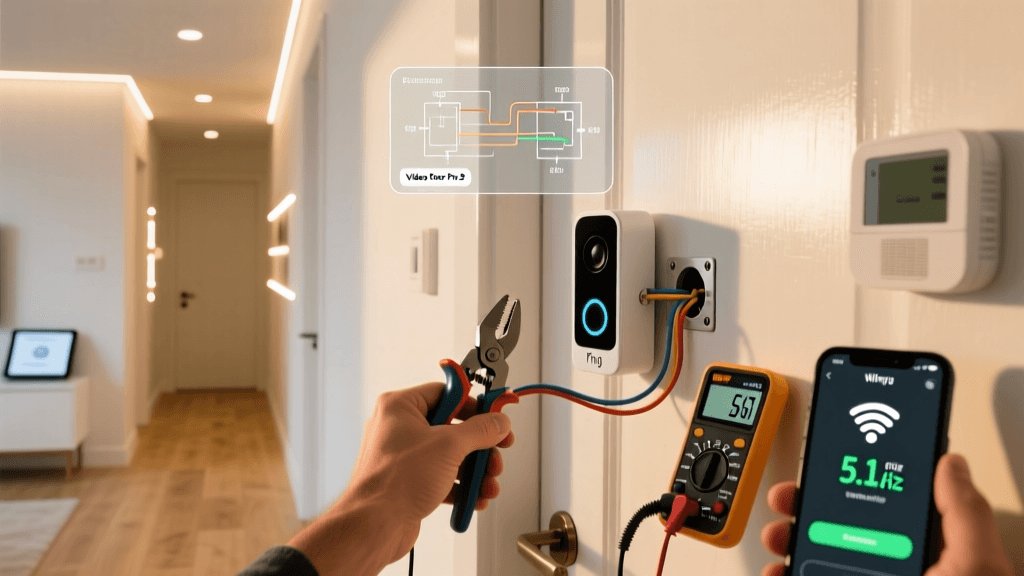
If your apartment door has a standard optical peephole, you can upgrade to a device like the Ring Peephole Cam (2nd Gen). This device replaces the glass peephole with a digital camera on the exterior and a screen/chime on the interior.
- Measurements: Fits doors 1-1/2' to 2-3/4' thick. The peephole hole must be between 1/2' and 5/8' in diameter.
- Installation: Unscrew the existing peephole, store it safely, and insert the camera barrel through the hole. Secure it with the interior tightening ring. No screws or drills are required.
2. Over-the-Door and Adhesive Mounts
If you lack a peephole, consider battery-powered doorbells like the Eufy Security Video Doorbell (Battery Powered) or Blink Video Doorbell. Instead of using the included screws, purchase a specialized over-the-door mount (widely available on Amazon for $15-$25). These mounts hook over the top of the door and use tension screws with rubber pads to grip the door securely without leaving marks. Alternatively, heavy-duty 3M VHB tape can be used, though this risks peeling paint upon removal.
Indoor Cameras and Sensor Placement
Securing the interior of your apartment and monitoring for environmental hazards (like water leaks under the sink) requires a network of sensors and cameras. The key to renter-friendly installation is mastering adhesive technology and tension-based mounting.
The Adhesive Hierarchy
- 3M Command Strips: Best for lightweight sensors (under 1 lb). Use Command Medium Strips (rated for 12 lbs) for door/window contact sensors and motion detectors. They remove cleanly with heat and stretching.
- 3M VHB Tape: Best for heavier indoor cameras (1-3 lbs). VHB (Very High Bond) tape is incredibly strong but will tear drywall paper or paint upon removal. To remove safely, use a hairdryer to heat the tape to 120°F, then slowly slide dental floss behind the mount to slice the adhesive.
- Tension Rods: For corner-mounted PTZ (Pan-Tilt-Zoom) cameras like the Wyze Cam Pan, use a floor-to-ceiling tension rod or a heavy-duty shower rod in the corner of the room. Mount the camera to the rod using zip-ties or specialized clamps. This leaves zero marks on the walls.
Overcoming Apartment Wi-Fi Congestion
One of the most overlooked aspects of apartment smart home setup is network interference. In a high-density apartment building, dozens of neighboring routers are broadcasting on the 2.4GHz spectrum, leading to severe channel overlap (specifically on channels 1, 6, and 11). This congestion causes smart locks to drop offline, cameras to lag, and automation routines to fail.
To combat this, follow these networking best practices:
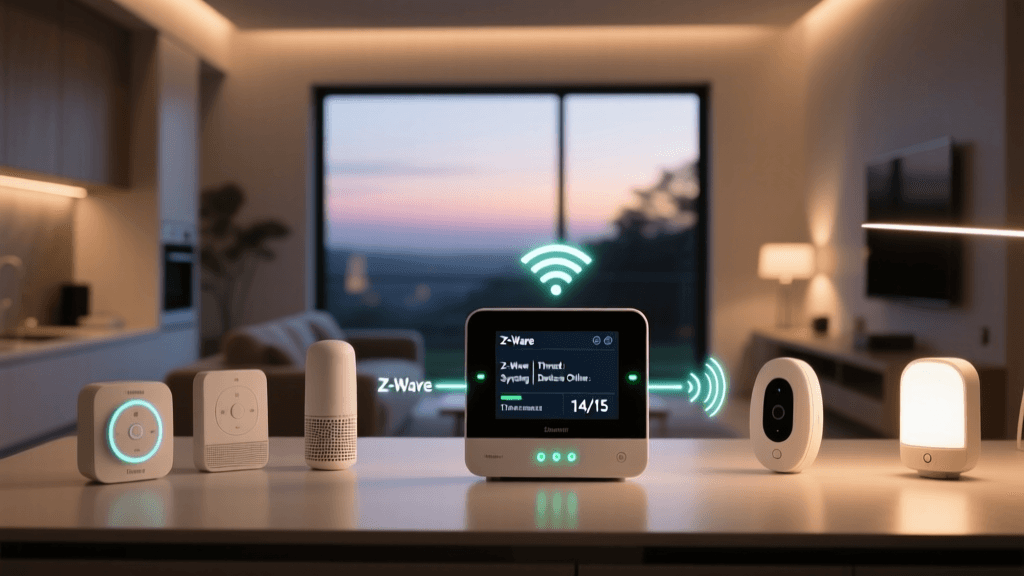
- Offload to Zigbee or Matter: Instead of buying Wi-Fi-dependent devices, invest in a dedicated smart home hub (like the Hubitat Elevation or Home Assistant Green). Connect your devices via Zigbee or Thread/Matter. These protocols create a local mesh network that bypasses your congested Wi-Fi entirely.
- Use 5GHz for Hubs: If you must use Wi-Fi, ensure your primary smart home hub or bridge is connected to your router's 5GHz band, which is far less congested in apartment buildings.
- Secure Your Network: Shared building networks or easily guessed default router passwords are a security risk. As recommended by the Federal Communications Commission (FCC), always change your router's default SSID, use WPA3 encryption, and set up a dedicated 'Guest' or 'IoT' VLAN if your router supports it, isolating your smart locks from your personal computers.
The Move-Out Protocol: Reversing the Installation
The true test of a renter-friendly smart home is how easily it can be dismantled. Plan your move-out protocol at least two weeks before your lease ends.
- Factory Reset Devices: Before removing hardware, factory reset all smart locks and cameras to ensure your personal data, Wi-Fi credentials, and access codes are wiped from the local memory.
- Reinstall Original Hardware: Retrieve your stored original thumb-turns and peepholes. Reinstall them using the original screws. Test the physical keys to ensure the landlord's master key still works smoothly.
- Adhesive Removal: For any Command strips or VHB tape residue left on doors or trim, apply a citrus-based adhesive remover or warm soapy water. Avoid harsh chemicals like acetone, which can strip the finish off cheap apartment doors and baseboards.
- Patch and Paint (If Necessary): If you accidentally caused minor drywall damage while mounting a heavy camera, use a small tube of spackle and a touch-up paint pen (matched to your wall color) to repair the area before the final walk-through.
Conclusion
Being a renter no longer means sacrificing home security and automation. By leveraging retrofit smart locks, peephole cameras, non-destructive adhesive mounts, and localized mesh networks, you can build a sophisticated, responsive security system that travels with you from apartment to apartment. Always prioritize reversible installations, respect your lease agreements, and maintain a meticulous inventory of your original hardware. With the right tools and a strategic approach, your rental can be just as smart—and secure—as any owned home.