The Foundation of a Reliable Smart Home
Building a smart home is an exciting journey that promises unparalleled convenience, energy efficiency, and security. However, many DIY enthusiasts and homeowners make the critical mistake of purchasing smart devices before establishing a robust underlying infrastructure. A smart home is only as reliable as the network and hub that govern it. Without a dedicated network backbone and a centralized processing hub, your automation workflows will suffer from latency, dropped connections, and frustrating offline errors.
This comprehensive, step-by-step guide will walk you through the professional-grade installation of a smart home network backbone and hub configuration. Whether you are integrating legacy Zigbee sensors or deploying the latest Matter-over-Thread devices, following this systematic approach will ensure your home automation system is resilient, secure, and scalable for years to come.
Step 1: Planning and Installing the Network Backbone
The first and most crucial step in any smart home installation is deploying a high-capacity, low-latency wireless network. Standard ISP-provided routers are rarely equipped to handle the dozens—or even hundreds—of concurrent connections required by a modern smart home. Upgrading to a Mesh Wi-Fi system with dedicated backhaul capabilities is highly recommended.
When planning your network, consider the physical layout of your home. Thick walls, metal appliances, and large distances can severely degrade signal strength. For homes larger than 2,000 square feet, a tri-band mesh system utilizing a dedicated 5GHz or 6GHz backhaul channel is essential to prevent bandwidth bottlenecks when smart cameras and hubs communicate with the main router.
Mesh Wi-Fi System Comparison for Smart Homes
| System Model | Max Coverage | Backhaul Type | IoT Device Capacity | Estimated Cost |
|---|---|---|---|---|
| Eero Pro 6E (3-Pack) | 6,000 sq ft | Tri-Band Wireless / Ethernet | Up to 150+ devices | $550 - $650 |
| Netgear Orbi RBKE963 | 9,000 sq ft | Quad-Band Wireless | Up to 200+ devices | $1,000 - $1,200 |
| TP-Link Deco XE75 (3-Pack) | 7,200 sq ft | Tri-Band Wi-Fi 6E | Up to 180 devices | $450 - $550 |
| Ubiquiti UniFi (Pro APs) | Custom / Wired | Hardwired Ethernet (PoE) | 250+ devices per AP | $800+ (Scalable) |
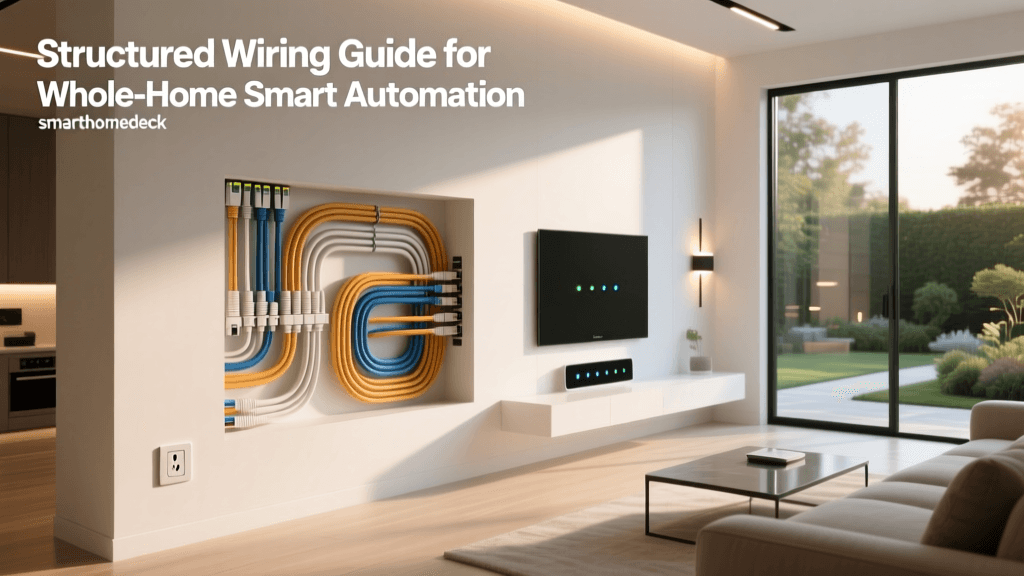
Pro Tip: Whenever possible, utilize an Ethernet backhaul. Running Cat6 cables to your mesh nodes guarantees zero latency between access points and frees up wireless bands exclusively for your smart devices. According to the Wi-Fi Alliance EasyMesh standards, wired backhaul configurations drastically improve network stability in high-density IoT environments.
Step 2: Selecting the Right Smart Home Hub
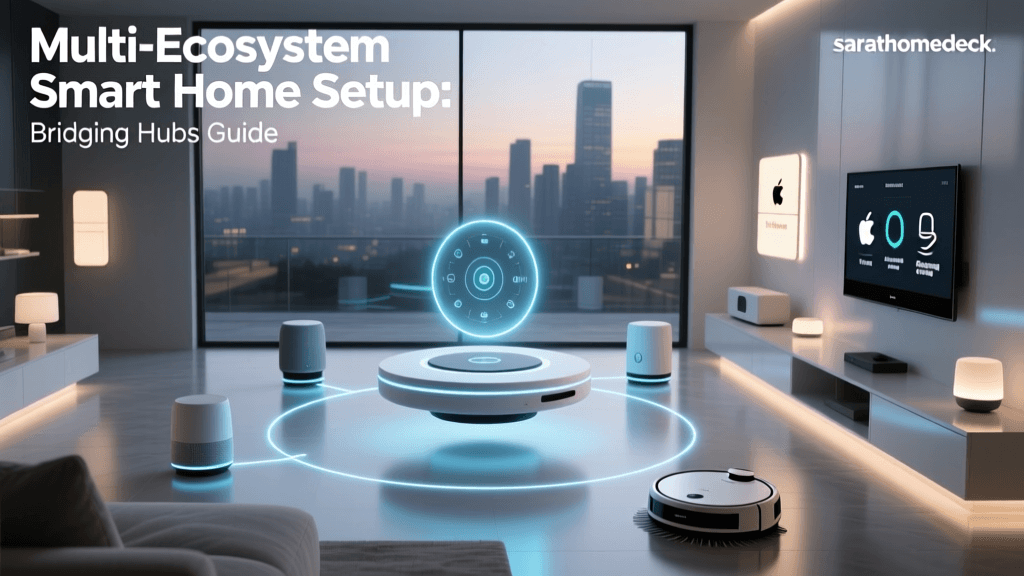
While many smart devices now connect directly to Wi-Fi, a dedicated smart home hub remains the cornerstone of local automation. Cloud-dependent setups are vulnerable to internet outages and server latency. A local hub processes automation rules instantly, ensuring your lights turn on and your security alarms trigger even if your broadband connection drops.
When selecting a hub, evaluate its supported protocols (Zigbee, Z-Wave, Thread, Matter) and its processing power. Here are the top contenders for DIY installers:
- Hubitat Elevation V2: Ideal for advanced users who want blazing-fast local processing and deep rule-machine customization. Supports Zigbee and Z-Wave natively.
- Home Assistant Green: The ultimate open-source powerhouse. Requires a bit more technical setup but offers unmatched compatibility with virtually every smart home brand in existence.
- Apple TV 4K (Wi-Fi + Ethernet): An excellent choice for Apple HomeKit users, doubling as a powerful Thread Border Router for Matter devices.
- Samsung SmartThings Station Pro: A budget-friendly, highly accessible hub that integrates seamlessly with the broader SmartThings ecosystem and supports Matter.
Step 3: Physical Placement and Wiring Best Practices
Where you place your smart home hub dictates the reliability of your Zigbee and Z-Wave meshes. Unlike Wi-Fi, these protocols operate on lower frequencies and lower power, making them highly susceptible to physical obstructions and electromagnetic interference.
Optimal Hub Placement Rules:
- Centralize the Hub: Place the hub in the geographic center of your home. Avoid basements, attics, or enclosed media cabinets.
- Elevate the Antennas: Position the hub at least three feet off the ground. If your hub has external antennas, orient them perpendicularly to each other (one vertical, one horizontal) to match the varying antenna orientations of your end devices.
- Avoid Interference Sources: Keep the hub away from microwaves, cordless phones, large metal appliances, and thick masonry walls.
- Use Ethernet: Always connect your hub to the primary router via Ethernet. This offloads data traffic from the Wi-Fi network and ensures the hub's processing power is dedicated to managing the Zigbee/Z-Wave/Thread meshes.
Step 4: Network Security and IoT VLAN Configuration
Security is a paramount concern when installing dozens of internet-connected devices. Many budget-friendly IoT devices lack robust native security features, making them potential entry points for malicious actors. To mitigate this risk, advanced DIY installers should configure a Virtual Local Area Network (VLAN) specifically for IoT devices.
By isolating your smart plugs, cameras, and sensors on a separate VLAN, you prevent them from communicating directly with your personal computers, NAS drives, and smartphones. The National Institute of Standards and Technology (NIST) strongly recommends network segmentation as a foundational cybersecurity measure for IoT deployments to limit the blast radius of any potential device compromise.
Setup Note: If you use a VLAN for your IoT devices, you may need to configure an mDNS (Multicast DNS) repeater on your router. This allows discovery protocols like Chromecast, AirPlay, and local hub discovery to cross the VLAN boundary so your phone can still control the devices.
Step 5: Understanding Wireless Protocols and Latency
A modern smart home utilizes a blend of wireless protocols. Understanding the strengths and limitations of each will help you assign the right devices to the right network during installation.
Smart Home Protocol Latency Comparison
- Wi-Fi 6: Best for high-bandwidth devices like security cameras, smart displays, and whole-home audio systems. High power consumption makes it unsuitable for battery-operated sensors.
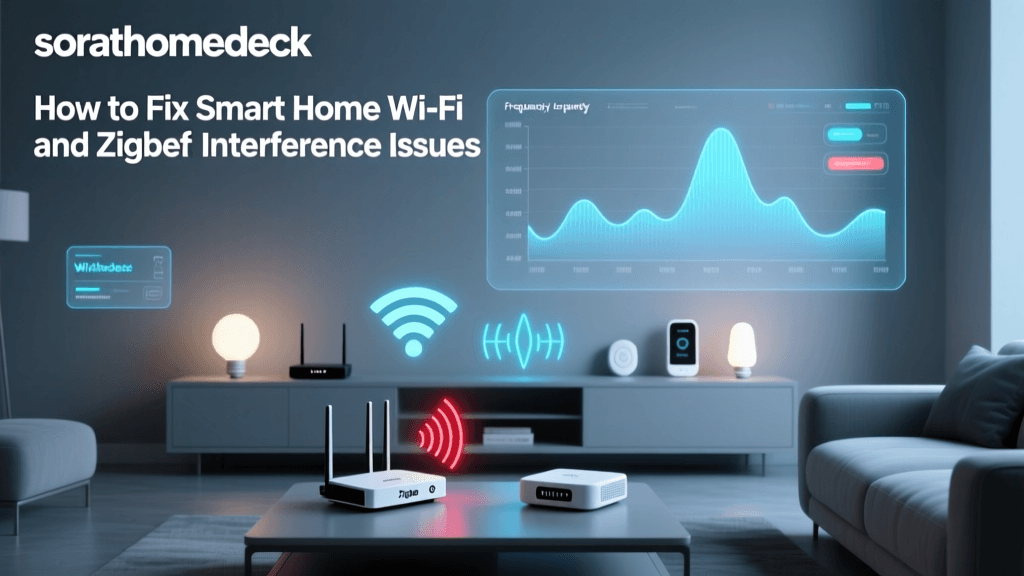
- Zigbee 3.0: Excellent for battery-operated sensors and smart bulbs. It forms a mesh network, but requires careful channel selection (use channels 11, 15, 20, or 25) to avoid overlapping with 2.4GHz Wi-Fi networks.
- Z-Wave Plus: Operates on the 908.42 MHz frequency in the US, completely avoiding Wi-Fi interference. Ideal for critical security devices like smart locks and garage door controllers.
- Thread: The newest mesh protocol, built on IPv6. It is incredibly fast, low-power, and has no single point of failure, provided you have multiple Thread Border Routers installed.
Step 6: Hub Configuration and Matter Integration
With the physical installation complete, it is time to configure the software. The introduction of the Matter protocol has revolutionized smart home interoperability, allowing devices to communicate across different ecosystems (Apple, Google, Amazon, Samsung) seamlessly. The Connectivity Standards Alliance (CSA) designed Matter to ensure that a Matter-certified smart lock or light switch will work reliably with any compliant hub, regardless of the manufacturer.
Step-by-Step Software Onboarding:
- Initialize the Hub: Connect the hub to power and Ethernet. Access the local web interface (e.g., Hubitat or Home Assistant) via its IP address.
- Update Firmware: Before adding any devices, run a complete firmware update on the hub and its internal radio modules.
- Pairing Thread and Matter Devices: For Matter-over-Thread devices, ensure your hub or designated Border Router is active. Scan the Matter QR code using your primary ecosystem app (Apple Home or SmartThings), and then share the device via a pairing code to your local hub.
- Map the Zigbee Mesh: Pair your Zigbee devices starting from the hub and working outward. Plug-in smart plugs act as Zigbee repeaters; install them first to build a strong routing backbone before adding battery-powered contact sensors at the edges of your home.
Step 7: Power Backup and Failover Protection
A smart home that fails during a power outage is a liability, especially regarding security and lighting. To achieve true professional-grade reliability, you must install an Uninterruptible Power Supply (UPS) for your network backbone and smart hub.
Select a UPS with a pure sine wave output and enough capacity to run your modem, primary router, mesh nodes, and smart hub for at least 2 to 4 hours. This ensures that local automations—such as battery-powered motion sensors triggering emergency Zigbee lighting, or smart locks retaining remote access via a cellular backup—continue to function flawlessly during grid failures.
Troubleshooting Common Installation Hurdles
Even with meticulous planning, DIY installers frequently encounter a few common roadblocks. Here is how to resolve them:
- Issue: Zigbee Devices Dropping Offline.
Solution: Check for Wi-Fi interference. Log into your router and change the 2.4GHz Wi-Fi channel to 1, 6, or 11, and set your Zigbee hub to channel 15, 20, or 25. Add more mains-powered Zigbee devices to strengthen the mesh routing. - Issue: Matter Devices Failing to Pair.
Solution: Matter relies heavily on IPv6 and mDNS. Ensure your router has IPv6 enabled on the IoT VLAN. If using a multi-VLAN setup, verify that IGMP Snooping and mDNS reflection are properly configured. - Issue: Slow Automation Execution.
Solution: If you are using cloud-based automations (e.g., IFTTT or cloud-to-cloud integrations), latency is inevitable. Migrate critical routines (like bathroom lighting or security alarms) to your local hub's rule engine to achieve sub-50ms execution times.
Conclusion
Installing a smart home system step by step, starting with a resilient network backbone and a centralized local hub, transforms a chaotic collection of gadgets into a cohesive, intelligent ecosystem. By prioritizing Ethernet backhaul, strategic hub placement, network segmentation, and local protocol management, you future-proof your home against cloud outages and latency. Take the time to build your foundation correctly, and your smart home will deliver seamless, automated luxury for years to come.