The Evolution of Home Security Installation
Securing your home with smart technology is one of the most impactful upgrades you can make, but the path to a fully automated, secure property is rarely straightforward. When homeowners begin researching smart security systems—ranging from video doorbells and wireless cameras to comprehensive alarm panels—they are immediately faced with a critical decision: should they tackle the installation themselves, or hire a professional service? According to industry data tracked by Statista's Smart Homes market reports, the penetration of smart security devices in households continues to surge, yet the installation method varies wildly based on budget, technical proficiency, and property type.
Understanding the true cost of professional versus DIY installation requires looking far beyond the sticker price of the equipment. It involves evaluating long-term monitoring contracts, network infrastructure upgrades, specialized tools, and the physical labor of mounting and wiring devices. In this comprehensive guide, we will break down the exact costs, technical requirements, and hidden fees associated with both DIY and professional smart security installations.
Deconstructing DIY Installation Costs
The DIY smart home security market has exploded, led by consumer-friendly brands like Ring, Arlo, SimpliSafe, and Wyze. These systems are engineered specifically for renters and homeowners who want to avoid the hassle of drilling through studs or running cables through attics.
Equipment and Hardware Pricing
DIY systems typically rely on wireless communication protocols such as Wi-Fi, Z-Wave, or Zigbee. A standard DIY starter kit—which includes a base station, keypad, two door/window sensors, and a motion detector—usually ranges from $150 to $300. Expanding this system to cover a 2,500-square-foot home with additional glass break sensors, water leak detectors, and outdoor cameras will push the hardware cost to between $500 and $900.
- Video Doorbells: Battery-powered models (e.g., Ring Video Doorbell Plus) cost around $150, while hardwired versions require an existing 16-24V AC doorbell transformer.
- Outdoor Cameras: Wire-free models like the Arlo Pro 4 cost roughly $200 each and require magnetic or screw-in mounts.
- Smart Locks: Retrofit options like the August Wi-Fi Smart Lock ($230) use your existing deadbolt, whereas full replacements like the Schlage Encode Plus ($300) require removing and replacing the entire lockset.
The Time and Tool Investment
While DIY saves you from paying a technician's hourly rate, it demands your time and specific tools. Installing a comprehensive DIY system in a medium-sized home typically takes 6 to 10 hours. You will need a power drill, masonry bits (if mounting on brick or stucco), a stud finder, a level, and a sturdy ladder. Furthermore, outdoor camera installation requires drilling 1/2-inch holes through exterior walls to feed USB or low-voltage power cables, which must be sealed with exterior-grade silicone to prevent water intrusion. As highlighted in the This Old House Home Security Guides, improper weatherproofing of exterior DIY mounts is a leading cause of device failure and structural water damage.
The Reality of Professional Installation
Professional installation is the standard for legacy security providers like ADT, Vivint, and Brinks, as well as local specialized low-voltage electricians. This route is ideal for large properties, multi-story homes, or homeowners who want a hardwired, enterprise-grade setup that does not rely on battery life or congested Wi-Fi networks.
Service Fees and Hardwired Infrastructure
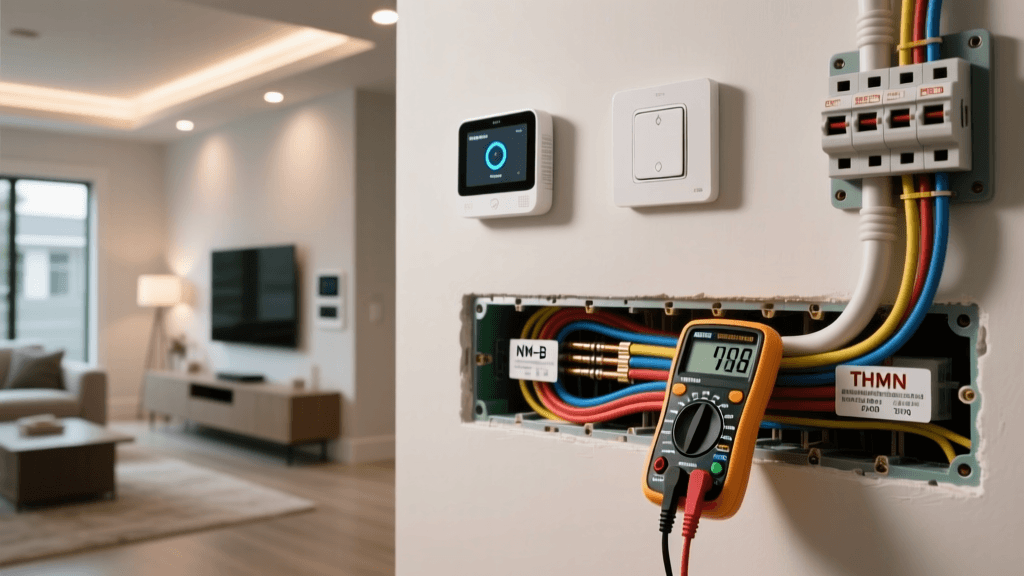
Professional installations often involve running Cat5e or Cat6 Ethernet cables through walls, attics, and crawlspaces to connect Power over Ethernet (PoE) cameras to a centralized Network Video Recorder (NVR). The installation fee for a professional smart security system typically ranges from $99 to $299 for basic wireless setups, but can easily exceed $1,000 to $2,500 for custom hardwired configurations involving drywall cutting, wire fishing, and patching.
Technicians will also handle the complex integration of smart home hubs, ensuring that Z-Wave and Zigbee devices are properly paired and that the alarm panel is hardwired to a dedicated circuit with a cellular backup battery.
Long-Term Contracts and Monitoring
The most significant cost factor in professional installation is the monitoring contract. Most professional providers require a 36-to-60-month contract. While they may offer 'free' or heavily discounted equipment upfront, the monthly monitoring fees are substantially higher, often ranging from $40 to $70 per month. Early cancellation fees can be steep, sometimes requiring the homeowner to pay out 80% to 100% of the remaining contract balance.
Side-by-Side Cost Comparison
To understand the financial impact of both routes, review the breakdown below based on a standard 4-bedroom, 2,500-square-foot home setup.
| Feature | DIY System (e.g., Ring/SimpliSafe) | Professional System (e.g., ADT/Vivint) |
|---|---|---|
| Upfront Hardware Cost | $500 - $900 | $0 - $500 (Often subsidized) |
| Installation Fee | $0 (Your own labor) | $99 - $1,500+ |
| Monthly Monitoring | $10 - $20 | $40 - $70 |
| Contract Requirement | None (Month-to-month) | 36 to 60 Months |
| Relocation / Moving | Easy (Peel and pack) | Difficult (Transfer fees or new install) |
| Network Dependency | High (Relies on home Wi-Fi) | Low (Hardwired / Cellular backup) |
Visualizing the 5-Year Cost of Ownership
When evaluating smart home installations, looking solely at day-one costs is a mistake. The chart below illustrates the cumulative 5-year cost of ownership, factoring in hardware, installation fees, and monthly monitoring expenses.
Technical Hurdles: Network and Power
Whether you choose DIY or professional installation, your home's underlying infrastructure will dictate the reliability of your smart security devices.
Wi-Fi Mesh Networks and Bandwidth
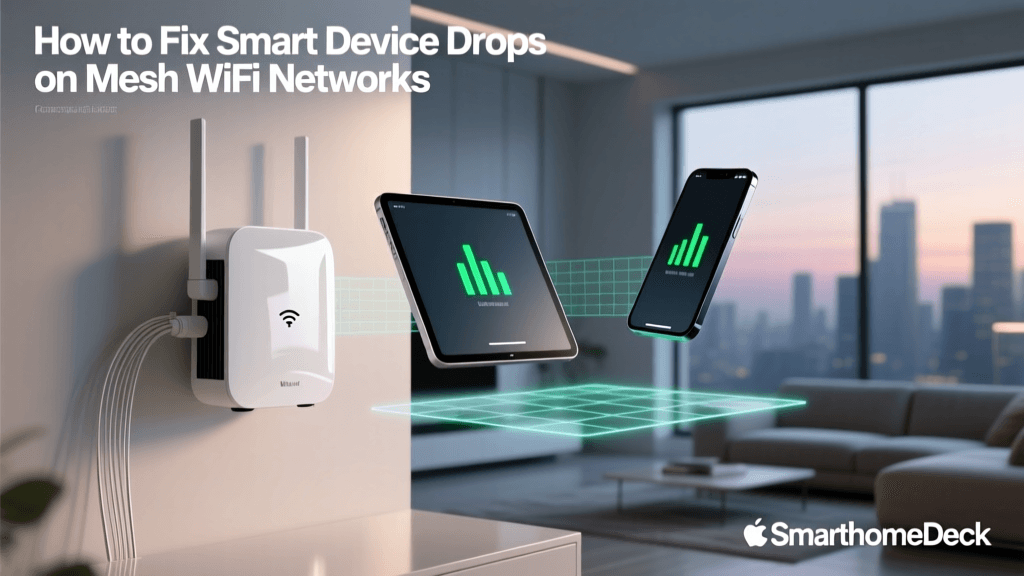
DIY camera systems are notorious bandwidth hogs. A single 2K resolution outdoor camera uploading continuous clips can consume significant upload bandwidth. Furthermore, most IoT devices operate exclusively on the 2.4GHz Wi-Fi band, which is prone to interference and struggles to penetrate exterior masonry or stucco walls. If your DIY cameras are dropping offline, you will likely need to invest in a Mesh Wi-Fi system (such as the TP-Link Deco XE75 or Netgear Orbi), adding $250 to $600 to your total installation cost. Consumer Reports frequently notes that inadequate Wi-Fi coverage is the primary reason consumers abandon DIY security systems.
Power over Ethernet (PoE) vs. Battery
Professional installations often utilize PoE cameras (like those from Ubiquiti UniFi or Reolink). PoE delivers both data and power over a single Cat6 cable, adhering to IEEE 802.3af/at standards. This requires installing a PoE network switch in your media cabinet and running cables to the eaves of your roof. While the labor is intensive, the result is a zero-latency, highly reliable video feed that never requires battery changes and operates independently of your home Wi-Fi network.
Smart Locks and Entryway Integration
Integrating smart locks into your security workflow adds another layer of installation complexity. If you are installing a smart lock like the Yale Assure Lock 2, you must ensure your door is properly prepped. Doors that warp with seasonal humidity changes can cause the deadbolt to bind against the strike plate, which will drain a smart lock's battery in a matter of weeks as the motor struggles to turn the bolt. Professional locksmiths or installers will chisel out the strike plate and ensure a frictionless throw, a service that typically costs $100 to $150 on top of the hardware price.
Hidden Costs That Catch Homeowners Off Guard
When budgeting for your smart home security installation, be sure to account for these frequently overlooked expenses:
- Cloud Storage Subscriptions: Without a monthly subscription ($3 to $15/month per camera), many DIY cameras will not record video or send smart alerts. For a 4-camera setup, this can add $30 to $60 a month.
- Electrical Upgrades: Installing hardwired video doorbells or smart floodlight cameras (like the Ring Floodlight Cam Wired Pro) requires an existing junction box. Hiring a licensed electrician to run a new 120V line to your soffit can cost $300 to $800.
- Permits and HOA Fees: Some Homeowners Associations require architectural approval for exterior camera placement, and certain municipalities require low-voltage permits for hardwired alarm panels.
- Battery Maintenance: DIY wireless sensors and cameras require battery replacements every 3 to 12 months. Factoring in the cost of CR123A lithium batteries or the time spent recharging them is essential for long-term budgeting.
When to Choose DIY vs. When to Hire a Pro
Choose DIY If:
- You are renting or plan to move within the next 3 to 5 years.
- Your home is under 2,000 square feet and single-story.
- You are comfortable using a power drill, configuring mesh routers, and managing app-based automations.
- You want to avoid long-term credit checks and cancellation fees.
Choose Professional Installation If:
- You own a large, multi-story home with thick masonry or lathe-and-plaster walls.
- You require hardwired PoE cameras and a local NVR for 24/7 continuous recording without cloud fees.
- You want integrated life-safety monitoring (fire, carbon monoxide, and medical alerts) tied to a central dispatch station.
- You prefer a single point of contact for troubleshooting and warranty claims.
Final Verdict
The choice between professional and DIY smart security installation ultimately comes down to your budget, your tolerance for physical labor, and your long-term housing plans. DIY systems offer unparalleled flexibility, lower long-term costs, and the satisfaction of building a customized ecosystem using platforms like Apple HomeKit, Amazon Alexa, or Google Home. However, they demand a solid home network and a willingness to perform routine maintenance. Professional installations, while significantly more expensive over a 5-year period, provide a 'set it and forget it' experience with enterprise-grade reliability and hardwired infrastructure. By carefully weighing the upfront hardware costs against the compounding monthly monitoring fees, you can choose the installation route that best secures both your home and your wallet.