The Multi-Ecosystem Dilemma in Modern Smart Homes
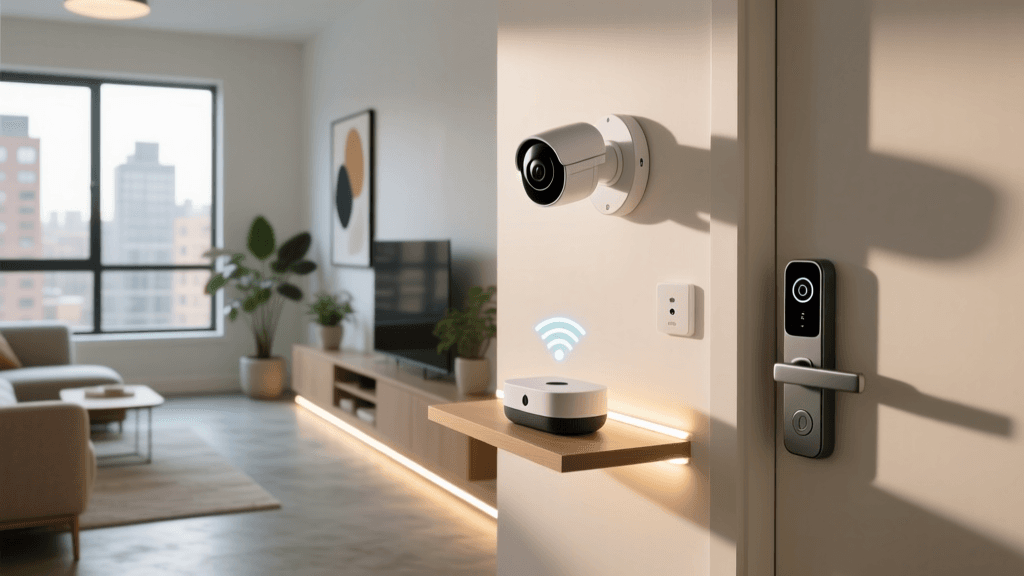
The modern smart home is rarely a monolith. In most households, the ecosystem is fragmented by personal preferences and device ecosystems: one partner relies on Apple HomeKit and Siri, another prefers the Google Home ecosystem, and the kids have Amazon Echo Dots scattered throughout their rooms. When you attempt to integrate a new smart lock or a high-end thermostat, you quickly hit a wall of incompatibility. Bridging these ecosystems is no longer just a luxury for tech enthusiasts; it is a fundamental requirement for a cohesive, automated home that serves every member of the family.
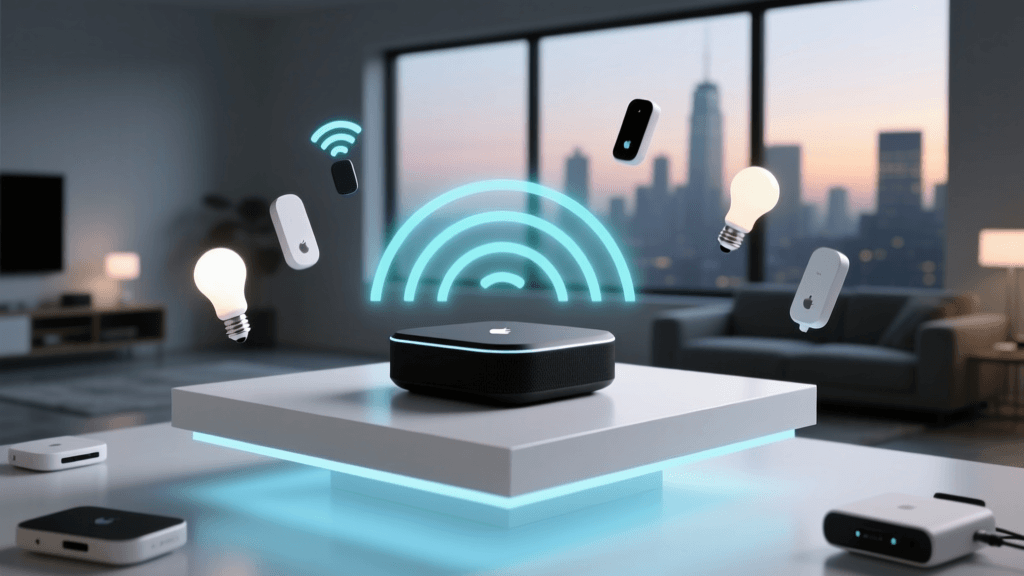
Multi-ecosystem integration setup involves creating a centralized backend that speaks multiple languages—translating commands between Apple, Amazon, Google, and the emerging Matter standard. This guide will walk you through the hardware requirements, network configurations, and step-by-step hub setups required to unify your smart home, ensuring that a motion sensor in the hallway can trigger an Alexa announcement, turn on HomeKit-compatible lights, and adjust a Google Nest thermostat simultaneously.
Understanding the Protocol Landscape
Before configuring your hubs, it is crucial to understand the underlying wireless protocols that facilitate device communication. The smart home relies on a mesh of protocols, each with distinct advantages for multi-ecosystem setups:
- Zigbee and Z-Wave: These are legacy mesh networking protocols. They require a dedicated hub but operate independently of your Wi-Fi network, reducing congestion. They are highly reliable but require bridging to expose devices to cloud ecosystems.
- Thread: A low-power, IPv6-based mesh networking protocol. Thread devices do not connect directly to the cloud; instead, they connect to a Thread Border Router (like an Apple TV 4K or certain Eero mesh nodes) which bridges them to your IP network.
- Matter: According to the Connectivity Standards Alliance (CSA), Matter is not a wireless protocol but an application layer that runs over Thread, Wi-Fi, or Ethernet. It is the holy grail of multi-ecosystem integration, allowing a single device to be controlled natively by Apple, Google, and Amazon simultaneously via 'Multi-Admin' functionality.
Pro Tip: When building a multi-ecosystem home, prioritize Thread and Matter-compliant devices for new installations. They drastically reduce the need for proprietary cloud bridges and rely on local network processing, ensuring your automations survive internet outages.
Choosing Your Central Bridge Hub
To bridge ecosystems, you need a central hub capable of local processing and multi-platform exposure. Below is a comparison of the top hubs for multi-ecosystem integration setup:
| Hub Model | Avg. Cost | Local Processing | Ecosystem Bridge Capability | Best For |
|---|---|---|---|---|
| Home Assistant Green | $99 | Yes (100%) | Excellent (Native HomeKit, Alexa, Google integrations) | Advanced users wanting total control |
| Hubitat Elevation C-8 | $150 | Yes (100%) | Very Good (HomeKit via bridge, native Alexa/Google) | Zigbee/Z-Wave heavy homes |
| Samsung SmartThings Station | $130 | Partial | Good (Matter support, native voice assistants) | Samsung users and Matter adopters |
| Apple TV 4K (3rd Gen) | $129 | Yes (HomeKit) | Limited (Requires Matter to talk to Alexa/Google) | Strictly Apple-centric homes |
Step-by-Step: Configuring Home Assistant as the Ultimate Bridge
For the ultimate multi-ecosystem integration, Home Assistant remains the undisputed champion. It acts as a universal translator, ingesting data from proprietary hubs (like Lutron Caseta or Hue) and exposing unified entities back out to Apple HomeKit, Amazon Alexa, and Google Home. Here is how to configure the Home Assistant Green ($99) for multi-ecosystem bridging.
1. Hardware and Network Setup
Connect the Home Assistant Green to your primary router via Ethernet. Power it on and navigate to homeassistant.local:8123 on your web browser. Create your admin account and set your home location, elevation, and time zone. Accurate location data is critical for sun-based automations and presence tracking across ecosystems.
2. Ingesting Devices via Matter and Zigbee
If you are using a Connect ZBT-1 Zigbee/Matter dongle, plug it into the Green using a USB 2.0 extension cable (crucial for avoiding USB 3.0 interference). Navigate to Settings > Devices & Services > Add Integration and select 'Zigbee Home Automation' (ZHA) or 'Matter'. Pair your devices. Once ingested, they exist as local entities within Home Assistant.
3. Exposing to Apple HomeKit
To make your Zigbee and Wi-Fi devices visible in the Apple Home app:
- Go to Settings > Devices & Services > Add Integration.
- Search for and select HomeKit Bridge.
- Select the domain types you want to expose (Lights, Switches, Sensors, Locks).
- Home Assistant will generate a QR code. Open the Apple Home app on your iPhone, tap '+', select 'Add Accessory', and scan the code.
- Note: Keep the number of exposed entities under 150 per bridge to prevent HomeKit from lagging. Create multiple HomeKit Bridge integrations if necessary (e.g., one for 'Lighting', one for 'Sensors').
4. Exposing to Amazon Alexa and Google Home
The easiest and most secure method to bridge Home Assistant to Alexa and Google is via the Nabu Casa cloud subscription ($6.50/month). It requires no port forwarding or DNS configuration. Simply link your Nabu Casa account in the Home Assistant Companion App, then enable the 'Home Assistant' skill in the Alexa app or the 'Home Assistant Cloud' action in the Google Home app. You can now say, 'Alexa, turn on the Zigbee porch light,' and the command will route securely through the cloud to your local hub, and down to the device.
Visualizing Ecosystem Compatibility
When planning your multi-ecosystem setup, it helps to understand which device categories have the best native support across the big three platforms. The chart below illustrates the approximate native compatibility rates for major smart home categories without the use of a bridge hub.
As the data suggests, cameras and granular sensors are historically difficult to integrate into Apple HomeKit natively due to strict security and privacy certification requirements. This is exactly why a bridge hub like Home Assistant is essential—it bypasses these native limitations by translating the camera feeds or sensor states into a format HomeKit understands.
Network Segmentation and mDNS Routing
One of the most common points of failure in multi-ecosystem integration is network topology. Smart devices rely heavily on mDNS (Multicast DNS) to announce their presence to hubs and voice assistants. If you practice good cybersecurity by placing your IoT devices on a separate VLAN (Virtual Local Area Network), mDNS broadcasts will be blocked by your router's firewall, rendering devices invisible to Apple HomeKit and Google Home.
The Solution: You must configure an mDNS repeater. If you use a UniFi Dream Machine or a pfSense router, enable the 'mDNS Repeater' service and select both your Main VLAN and your IoT VLAN. This safely reflects the discovery packets across the network boundary without exposing the IoT devices to direct internet traffic. For Home Assistant users, the 'Zeroconf' integration handles much of this automatically, provided the host machine is connected to a network trunk or has routes properly defined.
Thread Border Routers and Multi-Admin Setup
Thread is revolutionizing multi-ecosystem setups, but it requires careful placement of Thread Border Routers. According to the Thread Group, a border router connects the low-power Thread mesh to your Wi-Fi or Ethernet network. Devices like the Apple TV 4K, Nest Hub Max, and Eero 6 Plus routers all contain Thread border routing capabilities.
When setting up a Matter-over-Thread device (like an Eve Motion sensor or a Nanoleaf smart bulb), you must utilize the 'Multi-Admin' feature during the initial pairing. Pair the device to your primary ecosystem first (e.g., Apple Home). Once added, access the device settings in the Home app, scroll to 'Turn On Accessory Setup Mode', and scan the secondary QR code using the Alexa or Google Home app. This shares the cryptographic keys, allowing both ecosystems to control the Thread device locally without relying on cloud servers.
Cost Breakdown for a Unified Home
Building a robust multi-ecosystem bridge requires an upfront investment in hardware, but it saves money long-term by preventing ecosystem lock-in. Below is a typical cost breakdown for a comprehensive bridge setup:
| Component | Product Example | Estimated Cost |
|---|---|---|
| Central Hub | Home Assistant Green | $99.00 |
| Zigbee/Matter Dongle | Home Assistant Connect ZBT-1 | $39.00 |
| USB Extension Cable | 1-Meter USB 2.0 Extension | $8.00 |
| Thread Border Router | Apple TV 4K (128GB, Ethernet) | $149.00 |
| Cloud Bridge Service | Nabu Casa (Annual Subscription) | $78.00 |
| Total Initial Setup | Excluding annual cloud fee | $295.00 |
Troubleshooting State Desync and Latency
When bridging ecosystems, you may encounter 'state desync'—where a light is physically on, but the Apple Home app shows it as off. This occurs when a device is controlled via a physical switch or a secondary hub, and the primary bridge fails to receive the state update polling.
To resolve this in Home Assistant, ensure that 'Force Update' is enabled for Zigbee devices in the ZHA configuration. For Wi-Fi devices using the Tuya integration, switch from the cloud polling API to a local integration like LocalTuya or TinyTuya to ensure instant state push notifications. Furthermore, keep your network latency between the hub and the router under 50ms; high latency on Wi-Fi meshes can cause voice assistant commands to time out before the local hub can execute the automation.
Conclusion
Multi-ecosystem integration setup transforms a fractured collection of smart gadgets into a truly intelligent, responsive home. By leveraging a centralized hub like Home Assistant, understanding the nuances of Thread and Matter, and properly configuring your network's mDNS routing, you can achieve a seamless environment. Whether a family member prefers Siri, Alexa, or Google Assistant, the underlying automation workflows will execute flawlessly, providing local reliability and cross-platform harmony.