Introduction to Smart Home Automation Logic
The transition from a manually controlled home to a truly intelligent environment hinges on your ability to master automation logic. While installing smart devices like the Ecobee SmartThermostat Premium or Philips Hue color bulbs is the first step, the real magic happens in the configuration phase. Specifically, understanding how to build and deploy scenes, routines, and schedules is what separates a novelty smart home from a highly efficient, autonomous living space. For DIY installers and homeowners, mastering these concepts not only elevates daily convenience but also yields measurable reductions in energy consumption and utility costs.
In this comprehensive guide, we will explore the architectural differences between scenes, routines, and schedules. We will dive into practical, actionable configurations, complete with specific product recommendations, protocol compatibility details (such as Matter, Zigbee, and Thread), and advanced conditional logic to ensure your smart home operates flawlessly.
The Core Building Blocks: Scenes, Routines, and Schedules
Before diving into complex configurations, it is crucial to distinguish between the three primary pillars of smart home automation. While often used interchangeably by consumers, platforms like Apple HomeKit, Amazon Alexa, and Google Home treat these as distinct operational triggers.
- Scenes: A static snapshot of device states. Triggering a scene sets multiple devices to predefined levels simultaneously (e.g., setting living room lights to 20% brightness and 2700K color temperature).
- Routines: A sequence of actions triggered by a specific event, condition, or voice command. Routines can include scenes but also incorporate delays, notifications, and conditional logic.
- Schedules: Time-based automations that execute at specific intervals, times of day, or based on astronomical data (like sunrise and sunset).
| Feature | Scenes | Routines | Schedules |
|---|---|---|---|
| Primary Trigger | Manual / Voice | Event / Sensor / Voice | Time / Astronomical |
| Complexity | Low (Static states) | High (IF/THEN logic) | Medium (Recurring loops) |
| Best Use Case | Movie Night, Good Morning | Arriving Home, Security Alerts | HVAC setbacks, Porch lights |
| Ecosystem Example | HomeKit Scenes | Alexa Routines | SmartThings Automations |
Designing High-Impact Scenes for Daily Life
Creating effective scenes requires an understanding of human circadian rhythms and spatial usage. A poorly configured scene can be jarring, while a well-designed one feels entirely natural.
The 'Good Morning' Scene
The goal of a morning scene is to gently transition the home from a resting state to an active state without causing sensory overload. Instead of snapping lights to 100% brightness, configure a fade-in effect. Using the Philips Hue v2 Bridge, you can set a 15-minute transition where bedroom lights gradually increase from 0% to 40% brightness while shifting the color temperature from a warm 2000K (candlelight) to a crisp 4500K (daylight). Simultaneously, integrate your smart blinds—such as the IKEA Fyrtur or Lutron Serena shades—to open to 50% height, allowing natural light to supplement the artificial lighting.
The 'Leaving Home' Scene
This scene is critical for security and energy conservation. When triggered, it should execute a hard shutdown on all non-essential phantom loads. Using smart plugs like the TP-Link Kasa EP25 (which includes energy monitoring), group your entertainment center and home office equipment to cut power entirely. Ensure your Ecobee or Google Nest thermostat shifts to 'Away' mode, and verify that all Aqara or Eve door/window sensors are polled to confirm the home is secure before arming your smart lock (e.g., Yale Assure Lock 2).
Crafting Schedules for Energy Optimization
While scenes handle user comfort, schedules are the workhorses of energy efficiency. According to the ENERGY STAR program, certified smart thermostats can save homeowners roughly 8% on HVAC bills annually when schedules are properly optimized. Furthermore, the U.S. Department of Energy recommends setting your thermostat back 7°-10°F for 8 hours a day from its normal setting to maximize savings.
HVAC Setback Schedules
Do not rely solely on the built-in learning algorithms of smart thermostats; they often prioritize comfort over strict energy savings. Manually configure a rigid schedule for your work hours. If you leave at 8:00 AM and return at 5:30 PM, set the cooling setpoint to 78°F and heating to 62°F during those hours. To prevent the system from firing up prematurely, utilize geofencing with a 150-meter radius as a secondary override, ensuring the HVAC only begins recovery when your phone actually crosses the geofence boundary.
Astronomical Lighting Schedules
Fixed-time schedules for exterior lighting are inefficient and often result in lights turning on while the sun is still up, or turning off before you arrive home late. Instead, utilize 'Astronomical Clock' scheduling available in hubs like Hubitat Elevation or Samsung SmartThings. This feature calculates the exact solar elevation for your GPS coordinates. Configure your exterior Lutron Caseta switches to trigger exactly when the sun drops below -4 degrees (civil twilight), ensuring perfect illumination year-round without manual seasonal adjustments.
Cross-Ecosystem Routine Integration
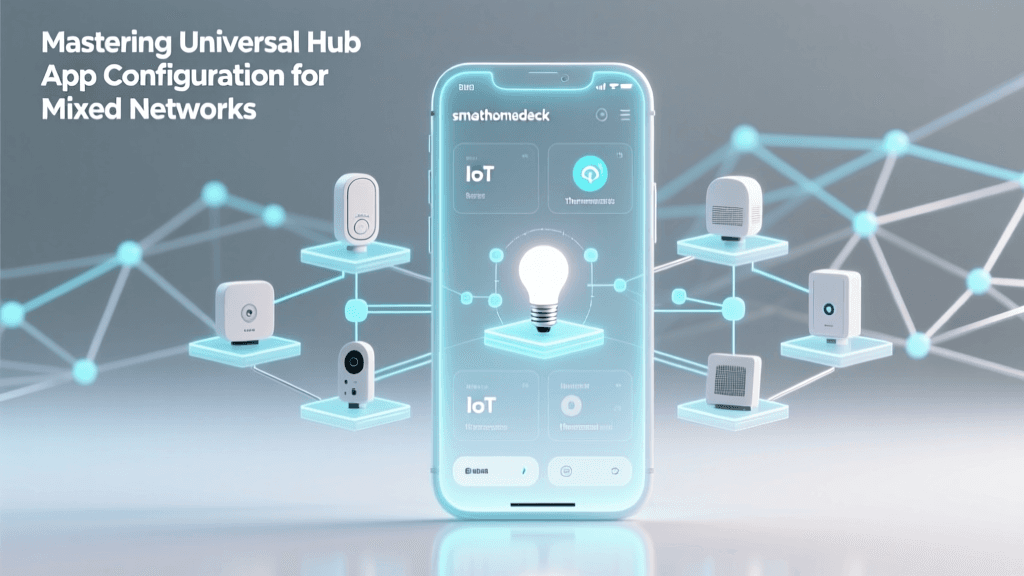
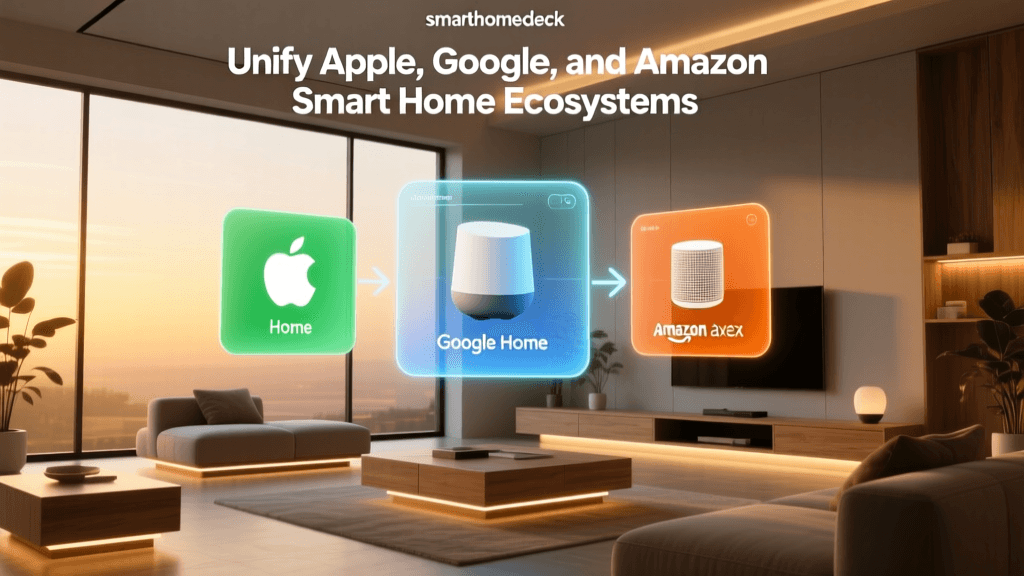
One of the most significant hurdles in modern smart home setup-config is ecosystem fragmentation. You may have Apple HomeKit for your living room, Amazon Alexa for the kitchen, and Google Home for the bedroom. Bridging these platforms requires a robust central hub and an understanding of underlying protocols.
For advanced DIYers, Home Assistant (running on a Raspberry Pi 4 or Intel NUC) or the Hubitat Elevation hub are the gold standards for cross-platform routine creation. These local hubs bypass cloud latency and allow you to create unified routines that trigger devices across different ecosystems. For example, a motion event detected by a Zigbee-based Aqara Motion Sensor P2 can trigger a Z-Wave Leviton dimmer switch and simultaneously send a notification via the Alexa app, all processed locally in under 50 milliseconds.
With the ongoing rollout of the Matter standard, cross-ecosystem integration is becoming more streamlined. However, as noted by the National Institute of Standards and Technology (NIST), true interoperability requires rigorous testing, and legacy devices will still require bridging hubs for the foreseeable future. When purchasing new devices, prioritize those with native Thread or Matter support to future-proof your routine architecture.
Advanced Triggers and Conditional Logic
Basic routines rely on simple 'IF/THEN' statements. Advanced routines utilize 'IF/AND/THEN/ELSE' logic, incorporating time windows, device states, and sensor lux readings to prevent false triggers and redundant actions.
Implementing Lux Thresholds
A common mistake is setting a motion-activated lighting routine that turns on the hallway lights at 2:00 AM at 100% brightness. To fix this, introduce a lux (light level) condition. If your motion sensor (like the Eve Motion) includes a lux sensor, configure the routine to only trigger the lights IF motion is detected AND the ambient lux is below 50. Furthermore, add a time condition: IF the time is between 11:00 PM and 6:00 AM, set the light brightness to 10% and color to 2200K (red/amber) to preserve night vision and melatonin production.
State-Dependent Delays
When creating 'turn off' routines for rooms, avoid fixed timers. Instead, use state-dependent logic. IF motion is cleared for 5 minutes, AND the TV (monitored via a smart plug or HDMI-CEC integration) is OFF, THEN turn off the lights. This prevents the lights from shutting off while you are sitting perfectly still watching a movie.
Troubleshooting Common Automation Failures
Even the most meticulously planned routines can fail due to network congestion, firmware mismatches, or hub offline states. Here is how to troubleshoot the most common setup-config issues:
- Network Latency and Cloud Reliance: If your routines rely on cloud processing (e.g., IFTTT or native cloud-based Alexa routines), they will fail if your ISP drops connection. Solution: Migrate critical security and lighting routines to a local hub like Home Assistant or Hubitat to ensure they execute even during internet outages.
- Zigbee Mesh Dropouts: If a routine fails because a specific sensor didn't report its state, your Zigbee mesh may be weak. Solution: Add mains-powered Zigbee devices (like smart plugs or in-wall switches) to act as routers, strengthening the mesh network and ensuring reliable signal routing back to the coordinator.
- Conflicting Automations: If a light turns on and immediately turns off, you likely have two overlapping routines fighting each other (e.g., a schedule turning it on, while a motion-sensor timeout turns it off). Solution: Audit your automation logs in your hub's dashboard and implement 'disable automation' actions within your routines to prevent conflicts.
Conclusion
Mastering smart home scenes, routines, and schedules transforms a collection of disconnected gadgets into a cohesive, energy-efficient ecosystem. By leveraging precise astronomical schedules, implementing conditional lux and time-based logic, and utilizing local hubs for cross-ecosystem integration, you can dramatically reduce your home's energy footprint while enhancing daily comfort. As protocols like Matter and Thread continue to mature, the foundational logic you build today will serve as the robust backbone for your smart home's future expansion.