The Fragmented Smart Home Dilemma
Building a smart home in today's market often feels like navigating a geopolitical cold war. You purchase a smart lock that works beautifully with Apple HomeKit, only to find out your preferred security cameras are exclusive to Google Home. Meanwhile, the smart plugs you bought on sale only respond to Amazon Alexa. This fragmentation creates a frustrating user experience, forcing homeowners to juggle multiple apps, suffer from delayed cloud-based automations, and deal with conflicting voice assistant routines. The dream of a unified, responsive, and intelligent home is frequently bottlenecked by the walled gardens of Big Tech.
For DIY installers and smart home enthusiasts, the goal is to create a centralized nervous system that respects user privacy, operates locally, and bridges the gap between competing ecosystems. Whether you have family members who swear by Siri, while others prefer Google Assistant or Alexa, multi-ecosystem integration is no longer a luxury—it is a necessity for household harmony. In this comprehensive setup guide, we will explore how to bridge Apple, Google, and Amazon ecosystems using the Matter protocol and Home Assistant, transforming your disjointed devices into a cohesive, automated powerhouse.
Understanding the Walled Gardens
Before we can bridge these ecosystems, it is crucial to understand their native limitations and strengths. Apple HomeKit is renowned for its stringent security requirements and local processing capabilities, but it suffers from a limited hardware catalog and higher device costs. Google Home excels in AI-driven routines, voice recognition, and Nest product integration, but it relies heavily on cloud processing, which introduces latency and privacy concerns. Amazon Alexa boasts the widest third-party device compatibility and aggressive pricing, yet its automation engine is relatively basic compared to its competitors.
When you attempt to mix these ecosystems natively, you hit a wall. An Apple HomePod cannot natively trigger a Google Nest Thermostat. An Amazon Echo Dot cannot display the feed from an Apple HomeKit Secure Video doorbell. To overcome this, we must introduce a universal translator that sits in the middle of your network, aggregating device states and exposing them to each ecosystem simultaneously.
The Unifiers: Matter Protocol vs. Home Assistant
The smart home industry's official answer to fragmentation is Matter, the open-source connectivity standard developed by the Connectivity Standards Alliance (CSA). Matter promises to allow devices to communicate locally across different ecosystems using Wi-Fi, Ethernet, or Thread. While Matter is a massive step forward, its current rollout is still maturing. Many legacy devices do not support Matter, and complex automations are still best handled by a dedicated hub rather than relying on peer-to-peer device communication.
This is where Home Assistant enters the picture. Home Assistant is an open-source home automation platform that prioritizes local control, privacy, and universal compatibility. It supports over 2,500 native integrations, allowing you to pull devices from Apple, Google, Amazon, and countless other brands into a single dashboard. More importantly, Home Assistant can act as a bridge, re-exposing your aggregated devices back into Apple HomeKit, Google Home, and Alexa simultaneously. This means your $50 Alexa-only smart plug can suddenly appear in your Apple Home app and be controlled via Siri.
Choosing Your Central Hub Hardware
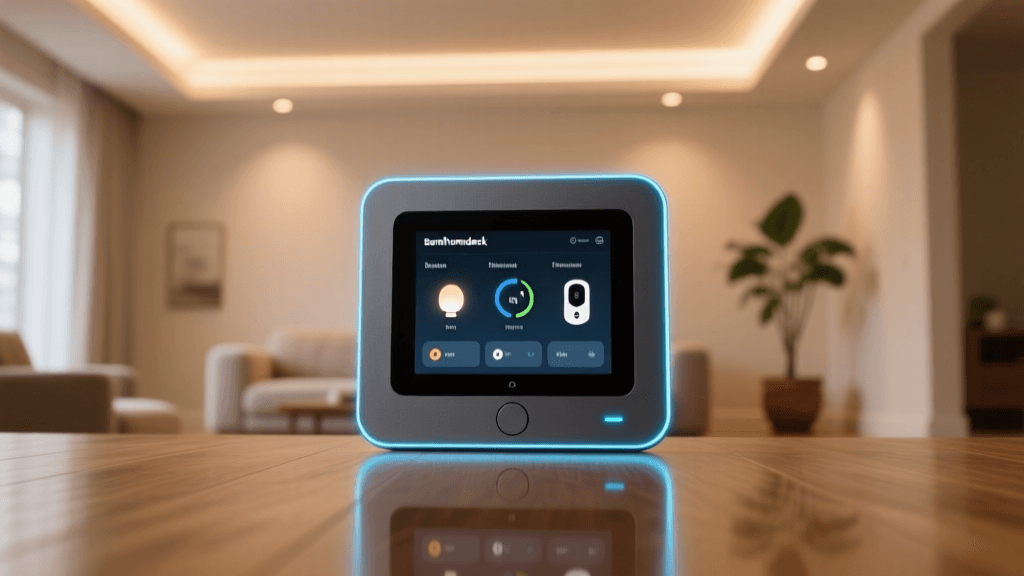
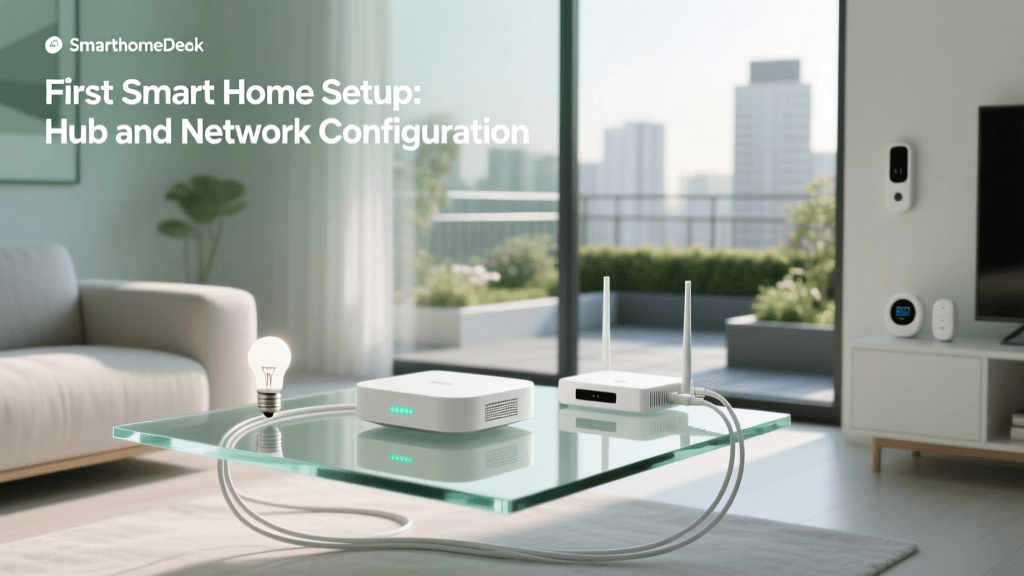
To run a multi-ecosystem bridge reliably, you need dedicated hardware that remains powered on 24/7. While you can run Home Assistant on an old laptop, a dedicated micro-PC or single-board computer is highly recommended for stability. Below is a comparison of the most popular hub options for multi-ecosystem bridging.
| Hub Model | Approx. Cost | Local Processing | Max Devices | Ecosystem Bridge Capability |
|---|---|---|---|---|
| Home Assistant Green | $99 | Yes | 250+ | Excellent (Native HomeKit Bridge) |
| Raspberry Pi 4 (4GB) | $75 | Yes | 150+ | Excellent (Requires DIY Setup) |
| Hubitat Elevation | $150 | Yes | 200+ | Good (Via Hubitat Bridge App) |
| Intel NUC (i3, 8GB RAM) | $180+ | Yes | 500+ | Excellent (Prosumer/Advanced) |
For most users setting up a multi-ecosystem home, the Home Assistant Green is the optimal choice. It requires no command-line knowledge, features a rugged aluminum case, and includes built-in support for Zigbee and Thread via optional USB dongles. Below is a visualization of how native integration support compares across major platforms, highlighting why a central bridge is necessary.
Bar chart comparing native integration support across major smart home platforms
Step-by-Step: Configuring the Ultimate Bridge
Step 1: Server Initialization and Device Ingestion
Begin by installing Home Assistant OS on your chosen hardware. Connect the device via Ethernet to your primary router—Wi-Fi is not recommended for the central hub due to the heavy multicast traffic it will generate. Once booted, create your administrator account and begin adding your devices. Use native integrations to pull in your Google Nest devices, Amazon Alexa routines, and Philips Hue bridges. The goal here is to make Home Assistant the single source of truth for every smart device in your home.
Step 2: Exposing Devices to Apple HomeKit
Apple HomeKit is the most restrictive ecosystem, but Home Assistant's HomeKit Bridge integration bypasses these limitations. Navigate to Settings > Devices & Services > Add Integration, and select 'HomeKit Bridge'. You will be prompted to select which domains (lights, switches, climate, sensors) you wish to expose to Apple. Home Assistant will generate a QR code. Open the Apple Home app on your iOS device, select 'Add Accessory', and scan the code. Within seconds, your Google and Amazon devices will populate in Apple Home, complete with local control via your HomePod acting as a Home Hub.
Step 3: Integrating Google Home and Amazon Alexa
While you can use local emulators for Google and Alexa, the most stable and secure method for multi-ecosystem bridging is utilizing Nabu Casa, the official cloud service that funds Home Assistant development (approx. $7.75/month). By linking your Home Assistant instance to your Google Home and Amazon Alexa accounts via the Nabu Casa portal, you securely expose your aggregated entities to both voice assistants. This allows you to say, 'Hey Google, turn off the living room fan,' even if that fan is natively an Apple HomeKit-only device from a brand like Nanoleaf.
Network Optimization for Multi-Ecosystem Stability
Bridging multiple ecosystems generates significant network chatter. Protocols like mDNS (multicast DNS) and SSDP (Simple Service Discovery Protocol) are used by Apple, Google, and Amazon to discover devices on your local network. If your network is not optimized, device discovery will fail, and automations will time out.
- IGMP Snooping: Ensure IGMP Snooping is enabled on your managed network switches. This prevents multicast traffic from flooding every port on your network, which can crash low-power IoT devices.
- mDNS Repeaters: If you separate your IoT devices onto a dedicated VLAN (Virtual Local Area Network) for security, mDNS broadcasts will not cross the VLAN boundary. You must configure an mDNS repeater (available as an add-on in Home Assistant) to broadcast discovery packets between your main network and your IoT VLAN.
- DHCP Reservations: Assign static IP addresses via DHCP reservation to your Home Assistant hub, all smart speakers, and Thread Border Routers. Fluctuating IP addresses will break local API polling and cause ecosystem bridges to drop offline.
The Role of Thread Border Routers
As you integrate modern devices, you will encounter the Thread protocol. According to the Thread Group, Thread is an IP-based, low-power mesh networking protocol that allows devices to communicate without a centralized hub bottleneck. However, Thread devices require a Border Router to translate their 802.15.4 radio signals into Wi-Fi or Ethernet for your main network.
In a multi-ecosystem home, you likely already own multiple Thread Border Routers without realizing it. The Apple HomePod Mini, Google Nest Hub (2nd Gen), and Amazon Echo (4th Gen) all contain Thread radios. Home Assistant can aggregate these border routers using the Open Thread Border Router (OTBR) add-on, creating a unified, multi-vendor Thread mesh network. This ensures that a Thread-enabled smart lock purchased for Apple HomeKit can seamlessly route its traffic through a Google Nest Hub positioned in the hallway, drastically improving range and reliability.
Advanced Cross-Ecosystem Automations
Once your bridge is established, you can create automations that were previously impossible. Consider a home theater scenario: You press 'Play' on your Apple TV remote. Home Assistant detects this state change via the Apple TV integration. It then triggers a webhook to your Google Nest Thermostat to adjust the temperature by two degrees, commands your Amazon Alexa-connected smart blinds to close, and dims your Philips Hue lights via the local bridge. This entire workflow executes locally in milliseconds, completely invisible to the cloud servers of Apple, Google, or Amazon.
Another powerful use case is unified security. If an Amazon Ring Motion Sensor detects movement, Home Assistant can instantly trigger an Apple HomeKit Secure Video camera to begin recording, while simultaneously using a Google Nest Audio speaker to play a custom warning chime. By decoupling the trigger (sensor) from the action (camera/speaker), you are no longer locked into buying expensive, single-ecosystem security bundles.
Troubleshooting Common Integration Failures
Even with a perfectly configured bridge, multi-ecosystem setups can occasionally encounter friction. Here is how to resolve the most common issues:
- HomeKit 'No Response' Errors: This is almost always an mDNS issue. Restart your Home Assistant host, ensure your router's Bonjour forwarding is active, and verify that your iOS device is on the exact same subnet as the Home Assistant server during the initial pairing process.
- Alexa Skill Disconnections: If Alexa forgets your devices, do not delete and re-add the skill immediately. Instead, go to the Alexa app, select Devices, and choose 'Discover Devices'. This forces a local network poll and usually restores the connection without requiring a full re-authentication.
- Thread Mesh Fragmentation: If Thread devices are slow to respond, you may have competing Thread networks. Ensure that all your Border Routers (HomePods, Nest Hubs) are updated to the latest firmware, and use the Home Assistant Open Thread diagnostics page to merge overlapping Thread networks into a single credential set.
Conclusion
Unifying Apple HomeKit, Google Home, and Amazon Alexa is no longer a pipe dream reserved for software engineers. By leveraging the Matter protocol's foundational concepts and deploying Home Assistant as your central bridge, you can reclaim control of your smart home. You gain the privacy and local speed of Apple, the AI and voice reach of Google, and the massive hardware compatibility of Amazon—all operating in perfect harmony. While the initial setup requires careful network planning and a modest investment in hub hardware, the resulting stability, speed, and cross-platform automations make it the ultimate endgame for any serious smart home installer.