Smart Home Installation in Atlanta: Complete Step-by-Step Setup Guide
Atlanta homeowners are increasingly embracing smart home technology to enhance comfort, security, and energy efficiency in their residences. Whether you own a charming bungalow in Virginia-Highland, a modern condo in Midtown, or a spacious home in Buckhead, a properly installed smart home system can transform the way you live. This comprehensive guide walks you through every step of the smart home installation process tailored specifically for Atlanta properties, taking into account the unique climate, building styles, and connectivity considerations of the region.
Atlanta’s hot, humid summers and mild winters create specific demands on smart thermostats, HVAC integration, and outdoor smart devices. Additionally, the mix of historic homes with plaster walls and newer constructions with open floor plans means your installation approach may need to vary. This guide covers all of that and more.
Difficulty Level: Intermediate (some electrical knowledge helpful but not required)
Estimated Time: 6–10 hours for a standard 3-bedroom home (can be split across multiple days)
Best For: Homeowners & renters in the greater Atlanta metropolitan area
Tools & Products You Will Need
Before diving into the installation steps, gather all the tools and products you will need. Having everything on hand before you begin will save you countless trips to your local Atlanta hardware store and keep your momentum going throughout the project.
Essential Tools
- Power drill & drill bit set — for mounting devices to drywall, brick, or siding
- Phillips & flathead screwdrivers — multiple sizes for various device mounts
- Wire strippers & electrical tape — for any hardwired smart switches or thermostats
- Voltage tester — critical for safety when working with wired devices
- Level — to ensure mounted devices and panels are straight
- Stud finder — for securing heavier devices like smart displays or hubs
- Ladder — for installing outdoor cameras, doorbell cameras, and attic-mounted hubs
- Smartphone or tablet — for configuring devices and running companion apps
- Wi-Fi signal analyzer app — to identify dead zones in your home
- Ethernet cables (Cat6) — for hardwiring hubs or mesh network nodes if needed
Smart Home Products to Consider
- Smart hub or ecosystem controller — such as Samsung SmartThings, Apple HomePod, or Amazon Echo Hub
- Smart thermostat — like Ecobee SmartThermostat or Google Nest Learning Thermostat (essential for Atlanta summers)
- Smart lighting — Philips Hue, Lutron Caséta, or GE Cync bulbs & switches
- Smart locks — Schlage Encode, August Wi-Fi Smart Lock, or Yale Assure
- Smart security cameras & doorbell — Ring, Arlo, or Google Nest cameras
- Smart smoke & CO detectors — Google Nest Protect or First Alert Onelink
- Smart blinds or shades — Lutron Serena or IKEA Fyrtur for managing Atlanta’s intense sunlight
- Mesh Wi-Fi system — Eero, Google Nest Wi-Fi, or TP-Link Deco for whole-home coverage
- Smart plugs — for controlling lamps, fans, and other non-smart devices
- Smart irrigation controller — Rachio or Orbit B-hyve for Atlanta’s seasonal watering needs
For a deeper look at which devices work best together, check out our guide to the best smart home ecosystems to find the right platform for your needs.
Step 1: Plan Your Smart Home Layout & Assess Your Atlanta Property
Every successful smart home installation starts with a solid plan. Atlanta homes vary dramatically in size, age, and construction materials—all of which affect how your smart devices will perform. Taking the time to assess your property before purchasing or installing anything will prevent frustration and ensure optimal performance.
Map Your Home’s Layout
Start by sketching a rough floor plan of your home. Note the following for each room:
- Room dimensions — larger rooms may need multiple smart speakers or sensors
- Wall construction — many older Atlanta homes in neighborhoods like Inman Park, Grant Park, and Druid Hills feature plaster and lath walls, which can significantly weaken Wi-Fi signals compared to modern drywall
- Existing electrical infrastructure — check whether your switch boxes have neutral wires (most smart switches require them). Homes built before the 1980s may lack neutral wires in some locations
- Window placement & sunlight exposure — south- and west-facing windows in Atlanta receive intense afternoon sun, making smart blinds or shades especially valuable
- Outdoor spaces — porches, decks, and yards where outdoor cameras or smart lighting might be installed
Test Your Wi-Fi Coverage
Smart home devices depend heavily on a reliable Wi-Fi connection. Before installing anything, walk through every room of your home with a Wi-Fi signal analyzer app on your smartphone. Note any areas with weak or no signal.
Atlanta homes with basements, split-level designs, or detached garages often have significant dead zones. Brick and stone exteriors—common in many Atlanta subdivisions—can also block signals from reaching outdoor devices.
Action steps:
- Download a Wi-Fi analyzer app such as WiFiman or NetSpot
- Walk through every room, including the attic, basement, garage, and outdoor areas
- Record signal strength (in dBm) at each location
- Identify dead zones where signal drops below -70 dBm
- Plan mesh node or extender placement to cover weak areas
Choose Your Smart Home Ecosystem
Selecting the right ecosystem is one of the most important decisions you will make. Your ecosystem determines which devices are compatible and how seamlessly they work together. The major platforms include:
- Amazon Alexa — widest device compatibility, great for beginners, extensive third-party support
- Google Home — excellent voice recognition, strong integration with Google services & Nest products
- Apple HomeKit — best privacy protections, seamless for iPhone users, but fewer compatible devices
- Samsung SmartThings — powerful automation capabilities, supports Zigbee & Z-Wave protocols
- Matter (new standard) — emerging cross-platform compatibility standard supported by all major brands
For most Atlanta homeowners, we recommend starting with either Amazon Alexa or Google Home due to their broad compatibility and ease of use. If you are deeply invested in Apple products, HomeKit offers a premium, privacy-focused experience. Visit our smart home platforms comparison for a detailed breakdown.
Create a Device Priority List
Not every smart device needs to be installed on day one. Prioritize based on your needs and budget:
- Priority 1 (Essential): Smart thermostat, Wi-Fi mesh system, smart locks
- Priority 2 (High Value): Smart lighting, video doorbell, security cameras
- Priority 3 (Comfort & Convenience): Smart blinds, smart speakers, smart plugs
- Priority 4 (Advanced): Smart irrigation, whole-home audio, smart appliances
Step 2: Upgrade Your Network Infrastructure
Your network is the backbone of your smart home. Without a strong, reliable Wi-Fi network covering every corner of your Atlanta home, even the best smart devices will underperform. This step is especially critical in larger homes common in areas like Sandy Springs, Marietta, and Alpharetta.
Install a Mesh Wi-Fi System
For most smart homes, a mesh Wi-Fi system is far superior to a traditional single router. Mesh systems use multiple nodes placed throughout your home to create a seamless network blanket.
Installation steps:
- Connect the primary mesh node to your modem using an Ethernet cable
- Power on the primary node and follow the manufacturer’s app-based setup process
- Place secondary nodes approximately 30–40 feet apart, avoiding thick walls or large metal appliances between nodes
- For multi-story Atlanta homes, place at least one node on each floor
- If you have a basement or attic where smart devices will be used, ensure those areas have a node nearby
- Run a speed test in every room after setup to confirm adequate coverage
Atlanta-specific tip: If your home has a basement (common in many Atlanta neighborhoods due to the region’s clay soil and building practices), place a mesh node near the basement stairwell to ensure the signal penetrates downward effectively.
Set Up a Dedicated Smart Home Network (Optional but Recommended)
For homes with many smart devices (20+), consider creating a separate network or VLAN specifically for your smart home gadgets. This provides several benefits:
- Security: Isolates smart devices from your personal computers & phones, reducing vulnerability
- Performance: Prevents smart devices from consuming bandwidth needed for streaming or video calls
- Stability: Reduces interference from high-bandwidth activities
Most modern mesh systems and routers offer a “guest network” feature that can serve this purpose. Simply connect all your smart home devices to the guest network while keeping your personal devices on the primary network.
Consider Wired Connections for Critical Devices
While Wi-Fi is convenient, some smart home devices perform significantly better with a wired Ethernet connection. Consider running Cat6 Ethernet cables to:
- Your primary smart hub
- Security camera base stations
- Smart home hubs that support Ethernet (like SmartThings or Home Assistant servers)
- Mesh Wi-Fi nodes (Ethernet backhaul dramatically improves mesh performance)
For Atlanta homes currently under construction or undergoing renovation, this is the ideal time to run Ethernet cables inside walls. For existing homes, flat Ethernet cables can be routed along baseboards or through attic spaces with minimal visual impact.
Step 3: Install Core Smart Devices
With your network in place, it is time to begin installing your smart devices. This section covers the most impactful devices to install first, with detailed steps for each category.
Install Your Smart Thermostat
Given Atlanta’s long, hot summers where temperatures regularly exceed 90°F and high humidity levels, a smart thermostat is arguably the single most valuable smart home device you can install. It can reduce your cooling costs by 10–15% while keeping your home perfectly comfortable.
Installation steps:
- Turn off power to your HVAC system at the circuit breaker panel — always verify with a voltage tester before touching any wires
- Remove your existing thermostat faceplate and photograph the wiring configuration (this is your backup reference)
- Label each wire using the stickers provided with your new smart thermostat (typically R, W, Y, G, C terminals)
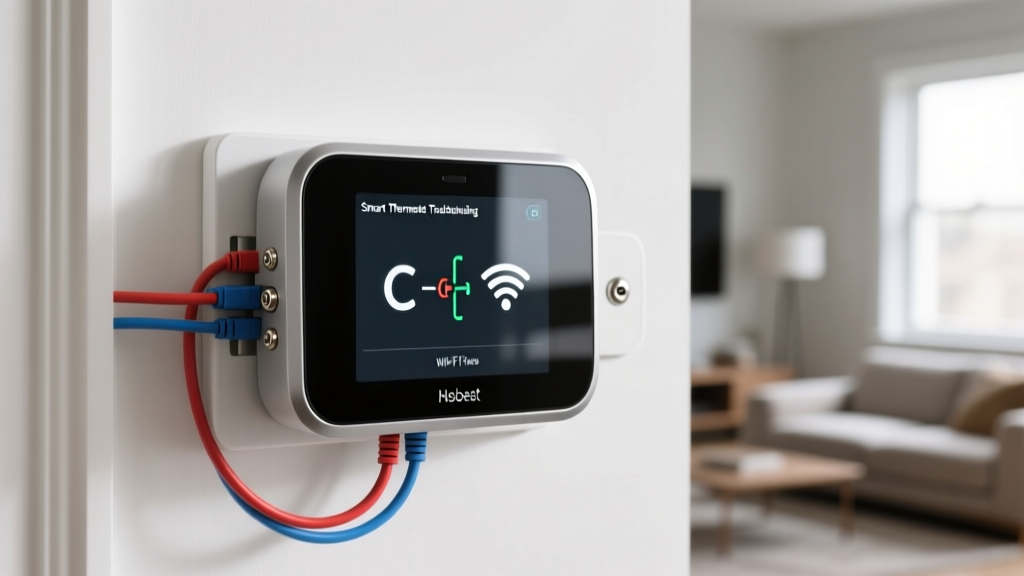
- Check for a C-wire (common wire) — most smart thermostats require a C-wire for continuous power. If your current thermostat lacks one, many smart thermostat kits include a C-wire adapter that can be installed at your furnace or air handler
- Install the mounting plate on the wall using the included screws and anchors. Use a level to ensure it is straight
- Connect the labeled wires to the corresponding terminals on the new thermostat base
- Attach the thermostat faceplate and restore power at the circuit breaker
- Follow the on-screen setup to connect to Wi-Fi and configure your schedule
Atlanta-specific settings to configure:
- Set cooling to activate at 74–76°F during summer months for optimal comfort and efficiency
- Enable humidity management features (many smart thermostats can run your AC in dehumidification mode even when the temperature target is met)
- Create a schedule that reduces cooling when you are at work and pre-cools your home before you return
- Enable geofencing so the thermostat adjusts based on whether anyone is home
- Set vacation mode for when you travel, maintaining a minimum temperature to protect your home
Install Smart Lighting
Smart lighting transforms the ambiance of your home and adds convenience and security. You have two main approaches: smart bulbs and smart switches.
Smart bulbs (easiest installation):
- Screw smart bulbs into existing light fixtures
- Download the companion app and connect bulbs to your Wi-Fi or hub
- Group bulbs by room and assign names (e.g., “Living Room Lamp”)
- Set up schedules and scenes through the app
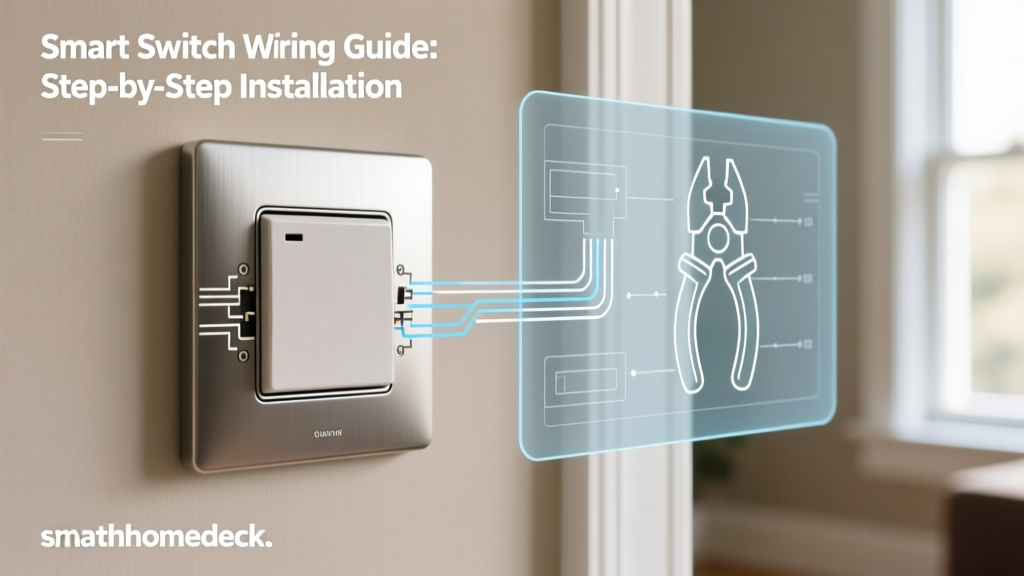
Smart switches (cleaner, more permanent solution):
- Turn off power at the circuit breaker
- Remove the existing wall switch and photograph the wiring
- Verify you have a neutral wire in the box (required for most smart switches)
- Connect the smart switch wires: line (hot), load, neutral, and ground
- Secure the switch in the wall box and attach the faceplate
- Restore power and configure via the companion app
Pro tip for Atlanta homes: If you have a covered porch or outdoor living space—extremely common in Atlanta due to the warm climate—install smart switches or weatherproof smart bulbs for your exterior lighting. Schedule them to turn on at sunset for both ambiance and security.
Install Smart Locks & Video Doorbell
Smart locks and video doorbells form the foundation of your smart home security. They are especially valuable in Atlanta, where package theft and property crime are concerns in many neighborhoods.
Smart lock installation:
- Remove your existing deadbolt (keep it as a backup)
- Install the smart lock’s exterior assembly, threading the cable through the door
- Mount the interior assembly and connect the cable
- Install batteries and test the lock mechanism manually
- Connect the lock to your Wi-Fi network via the companion app
- Set up user codes for family members and enable auto-lock features
- Test remote locking and unlocking from your smartphone
Video doorbell installation:
- Turn off power to your existing doorbell at the transformer or circuit breaker
- Remove the old doorbell and disconnect the two wires
- Connect the two wires to the new smart doorbell’s terminals (polarity usually does not matter)
- Mount the doorbell using the included bracket and screws
- Restore power and wait for the doorbell to boot up
- Connect to Wi-Fi through the companion app
- Configure motion zones, notification preferences, and recording settings
For a comprehensive look at securing your property, read our complete smart home security guide.
Install Smart Security Cameras
Outdoor camera placement for Atlanta homes:
- Identify key entry points: front door, back door, garage, and side gates
- Mount cameras 7–9 feet high for optimal field of view and tamper resistance
- For battery-powered cameras, choose locations sheltered from direct afternoon sun to preserve battery life in Atlanta’s heat
- For wired cameras, drill through exterior walls (use appropriate masonry bits for brick or stone exteriors common in Atlanta)
- Connect wired cameras to power and configure through the companion app
- Set up motion detection zones to avoid false alerts from trees, passing cars, or wildlife
Atlanta-specific camera tips:
- Choose cameras rated for operating temperatures up to at least 115°F — Atlanta summer heat can be intense, especially on south-facing walls
- Enable rain and humidity resistance ratings (IP65 or higher) since Atlanta receives significant rainfall throughout the year
- Position cameras to avoid direct exposure to afternoon sun, which can wash out video quality
- Consider cameras with color night vision for better identification in low-light conditions
Step 4: Automate, Integrate & Create Routines
Once your core devices are installed and connected, the real magic of a smart home comes alive through automation. This step ties everything together, creating a home that responds intelligently to your daily patterns, the Atlanta weather, and your security needs.
Set Up Your Central Hub
If you are using a smart home hub like Samsung SmartThings, Hubitat, or Home Assistant, this is the time to add all your devices to it. The hub acts as the central brain that coordinates automations across different brands and protocols.
- Place your hub in a central location in your home for optimal wireless range
- Connect it to your router via Ethernet if possible
- Open the hub’s companion app and add each device following the in-app instructions
- Organize devices by room within the app for easy management
- Verify that all devices respond correctly to commands from the hub
Create Essential Automations for Atlanta Living
Here are the most valuable automations to set up, tailored for Atlanta homeowners:
“Good Morning” Routine:
- Gradually raise smart blinds at 7:00 AM
- Turn on kitchen and bathroom lights to 50% brightness
- Adjust thermostat to your preferred daytime temperature
- Start your smart coffee maker (via smart plug)
- Read out today’s weather forecast and calendar events via smart speaker
“Leave Home” Routine (triggered by geofencing):
- Turn off all lights
- Set thermostat to eco mode (higher cooling setpoint during Atlanta summers)
- Arm security system and enable camera recording
- Lock all smart locks
- Close smart blinds to reduce solar heat gain during hot afternoons
“Arrive Home” Routine (triggered by geofencing):
- Unlock the front door
- Turn on entry and living room lights
- Adjust thermostat to comfort mode
- Disable security camera indoor recording for privacy
“Good Night” Routine:
- Turn off all lights except designated nightlights
- Lock all doors
- Arm security system
- Set thermostat to nighttime temperature
- Close all smart blinds
- Enable outdoor camera motion alerts
“Atlanta Summer Storm” Automation:
- When a severe weather alert is detected, close all smart blinds to protect from potential hail or wind-driven debris
- Ensure sump pump smart plug is powered on (important for Atlanta homes with basements during heavy rain events)
- Send a notification to your phone confirming storm preparations are complete
Integrate Voice Control
Voice control adds a layer of convenience that makes your smart home feel truly futuristic. Set up voice assistants in key locations:
- Kitchen: A smart display for cooking timers, recipe lookups, and controlling other rooms
- Living room: A smart speaker for entertainment control and general commands
- Bedrooms: Small smart speakers or displays for alarms, goodnight routines, and morning briefings
- Entry: A smart display near the front door to check cameras before opening
Test voice commands for each device and create natural-sounding routines. For example, saying “Alexa, I’m heading to bed” can trigger your entire goodnight routine with a single phrase.
Configure Smart Irrigation for Atlanta’s Climate
Atlanta receives approximately 50 inches of rainfall annually, making smart irrigation a valuable investment that prevents overwatering and reduces your water bill.
- Install the smart irrigation controller in your garage or near your existing irrigation system
- Connect it to your Wi-Fi network
- Input your zip code so the controller can access local Atlanta weather data
- Configure each zone with the correct sprinkler type, soil type (Atlanta’s red clay is important to note), and plant types
- Enable weather-based scheduling so the system automatically skips watering after rainfall
- Set watering to early morning hours (4–6 AM) to minimize evaporation in Atlanta’s heat
- Check local watering restrictions for your county (DeKalb, Fulton, Gwinnett, etc.) and configure the controller to comply automatically
Step 5: Test, Secure & Maintain Your Smart Home System
The final step ensures your smart home operates reliably and remains secure against digital threats. A well-maintained smart home will serve you for years without major issues.
Comprehensive Testing Checklist
Walk through each room and test every device systematically:
- Verify each smart light responds to both app and voice commands
- Test smart locks from inside and outside, including remote locking via your phone
- Check that all security cameras have clear views and record properly when triggered
- Confirm your smart thermostat maintains accurate temperatures and follows schedules
- Test all automations by simulating their triggers (leave your geofence, trigger motion sensors, etc.)
- Verify that smart smoke and CO detectors are connected and reporting to your phone
- Test backup battery operation on critical devices like smart locks and security systems
- Confirm all devices reconnect automatically after a simulated power outage (turn off and restore power at the breaker)
Secure Your Smart Home Network
Smart home security extends beyond cameras and locks. Protect your digital security with these essential steps:
- Change default passwords on every device, hub, and router — use strong, unique passwords for each
- Enable two-factor authentication (2FA) on all smart home accounts (Amazon, Google, Apple, Ring, etc.)
- Keep firmware updated — enable automatic updates wherever possible
- Disable unused features — turn off remote access, UPnP, and other features you do not actively use
- Review app permissions — ensure companion apps only have access to the data they genuinely need
- Use a separate network for smart devices as discussed in Step 2
- Regularly review connected devices in your router settings and remove any you do not recognize
Ongoing Maintenance Schedule
Keep your smart home running smoothly with this maintenance routine:
- Monthly: Check for firmware updates, review security camera footage storage, test smart lock batteries
- Quarterly: Clean camera lenses, test smoke and CO detector connectivity, review and optimize automations
- Bi-annually: Replace batteries in sensors and locks as needed, review and update device passwords, audit user access codes
- Annually: Full system review, update emergency contact information in security apps, evaluate new devices to expand your system
For more tips on keeping your system running perfectly, see our smart home maintenance guide.
Troubleshooting Common Smart Home Installation Issues
Even with careful planning, you may encounter challenges during your smart home installation. Here are solutions to the most common problems Atlanta homeowners face.
Wi-Fi Connectivity Problems
Symptom: Devices frequently go offline or respond slowly to commands.
Solutions:
- Reposition your mesh nodes to eliminate dead zones — even moving a node 5–10 feet can make a significant difference
- Switch smart devices to the 2.4 GHz band (most smart home devices are not compatible with 5 GHz)
- Reduce the number of devices on a single network — most routers handle 30–50 devices before performance degrades
- For homes with plaster walls (common in historic Atlanta neighborhoods), consider adding additional mesh nodes or using powerline adapters to extend coverage
- Check for interference from microwaves, baby monitors, or neighboring Wi-Fi networks
Smart Thermostat Not Controlling HVAC Properly
Symptom: Thermostat displays correct temperature but HVAC system does not respond, or short-cycles frequently.
Solutions:
- Verify all wires are securely connected to the correct terminals
- Confirm the C-wire is providing adequate power — if your thermostat screen flickers or reboots, the C-wire connection may be loose
- Check your HVAC system’s air filter — a clogged filter can cause short-cycling that appears to be a thermostat issue
- Ensure the thermostat’s equipment type is set correctly in the settings (conventional vs. heat pump)
- For homes with dual-zone HVAC (common in larger Atlanta homes), ensure each thermostat is controlling the correct zone
Smart Lock Jamming or Failing to Lock
Symptom: The lock motor strains, the bolt does not fully extend, or the lock reports a jam error.
Solutions:
- Check door alignment — Atlanta’s humidity changes can cause wooden doors to swell or shift seasonally, misaligning the deadbolt with the strike plate
- Enlarge or reposition the strike plate hole if the bolt does not enter smoothly
- Lubricate the deadbolt mechanism with graphite powder (not oil, which attracts dust)
- Ensure the lock’s mounting screws are tight but not over-tightened, which can bind the mechanism
- Replace batteries with fresh, high-quality alkaline batteries — low battery is the most common cause of lock failures
Devices Not Pairing with Hub or App
Symptom: A new device cannot be discovered or added to your smart home system.
Solutions:
- Ensure the device is within range of your hub or router during initial pairing
- Reset the device to factory settings and try pairing again (usually done by holding a button for 10–15 seconds)
- Verify your phone is on the same Wi-Fi network as the device you are trying to pair
- For Zigbee or Z-Wave devices, ensure your hub supports the correct protocol and that you are within 10 feet during pairing
- Remove and re-add the device in the app if a previous failed pairing attempt left a ghost entry
- Check that your hub’s firmware is up to date — outdated hub firmware can prevent newer devices from pairing
Automation Routines Not Triggering
Symptom: Automations that previously worked stop triggering, or new automations fail to activate.
Solutions:
- Verify location services are enabled on your phone for geofencing-based automations
- Check that all devices involved in the automation are online and responsive
- Review the automation’s conditions — an overly restrictive condition (like a specific time window) may prevent triggering
- For motion-triggered automations, check sensor battery levels and reposition sensors if they are not detecting motion reliably
- Delete and recreate the automation if it appears corrupted
Frequently Asked Questions
How much does a full smart home installation cost in Atlanta?
The cost of a smart home installation in Atlanta varies widely depending on the size of your home, the number of devices, and whether you choose professional installation or DIY. For a typical 3-bedroom home, expect to spend between $1,500 and $5,000 on devices for a comprehensive setup including a smart thermostat, smart lighting throughout, a video doorbell, smart locks, security cameras, and a mesh Wi-Fi system. Professional installation services in the Atlanta area typically charge an additional $500 to $2,000 depending on complexity. High-end installations with motorized shades, whole-home audio, and advanced security systems can exceed $10,000. The good news is that you can start small and expand over time, spreading the cost across months or years.
Do I need a professional installer for my Atlanta smart home?
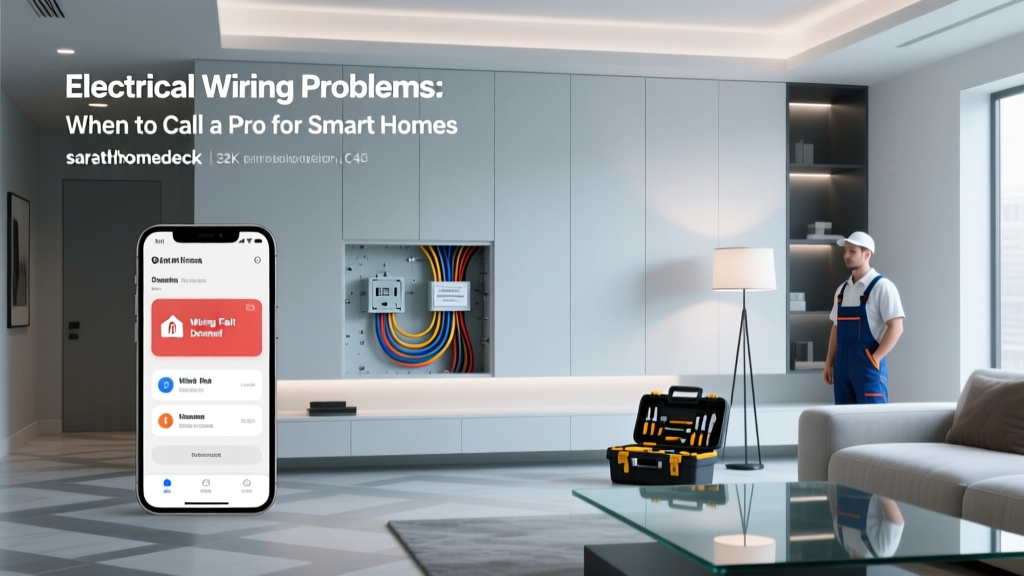
Many smart home devices are designed for DIY installation and can be set up by anyone comfortable using a smartphone and basic hand tools. Smart bulbs, plugs, battery-powered cameras, and most smart thermostats fall into this category. However, you may want to hire a professional Atlanta smart home installer if you need hardwired devices installed in locations without existing wiring, require electrical panel upgrades for smart home circuits, want custom in-wall or in-ceiling speaker installations, need low-voltage wiring run through finished walls, or simply prefer the assurance of professional workmanship. Many Atlanta-based electricians and AV integrators now offer smart home installation packages. Look for installers certified by organizations like CEDIA or with specific manufacturer certifications.
Will my smart home devices work during a power outage?
Atlanta experiences occasional power outages, particularly during summer thunderstorms and severe weather events. Most smart home devices will not function during a power outage unless you have backup power in place. However, some devices have built-in battery backups: battery-powered smart locks will continue to operate normally, battery-powered security cameras will keep recording, and some smart thermostats have small backup batteries that maintain settings. To keep your smart home functional during outages, consider investing in a UPS (uninterruptible power supply) for your router and smart home hub, which will keep your network and automation system running for several hours. For longer outages, a whole-home generator or portable power station can maintain full smart home functionality. Additionally, ensure your smart locks have physical key backups so you can always access your home.
Are smart home installations worth it for Atlanta rental properties?
Smart home installations can be an excellent investment for rental property owners in Atlanta’s competitive rental market. Devices like smart thermostats, smart locks, and video doorbells are attractive to tenants and can justify higher rental rates. For rental properties, focus on devices that are easily removable or that add permanent value: smart thermostats and smart locks are popular with tenants and relatively easy to install. Use smart plugs instead of hardwired smart switches so they can be easily removed between tenants. Avoid highly personalized automations that new tenants may not want. Additionally, smart water leak sensors and smart smoke detectors can protect your investment by providing early warnings of potential damage. Always check with your insurance provider, as some offer discounts for rental properties equipped with smart safety devices.
How do I choose between different smart home brands and ecosystems?
Choosing the right ecosystem is one of the most important decisions in your smart home journey. Start by considering the devices you already own: if you primarily use iPhones and Apple products, HomeKit offers the most seamless experience; if you use Android and Google services, Google Home is a natural fit; if you want the widest possible device selection, Amazon Alexa is hard to beat. Next, think about which platform’s voice assistant you prefer interacting with, since this will be your primary interface. Finally, consider the future: the Matter standard is creating cross-platform compatibility, meaning many new devices will work with any ecosystem. When in doubt, choose devices that support Matter to ensure maximum flexibility. Regardless of which ecosystem you choose, consistency is key — mixing too many platforms creates a fragmented experience that is harder to manage. Visit our smart home device buying guide for personalized recommendations.
Final Thoughts
Installing a smart home in Atlanta is a rewarding project that pays dividends in comfort, security, convenience, and energy savings. By following this step-by-step guide, you can create a system tailored to your home’s unique characteristics and Atlanta’s specific climate demands. Remember to start with a solid plan, prioritize your network infrastructure, install core devices methodically, and take full advantage of automation to make your home truly intelligent.
Whether you are outfitting a cozy Craftsman in Eastside or a sprawling estate in Chastain Park, the principles remain the same: plan carefully, choose quality devices, secure your network, and enjoy the incredible convenience that a well-designed smart home provides.
Ready to explore more smart home ideas? Browse our complete library of smart home guides or check out our latest device reviews to find the perfect products for your Atlanta home.