Transforming your house into a connected, intelligent living space is one of the most rewarding home improvement projects you can undertake. Whether you want to save energy, enhance security, or simply enjoy the convenience of voice-controlled lighting, a well-planned smart home setup can completely elevate your daily routine. However, with thousands of devices on the market, knowing where to start can feel overwhelming. This comprehensive guide breaks down the best smart home set up ideas, providing a step-by-step installation roadmap to help you build a seamless, automated ecosystem from the ground up.
Difficulty Level: Moderate
Estimated Time: 4 to 8 hours (depending on home size & device count)
Tools & Products Needed
Before diving into the installation, gather the essential tools & products required for a smooth setup. Having these on hand will prevent frustrating interruptions during the pairing & configuration phases.
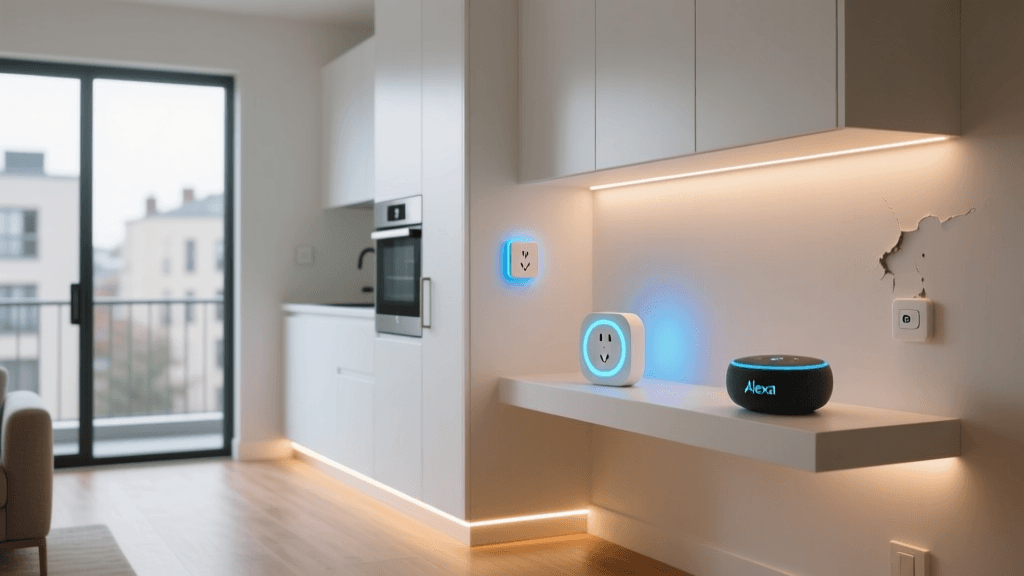
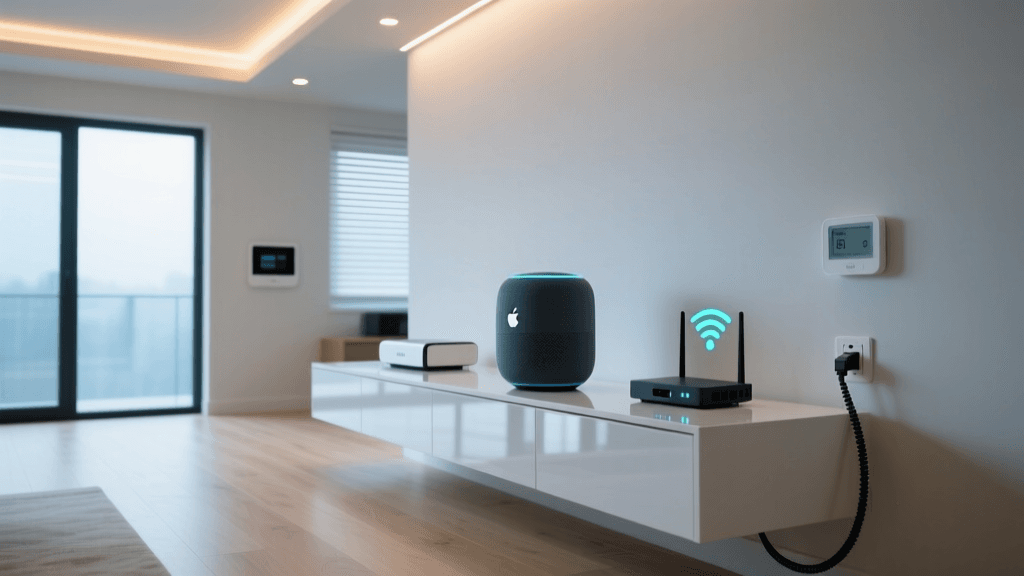
- Smart Home Hub or Smart Speaker: The central brain for your ecosystem (e.g., Amazon Echo, Apple HomePod, or a dedicated Matter hub).
- Mesh Wi-Fi System: Crucial for eliminating dead zones & ensuring stable connectivity for IoT devices.
- Smart Plugs & Switches: For automating existing lamps & hardwired lighting.
- Smart Bulbs: Color-changing or tunable white bulbs for ambient lighting.
- Smart Thermostat: To automate climate control & reduce energy bills.
- Smart Sensors: Motion, door/window, & leak sensors for security & automation triggers.
- Basic Hand Tools: Screwdrivers, wire strippers, & a voltage tester for hardwired installations.
- Smartphone or Tablet: Fully updated & connected to your home Wi-Fi network for device pairing.
Phase 1: Planning Your Smart Home Ecosystem
The most common mistake beginners make is buying devices impulsively without a unified plan. To avoid ending up with a fragmented system that requires five different apps to control, you must first choose your primary ecosystem. Our in-depth guide on choosing a smart home ecosystem covers the pros & cons of each, but here is a quick breakdown:
- Amazon Alexa: Best for broad device compatibility & budget-friendly setups.
- Google Home: Ideal for users heavily invested in Android, Google Calendar, & Nest products.
- Apple HomeKit: The top choice for iPhone users prioritizing strict privacy & local network processing.
- Matter: The new industry standard that allows devices to work across all major platforms seamlessly.
Once you have selected your ecosystem, map out your home. Walk through each room & identify pain points. Do you always forget to turn off the basement lights? Does the hallway get too dark at night? Documenting these use cases will help you purchase the exact sensors & smart switches needed, rather than wasting money on gadgets you will never use.
Phase 2: Upgrading Your Network Infrastructure
Your smart home is only as reliable as the network it runs on. A standard router provided by your internet service provider will quickly become overwhelmed when 30 or more smart bulbs, plugs, & cameras attempt to maintain a constant connection. Upgrading your network is a non-negotiable step for a robust smart home set up.
Install a Mesh Wi-Fi System
Mesh networks use multiple nodes placed throughout your home to create a single, seamless Wi-Fi blanket. This ensures that a smart lock on your front door or a security camera in the backyard receives the same strong signal as a smart TV in the living room. Follow our mesh Wi-Fi installation guide to optimize node placement.
Create a Dedicated IoT Network
Many modern routers allow you to create a separate 2.4GHz network specifically for Internet of Things (IoT) devices. This not only reduces congestion on your primary 5GHz network (which your phones & laptops use for high-bandwidth tasks) but also adds a layer of security. If a cheap smart plug is compromised, the hacker cannot easily access your personal computer or NAS drive.
Phase 3: Essential Smart Home Set Up Ideas by Room
Now for the fun part: designing the automations. Here are the most impactful smart home set up ideas organized by room to maximize comfort, convenience, & security.
The Living Room: Entertainment & Ambiance
The living room is the hub of daily activity. Start by installing smart lighting behind your television to reduce eye strain & create an immersive viewing experience. Pair your smart bulbs with a smart plug connected to your lamp, allowing you to trigger a 'Movie Time' routine that dims the lights to 20% & turns on the TV. For audio, integrate smart speakers that can sync together for multi-room audio playback.
The Kitchen: Hands-Free Assistance
When your hands are covered in flour or dish soap, voice control becomes a necessity rather than a luxury. Mount a smart display near your prep area. This allows you to set multiple cooking timers, watch recipe tutorials, & add items to your digital grocery list using only your voice. Additionally, install a smart leak sensor under the sink to receive instant alerts on your phone if a pipe bursts, potentially saving you thousands in water damage.
The Bedroom: Sleep & Wake Routines
Your bedroom should be optimized for rest. Replace standard switches with smart dimmers to gradually fade the lights out over 30 minutes as you wind down. Install a smart thermostat to drop the temperature automatically at bedtime, as a cooler room promotes deeper sleep. Use a smart plug on your coffee maker so that it begins brewing the moment your morning alarm goes off.
The Entryway & Exterior: Security & Access
First impressions & security start at the front door. Upgrade to a smart lock that allows you to grant temporary access codes to dog walkers or guests. Pair this with a video doorbell & smart outdoor lighting. You can create a geofencing automation that turns on the porch lights & unlocks the door when your phone enters the driveway, while simultaneously arming your security cameras when you leave the house.
Phase 4: Installation & Device Pairing Step-by-Step
With your plan in place & your network optimized, it is time to physically install & pair your devices. Follow these best practices to ensure long-term reliability.
- Update Firmware First: Before mounting any device, plug it in near your router, connect it to the app, & immediately check for firmware updates. This prevents connectivity bugs & security vulnerabilities.
- Standardize Naming Conventions: Name your devices clearly & logically. Use a format like '[Room] [Device Type]' (e.g., 'Living Room Lamp', 'Kitchen Sink Light'). This makes voice commands intuitive & prevents the system from turning on the wrong device.
- Group Devices into Rooms: Within your smart home app, assign every device to its respective room. This allows you to issue blanket commands like 'Turn off the kitchen' without listing every individual bulb.
- Hardwired vs. Plug-In: For permanent fixtures, consult our smart lighting guide to safely swap out wall switches. Always turn off the breaker & verify with a voltage tester before touching any wires. For renters or temporary setups, rely heavily on smart plugs & battery-operated sensors.
Phase 5: Creating Automations & Routines
A smart home is only truly 'smart' when devices communicate with each other without your manual input. Automations rely on triggers (the 'if') & actions (the 'then').
- Time-Based Triggers: Set exterior lights to turn on exactly at sunset & off at sunrise. The system will automatically adjust to the changing seasons.
- Sensor-Based Triggers: Use motion sensors in hallways & bathrooms to trigger low-level nightlights between 11 PM & 6 AM, ensuring you never have to blind yourself with overhead lights during midnight trips.
- State-Based Triggers: Program your smart thermostat to switch to 'Eco Mode' the moment your smart lock is engaged from the outside, ensuring you never pay to heat or cool an empty house.
- Geofencing: Use your smartphone's location services to trigger a 'Welcome Home' routine that adjusts the climate, turns on the entryway lights, & starts your favorite playlist when you pull into the neighborhood.
For more advanced logic, explore our tutorials on advanced home automations using platforms like Home Assistant or IFTTT.
Troubleshooting Common Smart Home Issues
Even the most meticulously planned smart home setups will occasionally run into hiccups. Here is how to resolve the most frequent issues:
- Device Shows as 'Offline' or 'Unresponsive': This is usually a network issue. First, check if the device is on the 2.4GHz band, as most IoT devices do not support 5GHz. If the network is fine, reboot the device by unplugging it or flipping the breaker for 30 seconds.
- Voice Assistant Misunderstands Commands: If Alexa or Google constantly turns on the wrong light, your naming convention is likely too similar or confusing. Rename devices to be phonetically distinct & remove duplicate names from different rooms.
- Automations Fail to Trigger: Check the hub's connection. If you are using a cloud-based automation & your internet drops, the routine will fail. Where possible, utilize local processing hubs (like Hubitat or Apple HomePod) so automations continue to run even during internet outages.
- Smart Switch Flickering: If you installed a smart dimmer & your LED bulbs are flickering, you likely have a compatibility issue or a missing neutral wire. Ensure you are using dimmable smart bulbs & consult an electrician if your home lacks neutral wires in the switch boxes.
Frequently Asked Questions
Do I need a smart home hub?
While many modern devices connect directly to Wi-Fi, a dedicated smart home hub is highly recommended. Hubs use low-power protocols like Zigbee, Z-Wave, or Thread, which do not clog up your Wi-Fi network & offer superior range & reliability. Furthermore, hubs enable local processing, meaning your automations will still work if your internet connection goes down.
How do I secure my smart home network?
Security is paramount when connecting cameras & locks to the internet. Always change the default passwords on your router & devices. Enable two-factor authentication (2FA) on all smart home accounts. Most importantly, isolate your IoT devices on a separate guest network or VLAN so they cannot communicate with your personal computers & smartphones.
Can I mix different smart home brands?
Yes, but with caveats. Historically, mixing brands required complex third-party workarounds. However, with the rollout of the Matter standard, devices from different manufacturers can now communicate natively through a central hub. Before purchasing, always look for the 'Works with' badges or the Matter logo on the packaging to ensure cross-brand compatibility.
What happens to my smart devices if the internet goes down?
If your devices rely entirely on cloud processing, they will lose remote access & voice control capabilities during an outage. However, devices connected via local protocols (Zigbee, Z-Wave, Thread) to a local hub will continue to function via physical switches & local automations. This is why investing in local-first hardware is a core principle of a resilient smart home set up.
How much does a basic smart home setup cost?
A functional starter kit—including a smart speaker, a few smart plugs, a couple of smart bulbs, & a basic sensor—can be assembled for under $150. However, a fully integrated home with hardwired smart switches, a premium smart thermostat, smart locks, & a mesh network will typically range from $1,500 to $3,000. Start small, learn the ecosystem, & expand gradually to spread out the cost & avoid buyer's remorse.