Living in New York City offers an unparalleled urban experience, but it also comes with unique challenges when it comes to modernizing your living space. Whether you are renting a compact studio in Manhattan, owning a pre-war co-op in Brooklyn, or managing a multi-story brownstone in Queens, a standard smart home installation guide simply will not cut it. Thick plaster walls, high-density Wi-Fi interference, strict landlord rules, and limited square footage all require a specialized approach to automation.
This comprehensive guide will walk you through the exact steps for a successful smart home set up in NYC. We will cover how to bypass rental restrictions, overcome signal-blocking architecture, and create automations tailored to the fast-paced city lifestyle.
Difficulty Level: Moderate
Estimated Time: 4 to 8 hours (depending on apartment size and device count)
Tools & Products Needed for NYC Smart Home Installation
Before you begin drilling holes (or more likely, applying adhesive strips), gather the essential tools and devices suited for high-density urban living.
- Mesh Wi-Fi System: Essential for pushing signals through dense walls and overcoming network congestion.
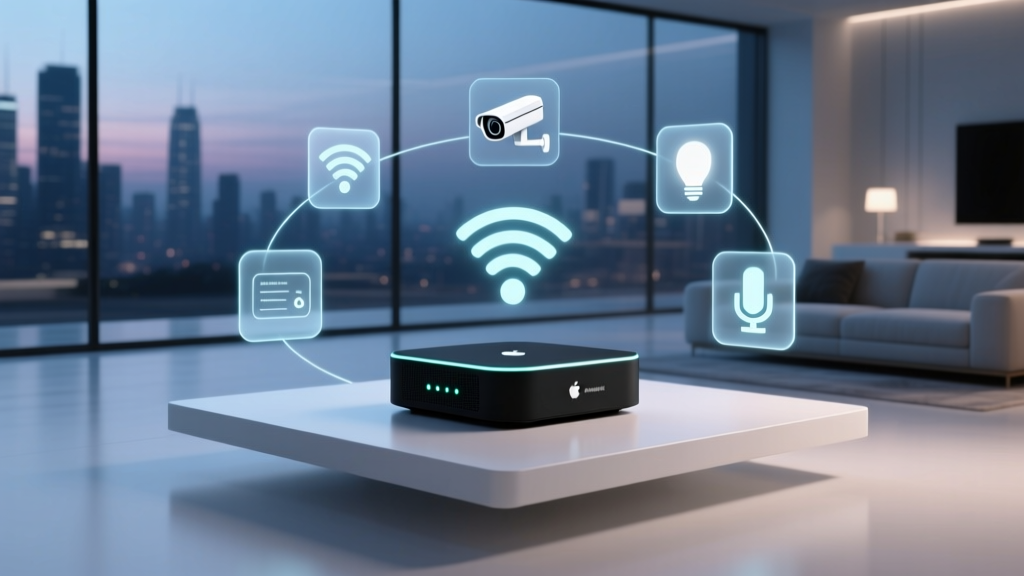
- Smart Hub with Thread/Matter Support: Creates a local mesh network that does not rely solely on your congested Wi-Fi bands.
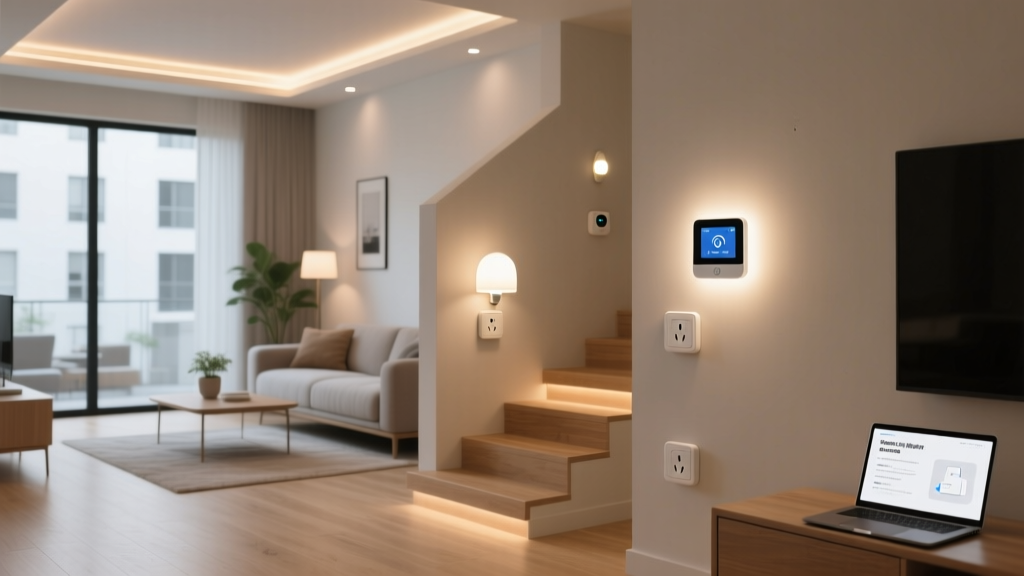
- Smart Plugs with Energy Monitoring: Perfect for automating older window AC units and monitoring ConEd energy usage.
- Smart Bulbs & Light Strips: Ideal for renters who cannot swap out hardwired light switches or fixtures.
- Renter-Friendly Security Gear: Adhesive-mounted video doorbells and retrofit smart locks that do not require changing the exterior hardware.
- Command Strips & Adhesive Mounts: For securing sensors and cameras without losing your security deposit.
- Wi-Fi Analyzer App: To check for channel congestion in your apartment building.
Step 1: Assess Your NYC Space & Rental Restrictions
The first step in any smart home set up in NYC is understanding the physical and legal boundaries of your space. New York City real estate is incredibly diverse, and your strategy will change drastically depending on whether you are in a modern high-rise, a historic pre-war building, or a rented apartment.
Navigating Renter Restrictions
If you are renting, your lease likely prohibits drilling into walls, changing hardwired light switches, or altering the exterior locks. Focus your setup on plug-and-play devices. Instead of installing smart switches that require neutral wires and electrical work, opt for smart bulbs or smart plugs. For security, look at renter-friendly smart home devices like indoor cameras that sit on shelves and doorbells that mount using heavy-duty adhesive strips.
Dealing with Pre-War Architecture
Many iconic NYC buildings were constructed before the 1940s. These pre-war apartments feature lath and plaster walls, which are significantly thicker and denser than modern drywall. While great for soundproofing, lath and plaster act as a Faraday cage, severely blocking Wi-Fi, Zigbee, and Bluetooth signals. If you live in one of these buildings, you must plan for a decentralized network using mesh technology or powerline adapters to get your smart home signals from room to room.
Step 2: Choose the Right Ecosystem for Apartment Living
Space is at a premium in NYC, meaning you likely do not have room for bulky, dedicated server racks or multiple large hubs. Choosing a unified ecosystem is critical to keeping your space clutter-free and your devices communicating smoothly.
When selecting your platform, consider the following:
- Apple HomeKit: Excellent for privacy and integrates seamlessly if you are already in the Apple ecosystem. HomePods act as built-in hubs, saving shelf space.
- Amazon Alexa: Offers the widest compatibility with budget-friendly devices, which is great if you are outfitting a small studio on a strict budget.
- Google Home: Superior for multi-room audio and integrating with Nest thermostats, which are common in some newer NYC condo developments.
For a deep dive into selecting the right platform, check out our guide on the best smart home ecosystems. Regardless of which you choose, prioritize devices that support Matter and Thread. Thread creates a low-power mesh network among your devices, allowing signals to hop from a smart bulb in your hallway to a sensor in your bedroom, completely bypassing the thick plaster walls that would normally block a direct Wi-Fi connection.
Step 3: Optimize Your Network for High-Density Interference
One of the most overlooked aspects of a smart home set up in NYC is wireless interference. In a typical Manhattan apartment building, your router might detect dozens of neighboring Wi-Fi networks. This extreme congestion, especially on the 2.4GHz band, can cause your smart devices to drop offline or respond with severe latency.
Upgrade to a Mesh Wi-Fi System
A single router sitting in your living room closet will not cut it. Invest in a tri-band mesh Wi-Fi system. Place the primary node near your modem and satellite nodes in areas where you have clusters of smart devices (like the kitchen or home office). For a complete walkthrough on positioning your nodes, read our tutorial on mesh Wi-Fi setup.
Manage Your 2.4GHz and 5GHz Bands
Most smart home devices (bulbs, plugs, sensors) require a 2.4GHz connection. However, in NYC, the 2.4GHz spectrum is incredibly crowded. Pro Tip: Create a dedicated 2.4GHz "IoT Network" on your router specifically for your smart home devices, and reserve your 5GHz and 6GHz bands for your laptops, streaming TVs, and smartphones. This prevents your smart bulbs from competing with your 4K Netflix stream for bandwidth.
Step 4: Install Space-Saving & Renter-Friendly Smart Devices
Now it is time to physically install your devices. In a New York apartment, every inch counts, and multi-functional devices are your best friend.
Automating the Window AC Unit
Central air is a luxury in NYC; most residents rely on window air conditioning units. You can make your "dumb" window AC smart by using a heavy-duty smart plug with energy monitoring. Pair this with a wireless temperature sensor placed across the room. You can create an automation that turns the AC on only when the room exceeds 75 degrees, saving you a fortune on your ConEdison bill. Browse our list of the best smart plugs for apartments to find one rated for high-wattage appliances.
Lighting Without Hardwiring
Since renters cannot easily replace wall switches, use smart bulbs in your existing lamps and overhead fixtures. For areas where you do not have lamps, such as kitchen counters or dark hallways, use battery-powered, adhesive-backed smart LED light strips. They provide premium illumination and can be peeled off without damaging the paint when your lease ends.
Smart Security for Shared Entrances
If you live in a walk-up or a building with a shared front door, securing your actual apartment door is vital. Use a retrofit smart lock (like the August Wi-Fi Smart Lock) that attaches to the interior thumbturn of your deadbolt. The exterior lock remains unchanged, keeping your landlord happy while giving you keyless entry and auto-lock features when you leave for the subway.
Step 5: Automate for the City Lifestyle
The true magic of a smart home is automation. Your routines should reflect the unique rhythm of New York City living.
- The "Subway Commute" Routine: Set a geofence around your apartment. When you leave for work, the lights turn off, the smart plugs cut power to the coffee maker and window AC, and your security cameras arm themselves.
- The "City Noise" Routine: Street noise, sirens, and traffic can disrupt sleep. Program your smart speakers to automatically begin playing white noise or a calming soundscape at 11:00 PM, and pair this with smart blinds that close to block out the glare from streetlights and neon signs.
- The "Bodega Run" Routine: Use a smart speaker or a button mounted near your door. When pressed, it turns on the hallway lights, unlocks the door, and announces the current weather and subway delays so you can prepare before stepping out into the city.
Troubleshooting Common NYC Smart Home Issues
Even with careful planning, the urban environment can throw a wrench in your setup. Here is how to troubleshoot the most common issues.
Issue: Devices constantly dropping offline.
Solution: This is almost always due to Wi-Fi congestion or lath-and-plaster walls. Move your mesh node closer to the affected room. If the walls are too thick, consider using a Powerline adapter, which sends the internet signal through your apartment's electrical copper wiring, completely bypassing the walls.
Issue: Smart lock auto-unlock feature is inconsistent.
Solution: High-density apartment buildings create GPS "drift," meaning your phone's location services might think you are home when you are actually a block away. Increase the geofence radius in your smart lock app, or rely on Bluetooth proximity rather than GPS for auto-unlocking.
Issue: Voice assistant triggers the wrong device.
Solution: In a small studio or one-bedroom apartment, multiple smart speakers might hear your command simultaneously. Use the "ultrasonic" or "spatial perception" settings in your smart speaker app to ensure only the device physically closest to you responds to your voice commands.
Frequently Asked Questions
Can I install smart home devices in a NYC rental apartment?
Yes, absolutely. The key is to focus on non-destructive, renter-friendly devices. Avoid hardwired smart switches, thermostats that require complex C-wires (unless your landlord approves), and security cameras that require drilling into exterior walls. Stick to smart bulbs, smart plugs, adhesive-mounted sensors, and interior retrofit locks. Always check your specific lease agreement regarding modifications before starting your smart home set up in NYC.
How do I get smart home signals through thick pre-war walls?
Pre-war lath and plaster walls are notorious for blocking wireless signals. To overcome this, avoid relying on a single central hub. Instead, use a mesh Wi-Fi system with multiple nodes placed strategically around the apartment. Additionally, prioritize smart devices that use Thread or Zigbee protocols, as these create their own local mesh networks, allowing devices to pass signals to one another to navigate around physical obstacles.
What is the best smart home setup for a small NYC studio?
For a small studio, space and multi-functionality are paramount. Skip bulky hubs and use a smart display (like an Echo Show or Nest Hub) as your central controller and entertainment screen. Use smart plugs to automate your window AC and coffee maker, and rely on smart bulbs to change the "mood" of the room from a bright home office during the day to a dim, relaxing lounge at night, effectively creating virtual rooms within a single physical space.
Will my smart home devices interfere with my neighbors' Wi-Fi?
While your devices will not actively "hack" or disrupt your neighbors' networks, having dozens of smart devices broadcasting on the 2.4GHz band can contribute to the overall wireless noise in the building. To be a good neighbor and ensure your own network's stability, use a router that supports band steering, keep your IoT devices on a dedicated 2.4GHz network, and utilize Thread/Matter devices which operate on different frequencies and consume significantly less wireless bandwidth.
How can I automate my window AC unit in my apartment?
Window AC units are a staple of NYC summers. To automate yours, purchase a smart plug rated for high wattage (usually 15A or higher) and plug your AC into it. Leave the AC unit's physical dial set to "Cool" and the fan set to "Auto." You can then use the smart plug to cut or supply power based on a schedule, or trigger it using a separate smart temperature sensor to keep your apartment perfectly cooled without wasting electricity while you are out exploring the city.