The Shift from Legacy Hubs to Matter and Thread Ecosystems
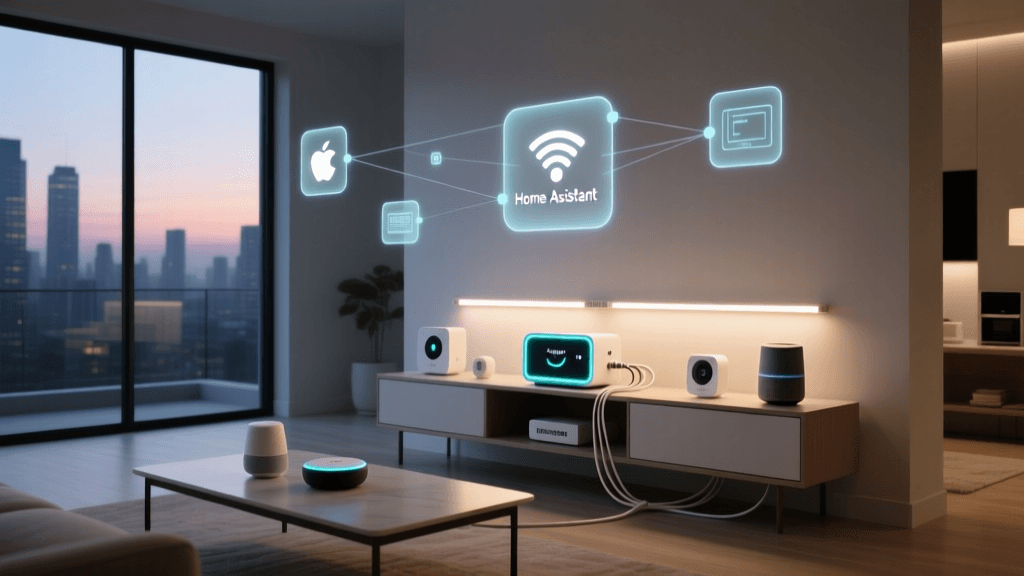
Upgrading your smart home infrastructure from a legacy hub—such as the Wink Hub 2, Samsung SmartThings V2/V3, or early generation Insteon controllers—to a modern, local-first ecosystem is one of the most rewarding yet technically demanding DIY projects you can undertake. With the industry rapidly adopting the Matter standard and Thread mesh networking, homeowners are migrating to platforms like Home Assistant, Hubitat Elevation, and Apple Home to regain local control, eliminate cloud latency, and future-proof their devices. However, the migration path is rarely seamless. Moving hundreds of Z-Wave, Zigbee, and Wi-Fi devices from an aging coordinator to a modern Matter-ready hub often results in network instability, orphaned devices, and automation failures.
Troubleshooting a smart home hub migration requires a systematic approach to network hygiene, radio frequency management, and protocol bridging. This comprehensive guide will walk you through the most common roadblocks encountered during legacy-to-modern hub migrations, providing actionable solutions, specific tool recommendations, and network configurations to ensure your upgraded smart home operates flawlessly.
Phase 1: Pre-Migration Network Hygiene and Ghost Node Removal
The most frequent cause of a failed Z-Wave network migration is the presence of 'ghost nodes.' A ghost node occurs when a Z-Wave device is physically removed or loses power without being properly excluded from the hub's network. The legacy hub continues to attempt routing signals through this dead node, resulting in severe network latency, delayed automation triggers, and eventual mesh collapse. If you attempt to migrate a corrupted Z-Wave network to a new hub using a backup restoration tool or a secondary controller transfer, you will simply carry these ghost nodes over to your new system.
Identifying and Removing Ghost Nodes
Before initiating your hub migration, you must clean your existing Z-Wave mesh. According to industry guidelines from the Z-Wave Alliance, maintaining an accurate routing table is critical for mesh health. To troubleshoot and remove ghost nodes from a legacy SmartThings or Wink hub, the most effective method is to introduce a secondary USB Z-Wave controller.
- Recommended Tool: Zooz ZST10 800LR USB Stick (approx. $40) or Aeotec Z-Stick Gen5+ (approx. $60).
- Software: Z-Wave JS UI running on a Raspberry Pi or a local Docker container.
- Process: Plug the USB stick into your local server, include it as a secondary controller to your legacy hub, and use the Z-Wave JS UI network map to identify nodes with 'dead' or 'unreachable' statuses. You can then forcefully remove these ghost nodes from the network's non-volatile memory (NVM) before backing up the network for migration.
For Zigbee networks, ghost nodes are less destructive due to the protocol's self-healing nature, but orphaned devices can still cause channel congestion. Use a Zigbee sniffer or the Zigbee2MQTT map feature to identify devices that have not reported in over 30 days and manually purge them from the coordinator's database.
Phase 2: Zigbee and Thread Interference During Handoff
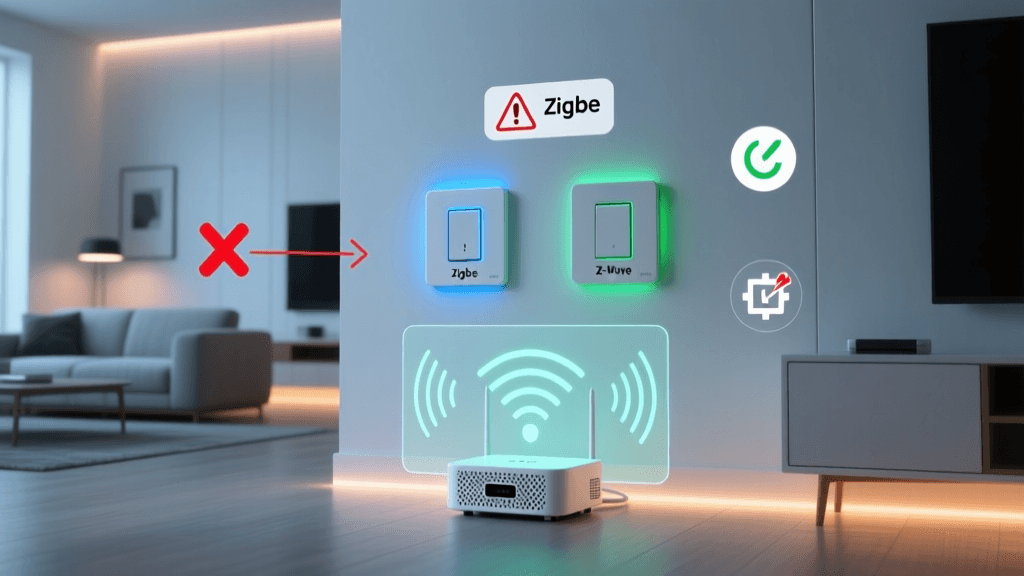
When migrating to a modern hub like the Home Assistant Green with a SkyConnect USB dongle (approx. $30) or a Hubitat Elevation C-8, radio frequency (RF) interference is a primary culprit for device dropout. Both Zigbee and Thread operate on the 2.4 GHz spectrum, which is heavily congested by Wi-Fi routers, Bluetooth devices, and microwaves.
Resolving Channel Overlap
Legacy hubs often default to auto-selecting Zigbee channels, frequently landing on channels that overlap with Wi-Fi channels 1, 6, or 11. When you power up your new hub, it may attempt to use the same congested channel, causing immediate pairing failures and device instability.
- Zigbee Best Practice: Manually lock your new Zigbee coordinator to Channel 11, 15, 20, or 25. These channels do not overlap with standard Wi-Fi channels.
- Thread Border Router Conflicts: If you are migrating to a Thread-based Matter ecosystem, you may encounter conflicts between multiple Thread Border Routers (e.g., Apple HomePod Mini, Google Nest Hub, and your new Hubitat hub). Thread is designed to merge partitions, but firmware mismatches can cause devices to endlessly switch between border routers, draining battery life on smart locks and sensors.
- Troubleshooting Step: Temporarily disable Thread border routing on legacy devices (like older Apple TVs or Nest Hubs) via their respective native apps during the migration window. Allow your new primary hub to establish the Thread mesh, then re-enable the legacy border routers to act as redundant nodes.
Phase 3: Matter Bridge Commissioning Failures
Matter is designed to unify the smart home, but migrating legacy devices that rely on a Matter Bridge (such as exposing Philips Hue Zigbee bulbs or Lutron Caseta switches to a Matter controller) introduces complex networking hurdles. The most common error during this phase is the 'Commissioning Failed' or 'Timeout' error when scanning the Matter QR code.
VLANs, mDNS, and IPv6 Requirements
Unlike legacy cloud-based hubs that relied on simple outbound HTTPS requests, Matter relies heavily on local network discovery protocols, specifically Multicast DNS (mDNS) and IPv6. If your home network utilizes Virtual Local Area Networks (VLANs) to isolate IoT devices from your main network, Matter commissioning will fail because mDNS broadcasts cannot cross VLAN boundaries by default.
To troubleshoot Matter bridge pairing failures on advanced networks (such as UniFi, pfSense, or OPNsense routers):
- Enable mDNS Reflectors: Ensure your router's mDNS repeater or reflector service is active, allowing discovery packets to bounce between your IoT VLAN and your primary device VLAN (where your smartphone and new hub reside).
- IGMP Snooping: Disable IGMP snooping on your IoT VLAN switches, as this can inadvertently block the multicast traffic required for Matter device discovery.
- IPv6 Firewall Rules: Matter requires IPv6 for Thread border routing and certain commissioning steps. Ensure your firewall is not blocking IPv6 ULA (Unique Local Address) traffic between your hubs and your mobile device.
According to the Connectivity Standards Alliance, Matter's multi-admin feature allows a device to be controlled by multiple ecosystems simultaneously. If a legacy Hue Bridge is already commissioned to Apple Home, you must use the 'Multi-Admin' feature in the Apple Home app to generate a secondary pairing code for your new Home Assistant or Hubitat hub, rather than trying to scan the physical QR code on the bridge again.
Migration Error Codes and Resolutions
| Error Symptom | Legacy Hub Cause | Modern Hub Solution |
|---|---|---|
| Z-Wave inclusion times out at 10% | Corrupted NVM or ghost node blocking the routing table. | Perform an NVM backup/restore via Z-Wave JS UI; manually delete dead nodes. |
| Zigbee bulb flashes but won't pair | Bulb is locked to legacy hub's Touchlink or installation code. | Use a Philips Hue Dimmer Switch to factory reset the bulb via Touchlink proximity. |
| Matter QR scan fails instantly | mDNS blocked by VLAN isolation or IPv6 disabled on router. | Enable mDNS reflector on router; ensure IoT VLAN permits IPv6 multicast. |
| Automations trigger with 5+ second delay | Hub relying on cloud polling instead of local mesh state updates. | Migrate automations to local execution engines like Node-RED or HA Automations. |
Phase 4: Restoring Local Automations and Webhooks
The final and often most time-consuming phase of a smart home migration is rebuilding your automations. Legacy platforms like Wink and SmartThings relied heavily on cloud-based logic engines (e.g., WebCoRE or IFTTT). When migrating to a local-first hub, simply recreating the 'If This, Then That' logic is not enough; you must troubleshoot state latency and device polling intervals.
Troubleshooting Automation Latency
In a legacy cloud setup, a motion sensor triggering a smart light might take 800 milliseconds to 2 seconds due to the signal traveling to a remote server and back. In a local Zigbee or Z-Wave setup, this should happen in under 100 milliseconds. If your newly migrated automations feel sluggish, the issue is likely related to how the new hub is polling device states.
- Z-Wave Polling: The Home Assistant Z-Wave JS documentation recommends against forced polling, which clogs the mesh network. Instead, ensure your devices support 'Central Scene' or 'Association Groups' to push state changes instantly to the hub.
- Webhook Failures: If your automations rely on external webhooks (e.g., triggering a camera recording via a local NVR or sending a notification to a self-hosted server), ensure your new hub has a static IP address and that your router's local DNS resolver is correctly mapping local domain names. Many modern hubs block outbound local traffic by default to prevent SSRF (Server-Side Request Forgery) attacks, requiring you to whitelist local IP ranges in the hub's security settings.
Handling Multi-Way Switch Migrations
Migrating smart switches, particularly in 3-way or 4-way configurations, presents unique wiring and logic challenges. Legacy hubs often handled 3-way setups using 'virtual' associations, where a battery-powered accessory switch sent a signal to the hub, and the hub commanded the main wired switch. In a modern Matter or Zigbee environment, relying on the hub for this logic introduces a single point of failure. To troubleshoot and upgrade this, utilize Z-Wave Direct Association or Zigbee Group Binding. This allows the accessory switch to communicate directly with the main switch over the mesh network, bypassing the hub entirely and ensuring the lights still function even if the hub is rebooting during a firmware update.
Conclusion: Patience and Methodical Testing
Migrating a mature smart home from a legacy hub to a modern Matter and Thread-compatible ecosystem is not a weekend project; it is a methodical process of network refinement. By prioritizing pre-migration network hygiene, carefully managing 2.4 GHz spectrum channels, configuring your router for mDNS and IPv6, and leveraging local mesh associations, you can eliminate the vast majority of troubleshooting headaches. While the upfront cost of new coordinators, USB sticks, and network switches may range from $100 to $300, the resulting stability, speed, and privacy of a fully local, Matter-ready smart home make the migration an essential upgrade for any serious DIY installer.