The Shift from Manual to Automated Living
For decades, interacting with our homes meant physically flipping switches, turning dials, and manually locking doors. While these actions seem trivial in isolation, they compound into significant daily friction. Smart home automation fundamentally shifts this paradigm. Instead of reacting to your environment, your environment now anticipates your needs. By creating automated routines, you transition from a manual operator of your home to a passive beneficiary of its intelligence. This is not about adding complexity; it is about removing it. When configured correctly, smart home technology fades into the background, executing dozens of micro-tasks daily without requiring a single thought from you.
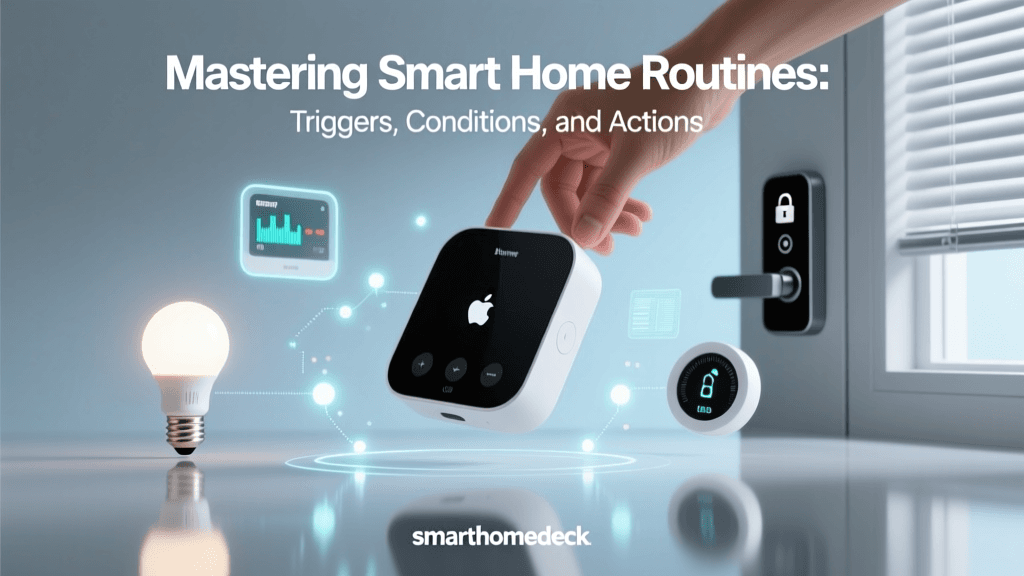
The true value of a smart home lies in its routines, also known as scenes or automations. A routine is a predefined set of actions triggered by a specific event, such as a time of day, a change in temperature, a motion detection, or your smartphone crossing a virtual geographic boundary. Understanding how to design, implement, and refine these routines is the cornerstone of mastering smart home basics. In this comprehensive guide, we will explore how to build automation sequences that align with your natural daily rhythms, enhancing comfort, bolstering security, and drastically improving energy efficiency.
The Psychology of Automation: Reducing Decision Fatigue
Psychologists often discuss the concept of decision fatigue, the deteriorating quality of decisions made by an individual after a long session of decision making. Every time you decide whether to adjust the thermostat, turn off the porch light, or lock the back door, you expend a small amount of cognitive energy. Smart home automation acts as a cognitive offloading mechanism. By programming your home to handle these repetitive tasks, you preserve your mental bandwidth for more meaningful decisions.
Furthermore, automation introduces a layer of psychological comfort. Knowing that your home will automatically turn on the exterior lights at dusk, lock the doors at bedtime, and simulate occupancy while you are on vacation provides a profound sense of security. This peace of mind is one of the most frequently cited benefits by smart home adopters, transforming a collection of connected gadgets into a cohesive, protective ecosystem.
Choosing the Right Ecosystem for Your Routines
Before building your routines, you must select the central nervous system of your smart home. The ecosystem you choose will dictate which devices you can buy and how complex your automations can be. Below is a comparison of the major platforms available today.
| Ecosystem | Hub Required? | Privacy Focus | Best For | Estimated Starter Cost |
|---|---|---|---|---|
| Apple HomeKit | Yes (HomePod/Apple TV) | High (Local processing) | iPhone users, privacy advocates | $250 - $400 |
| Amazon Alexa | Optional (Echo devices) | Medium (Cloud heavy) | Voice control, budget-friendly setups | $100 - $250 |
| Google Home | Optional (Nest Hubs) | Medium (Cloud heavy) | Android users, Google service integration | $100 - $250 |
| Samsung SmartThings | Yes (Station/Hubs) | Medium | Advanced automations, wide device support | $150 - $300 |
For beginners, Amazon Alexa and Google Home offer the lowest barrier to entry with affordable smart speakers that double as hubs. However, for those prioritizing speed, reliability, and privacy, Apple HomeKit or a local-processing platform like Home Assistant (via Samsung SmartThings or dedicated hardware) is highly recommended. Local processing ensures your routines execute instantly, even if your internet connection drops.
Designing the 'Good Morning' Routine
The way you start your morning sets the tone for the entire day. A well-crafted 'Good Morning' routine should gently transition you from sleep to wakefulness, utilizing light and temperature to align with your circadian rhythm. Instead of a jarring alarm clock, consider a routine that triggers 30 minutes before you need to wake up.
Lighting and Window Treatments
Begin by integrating smart lighting. Products like the Philips Hue White and Color Ambiance starter kit (approximately $120-$200) allow you to program a 'fade-in' effect. Set your bedroom lights to start at 1% brightness with a warm, candle-like color temperature (2000K), gradually shifting to a bright, cool daylight temperature (5000K) over 30 minutes. If you prefer natural light, smart blinds like the SwitchBot Curtain ($80-$100) or premium Lutron Serena shades ($600+) can be programmed to slowly open, letting in the sunrise.
Climate and Audio
Simultaneously, your smart thermostat should adjust the home's temperature. If you keep your home at an energy-saving 65°F (18°C) overnight, a routine can bump the Ecobee SmartThermostat Premium ($250) up to a comfortable 72°F (22°C) right before your feet hit the floor. Finally, integrate a smart speaker to gently play your favorite morning playlist or read out the day's weather forecast and calendar events. This multi-sensory approach makes waking up a pleasant, automated experience rather than a daily chore.
The 'Away' Mode: Geofencing and Energy Management
One of the most impactful ways smart home tech changes daily life is through passive energy management. The 'Away' routine is designed to ensure that when the house is empty, it is not wasting resources. The most reliable trigger for this routine is geofencing. By using the location services on your smartphone, your smart home hub can detect when the last registered user leaves a predefined virtual perimeter (usually a 100-meter radius around your home).
When the geofence is breached, the 'Away' routine executes: the thermostat shifts to an eco-mode, all non-essential lights turn off, and smart plugs cut power to 'vampire' devices like televisions, coffee makers, and gaming consoles that draw phantom power even when turned off. According to the U.S. Department of Energy, you can save as much as 10% a year on heating and cooling by simply turning your thermostat back 7°-10°F for 8 hours a day from its normal setting. Smart thermostats automate this entirely, ensuring you never forget to adjust the dial when rushing out the door.
Furthermore, the DOE Lighting Guidelines highlight the massive cumulative savings of ensuring lights are never left on in empty rooms. By combining smart LED bulbs with occupancy sensors, your 'Away' routine acts as a foolproof safety net against human forgetfulness, translating directly into lower monthly utility bills.
Evening Wind-Down and Security Protocols
As the day ends, your home should transition into a secure, relaxing sanctuary. The 'Evening Wind-Down' routine, typically triggered by a specific time (e.g., 10:00 PM) or a voice command like 'Goodnight,' handles both ambiance and security.
Circadian Lighting and Media
Lighting should shift to mimic the setting sun. Program your smart bulbs to dim to 30% brightness and shift to deep amber or red hues, which do not interfere with melatonin production. Simultaneously, the routine can turn off the television and lower the volume on any playing media, signaling to your brain that it is time to sleep.
Perimeter Security and Access Control
Security is paramount in the evening routine. The automation should command smart locks, such as the Yale Assure Lock 2 ($160-$250) or Schlage Encode Plus ($280), to engage the deadbolts. If a door is left ajar, the system can send a push notification to your phone rather than locking it blindly. Exterior cameras, like those from Arlo or Ring, should automatically switch from 'Home' mode (where they might only record the driveway) to 'Away/Away-Night' mode, enabling motion zones for the backyard and side gates. Interior motion sensors should be armed to trigger an alarm if unexpected movement is detected while the house is supposed to be asleep.
Advanced Triggers: Moving Beyond Time and Location
While time-based and location-based automations are foundational, the true magic of a smart home emerges when you utilize environmental and sensor-based triggers. Relying solely on time can lead to frustrations; for example, your 'Good Morning' lights might turn on while you are sleeping in on a weekend, or your 'Away' mode might trigger while you are simply working in the backyard.
To solve this, incorporate advanced sensors. The Aqara Presence Sensor FP2 ($70) utilizes mmWave (millimeter-wave) radar technology to detect human presence, even if you are sitting perfectly still reading a book. Unlike traditional PIR (Passive Infrared) motion sensors that turn off the lights when you stop moving, mmWave sensors understand that you are still in the room. You can create a routine that says: 'If the FP2 sensor detects no presence in the living room for 15 minutes, AND the TV is off, THEN turn off the living room lights.' This level of granularity ensures your home reacts to actual human behavior, not just arbitrary clock times.
Another powerful trigger is device state integration. For instance, if your smart washing machine finishes a cycle, your hub can flash the kitchen lights blue or send a notification to your smartwatch. If your smart smoke detector senses an issue, a routine can automatically turn on all interior lights to 100%, unlock the front door for first responders, and shut off the HVAC system to prevent spreading smoke.
The Matter Protocol: Unifying the Fragmented Landscape
Historically, the biggest hurdle to creating complex daily routines was device fragmentation. A smart bulb from one brand might not communicate with a motion sensor from another, forcing users to rely on clunky third-party intermediary apps like IFTTT. This is rapidly changing with the introduction of the Matter protocol.
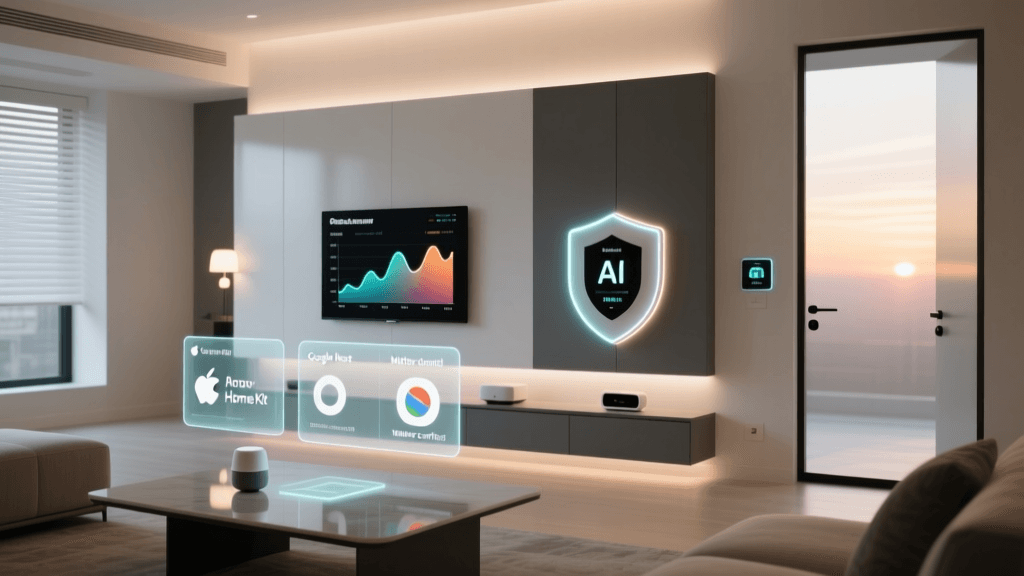
Developed by the Connectivity Standards Alliance (CSA), Matter is an open-source, royalty-free standard that allows smart home devices from different manufacturers to communicate seamlessly over your local Wi-Fi or Thread networks. When building your daily routines, looking for the 'Matter-compatible' logo on packaging ensures that your new smart plug will natively integrate with your existing Apple, Amazon, or Google ecosystem without requiring proprietary cloud bridges. This local communication not only simplifies setup but also drastically reduces the latency of your automations, making your home feel truly instantaneous.
Troubleshooting Common Automation Pitfalls
Even the best-designed routines can fail if the underlying infrastructure is weak. The most common point of failure in a smart home is the network. Automation relies on constant, low-latency communication between dozens of endpoints. A standard ISP-provided router will quickly become overwhelmed by 40+ smart bulbs, sensors, and plugs, leading to dropped connections and failed routines.
To ensure your daily automations execute flawlessly, invest in a robust Mesh Wi-Fi system, such as the Amazon Eero Pro 6 or TP-Link Deco** series. Furthermore, prioritize devices that use low-bandwidth, mesh-networking protocols like Zigbee or Thread. These protocols create their own secondary network, keeping your main Wi-Fi bandwidth free for laptops and streaming devices while ensuring your smart home sensors remain highly responsive.
Another pitfall is the 'Spouse Approval Factor' (SAF) or guest friction. If an automation turns off the lights when someone is reading, it will quickly be disabled. Always include manual overrides in your logic. Use smart switches (like the Lutron Caseta line) instead of just smart bulbs, so that if the network goes down, or a guest simply wants to use the light, the physical switch still functions exactly like a traditional dumb switch.
Conclusion: Starting Small and Scaling Up
Transforming your daily life with smart home automation does not require rewiring your entire house in a single weekend. The most successful smart home enthusiasts start small. Begin with a single, high-impact routine: automate your porch lights to turn on at sunset and off at sunrise. Next, add a smart thermostat to handle your daily heating and cooling schedules. Once you are comfortable with the logic and the ecosystem, expand into interior lighting scenes, smart locks, and advanced sensor triggers.
Ultimately, the goal of smart home technology is not to make your home feel like a spaceship, but to make it feel like a natural extension of yourself. By thoughtfully designing routines that align with your morning, away, and evening rhythms, you reclaim lost time, reduce your environmental footprint, and elevate your everyday comfort. The house takes care of the chores, leaving you free to focus on what truly matters.